Best Free Edge VPN Extension for UK Users: What to Choose
Compare free VPN extensions for Microsoft Edge and learn how to choose a safe option for UK browsing.
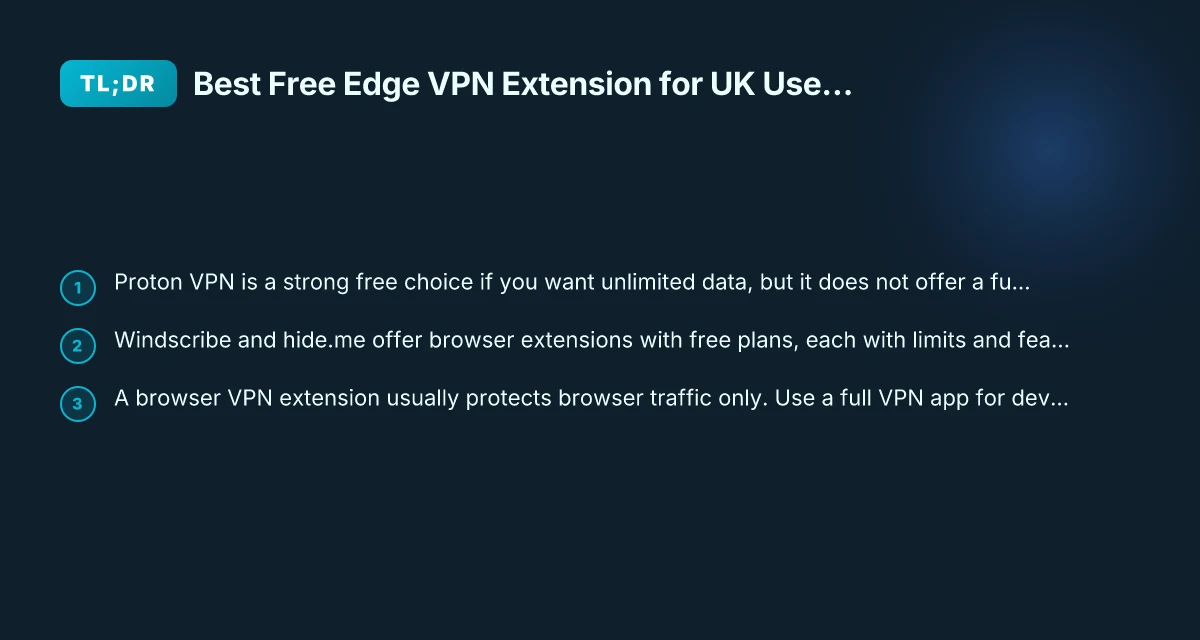
If you’re looking for the best free Edge VPN extension for the UK, consider Windscribe first for a practical browser-based option, and Proton VPN if unlimited data matters more than having an extension. Free-plan details can change, so check each provider’s current terms and confirm that its extension is available in the Microsoft Edge Add-ons store before installing it.
The key distinction is that a VPN extension may route only traffic from your browser, while a VPN app can protect connections from other apps on your device too. Neither option makes you completely anonymous, and a VPN does not replace safe browsing habits.
| VPN | Obfuscation | From / month | Plan | Free plan | Refund | Alipay | UnionPay | Crypto | Website opens in China | Trustpilot | |
|---|---|---|---|---|---|---|---|---|---|---|---|
 Windscribe | Turn on manually Stealth / WStunnel | $5.75/mo | 12 months: $69 | Yes | See site | ✗ | ✗ | ✗ | ✓ | ✗ Blocked | 4.7/5 (13,355 reviews) |
 Proton VPN | Turn on manually Stealth, free plan too | $2.99/mo | 12 months: $35.88 | Yes | 30 days | ✗ | ✗ | ✗ | ✓ | ✗ Blocked | 2.1/5 (1,040 reviews) |
 ZoogVPN | Turn on manually Shadow | $2.49/mo | 27 months: $59.99 | Yes | 7 days | ✓ | ✓ | ✓ | ✓ | Official site blocked; our special link opens (4.4 s) | 4.2/5 (195 reviews) |
 NordVPN | Turn on manually Obfuscated Servers / NordWhisper | $3.49/mo | 27 months: $94.23 | No | 30 days | ? | ✗ | ✓ | ✓ | ✗ Blocked | 4.2/5 (51,628 reviews) |
 ExpressVPN | ✓ On by default all servers | $3.00/mo | 28 months: $84 | No | 30 days | ✗ | ✗ | ✓ | ✗ | ✗ Blocked | 4.4/5 (29,706 reviews) |
 Surfshark | ✓ On by default Camouflage, with OpenVPN | See site | See site | No | 30 days | ✗ | ✗ | ✗ | ✓ | ✗ Blocked | 4.3/5 (31,823 reviews) |
 Astrill VPN | Turn on manually StealthVPN / OpenWeb | $12.50/mo | 24 months: $300 | No | See site | ✗ | ✗ | ✗ | ✓ | ✗ Blocked | 1.3/5 (110 reviews) |
 Private Internet Access | Turn on manually Shadowsocks, OpenVPN only | $2.03/mo | 40 months: $81.2 | No | 30 days | ✗ | ✗ | ✗ | ✗ | ✗ Blocked | 4.2/5 (11,033 reviews) |
 CyberGhost | Turn on manually selected servers | $2.19/mo | 28 months: $61.32 | No | 45 days | ✗ | ✗ | ✗ | ✓ | ✗ Blocked | 4.0/5 (24,178 reviews) |
 PureVPN | Turn on manually switch to OpenVPN | $1.69/mo | 60 months: $101.55 | No | 31 days | ? | ? | ✗ | ✓ | ✗ Blocked | 4.4/5 (17,994 reviews) |
 AdGuard VPN | ✓ On by default TrustTunnel | $2.99/mo | 24 months: $71.76 | Yes | 30 days | ✓ | ✗ | ✓ | ✓ | Official site blocked; our special link opens (3.7 s) | 4.3/5 (290 reviews) |
 Mullvad | Turn on manually QUIC / Shadowsocks / LWO | $5.61/mo | €5/mo | No | 14 days | ✗ | ✗ | ✗ | ✓ | ✗ Blocked | 3.2/5 (192 reviews) |
 StrongVPN | Turn on manually Scramble, OpenVPN TCP | See site | See site | No | 30 days | ✓ | ✗ | ✗ | ✗ | ✗ Blocked | 4.4/5 (2,695 reviews) |
 LightXtreme 闪连 | Not listed | $7.08/mo | 12 months: $84.99 | Yes | 30 days | ✓ | ✓ | ✓ | ✓ | ✓ Yes (3.5 s) | No page |
Prices checked 2026-11-10 on each vendor's pricing page (cheapest long plan, USD). Check the vendor's checkout for the final price.
Obfuscation checked 2026-11-14 on each vendor's site and help center: "on by default" = nothing to set; "turn on manually" = switch protocol or mode in settings; "not listed" = the vendor describes no obfuscation.
Payment methods checked 2026-11-10 on each vendor's payment pages: all 14 take cards and PayPal; ✗ = not listed, ? = the vendor's own pages disagree.
China access: whether the official website opens from mainland China networks (tests the website only, not the VPN connection). Last checked 2026-11-18 01:02 Beijing time.
Trustpilot score and review count checked 2026-11-10.
Free Edge VPN options for UK users
| Option | Edge extension | Free-plan data | Best for | Main limitation |
|---|---|---|---|---|
| Windscribe | Yes | Limited monthly allowance | Practical everyday browsing | Free data is capped |
| Hide.me | Yes | Limited free allowance | Occasional browsing | Less suited to heavy use |
| Proton VPN | Yes | Unlimited | Avoiding data caps | Free-plan features may be limited |
| Browser extension | Runs in Edge | Depends on provider | Browser traffic | Does not cover every app |
| VPN app | Installed on device | Depends on plan | Device-wide protection | Requires app setup |
| Free plan | Usually available | Provider-specific | Trying a service | Check current terms |
| UK users | Choose a nearby server if available | Provider-specific | Local browsing needs | Server choice can vary |
Compiled November 2026; check the provider's site for current details.
Best free Edge VPN options at a glance
Free VPN extensions commonly restrict data, server locations, or features. The right choice depends on whether you want a simple browser proxy, broader protection, or a generous free allowance.
| Provider | Free option to consider | Main advantage | Important limitation |
|---|---|---|---|
| Windscribe | Browser extension with a free plan | Convenient browser controls and a useful range of features | Free data is limited and may require account registration |
| hide.me | Browser extension with free access options | Straightforward choice for basic browser use | Free locations and features may be restricted |
| Proton VPN | Free VPN app for Windows and other devices | Free plan is known for unlimited data | The free plan is not the same as a free Edge extension |
Availability, data allowances, locations, and features can vary by plan and over time. Check the provider’s official site and the Edge Add-ons listing for current details.
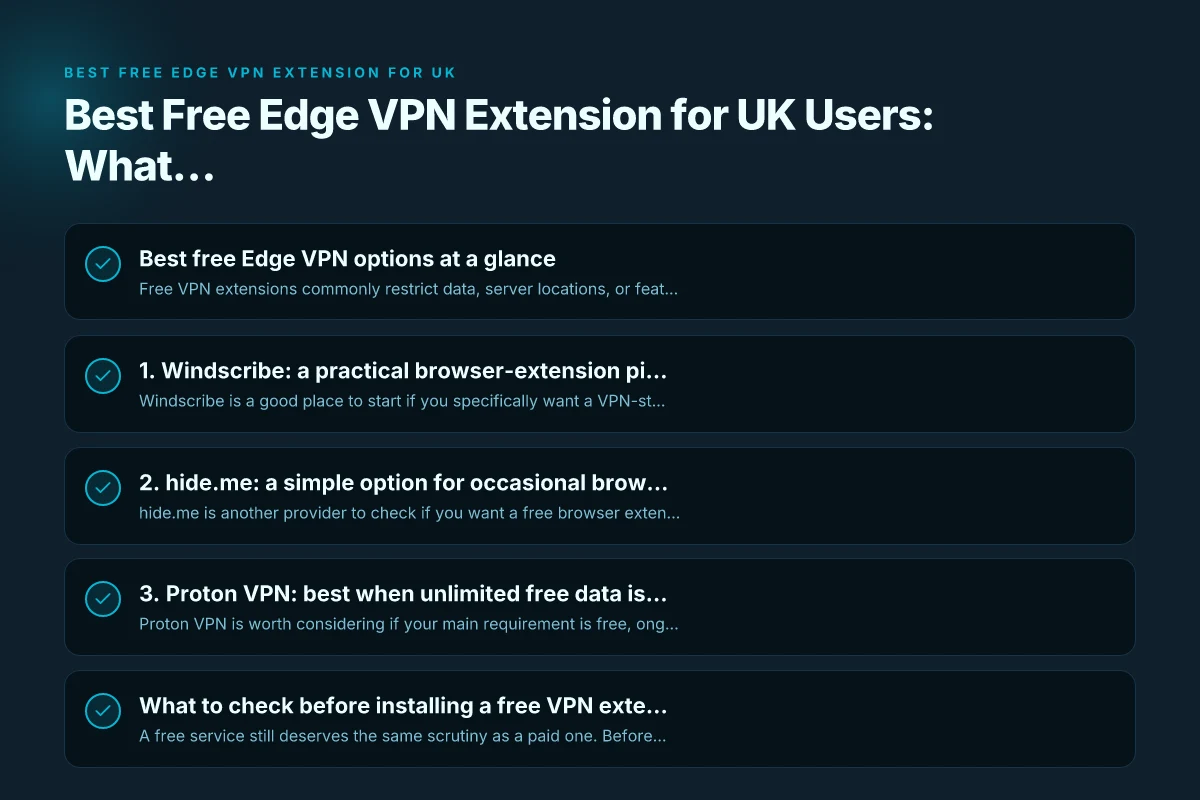
1. Windscribe: a practical browser-extension pick
Windscribe is a good place to start if you specifically want a VPN-style extension inside Microsoft Edge. Its browser add-on is designed to be used from the browser toolbar, making it convenient when you want to change settings without opening a separate desktop app.
The free plan has a data allowance rather than unlimited use. That can be enough for occasional browsing, checking email, or using public Wi-Fi, but it may not suit frequent video streaming or large downloads. The amount available can depend on current plan terms and account requirements, so verify the details before relying on it. Best VPN for Edge Free: Secure Options for Microsoft Edge
Windscribe’s extension can include browser-focused privacy controls in addition to connection settings. Read the permissions carefully and enable only features you understand. Also remember that an extension does not necessarily protect traffic from games, desktop email clients, or other apps outside Edge.
Best for: people who want a browser extension with more controls than a basic one-click proxy and can work within a free data limit.
2. Hide.me: a simple option for occasional browsing
hide.me is another provider to check if you want a free browser extension for Edge. It can suit users who need a straightforward way to route browser traffic through a VPN service without paying for a subscription.
Free access may come with restrictions, such as fewer server locations or a narrower feature set than the paid plan. These limits matter if you need a particular country, want to use the extension every day, or expect consistent performance. Review the current terms rather than assuming that a free listing includes unlimited data or every premium feature. Best Free VPN Microsoft Edge: Top Options and What to Know
As with any extension, confirm that you are installing the genuine provider add-on. Check the publisher name, listing details, and permissions in the Microsoft Edge Add-ons store. Avoid lookalike extensions with similar names.
Best for: casual browsing when you want a recognizable provider and do not need a large selection of locations or advanced features.
What to compare before installing a free VPN extension
| Check | Why it matters | What to look for | Windscribe | Hide.me | Proton VPN |
|---|---|---|---|---|---|
| Edge support | Ensures it works in your browser | An official Edge extension | Yes | Yes | Yes |
| Data allowance | Affects how much you can browse | Capped or unlimited data | Limited | Limited | Unlimited |
| Best-fit use | Helps match the plan to your habits | Everyday, occasional, or heavy use | Everyday browsing | Occasional browsing | Data-heavy browsing |
| Privacy terms | Explains how the provider handles data | Clear privacy information | Check current terms | Check current terms | Check current terms |
| Server choice | Affects available locations | UK or other useful locations | Check availability | Check availability | Check availability |
| Extension scope | Clarifies what traffic is covered | Browser-only or device-wide | Browser traffic | Browser traffic | Browser traffic |
| Current plan details | Free offers can change | Confirm limits before installing | Verify with provider | Verify with provider | Verify with provider |
Compiled November 2026; check the provider's site for current details. Best VPN Extensions for Edge: What to Choose and How to Use Them
3. Proton VPN: best when unlimited free data is the priority
Proton VPN is worth considering if your main requirement is free, ongoing VPN use rather than a browser-only extension. Its free plan has been known for unlimited data, which makes it appealing for regular browsing. However, it is generally used through a VPN app, not as a free Edge extension equivalent to Windscribe’s browser add-on.
A desktop VPN app can protect more than just Edge, depending on how it is configured. That broader coverage is useful if you also use other browsers or internet-connected apps. The trade-off is that you will manage the connection outside the browser, and free-plan server choices or performance may be more limited than on a paid tier.
Do not install an extension claiming to provide Proton VPN service unless it appears in an official store and is linked from Proton’s own website. Confirm the product and publisher before sharing account details.
Best for: users who value an unlimited-data free VPN app and are comfortable protecting the whole device rather than only Edge. Extensions VPN for Edge: How to Choose and Set One Up
What to check before installing a free VPN extension
A free service still deserves the same scrutiny as a paid one. Before you install, review these points:
- Developer and source: Use the official Microsoft Edge Add-ons store or a link from the VPN provider’s website.
- Privacy policy: Find out what connection or usage data the provider collects, stores, and shares.
- Data limits: Check whether the allowance resets monthly and whether registration is required.
- Server locations: Make sure the free plan includes locations you can actually use.
- Permissions: A browser extension may request access to websites or browsing activity. Understand why before approving.
- Leak protection: Look for clear information about DNS or IP leak safeguards, but do not treat a feature claim as a guarantee.
- Streaming and speed: Free plans may not support reliable streaming, and VPN performance can vary with congestion and distance.
Be cautious of extensions that promise unlimited access, complete anonymity, or guaranteed access to every streaming service. Those claims are not proof of quality or privacy.
VPN extension or VPN app: which should UK users choose?
An Edge extension is convenient when you only want to change how browser traffic is routed. It may be useful on shared or public Wi-Fi, but its coverage is usually narrower than that of a device-level VPN app. Check the provider’s documentation to confirm exactly what is protected.
A VPN app is generally the better fit if you want protection for other internet-connected software on your laptop. It can also offer features such as a system-wide kill switch, though availability depends on the provider and plan. Free Edge VPN Extension: What It Does and How to Choose One
A VPN changes the apparent IP address for routed traffic, but it does not erase cookies, stop every form of tracking, or prevent phishing. Websites may still identify you through account logins and browser fingerprints. For safer browsing, keep Edge updated, use strong unique passwords, and avoid installing unnecessary extensions.
VPN extension or VPN app: which should UK users choose?
| Need | Edge VPN extension | VPN app | Better fit |
|---|---|---|---|
| Protect Edge browsing | Covers browser traffic | Can cover device traffic | Extension |
| Protect other apps | Usually does not cover them | Can cover them | App |
| Quick browser setup | Installed in Edge | Requires device installation | Extension |
| Device-wide use | Not its main purpose | Designed for broader coverage | App |
| Free data allowance | Provider-specific | Provider-specific | Compare plans |
| Occasional browsing | Often convenient | May be more setup than needed | Extension |
| Broader protection | Limited to browser scope | Covers more than the browser | App |
Compiled November 2026; check the provider's site for current details.
Recommendation
For a free VPN extension for Microsoft Edge, start by checking Windscribe: it is a practical browser-focused option, provided its current free data allowance suits your needs. Consider hide.me for occasional use, and choose Proton VPN’s app if unlimited free data and broader device coverage matter more than having an extension. Before installing anything, verify the official listing, current plan limits, and privacy terms. BIG-IP Edge VPN Client: What It Is, How It Works, and How to Connect