big ip edge VPN(2026)

Learn how BIG-IP Edge VPN provides remote access, what it requires, and how it compares with other VPN options.
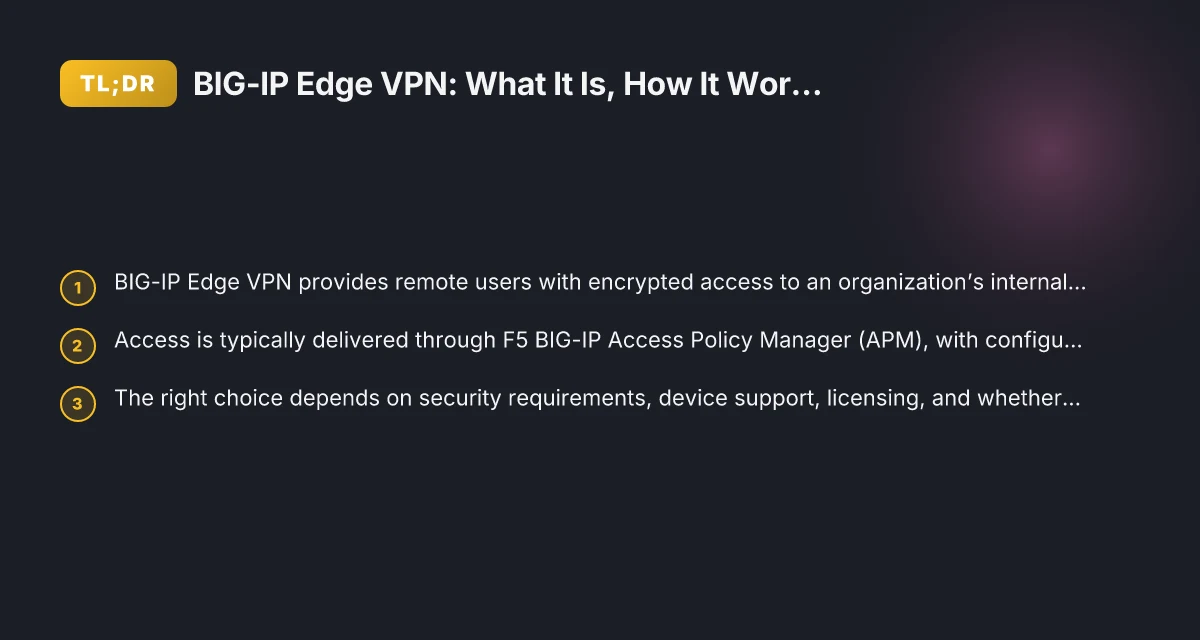
BIG-IP Edge VPN is a remote-access VPN solution associated with F5 BIG-IP Access Policy Manager (APM). It lets authorized users connect to an organization’s network over an encrypted connection, so they can reach approved internal resources from outside the office. In practice, the exact experience depends on how the organization has configured its BIG-IP system and which client software it supports.
For employees, “BIG-IP Edge VPN” may refer to the VPN service, the endpoint client, or the connection profile provided by their IT team. For administrators, it describes part of a broader access-control setup that can authenticate users, assess connection requests, and apply policies before granting access.
| VPN | Obfuscation | From / month | Plan | Free plan | Refund | Alipay | UnionPay | Crypto | Website opens in China | Trustpilot | |
|---|---|---|---|---|---|---|---|---|---|---|---|
 ZoogVPN | Turn on manually Shadow | $2.49/mo | 27 months: $59.99 | Yes | 7 days | ✓ | ✓ | ✓ | ✓ | Official site blocked; our special link opens (4.4 s) | 4.2/5 (195 reviews) |
 NordVPN | Turn on manually Obfuscated Servers / NordWhisper | $3.49/mo | 27 months: $94.23 | No | 30 days | ? | ✗ | ✓ | ✓ | ✗ Blocked | 4.2/5 (51,628 reviews) |
 ExpressVPN | ✓ On by default all servers | $3.00/mo | 28 months: $84 | No | 30 days | ✗ | ✗ | ✓ | ✗ | ✗ Blocked | 4.4/5 (29,706 reviews) |
 Surfshark | ✓ On by default Camouflage, with OpenVPN | See site | See site | No | 30 days | ✗ | ✗ | ✗ | ✓ | ✗ Blocked | 4.3/5 (31,823 reviews) |
 Proton VPN | Turn on manually Stealth, free plan too | $2.99/mo | 12 months: $35.88 | Yes | 30 days | ✗ | ✗ | ✗ | ✓ | ✗ Blocked | 2.1/5 (1,040 reviews) |
 Astrill VPN | Turn on manually StealthVPN / OpenWeb | $12.50/mo | 24 months: $300 | No | See site | ✗ | ✗ | ✗ | ✓ | ✗ Blocked | 1.3/5 (110 reviews) |
 Private Internet Access | Turn on manually Shadowsocks, OpenVPN only | $2.03/mo | 40 months: $81.2 | No | 30 days | ✗ | ✗ | ✗ | ✗ | ✗ Blocked | 4.2/5 (11,033 reviews) |
 CyberGhost | Turn on manually selected servers | $2.19/mo | 28 months: $61.32 | No | 45 days | ✗ | ✗ | ✗ | ✓ | ✗ Blocked | 4.0/5 (24,178 reviews) |
 PureVPN | Turn on manually switch to OpenVPN | $1.69/mo | 60 months: $101.55 | No | 31 days | ? | ? | ✗ | ✓ | ✗ Blocked | 4.4/5 (17,994 reviews) |
 AdGuard VPN | ✓ On by default TrustTunnel | $2.99/mo | 24 months: $71.76 | Yes | 30 days | ✓ | ✗ | ✓ | ✓ | Official site blocked; our special link opens (3.7 s) | 4.3/5 (290 reviews) |
 Mullvad | Turn on manually QUIC / Shadowsocks / LWO | $5.61/mo | €5/mo | No | 14 days | ✗ | ✗ | ✗ | ✓ | ✗ Blocked | 3.2/5 (192 reviews) |
 Windscribe | Turn on manually Stealth / WStunnel | $5.75/mo | 12 months: $69 | Yes | See site | ✗ | ✗ | ✗ | ✓ | ✗ Blocked | 4.7/5 (13,355 reviews) |
 StrongVPN | Turn on manually Scramble, OpenVPN TCP | See site | See site | No | 30 days | ✓ | ✗ | ✗ | ✗ | ✗ Blocked | 4.4/5 (2,695 reviews) |
 LightXtreme 闪连 | Not listed | $7.08/mo | 12 months: $84.99 | Yes | 30 days | ✓ | ✓ | ✓ | ✓ | ✓ Yes (3.5 s) | No page |
Prices checked 2026-11-10 on each vendor's pricing page (cheapest long plan, USD). Check the vendor's checkout for the final price.
Obfuscation checked 2026-11-14 on each vendor's site and help center: "on by default" = nothing to set; "turn on manually" = switch protocol or mode in settings; "not listed" = the vendor describes no obfuscation.
Payment methods checked 2026-11-10 on each vendor's payment pages: all 14 take cards and PayPal; ✗ = not listed, ? = the vendor's own pages disagree.
China access: whether the official website opens from mainland China networks (tests the website only, not the VPN connection). Last checked 2026-11-18 01:02 Beijing time.
Trustpilot score and review count checked 2026-11-10.
Comparing BIG-IP Edge VPN with other access options
| Option | What it provides | Typical use | Access scope | Main consideration |
|---|---|---|---|---|
| BIG-IP Edge VPN | VPN access through BIG-IP | Remote access to private resources | Network-level, as configured | Requires compatible client and BIG-IP setup |
| Full-tunnel VPN | Routes most or all traffic through VPN | Broad remote-work access | Broad network access | Can add traffic and bandwidth demands |
| Split-tunnel VPN | Routes selected traffic through VPN | Accessing work resources while keeping other traffic local | Selected routes | Requires careful route configuration |
| Application proxy | Access to specific applications | App-by-app remote access | Application-level | Does not provide general network access |
| Direct internet access | Connects to public services without a VPN | Public websites and cloud services | Public services | Does not itself provide private-network access |
| Remote desktop gateway | Connects to a remote desktop session | Using a managed workplace computer remotely | Remote desktop session | Depends on access to a remote host |
Compiled November 2026; check the provider's site for current details.
What BIG-IP Edge VPN does
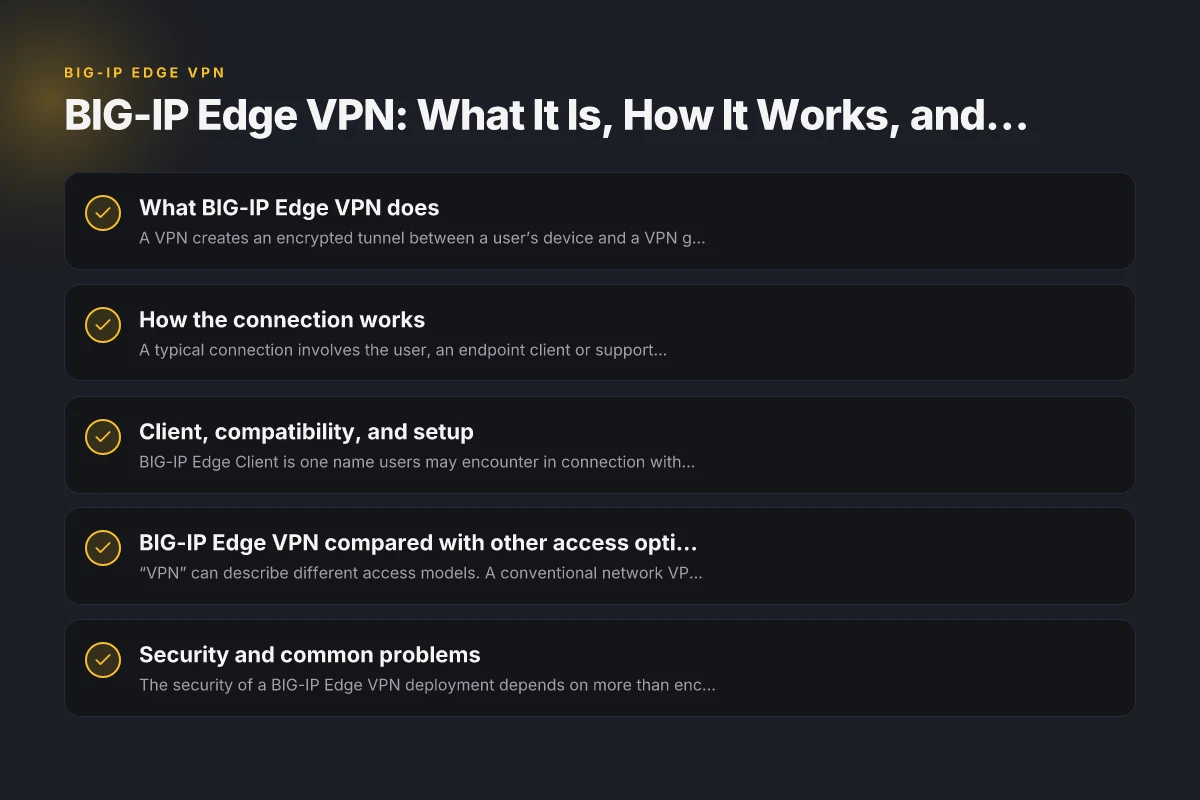
A VPN creates an encrypted tunnel between a user’s device and a VPN gateway. With BIG-IP Edge VPN, that gateway is generally a BIG-IP system running APM. Once a user has been authenticated and permitted by policy, the connection can provide access to selected internal resources.
Depending on the deployment, users may be able to reach:
- Internal websites and business applications
- File services and other network resources
- Specific subnets or a wider portion of the corporate network
- Applications made available through organization-managed access policies
The connection is not automatically a pass to everything on the network. Administrators can restrict access by user group, device, location, authentication result, or other policy conditions. The available controls depend on the BIG-IP version, licensing, configuration, and organizational rules.
How the connection works
A typical connection involves the user, an endpoint client or supported browser workflow, and a BIG-IP gateway. The user starts the VPN connection and completes the organization’s required sign-in process. APM evaluates the request against configured access policies and, if the request qualifies, establishes the permitted connection. cisco ipsec(2026)
A common sequence looks like this:
- The user launches the approved VPN client or opens the organization’s sign-in portal.
- The user authenticates, possibly with a password, multifactor authentication, or another identity method.
- BIG-IP APM applies the organization’s access policy.
- The system establishes the VPN connection and makes approved resources available.
- The user disconnects when access is no longer needed, or the organization’s policy ends the session.
Some deployments route all device traffic through the VPN. Others use split tunneling, sending only traffic for designated corporate resources through the tunnel. These approaches have different security and performance implications, so the organization’s administrators determine which is appropriate.
How to choose a remote-access approach
| Need | BIG-IP Edge VPN | Full-tunnel VPN | Application proxy | Remote desktop gateway |
|---|---|---|---|---|
| Reach private network resources | Suitable when configured | Suitable when configured | Limited to published apps | Through the remote host |
| Access only a specific app | Possible, depending on setup | Possible, with broader routing | Well suited | Possible within the remote session |
| Keep non-work traffic off the VPN | Depends on tunnel configuration | Usually not the aim | Generally separate from VPN routing | Generally separate from VPN routing |
| Use a remote workplace desktop | Not its primary purpose | Can provide network path | Not its primary purpose | Designed for this use |
| Avoid installing a VPN client | Not when client access is required | Usually requires a client | May use browser or app access | Depends on gateway and client |
| Limit access to selected resources | Depends on BIG-IP policy | Depends on VPN policy | Suited to app-level access | Depends on desktop and gateway policy |
Compiled November 2026; check the provider's site for current details. VPN ssl bwg online service(2026)
Client, compatibility, and setup
BIG-IP Edge Client is one name users may encounter in connection with F5 remote access. Client availability and supported operating systems can vary by product version and deployment. Organizations may also provide access through a browser-based experience or another supported method.
Users should get connection details from their IT department rather than relying on generic setup instructions. The server address, authentication steps, client version, and permitted device types are organization-specific. Installing an unofficial or outdated client can result in connection failures or security risks.
Before connecting, check that you have:
- The official client or access method recommended by your organization
- The correct VPN gateway address or portal link
- Valid account credentials and any required multifactor authentication
- A supported operating system and an up-to-date device
- Permission to access the requested internal services
If the client does not connect, record the exact error and the time it occurred. Confirm your internet connection, verify that your credentials work, and check whether the organization has a service outage or a required client update. Contact IT for changes to access policy, certificates, or device registration. These cannot necessarily be fixed by reinstalling the client. VPN keeps turning on iphone(2026)
BIG-IP Edge VPN compared with other access options
“VPN” can describe different access models. A conventional network VPN may connect a device to a broad set of internal network addresses, while application-focused access can limit a user to particular services. BIG-IP APM can support policy-based access patterns, but the actual behavior depends on the deployment.
| Option | Typical access scope | Common consideration |
|---|---|---|
| BIG-IP Edge VPN | Network or application access defined by BIG-IP policy | Requires an organization-managed BIG-IP environment and supported client or access method |
| Consumer VPN | Routes traffic through a commercial provider | Usually does not grant access to private company applications |
| Zero-trust or application proxy | Access to selected applications or services | Can reduce broad network exposure, but may require separate configuration |
| Built-in operating-system VPN | Connection to a compatible VPN gateway | Compatibility depends on the gateway’s protocols and organization’s setup |
A consumer VPN is not a substitute for a corporate remote-access VPN. It may change the apparent public IP address or protect traffic on an untrusted network, but it does not authenticate a user to the company’s BIG-IP gateway or grant permission to internal systems.
Likewise, BIG-IP Edge VPN is not necessarily the best fit for every access need. If users only need a small number of web applications, an application-level access approach may be more limited and convenient than full network connectivity. If employees require access to legacy systems or network services, a VPN may be more appropriate.
Setup and troubleshooting checkpoints iphone v2ray(2026)
| Checkpoint | What to verify | If it fails | Useful next step | Applies to |
|---|---|---|---|---|
| Client compatibility | Client matches the supported environment | Connection may not start | Check organization guidance | BIG-IP Edge VPN |
| BIG-IP configuration | VPN service and policies are configured | Access may be unavailable | Contact the service administrator | BIG-IP Edge VPN |
| Credentials | Account details are current | Authentication may be rejected | Confirm account status | Remote access |
| Network connectivity | Device can reach the VPN service | Connection may time out | Try a permitted network | Remote access |
| Routes and permissions | Required resources are allowed | VPN connects but resources do not load | Check policy and route assignments | VPN access |
| Security requirements | Required device and sign-in controls are met | Access may be blocked | Follow organizational security steps | Managed access |
| Service status | VPN service is available | Multiple users may be affected | Check service notices or support | BIG-IP Edge VPN |
Compiled November 2026; check the provider's site for current details.
Security and common problems
The security of a BIG-IP Edge VPN deployment depends on more than encryption. Strong authentication, carefully scoped permissions, secure endpoint devices, timely software updates, and well-maintained BIG-IP systems all matter. Organizations should follow F5’s product guidance and their own security policies when configuring and maintaining the service.
Users can help protect their connection by:
- Using multifactor authentication when required
- Keeping the operating system and approved VPN client updated
- Avoiding shared or untrusted devices for sensitive work
- Disconnecting when remote access is no longer needed
- Reporting unexpected prompts, certificate warnings, or repeated sign-in requests
Connection issues can have several causes, including expired credentials, network restrictions, an unsupported client version, device compliance requirements, or a server-side outage. Avoid disabling security software or bypassing certificate warnings to force a connection. Those steps can expose both the device and the organization to risk. why doesn t my VPN switch to those local tv stations(2026)
Recommendation
Use BIG-IP Edge VPN when your organization provides it as the approved route to internal resources, and follow its specific client and authentication instructions. Ask IT whether your access is full-tunnel, split-tunnel, or limited to selected applications, and report persistent errors with the exact message. For administrators choosing an access model, match the VPN’s scope to users’ actual needs, apply least-privilege policies, and confirm that the selected BIG-IP version and client are supported.