Browsec VPN - free VPN for Chrome 3.92.7: What to Know
Learn what Browsec VPN for Chrome version 3.92.7 offers, its free-plan limits, and how to install and use it safely.
If you are searching for “browsec vpn - free vpn for chrome 3.92.7,” you are likely looking for the Browsec VPN extension for Google Chrome and information about a particular release. Browsec is a browser-based VPN service designed to route traffic from Chrome through a remote server. Its free option may be useful for occasional, low-bandwidth browsing, but it is important to understand what it protects, what it does not, and whether version 3.92.7 is still available from a trusted source.
Browsec VPN for Chrome: key considerations by decision area
| Decision area | What to check | Why it matters | Reader takeaway |
|---|---|---|---|
| Browser coverage | Chrome extension | Defines where the extension works | Check Chrome compatibility |
| Version | 3.92.7 | Identifies the release discussed | Confirm the installed version |
| Free plan | Included features and limits | Affects everyday use | Review current plan details |
| Location choice | Available virtual locations | Determines connection options | Check the location list |
| Connection speed | Performance on your connection | Can affect browsing and streaming | Test your usual sites |
| Privacy policy | Data collection and use | Explains how information is handled | Read the current policy |
| Permissions | Requested browser access | Shows what the extension can access | Review before installing |
| Support | Help and troubleshooting options | Useful if the extension has issues | Check available support |
Compiled November 2026; check the provider's site for current details.
| VPN | Obfuscation | From / month | Plan | Free plan | Refund | Alipay | UnionPay | Crypto | Website opens in China | Trustpilot | |
|---|---|---|---|---|---|---|---|---|---|---|---|
 ZoogVPN | Turn on manually Shadow | $2.49/mo | 27 months: $59.99 | Yes | 7 days | ✓ | ✓ | ✓ | ✓ | Official site blocked; our special link opens (4.4 s) | 4.2/5 (195 reviews) |
 NordVPN | Turn on manually Obfuscated Servers / NordWhisper | $3.49/mo | 27 months: $94.23 | No | 30 days | ? | ✗ | ✓ | ✓ | ✗ Blocked | 4.2/5 (51,628 reviews) |
 ExpressVPN | ✓ On by default all servers | $3.00/mo | 28 months: $84 | No | 30 days | ✗ | ✗ | ✓ | ✗ | ✗ Blocked | 4.4/5 (29,706 reviews) |
 Surfshark | ✓ On by default Camouflage, with OpenVPN | See site | See site | No | 30 days | ✗ | ✗ | ✗ | ✓ | ✗ Blocked | 4.3/5 (31,823 reviews) |
 Proton VPN | Turn on manually Stealth, free plan too | $2.99/mo | 12 months: $35.88 | Yes | 30 days | ✗ | ✗ | ✗ | ✓ | ✗ Blocked | 2.1/5 (1,040 reviews) |
 Astrill VPN | Turn on manually StealthVPN / OpenWeb | $12.50/mo | 24 months: $300 | No | See site | ✗ | ✗ | ✗ | ✓ | ✗ Blocked | 1.3/5 (110 reviews) |
 Private Internet Access | Turn on manually Shadowsocks, OpenVPN only | $2.03/mo | 40 months: $81.2 | No | 30 days | ✗ | ✗ | ✗ | ✗ | ✗ Blocked | 4.2/5 (11,033 reviews) |
 CyberGhost | Turn on manually selected servers | $2.19/mo | 28 months: $61.32 | No | 45 days | ✗ | ✗ | ✗ | ✓ | ✗ Blocked | 4.0/5 (24,178 reviews) |
 PureVPN | Turn on manually switch to OpenVPN | $1.69/mo | 60 months: $101.55 | No | 31 days | ? | ? | ✗ | ✓ | ✗ Blocked | 4.4/5 (17,994 reviews) |
 AdGuard VPN | ✓ On by default TrustTunnel | $2.99/mo | 24 months: $71.76 | Yes | 30 days | ✓ | ✗ | ✓ | ✓ | Official site blocked; our special link opens (3.7 s) | 4.3/5 (290 reviews) |
 Mullvad | Turn on manually QUIC / Shadowsocks / LWO | $5.61/mo | €5/mo | No | 14 days | ✗ | ✗ | ✗ | ✓ | ✗ Blocked | 3.2/5 (192 reviews) |
 Windscribe | Turn on manually Stealth / WStunnel | $5.75/mo | 12 months: $69 | Yes | See site | ✗ | ✗ | ✗ | ✓ | ✗ Blocked | 4.7/5 (13,355 reviews) |
 StrongVPN | Turn on manually Scramble, OpenVPN TCP | See site | See site | No | 30 days | ✓ | ✗ | ✗ | ✗ | ✗ Blocked | 4.4/5 (2,695 reviews) |
 LightXtreme 闪连 | Not listed | $7.08/mo | 12 months: $84.99 | Yes | 30 days | ✓ | ✓ | ✓ | ✓ | ✓ Yes (3.5 s) | No page |
Prices checked 2026-11-10 on each vendor's pricing page (cheapest long plan, USD). Check the vendor's checkout for the final price.
Obfuscation checked 2026-11-14 on each vendor's site and help center: "on by default" = nothing to set; "turn on manually" = switch protocol or mode in settings; "not listed" = the vendor describes no obfuscation.
Payment methods checked 2026-11-10 on each vendor's payment pages: all 14 take cards and PayPal; ✗ = not listed, ? = the vendor's own pages disagree.
China access: whether the official website opens from mainland China networks (tests the website only, not the VPN connection). Last checked 2026-11-18 01:02 Beijing time.
Trustpilot score and review count checked 2026-11-10.
What Browsec VPN for Chrome does
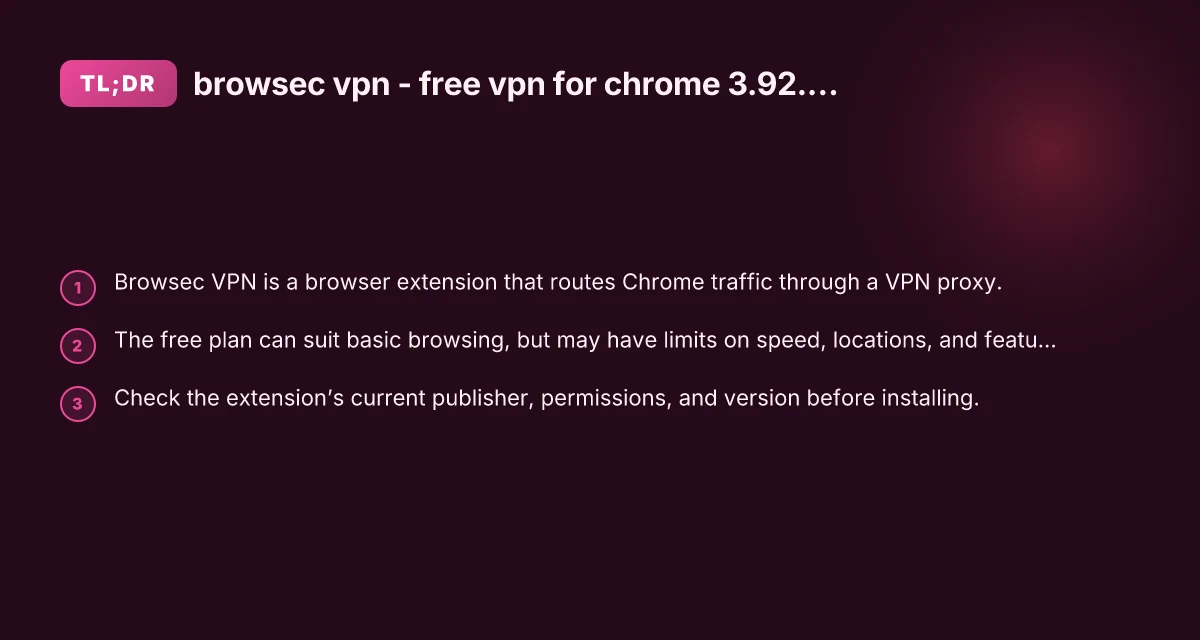
Browsec VPN is commonly offered as a Chrome extension. After you install and enable it, the extension connects the browser to a selected VPN server. Websites then see the server’s IP address rather than your usual public IP address for traffic routed through the extension.
People often use a browser VPN to access sites when travelling, reduce exposure of their IP address to websites, or connect through another region. A VPN can also help protect browser traffic on public Wi-Fi, though it should not be treated as a substitute for secure connections, device protection, or careful account practices.
A browser extension is not necessarily a whole-device VPN. Unless the provider explicitly says otherwise, assume that apps outside Chrome, including other browsers and desktop software, are not covered by the extension.
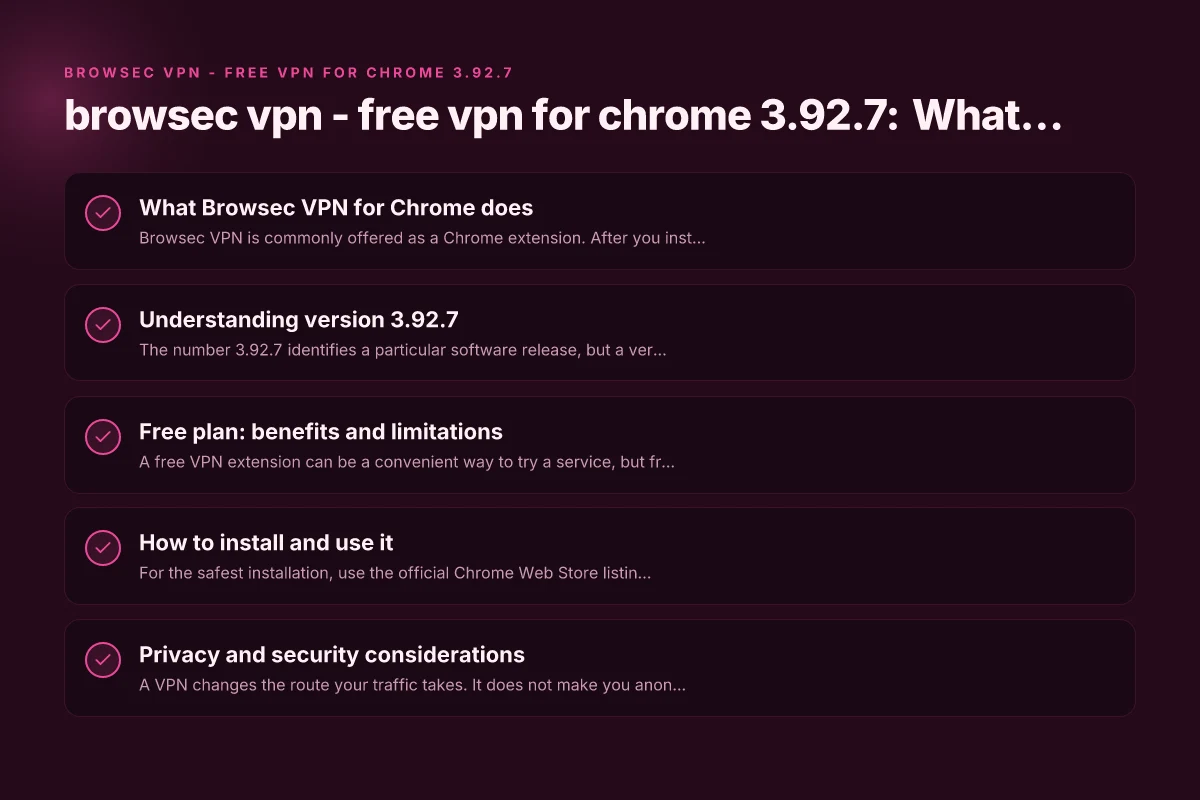
Understanding version 3.92.7
The number 3.92.7 identifies a particular software release, but a version number alone does not confirm that a download is genuine, safe, or compatible with your current Chrome installation. Extension listings can change over time, and older releases may no longer be supported or available through official channels. IPVanish Login: How to Sign In and Fix Common Problems
To check the current version safely:
- Search for Browsec VPN in the official Chrome Web Store.
- Confirm the publisher name and review the listing details.
- Check the version and update information shown by Chrome.
- Read recent reviews for reports of connection or compatibility problems.
- Avoid third-party download sites that offer extension files without a clear, verifiable source.
If version 3.92.7 is not listed by the official publisher, do not assume that a copy hosted elsewhere is legitimate. Installing an older or modified extension can expose your browsing data or compromise your browser.
Free plan: benefits and limitations
A free VPN extension can be a convenient way to try a service, but free access commonly comes with restrictions. The exact terms can change, so check Browsec’s current plan information rather than relying on an old description of version 3.92.7.
| Feature | What to expect from a free browser VPN |
|---|---|
| Cost | No subscription fee for the free tier, subject to the provider’s terms |
| Server choice | May be more limited than paid plans |
| Speed | Can vary with server load, distance, and network conditions |
| Data or features | May include limits or reserve some functions for paid users |
| Coverage | Typically applies to browser traffic, not every app on your device |
| Privacy | Depends on the provider’s policies and technical implementation |
A free plan may be adequate for occasional browsing, but it may not be the best choice for large downloads, video streaming, or consistently fast connections. Before signing up for a paid tier, compare the current price, renewal terms, server locations, and cancellation process. Free VPN: How to Choose One That’s Safe and Useful
Free VPN choices: comparison checklist
| Comparison point | Browsec free plan | Other free VPN extension | Paid VPN service |
|---|---|---|---|
| Price | Free plan | Check provider | Subscription may apply |
| Usage limits | Check current terms | Check current terms | Check plan terms |
| Location options | Check available locations | Check available locations | Check available locations |
| Speed | Test in your browser | Test in your browser | Compare plan claims |
| Chrome support | Browsec Chrome extension | Confirm Chrome support | Confirm browser support |
| Privacy terms | Review Browsec policy | Review provider policy | Review provider policy |
| Security details | Verify stated protections | Verify stated protections | Verify stated protections |
| Best fit | Casual browsing needs | Depends on provider | Broader needs may suit a paid plan |
Compiled November 2026; check the provider's site for current details.
How to install and use it
For the safest installation, use the official Chrome Web Store listing. Open the listing, verify the publisher, and review the permissions before adding the extension. Once installed, open the extension from Chrome’s toolbar, follow its setup instructions, and choose a server if the available plan allows you to select one.
After connecting, check that the extension indicates an active connection. You can also use a reputable IP-checking site to see whether your visible IP address has changed. This confirms a basic connection detail, but it does not independently verify every aspect of the VPN’s privacy or security. Android VPN: How to Choose, Set Up, and Use One Safely
When you finish using the VPN, disconnect it if you no longer need it. If the connection drops, Chrome may resume sending traffic over your regular connection. Look for any connection or leak-protection controls in the extension’s current settings, and avoid sensitive activities until you are confident the VPN is connected.
Privacy and security considerations
A VPN changes the route your traffic takes. It does not make you anonymous. Websites can still identify you through logged-in accounts, cookies, browser fingerprints, and other signals. A VPN also does not prevent phishing, malware, or unsafe downloads.
Before relying on Browsec or any VPN provider, review its current privacy policy and terms. Pay particular attention to what data may be collected, how long it is retained, and whether information may be shared with service providers or authorities where legally required. Look for clear explanations instead of relying on broad claims such as “complete anonymity.”
Keep Chrome and the extension updated, remove extensions you no longer use, and grant only permissions you understand. If you need protection for all internet traffic on your computer, compare a browser add-on with a reputable desktop VPN application that clearly covers the entire device. Sslvpn poscoenc.com: Official Access, Safety, and Troubleshooting
Before installing Browsec VPN for Chrome 3.92.7
| Step or check | What to do | What to look for | Decision |
|---|---|---|---|
| Confirm the release | Check the extension version | 3.92.7, if that is the release you need | Continue if it matches |
| Use the official listing | Find Browsec in the Chrome Web Store | Publisher and listing details | Avoid unverified downloads |
| Review permissions | Read the requested access | Access that fits the extension’s purpose | Install only if comfortable |
| Check the free plan | Review current plan information | Features and restrictions | Decide if it meets your needs |
| Read privacy terms | Open Browsec’s current privacy policy | Data handling and retention terms | Proceed with informed expectations |
| Install the extension | Add it through Chrome’s listing | Installation confirmation | Open Browsec when ready |
| Connect and test | Choose an available location and connect | Whether sites load as expected | Keep or disconnect as needed |
| Recheck after updates | Review version and settings | Changed permissions or terms | Reassess when details change |
Compiled November 2026; check the provider's site for current details.
Recommendation
Browsec VPN can be worth considering if you want a simple Chrome-only VPN and its current free-plan limits meet your needs. For “browsec vpn - free vpn for chrome 3.92.7,” prioritize the official Chrome Web Store listing over archived or unofficial installers, and verify the current version rather than assuming that 3.92.7 is still supported. Use the extension as one privacy tool, not as a guarantee of anonymity or complete device-wide protection.