Clash Verge for iOS: What iPhone Users Need to Know
Learn whether Clash Verge works on iOS, what alternatives to consider, and how to choose a safe iPhone-compatible proxy client.
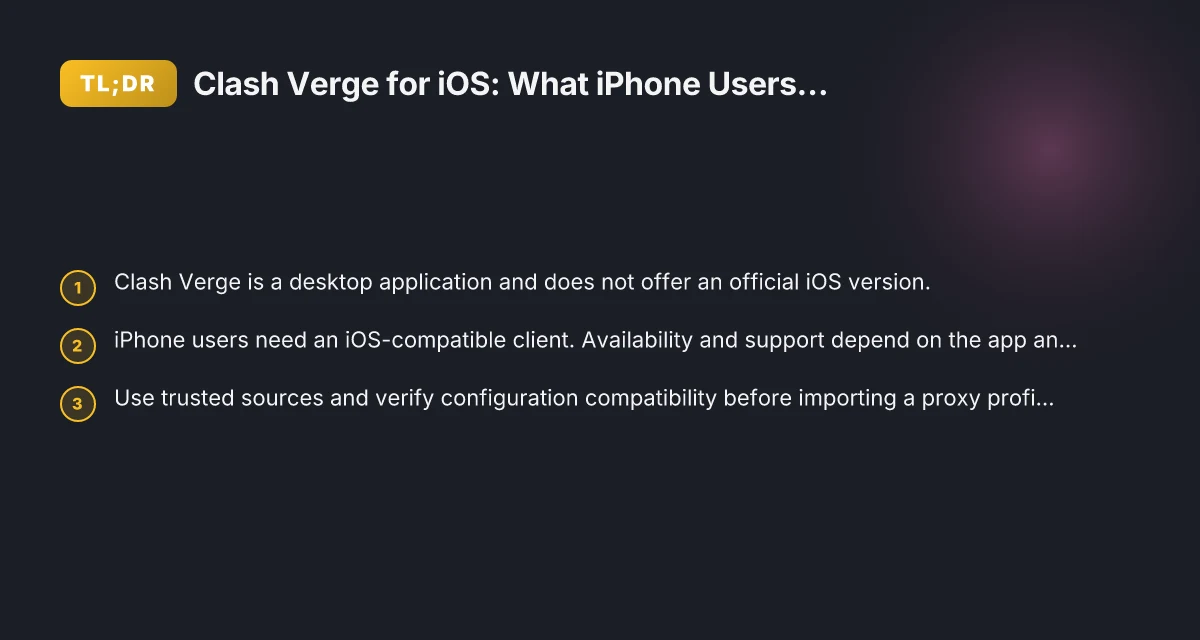
If you’re searching for Clash Verge for iOS, the key point is that Clash Verge is not an official iPhone or iPad app. It is primarily a desktop graphical client for managing proxy configurations, so you can’t install the official Clash Verge application on iOS. Instead, choose a reputable iOS-compatible proxy client that supports your configuration format and follow its official setup instructions.
Comparing options for using Clash Verge–compatible configurations on iPhone
| Option | Runs on iPhone | Uses Clash Verge itself | Configuration needed | Best suited for |
|---|---|---|---|---|
| Clash Verge | No | Yes | Not applicable | Desktop use |
| iOS-compatible client | Yes | No | Compatible profile | iPhone use |
| Desktop Clash client | No | No | Desktop profile | Computer use |
| iPhone with no compatible client | Yes | No | None | No proxy setup |
| iPhone with an incompatible profile | Yes | No | Profile conversion or replacement | Troubleshooting |
| iPhone with a compatible profile | Yes | No | Import and connect | Using an existing configuration |
Compiled November 2026; check the provider's site for current details.
Is Clash Verge available for iOS?
Clash Verge is designed for desktop operating systems, rather than Apple’s mobile platform. Its interface and features are built around desktop use, and there is no official Clash Verge app for iPhone or iPad.
Be cautious of websites, social media posts, or app listings claiming to offer an official iOS release. Unless the project’s maintainers identify a release as official, treat the claim as unverified. Avoid installing configuration profiles, certificates, or apps from unfamiliar sources just to make a purported iOS version work.
This distinction matters because a name that includes “Clash” does not necessarily mean an app is made by the Clash Verge project. Third-party iOS apps may use different software, support different features, or have separate developers and privacy practices.
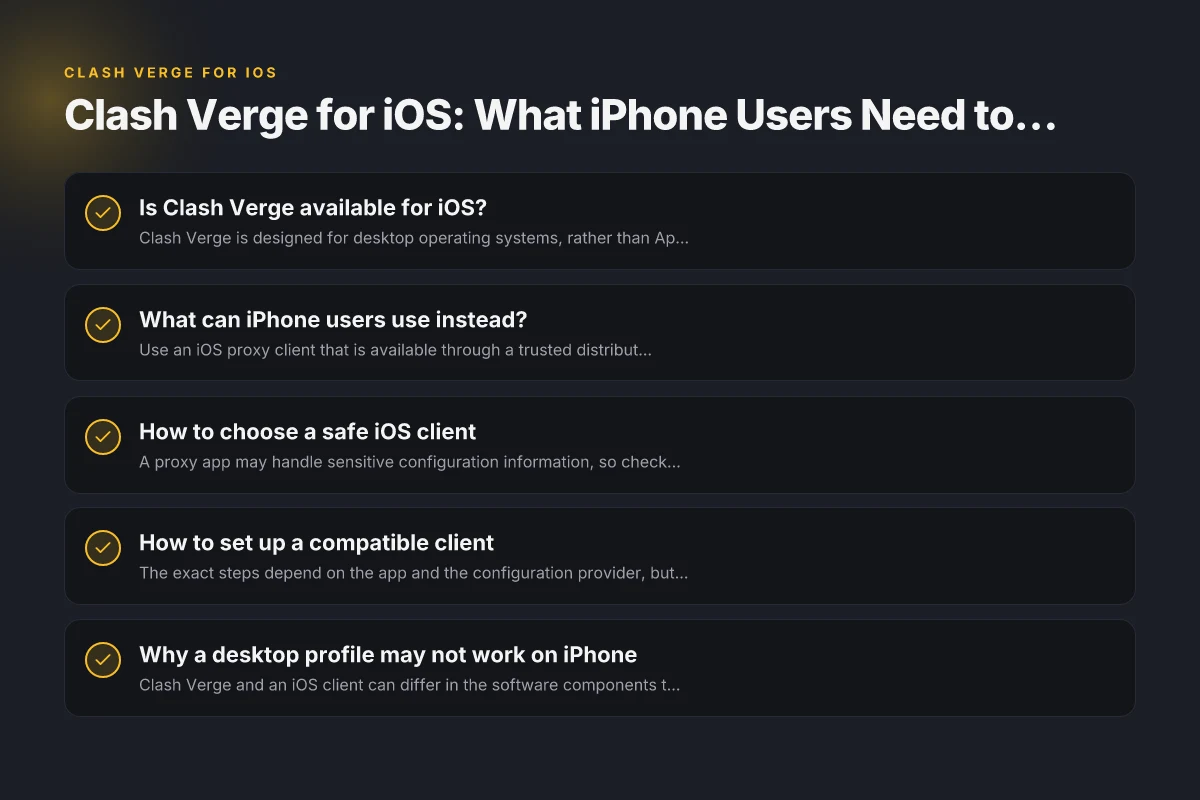
What can iPhone users use instead?
Use an iOS proxy client that is available through a trusted distribution channel and explicitly supports the type of configuration you have. App availability, features, pricing, and regional access can change, so check the current App Store listing and the developer’s documentation before installing anything. Sites Blocked When Using VPN: Causes and Fixes
| Option | Best for | What to check |
|---|---|---|
| An iOS client recommended by your configuration provider | Getting setup guidance matched to your subscription | Whether the app is available in your region and supports your profile |
| A third-party client with documented support for your configuration format | Users who want to compare apps and features | Developer identity, update history, privacy details, and import compatibility |
| A provider’s official iOS app | A more guided setup, if the provider offers one | Whether the app is from the genuine provider and explains its permissions |
Do not assume every iOS client supports every proxy protocol, subscription link, or rule format. A profile that works in a desktop application may need a compatible client or a different configuration for iOS.
Choosing an iOS client safely
| Check | What to look for | Warning sign | Why it matters |
|---|---|---|---|
| iOS availability | Listed for iPhone | Desktop-only release | Must run on iOS |
| Developer identity | Clear, verifiable publisher | Unclear publisher | Helps assess trust |
| Distribution source | Official or trusted store | Unverified download | Reduces installation risk |
| Profile compatibility | Supports your configuration format | Format not supported | Profile may fail to import |
| Permission requests | Relevant to the app’s function | Unexplained permissions | Limits unnecessary access |
| Privacy information | Clear privacy policy | No privacy details | Clarifies data handling |
| Update history | Maintained releases | No recent maintenance | Updates can address issues |
| Documentation | Setup and support guidance | No usable instructions | Helps with configuration |
Compiled November 2026; check the provider's site for current details.
How to choose a safe iOS client
A proxy app may handle sensitive configuration information, so check more than its name or download count. Before installing, consider: Axgate VPN Download: Safe Installation and Setup Guide
- Source: Prefer the Apple App Store or a distribution method linked from the project’s official documentation.
- Developer: Confirm the publisher matches the project or service you intended to use.
- Compatibility: Check which protocols, profile formats, and subscription links the app supports.
- Maintenance: Look for recent updates and clear documentation.
- Privacy: Read the app’s privacy information and understand what data it may collect.
- Permissions: Be wary of requests that seem unrelated to the app’s stated function.
- Cost and region: Confirm any subscription fees and whether the app is available where you live.
No single checklist guarantees an app is safe. If the developer, source, or purpose is unclear, don’t install it or provide it with your configuration.
How to set up a compatible client
The exact steps depend on the app and the configuration provider, but the general process is straightforward:
- Choose an iOS client from a trusted source and confirm it supports your configuration.
- Read the app’s official instructions before importing anything.
- Add the profile using the method the provider specifies, such as a subscription link or a local configuration file.
- Review the profile details and permissions in the app.
- Enable the connection using the app’s own controls, then test that the services you need work.
- If it fails, check for an expired profile, an unsupported format, or provider-specific setup requirements.
Treat subscription links and configuration files like credentials. Don’t post them publicly or send them to people you don’t trust. If you no longer use a profile, remove it from the client and ask the provider whether it should be revoked or replaced.
Checking a desktop profile before using it on iPhone Free VPNs That Change Location: What Works and What to Know
| Profile item | What to check | Possible issue | Next step |
|---|---|---|---|
| File format | Accepted by the iOS client | Unsupported format | Use a supported format |
| Configuration syntax | Compatible with the client | Parser errors | Check client documentation |
| Proxy types | Supported by the client | Unsupported proxy type | Choose a compatible client or profile |
| Rule features | Supported on iOS | Rules behave differently | Review feature support |
| Remote links | Accessible from iPhone | Link cannot be reached | Check the URL and connectivity |
| Credentials | Present and current | Authentication fails | Verify with the provider |
| Certificate settings | Supported and valid | Connection is rejected | Check certificate requirements |
| Desktop-specific paths | Not tied to computer files | Referenced files are unavailable | Replace or remove those references |
Compiled November 2026; check the provider's site for current details.
Why a desktop profile may not work on iPhone
Clash Verge and an iOS client can differ in the software components they use and the configuration features they support. As a result, importing the same profile into another app may not reproduce the same behavior.
Common causes of problems include:
- The iOS app does not support the profile’s format or a particular protocol.
- The provider requires a subscription link to be refreshed.
- A rule, DNS setting, or other option is unsupported by the mobile client.
- The profile has expired or was copied incorrectly.
- The iPhone’s network or app settings prevent the connection from working as expected.
If you see an error, consult the iOS app’s documentation and your provider’s support materials. Don’t follow instructions that ask you to install an unknown certificate, disable important security protections, or share account details without a clear reason. How to Open an OVPN File on Windows, Mac, iPhone, and Android
Recommendation
Clash Verge itself is not available as an official iOS app. For an iPhone, use a reputable iOS-compatible client recommended by your configuration provider, verify that it supports your profile, and download it only from a trusted source. If you specifically need Clash Verge’s desktop interface, use it on a supported desktop system rather than relying on an unofficial iOS version.