forticlientVPNsetup_7.4.3.4726_x64.exe(2026)

Learn what forticlientvpnsetup_7.4.3.4726_x64.exe is, how to verify it, and how to install and troubleshoot FortiClient VPN.
forticlientvpnsetup_7.4.3.4726_x64.exe is a Windows installer for FortiClient VPN, with “x64” indicating a 64-bit application and “7.4.3.4726” identifying a specific release and build. If you need to install it, obtain the file from Fortinet’s official download resources or your organization’s trusted software portal, verify it before running, and use the VPN connection details supplied by your employer or network administrator.
FortiClient VPN download source comparison
| Source | File identity | Verification | Security level | Recommendation |
|---|---|---|---|---|
| Fortinet official site | FortiClient VPN installer | Check the displayed version and filename | Preferred source | Use when available |
| Direct Fortinet download link | FortiClient VPN installer | Confirm it leads to a Fortinet domain | Preferred source | Use if link is current |
| Third-party download site | May offer the installer | Verify publisher and file details | Less certain | Avoid when possible |
| File-sharing service | May contain a renamed file | Source is difficult to confirm | High uncertainty | Do not use |
| Email or message attachment | May claim to be the installer | Sender may not be verifiable | High uncertainty | Do not open unexpectedly |
| Existing local copy | Previously downloaded installer | Recheck filename and publisher | Depends on origin | Use only if trusted |
Compiled November 2026; check the provider's site for current details.
| VPN | Obfuscation | From / month | Plan | Free plan | Refund | Alipay | UnionPay | Crypto | Website opens in China | Trustpilot | |
|---|---|---|---|---|---|---|---|---|---|---|---|
 ZoogVPN | Turn on manually Shadow | $2.49/mo | 27 months: $59.99 | Yes | 7 days | ✓ | ✓ | ✓ | ✓ | Official site blocked; our special link opens (4.4 s) | 4.2/5 (195 reviews) |
 NordVPN | Turn on manually Obfuscated Servers / NordWhisper | $3.49/mo | 27 months: $94.23 | No | 30 days | ? | ✗ | ✓ | ✓ | ✗ Blocked | 4.2/5 (51,628 reviews) |
 ExpressVPN | ✓ On by default all servers | $3.00/mo | 28 months: $84 | No | 30 days | ✗ | ✗ | ✓ | ✗ | ✗ Blocked | 4.4/5 (29,706 reviews) |
 Surfshark | ✓ On by default Camouflage, with OpenVPN | See site | See site | No | 30 days | ✗ | ✗ | ✗ | ✓ | ✗ Blocked | 4.3/5 (31,823 reviews) |
 Proton VPN | Turn on manually Stealth, free plan too | $2.99/mo | 12 months: $35.88 | Yes | 30 days | ✗ | ✗ | ✗ | ✓ | ✗ Blocked | 2.1/5 (1,040 reviews) |
 Astrill VPN | Turn on manually StealthVPN / OpenWeb | $12.50/mo | 24 months: $300 | No | See site | ✗ | ✗ | ✗ | ✓ | ✗ Blocked | 1.3/5 (110 reviews) |
 Private Internet Access | Turn on manually Shadowsocks, OpenVPN only | $2.03/mo | 40 months: $81.2 | No | 30 days | ✗ | ✗ | ✗ | ✗ | ✗ Blocked | 4.2/5 (11,033 reviews) |
 CyberGhost | Turn on manually selected servers | $2.19/mo | 28 months: $61.32 | No | 45 days | ✗ | ✗ | ✗ | ✓ | ✗ Blocked | 4.0/5 (24,178 reviews) |
 PureVPN | Turn on manually switch to OpenVPN | $1.69/mo | 60 months: $101.55 | No | 31 days | ? | ? | ✗ | ✓ | ✗ Blocked | 4.4/5 (17,994 reviews) |
 AdGuard VPN | ✓ On by default TrustTunnel | $2.99/mo | 24 months: $71.76 | Yes | 30 days | ✓ | ✗ | ✓ | ✓ | Official site blocked; our special link opens (3.7 s) | 4.3/5 (290 reviews) |
 Mullvad | Turn on manually QUIC / Shadowsocks / LWO | $5.61/mo | €5/mo | No | 14 days | ✗ | ✗ | ✗ | ✓ | ✗ Blocked | 3.2/5 (192 reviews) |
 Windscribe | Turn on manually Stealth / WStunnel | $5.75/mo | 12 months: $69 | Yes | See site | ✗ | ✗ | ✗ | ✓ | ✗ Blocked | 4.7/5 (13,355 reviews) |
 StrongVPN | Turn on manually Scramble, OpenVPN TCP | See site | See site | No | 30 days | ✓ | ✗ | ✗ | ✗ | ✗ Blocked | 4.4/5 (2,695 reviews) |
 LightXtreme 闪连 | Not listed | $7.08/mo | 12 months: $84.99 | Yes | 30 days | ✓ | ✓ | ✓ | ✓ | ✓ Yes (3.5 s) | No page |
Prices checked 2026-11-10 on each vendor's pricing page (cheapest long plan, USD). Check the vendor's checkout for the final price.
Obfuscation checked 2026-11-14 on each vendor's site and help center: "on by default" = nothing to set; "turn on manually" = switch protocol or mode in settings; "not listed" = the vendor describes no obfuscation.
Payment methods checked 2026-11-10 on each vendor's payment pages: all 14 take cards and PayPal; ✗ = not listed, ? = the vendor's own pages disagree.
China access: whether the official website opens from mainland China networks (tests the website only, not the VPN connection). Last checked 2026-11-18 01:02 Beijing time.
Trustpilot score and review count checked 2026-11-10.
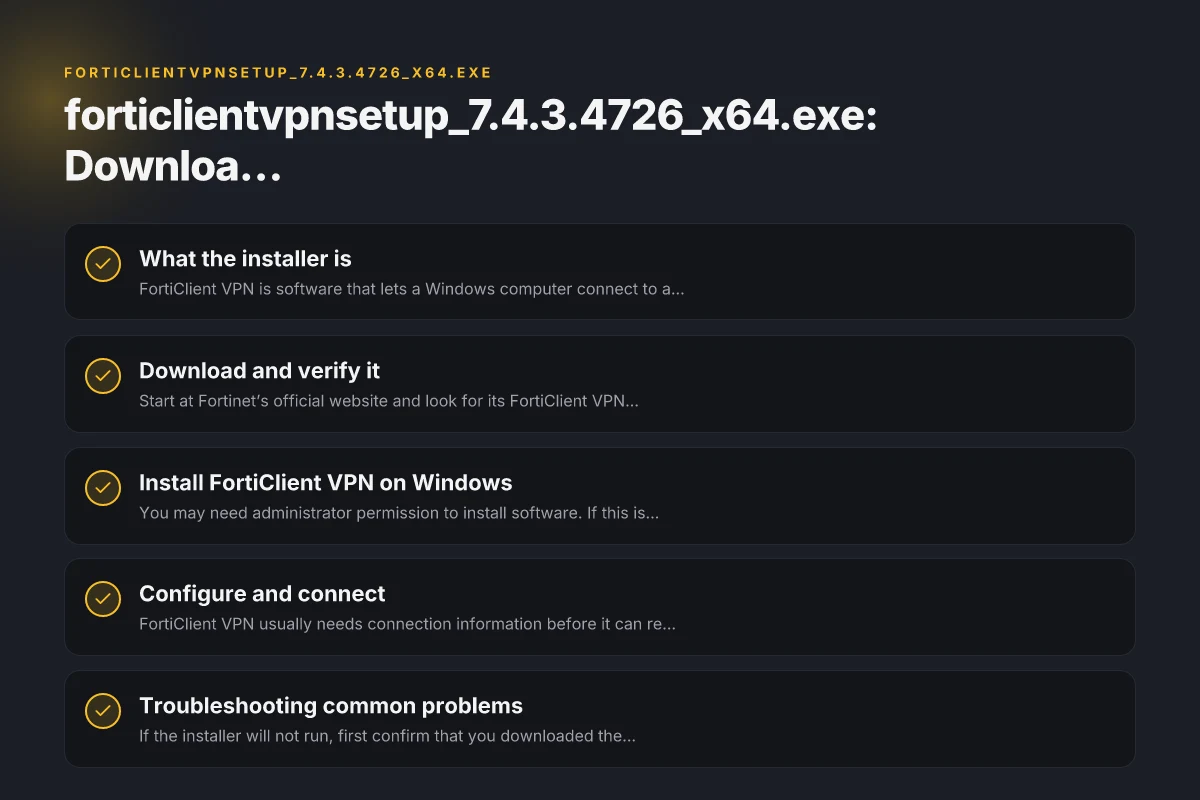
What the installer is
FortiClient VPN is software that lets a Windows computer connect to a virtual private network (VPN) managed by an organization. A VPN can provide an encrypted connection to company resources, such as internal websites, file shares, or business applications. The exact access available depends on the organization’s VPN gateway and account policies.
The filename breaks down as follows:
- forticlientvpnsetup identifies a FortiClient VPN setup program.
- 7.4.3.4726 indicates the software version and build.
- x64 indicates that the installer is intended for 64-bit Windows.
A filename alone cannot confirm that a file is genuine or safe. Files with similar names may come from unrelated sources, so check the download source and the installer’s digital signature before proceeding.
Download and verify it
Start at Fortinet’s official website and look for its FortiClient VPN download options. If your employer, school, or service provider gave you a direct link, confirm that it points to an approved Fortinet source or your organization’s managed software portal. Avoid third-party download sites, file-sharing links, and unsolicited email attachments. nord VPN edge extension(2026)
Before opening the installer:
- Check that the downloaded filename is the version you were instructed to install.
- Right-click the file in Windows and open Properties.
- Select Digital Signatures, if that tab is available, and inspect the signer. The signature should be valid and attributable to Fortinet.
- Scan the file with your organization’s security software or Microsoft Defender.
- If your IT team provides a checksum, compare it with the downloaded file using an approved checksum tool.
If Windows reports that the signature is missing, invalid, or from an unexpected publisher, do not bypass the warning. Delete the file and ask your administrator or download it again from an authorized source.
Windows installation and connection readiness
| Checkpoint | Ready when | If not ready | Next step |
|---|---|---|---|
| Installer | Correct FortiClient VPN file is available | File identity is uncertain | Download from Fortinet |
| Publisher | Windows shows a trusted publisher | Publisher cannot be confirmed | Stop and verify the source |
| Permissions | Installation can proceed | Administrator approval is required | Ask an administrator |
| Installation | Setup completes successfully | Setup reports an error | Note the message and troubleshoot |
| VPN profile | Required connection details are available | Server or login details are missing | Request them from the VPN administrator |
| Network | Internet access is available | Connection is unavailable | Restore network access |
| Credentials | Valid VPN sign-in details are ready | Credentials are rejected | Check details with the administrator |
| Connection | FortiClient reports a connected state | Connection fails | Review settings and error message |
Compiled November 2026; check the provider's site for current details. free VPN location changer(2026)
Install FortiClient VPN on Windows
You may need administrator permission to install software. If this is a work-managed computer, follow your organization’s instructions. Installing a different client version may conflict with company policies or device management.
Installation steps
- Close other installers and save your work.
- Locate forticlientvpnsetup_7.4.3.4726_x64.exe in your Downloads folder or approved software location.
- Right-click the file and choose Run as administrator if your organization’s instructions require it.
- Review the setup prompts and accept the license terms if you agree to them.
- Complete the installation, then restart Windows if the installer or your IT team recommends it.
- Open FortiClient VPN from the Start menu.
The wording and available options may vary by installer package. Use only options appropriate for your organization’s instructions, and do not install additional security or management components unless they are required and authorized.
Configure and connect
FortiClient VPN usually needs connection information before it can reach an organization’s network. Depending on how the VPN is managed, you may need to enter a remote gateway, connection name, authentication method, and sometimes a certificate or multi-factor authentication code.
Ask your IT administrator for the correct values. Do not guess a gateway address or copy settings from an unknown online guide. Some organizations configure the client centrally, while others provide a setup document or configuration file. microsoft edge VPN(2026)
| Connection type | What it generally means | What you may need |
|---|---|---|
| SSL VPN | Connects through an organization’s VPN gateway using a secure connection | Gateway address and approved sign-in method |
| IPsec VPN | Uses IPsec protocols to create a protected network connection | Gateway details and organization-specific authentication settings |
| Managed configuration | Settings are deployed or controlled by the organization | Access to the organization’s setup process or management service |
The available connection types and setup options depend on the FortiClient release and the VPN gateway. Once configured, select the authorized connection, enter your credentials, and complete any multi-factor authentication prompt. A successful connection should show a connected status in the client.
Troubleshooting common problems
If the installer will not run, first confirm that you downloaded the correct 64-bit package and that the file completed downloading. Restart Windows and try again. If installation is blocked by a permissions message, contact your device administrator rather than trying to work around company controls.
If the VPN client installs but cannot connect, check the following:
- Connection details: Confirm the gateway and connection settings with your IT team.
- Credentials: Check that your username and password are current, and complete any multi-factor authentication request.
- Network access: Try a permitted alternate internet connection if your current network blocks VPN traffic.
- Date and time: Ensure Windows has the correct date, time, and time zone, as incorrect settings can disrupt secure connections.
- Updates and policy: Ask whether your organization requires a different FortiClient build or a specific configuration.
- Error messages: Record the full message and the time of the failed attempt before contacting support.
Do not disable antivirus, firewall protections, or certificate checks to force a connection. These controls help protect your device and the network you are trying to access. VPNly VPN extension for edge(2026)
Common FortiClient VPN problems and next actions
| Problem | Possible cause | First check | Recommended action |
|---|---|---|---|
| Installer will not open | Incomplete or untrusted download | Confirm source and file identity | Download a fresh copy from Fortinet |
| Windows blocks setup | Publisher or permission prompt | Read the prompt carefully | Proceed only if the source is trusted |
| Setup fails | Installation issue or system restriction | Record the error message | Retry with required permissions |
| VPN profile is missing | Connection details were not added | Check the profile list | Add the details provided by the administrator |
| Login is rejected | Incorrect credentials | Recheck username and password | Contact the VPN administrator if needed |
| Server cannot be reached | Network or server details issue | Check internet access and server address | Confirm the settings with the administrator |
| Connection drops | Network instability | Test the local connection | Retry on a stable network |
| Still cannot connect | Cause is unclear | Save the displayed error details | Share them with IT support |
Compiled November 2026; check the provider's site for current details.
Recommendation
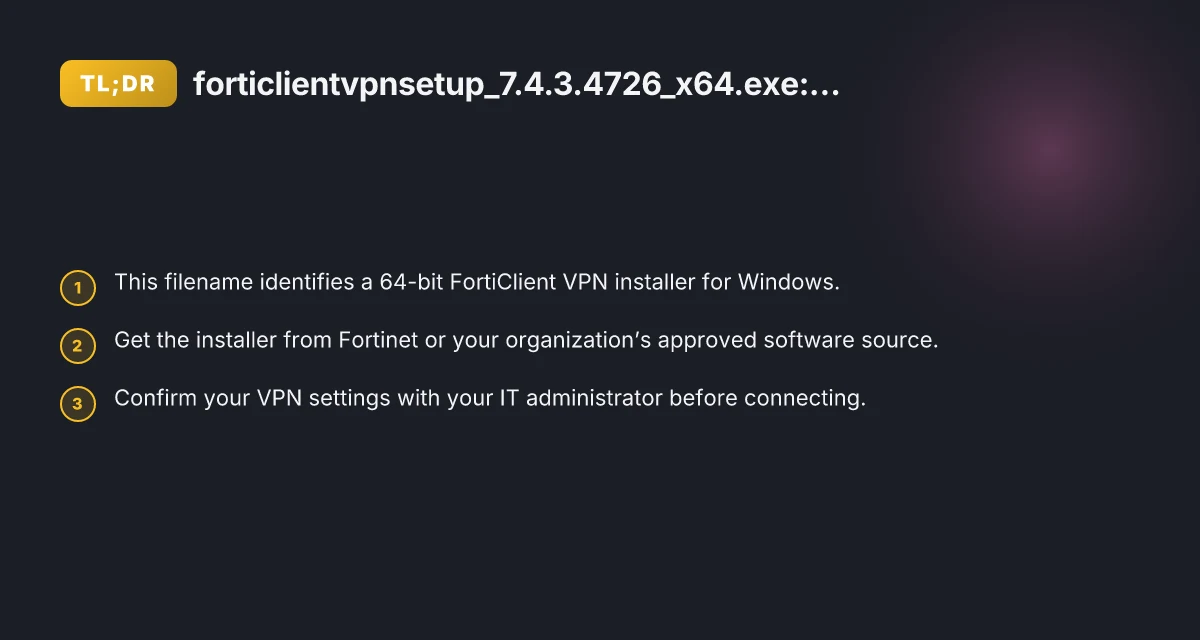
Download forticlientvpnsetup_7.4.3.4726_x64.exe only from Fortinet or a software source approved by your organization, verify its publisher, and follow your administrator’s installation and configuration instructions. If the file’s signature, version, or connection settings do not match what you were given, pause and confirm them with IT before installing or connecting.