FortiGate IPsec: How to Configure and Troubleshoot a VPN
Learn how FortiGate IPsec VPNs work, how to configure a basic tunnel, and how to troubleshoot common connection problems.
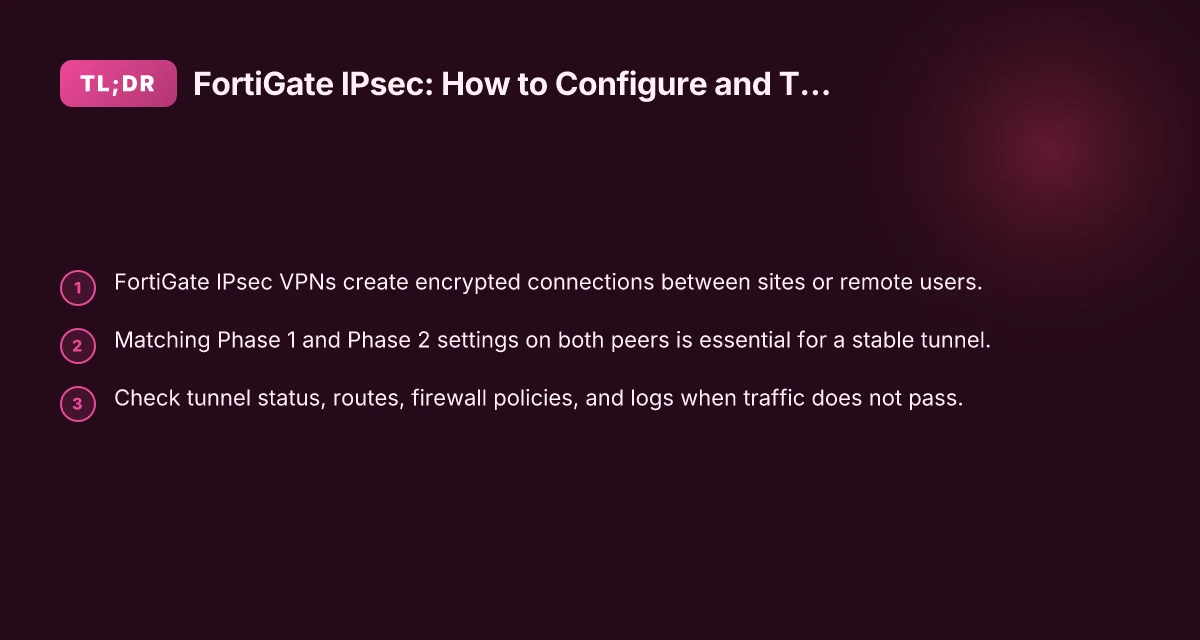
A FortiGate IPsec VPN creates an encrypted connection between a FortiGate firewall and another VPN gateway, or between a FortiGate and a remote user. For a site-to-site VPN, configure matching Phase 1 and Phase 2 proposals on both peers, then add routes and firewall policies so traffic can use the tunnel. For remote access, use a supported client and an authentication method suited to your security requirements.
Compare the main FortiGate IPsec VPN use cases
| Use case | Connection | Typical purpose | Main consideration |
|---|---|---|---|
| Site-to-site | FortiGate to FortiGate | Connect office networks | Match Phase 1 and Phase 2 settings |
| Site-to-site | FortiGate to third-party gateway | Connect different network platforms | Confirm compatible proposals |
| Remote access | User device to FortiGate | Connect users away from the office | Choose and configure client authentication |
| Branch connectivity | Branch FortiGate to central FortiGate | Link a branch to shared resources | Define routes and permitted traffic |
| Cloud connectivity | FortiGate to cloud VPN gateway | Connect on-premises and cloud networks | Verify the cloud peer’s requirements |
| Backup connectivity | FortiGate to secondary peer | Provide an alternate VPN path | Plan routing and failover behavior |
Compiled November 2026; check the provider's site for current details.
| VPN | Obfuscation | From / month | Plan | Free plan | Refund | Alipay | UnionPay | Crypto | Website opens in China | Trustpilot | |
|---|---|---|---|---|---|---|---|---|---|---|---|
 ZoogVPN | Turn on manually Shadow | $2.49/mo | 27 months: $59.99 | Yes | 7 days | ✓ | ✓ | ✓ | ✓ | Official site blocked; our special link opens (4.4 s) | 4.2/5 (195 reviews) |
 NordVPN | Turn on manually Obfuscated Servers / NordWhisper | $3.49/mo | 27 months: $94.23 | No | 30 days | ? | ✗ | ✓ | ✓ | ✗ Blocked | 4.2/5 (51,628 reviews) |
 ExpressVPN | ✓ On by default all servers | $3.00/mo | 28 months: $84 | No | 30 days | ✗ | ✗ | ✓ | ✗ | ✗ Blocked | 4.4/5 (29,706 reviews) |
 Surfshark | ✓ On by default Camouflage, with OpenVPN | See site | See site | No | 30 days | ✗ | ✗ | ✗ | ✓ | ✗ Blocked | 4.3/5 (31,823 reviews) |
 Proton VPN | Turn on manually Stealth, free plan too | $2.99/mo | 12 months: $35.88 | Yes | 30 days | ✗ | ✗ | ✗ | ✓ | ✗ Blocked | 2.1/5 (1,040 reviews) |
 Astrill VPN | Turn on manually StealthVPN / OpenWeb | $12.50/mo | 24 months: $300 | No | See site | ✗ | ✗ | ✗ | ✓ | ✗ Blocked | 1.3/5 (110 reviews) |
 Private Internet Access | Turn on manually Shadowsocks, OpenVPN only | $2.03/mo | 40 months: $81.2 | No | 30 days | ✗ | ✗ | ✗ | ✗ | ✗ Blocked | 4.2/5 (11,033 reviews) |
 CyberGhost | Turn on manually selected servers | $2.19/mo | 28 months: $61.32 | No | 45 days | ✗ | ✗ | ✗ | ✓ | ✗ Blocked | 4.0/5 (24,178 reviews) |
 PureVPN | Turn on manually switch to OpenVPN | $1.69/mo | 60 months: $101.55 | No | 31 days | ? | ? | ✗ | ✓ | ✗ Blocked | 4.4/5 (17,994 reviews) |
 AdGuard VPN | ✓ On by default TrustTunnel | $2.99/mo | 24 months: $71.76 | Yes | 30 days | ✓ | ✗ | ✓ | ✓ | Official site blocked; our special link opens (3.7 s) | 4.3/5 (290 reviews) |
 Mullvad | Turn on manually QUIC / Shadowsocks / LWO | $5.61/mo | €5/mo | No | 14 days | ✗ | ✗ | ✗ | ✓ | ✗ Blocked | 3.2/5 (192 reviews) |
 Windscribe | Turn on manually Stealth / WStunnel | $5.75/mo | 12 months: $69 | Yes | See site | ✗ | ✗ | ✗ | ✓ | ✗ Blocked | 4.7/5 (13,355 reviews) |
 StrongVPN | Turn on manually Scramble, OpenVPN TCP | See site | See site | No | 30 days | ✓ | ✗ | ✗ | ✗ | ✗ Blocked | 4.4/5 (2,695 reviews) |
 LightXtreme 闪连 | Not listed | $7.08/mo | 12 months: $84.99 | Yes | 30 days | ✓ | ✓ | ✓ | ✓ | ✓ Yes (3.5 s) | No page |
Prices checked 2026-11-10 on each vendor's pricing page (cheapest long plan, USD). Check the vendor's checkout for the final price.
Obfuscation checked 2026-11-14 on each vendor's site and help center: "on by default" = nothing to set; "turn on manually" = switch protocol or mode in settings; "not listed" = the vendor describes no obfuscation.
Payment methods checked 2026-11-10 on each vendor's payment pages: all 14 take cards and PayPal; ✗ = not listed, ? = the vendor's own pages disagree.
China access: whether the official website opens from mainland China networks (tests the website only, not the VPN connection). Last checked 2026-11-18 01:02 Beijing time.
Trustpilot score and review count checked 2026-11-10.
What FortiGate IPsec is used for
IPsec protects network traffic by authenticating the VPN peers and encrypting data as it crosses an untrusted network. On FortiGate devices, common uses include:
- Connecting two office networks over the internet.
- Giving remote users secure access to internal resources.
- Linking cloud networks or data centers.
- Creating redundant tunnels for improved availability.
A site-to-site tunnel typically connects defined local and remote subnets. A route-based tunnel uses a virtual IPsec interface, which FortiGate can use with static routes, dynamic routing, and firewall policies. Remote-access tunnels instead connect individual users or client devices to selected networks.
The configuration must be compatible with the other endpoint. A tunnel can appear configured correctly on one FortiGate and still fail if the peer uses different cryptographic, authentication, or traffic-selection settings.
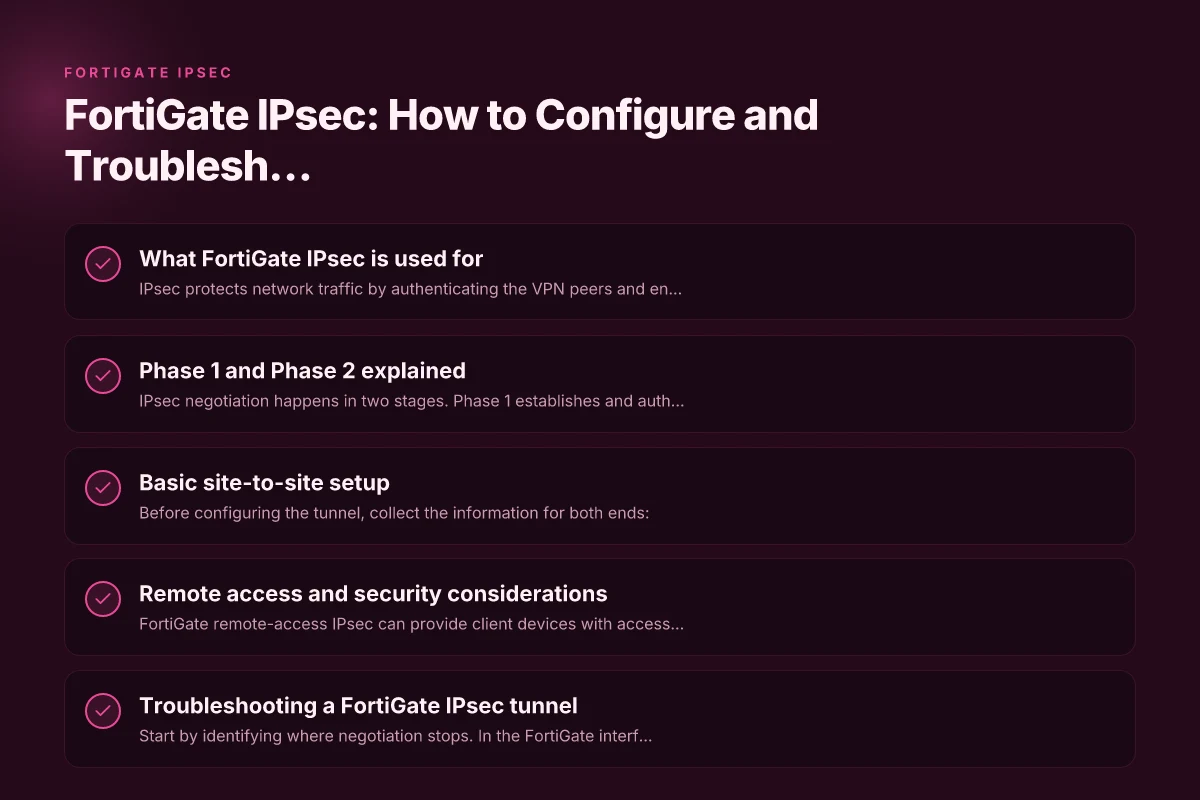
Phase 1 and Phase 2 explained
IPsec negotiation happens in two stages. Phase 1 establishes and authenticates a secure association between the peers. Phase 2 negotiates the protection for traffic that will travel through the tunnel. Cisco AnyConnect VPN: How to Install, Connect, and Choose the Right App
| Setting | Phase 1 | Phase 2 |
|---|---|---|
| Purpose | Establishes the peer relationship and secure negotiation channel | Protects data exchanged through the tunnel |
| Common settings | Peer address, IKE version, authentication, encryption, DH group, lifetime | Local and remote subnets, encryption, integrity, PFS group, lifetime |
| Common failure symptom | The tunnel does not establish | The peer connects, but the data tunnel or traffic does not work |
Both peers need compatible proposals and authentication details. For a straightforward deployment, select modern encryption and integrity algorithms supported by both devices, use strong pre-shared keys or certificates, and avoid legacy algorithms unless interoperability requires them. IKEv2 is generally preferred when both endpoints support it.
Phase 2 traffic selectors must also correspond. If one side defines local network A and remote network B, the other side normally defines local network B and remote network A. Incorrect or overly narrow selectors can prevent some traffic from matching the VPN.
Basic site-to-site setup
Before configuring the tunnel, collect the information for both ends:
- Public IP addresses or peer identifiers.
- Local and remote network ranges.
- IKE version and compatible Phase 1 and Phase 2 proposals.
- Authentication method and credentials.
- Any NAT, routing, or redundancy requirements.
In the FortiGate interface, create an IPsec tunnel using the site-to-site or custom setup appropriate to your firmware. Enter the remote gateway details, select the outgoing interface, configure authentication, and define compatible Phase 1 and Phase 2 settings. The exact labels and available options can vary by FortiOS version. Tuxler VPN Extension: How It Works, What It Requires, and What to Know
Next, make sure the FortiGate knows how to reach the remote subnet. Depending on the design, this may involve a static route through the IPsec interface or a dynamic routing protocol. Then create firewall policies that permit the required traffic between the internal interface and the VPN interface.
A typical policy should specify the correct incoming and outgoing interfaces, source and destination address objects, and permitted services. NAT is usually disabled for ordinary site-to-site traffic unless the network design specifically requires address translation. Apply the same logic in the reverse direction if the FortiGate needs to allow connections initiated by remote hosts.
Use narrowly scoped address ranges and services rather than allowing all traffic by default. This makes the tunnel easier to audit and reduces the impact of a compromised endpoint.
Phase 1 and Phase 2 configuration comparison FortiGate L2TP: Setup, Compatibility, and Better VPN Options
| Setting | Phase 1 | Phase 2 | Configuration check |
|---|---|---|---|
| Purpose | Establish the IKE connection | Establish IPsec traffic protection | Confirm both phases are configured |
| Peer details | Identify the remote gateway | Use the Phase 1 relationship | Check peer address and identity |
| Authentication | Authenticate VPN peers | Inherits the established peer relationship | Match authentication settings |
| Encryption proposal | Agree on IKE encryption | Agree on IPsec encryption | Use compatible proposals |
| Key exchange | Negotiate IKE parameters | Set IPsec security parameters | Confirm compatible settings |
| Traffic selectors | Not the traffic selection phase | Define protected local and remote traffic | Match selectors at both ends |
| Lifetimes | Set IKE negotiation lifetime | Set IPsec security association lifetime | Check for compatible values |
| Common failure clue | IKE negotiation does not complete | Phase 1 is up but protected traffic fails | Identify which phase is failing |
Compiled November 2026; check the provider's site for current details.
Remote access and security considerations
FortiGate remote-access IPsec can provide client devices with access to internal resources. Configuration generally includes a user group, an authentication method, a VPN portal or access profile, and policies controlling what authenticated users can reach. Client settings must match the FortiGate’s supported IKE and authentication configuration.
For stronger security:
- Prefer certificate-based authentication or strong credentials with multifactor authentication where supported.
- Use current FortiOS releases and supported VPN clients.
- Restrict access by user group, destination, and service.
- Protect pre-shared keys and replace them if they may have been exposed.
- Review VPN logs and remove accounts or permissions that are no longer needed.
Choose a split-tunnel or full-tunnel design deliberately. With split tunneling, only selected destinations use the VPN, while other traffic goes directly to the internet. With full tunneling, the VPN carries a broader range of client traffic, which can improve centralized inspection but increases bandwidth and infrastructure demands. IPsec VPN: How It Works, Benefits, and When to Use It
Troubleshooting a FortiGate IPsec tunnel
Start by identifying where negotiation stops. In the FortiGate interface, check the IPsec monitor or tunnel status, then review event and VPN logs for messages about authentication, proposals, routing, or traffic selectors.
Work through these checks:
- Confirm reachability. Verify that the peer’s public address is correct and reachable. Check upstream routing, NAT devices, and whether UDP ports 500 and 4500 and ESP traffic are permitted as required by the network.
- Compare Phase 1 settings. Check IKE version, peer identifiers, authentication, proposals, Diffie-Hellman groups, and lifetimes on both sides.
- Compare Phase 2 settings. Confirm encryption and integrity proposals, PFS settings, lifetimes, and local and remote subnets.
- Check routing and policies. A negotiated tunnel does not automatically route or permit application traffic. Verify the route, interface selection, firewall policies, and NAT behavior.
- Inspect traffic and logs. Confirm that the test traffic matches the configured subnets and policy. Use FortiGate diagnostic tools carefully, since debug output can contain sensitive information.
If the tunnel establishes but only one direction works, investigate return routes and reverse policies on both networks. Also check for overlapping subnet ranges, which can make it unclear whether traffic should use the tunnel or a local interface.
Troubleshooting checks by symptom FortiGate VPN Client: How to Choose, Install, and Connect
| Symptom | Likely area | Check | Next step |
|---|---|---|---|
| Tunnel does not establish | Phase 1 | Peer address and reachability | Correct the peer details |
| Authentication fails | Phase 1 | Shared secret or authentication settings | Match settings on both peers |
| Proposal mismatch | Phase 1 or Phase 2 | Encryption and key exchange proposals | Use compatible proposals |
| Phase 1 is up, Phase 2 is down | Phase 2 | Selectors and IPsec proposals | Align Phase 2 settings |
| Tunnel is up, traffic fails | Routing or policy | Routes, firewall policies, and selectors | Permit and route the intended traffic |
| Only one direction works | Routing or policy | Return route and policy behavior | Check both traffic directions |
| Remote users cannot connect | Remote access | Client settings and authentication | Verify client and gateway configuration |
Compiled November 2026; check the provider's site for current details.
Recommendation
For most new deployments, use a route-based FortiGate IPsec VPN with IKEv2, compatible modern proposals, explicit routes, and narrowly scoped firewall policies. Document the peer settings and test both tunnel negotiation and application traffic in each direction. If the tunnel remains unstable, compare the two peers’ settings side by side and use Fortinet’s guidance for the specific FortiOS version in use.