Free V2Ray: How to Choose a Safer Option
Learn what free V2Ray access offers, what risks to check, and how to choose a safer setup.
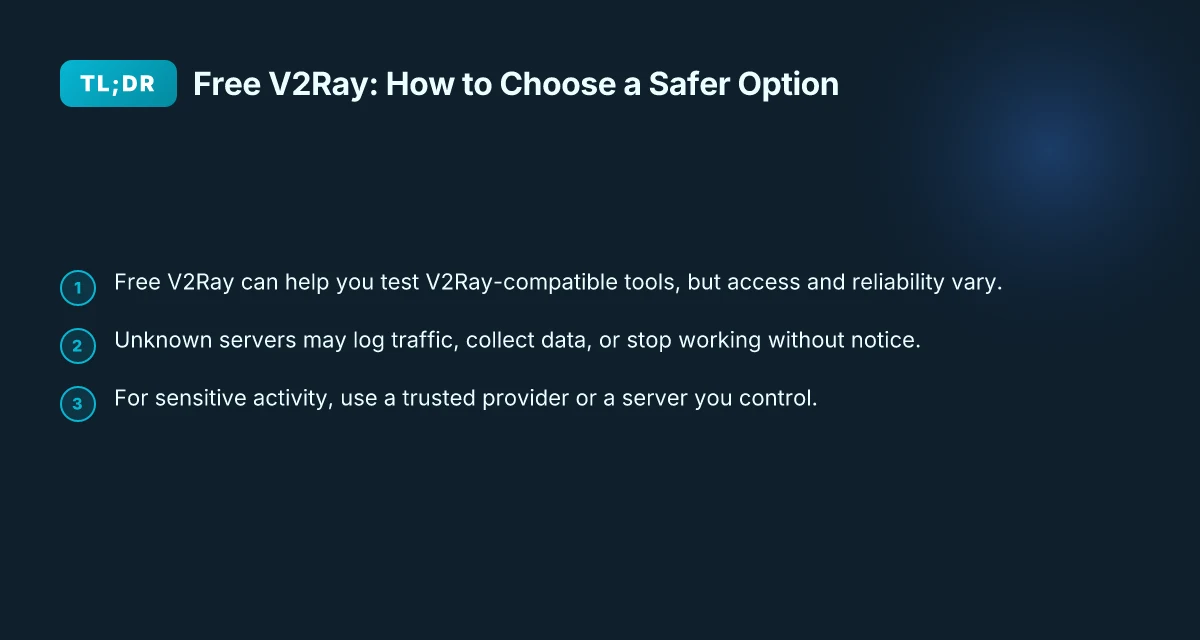
Free V2Ray usually means free access to a V2Ray-compatible proxy server or a free service that uses V2Ray-related protocols. It can be useful for testing, learning, or occasional browsing, but “free” does not guarantee privacy, security, speed, or reliable access. Before connecting, find out who operates the server, what information they collect, and whether the service is permitted where you are.
Compare free V2Ray access models
| Option | Cost | Who controls the server? | Privacy visibility | Main limitation |
|---|---|---|---|---|
| Public V2Ray server | Usually free | Unknown provider or volunteer | Provider may see connection metadata | Trust and uptime vary |
| Self-hosted V2Ray | Server and hosting costs may apply | You | Hosting provider may see network metadata | Requires setup and maintenance |
| Community-run service | Usually free or donation-supported | Community operator | Depends on operator and policies | Capacity may be limited |
| Free tier from a paid provider | Free within plan limits | Commercial provider | Check its privacy policy | Data or speed limits may apply |
| Shared account or configuration | Often free | Account owner or server operator | Other users may share access | Configuration can be changed or revoked |
| Unverified configuration file | No direct fee | Unknown | Unknown | May route traffic through an untrusted server |
Compiled November 2026; check the provider's site for current details.
What “free V2Ray” means
V2Ray is commonly used as part of proxy software and networking setups. People searching for free V2Ray may be looking for a free server configuration, a provider’s trial, or an application that can connect to V2Ray-compatible services. These are not the same thing: an app is a client, while a server or provider supplies the connection.
Free access may come with limits, such as data caps, slower speeds, crowded servers, a short trial period, or frequent configuration changes. Some public configurations are shared online, but their operators and security practices may be difficult to verify.
Be cautious of pages promising unlimited, anonymous, or guaranteed access. Those claims are not proof of trustworthy service.
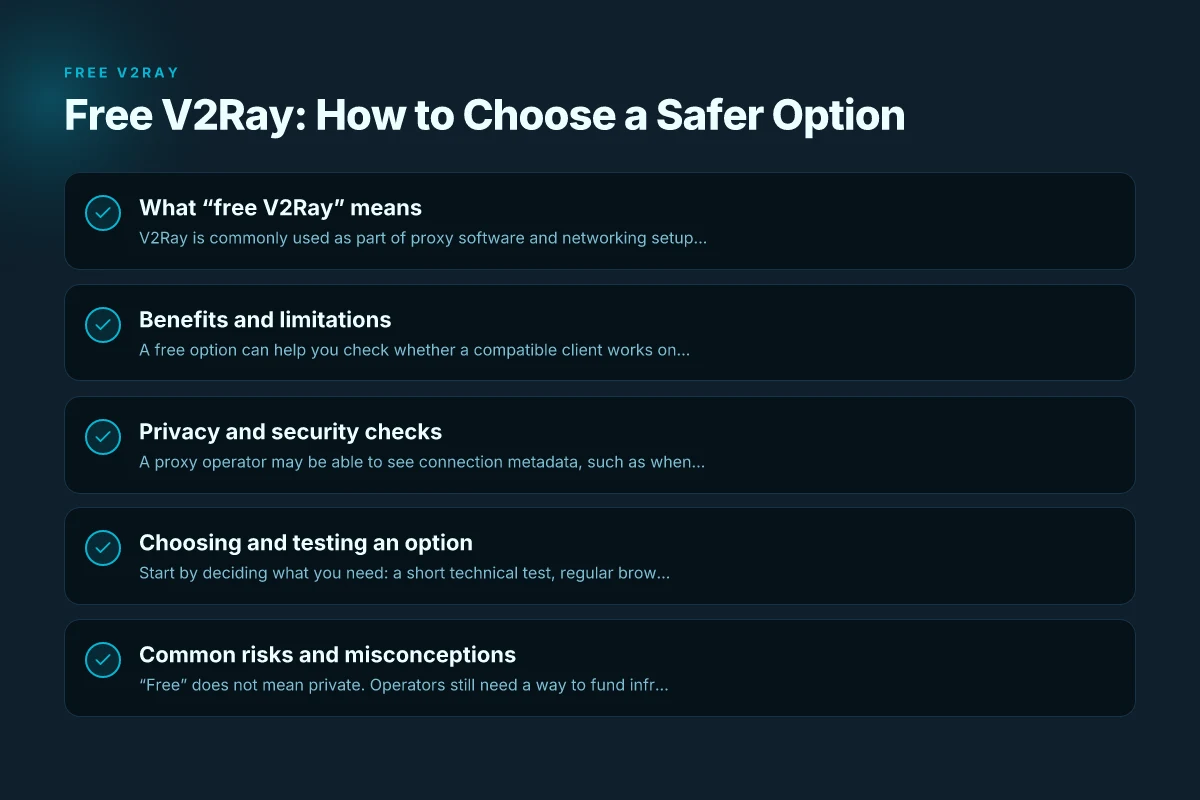
Benefits and limitations
A free option can help you check whether a compatible client works on your device or learn how proxy settings operate. It may also suit low-risk, occasional use when you understand the trade-offs. F5 VPN Download: How to Get the Right F5 Access Client
The main limitation is uncertainty. A free server may be unreliable, disappear without notice, or route your traffic through an operator you know nothing about. Performance can also vary with location, network congestion, and the server’s capacity.
| Option | Potential benefit | Main consideration |
|---|---|---|
| Public configuration | No subscription required | Operator, security, and reliability may be unclear |
| Provider trial | Opportunity to test a named service | May have usage limits or require payment details |
| Self-hosted server | Greater control over the server | Requires setup, maintenance, and hosting costs |
| Paid provider | Often clearer support and service terms | Still requires checking the provider’s privacy and security practices |
No option guarantees anonymity. A proxy can change how some network traffic is routed, but it does not automatically protect accounts, devices, or every connection.
Check privacy and security before connecting
| Check | Safer sign | Warning sign | How to verify |
|---|---|---|---|
| Operator identity | Named operator with contact details | Anonymous source with no explanation | Review the provider’s site and history |
| Privacy policy | Explains logging and data handling | No policy or vague promises | Read the policy before connecting |
| Configuration source | Obtained from a trusted operator | Shared in an unknown channel | Confirm the source independently |
| Encryption and transport | Uses supported, secure settings | Outdated or unexplained settings | Check current V2Ray documentation |
| App or client | Downloaded from an official source | Repackaged or modified installer | Verify the publisher and download source |
| Permissions | Requests only what it needs | Requests unrelated access | Review permissions before installation |
| Updates | Maintained and updated | Abandoned or outdated | Check release history |
| Leak protection | DNS and traffic behavior can be tested | No clear way to check leaks | Test DNS and IP behavior before use |
Compiled November 2026; check the provider's site for current details. Free VPN to Change Location: What to Know Before You Connect
Privacy and security checks
A proxy operator may be able to see connection metadata, such as when a connection is made and how much data is transferred. Depending on the setup and the sites or apps you use, other details may also be exposed. HTTPS protects much of the content exchanged with websites, but it does not make an unknown proxy operator trustworthy.
Before using a free service, check:
- Who operates it and how to contact them.
- Whether there is a clear privacy policy and what data it says is collected.
- Whether the service explains how long logs are kept and when they are deleted.
- What permissions its app requests and whether it comes from an official source.
- Whether the configuration has been altered or shared by an unverified third party.
Avoid installing unfamiliar apps, certificates, or configuration files simply because a page labels them “free.” Do not enter sensitive information through a service you cannot assess. Keep your device and software updated, and use account security features such as multifactor authentication.
Choosing and testing an option
Start by deciding what you need: a short technical test, regular browsing, or a connection for sensitive work. The more important the activity, the less suitable an unknown public server is. NordVPN Download Windows 11: How to Install and Get Started
When evaluating a provider or setup:
- Read the terms and privacy information before connecting.
- Confirm that the client software comes from its official source.
- Check whether the provider explains its limits, support, and cancellation terms.
- Test only with low-risk activity at first.
- Stop using the service if it requests unexpected permissions or behaves suspiciously.
A connection test can show whether a server responds, but it cannot prove that the operator keeps no logs or that your traffic is fully protected. Treat speed and uptime claims as claims to verify, not guarantees.
Decide whether a free option is suitable
| Decision factor | More suitable when | Less suitable when | Practical next step |
|---|---|---|---|
| Trust | The operator is identifiable and transparent | The operator is unknown | Research the operator first |
| Privacy needs | Limited, low-sensitivity browsing is enough | Work or personal data is sensitive | Choose a provider you can assess |
| Reliability | Occasional access is acceptable | Stable, continuous access is essential | Test uptime over time |
| Speed | Modest or variable performance is acceptable | High, consistent speed is required | Test at different times |
| Data limits | Usage is light | Streaming or large downloads are planned | Check limits and measure usage |
| Setup effort | You can review and maintain settings | You need a ready-to-use service | Prefer a clearly supported option |
| Security confidence | You can verify the client and configuration | You cannot verify their source | Do not connect until verified |
| Overall choice | Risks and limits are understood | Safety or privacy claims cannot be checked | Avoid the option or choose a trusted alternative |
Compiled November 2026; check the provider's site for current details. Checkpoint VPN: What It Does, How It Works, and Which Client to Use
Common risks and misconceptions
“Free” does not mean private. Operators still need a way to fund infrastructure, and a service may use advertising, collect data, impose restrictions, or simply be unreliable. Review the actual terms instead of assuming how the service is supported.
A proxy is also not a complete security solution. It does not remove malware, prevent phishing, or make weak passwords safe. If a connection fails, repeatedly downloading replacement configurations from unknown sources can increase risk rather than solve the problem.
Rules about proxy use differ by country, network, and workplace. Check local requirements and any applicable service or organization policies. Do not use a proxy to bypass restrictions you are not authorized to bypass.
Recommendation
Free V2Ray can be reasonable for learning or low-risk testing when the source is transparent and the setup is understood. For ongoing or sensitive use, choose a reputable provider with clear privacy terms, or run a server you control and can maintain. If you cannot verify who operates a free server, do not use it for private accounts, financial activity, or confidential information. Fortinet VPN: What It Is, How It Works, and How to Get Started