IPsec MTU: How to Choose the Right Size and Fix Fragmentation

Learn how IPsec affects MTU, how to calculate a safe tunnel size, and how to troubleshoot fragmentation and connectivity issues.
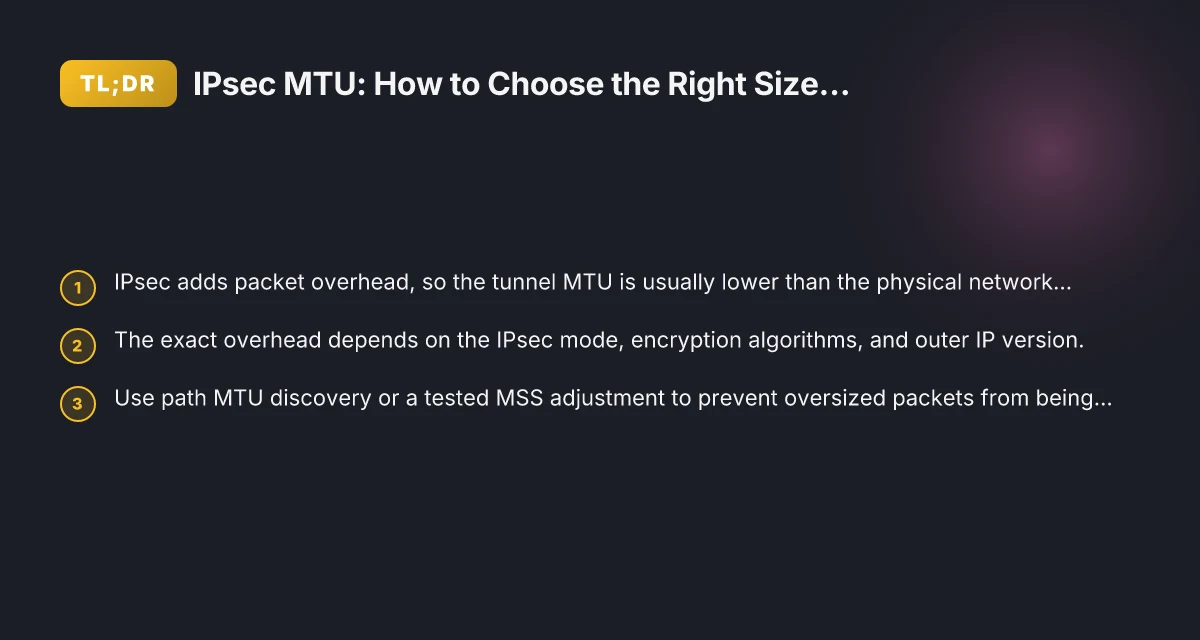
IPsec MTU is the largest inner packet that can pass through an IPsec tunnel without exceeding the underlying path’s maximum transmission unit. Because IPsec wraps traffic with additional headers and, in many configurations, encryption padding, the tunnel MTU must usually be smaller than the MTU of the physical link. If packets are too large, they may be fragmented or silently dropped, causing slow connections, failed downloads, or websites that partially load.
Common encapsulation overheads and their effect on tunnel MTU
| Encapsulation or setting | Added overhead | MTU impact | What to check |
|---|---|---|---|
| IPsec ESP | Depends on mode and algorithms | Reduces inner packet space | ESP mode and transforms |
| Tunnel mode | Adds an outer IP header | Lower effective MTU | Outer IP version |
| Transport mode | No new outer IP header | Usually less overhead | Whether transport mode fits |
| NAT-T | Adds a UDP header | Further reduces packet space | Whether NAT traversal is active |
| IPv4 outer header | Smaller than IPv6 outer header | Leaves more room for payload | Outer address family |
| IPv6 outer header | Larger than IPv4 outer header | Leaves less room for payload | Outer address family |
| ESP padding and trailer | Varies with packet and cipher | Can change per-packet size | Cipher and alignment needs |
| VLAN or provider tags | Adds link-layer bytes | May lower path capacity | Tags on the underlay |
Compiled November 2026; check the provider's site for current details.
What MTU means for an IPsec tunnel
The MTU, or maximum transmission unit, is the largest packet a network link can carry in one piece. A typical Ethernet link has an MTU of 1500 bytes, but that does not mean an IPsec tunnel can carry a 1500-byte inner packet over it.
IPsec encapsulation adds overhead around the original packet. The resulting outer packet must still fit within the path MTU. If it does not, the network may fragment it, send an error that prompts the sender to reduce packet size, or drop it.
A useful starting rule is:
Tunnel MTU = path MTU − IPsec overhead CJ VPN: What It Means and How to Find the Right VPN
For example, if the path MTU is 1500 bytes and the tunnel adds about 60 bytes of overhead, the inner tunnel MTU would be approximately 1440 bytes. This is only an estimate: actual overhead varies by configuration and path.

What affects IPsec overhead?
There is no single correct IPsec MTU for every tunnel. The required adjustment depends on how IPsec is deployed and what headers and security features it uses.
Key factors include:
- Tunnel or transport mode: Tunnel mode adds a new outer IP header. Transport mode generally does not add that same tunnel header.
- Outer IP version: An IPv4 header is typically 20 bytes without options, while an IPv6 header is typically 40 bytes.
- IPsec protocol: ESP, the most common choice for encrypted IPsec traffic, adds its own header and authentication data.
- Encryption and integrity algorithms: These determine the size of authentication tags and can affect padding.
- NAT traversal: NAT-T encapsulates ESP in UDP, adding an additional UDP header.
- Other encapsulation: VLANs, PPPoE, GRE, or provider-specific transport can reduce the available packet size further.
Because these factors can change the overhead, a value that works on one VPN may not work on another. Check the tunnel configuration and test the actual end-to-end path. Urban VPN Extension Edge: How to Install and Use It
Estimating a safe tunnel MTU
Start with the smallest MTU along the path between the IPsec endpoints, not necessarily the MTU of the local Ethernet interface. Then subtract the total overhead introduced by IPsec and any other encapsulation.
For a common ESP tunnel using NAT traversal, a rough estimate over a 1500-byte IPv4 path might subtract around 60 to 80 bytes. This is a planning range, not a universal setting. IPv6 outer headers, different algorithms, or additional tunnels can require a larger reduction.
| Situation | What to account for | Practical approach |
|---|---|---|
| IPsec ESP tunnel over a 1500-byte path | Outer IP and ESP overhead | Estimate the overhead, then test packet delivery |
| NAT traversal enabled | Additional UDP encapsulation | Allow for the UDP header in the calculation |
| IPv6 used for the outer path | Larger outer IP header | Recalculate rather than reusing an IPv4 value |
| Nested tunnels or provider encapsulation | Multiple layers of overhead | Measure the effective path MTU end to end |
To measure the path, send progressively larger packets with the “do not fragment” option where supported. A successful test identifies a packet size that fits without fragmentation. Failed tests may indicate a smaller path MTU or blocked discovery messages. Remember that command-line tools may count packet headers differently, so interpret their reported sizes carefully.
Symptoms that can help identify an IPsec MTU problem F5 VPN: What It Is, How It Works, and When to Use It
| Symptom | Likely clue | Useful test | Possible response |
|---|---|---|---|
| Small packets pass, large ones fail | MTU or PMTU issue | Send progressively larger probes | Lower tunnel MTU |
| Web pages partly load | Large packets may be dropped | Test HTTPS and small payloads | Check PMTUD and MSS |
| VPN connects but applications stall | Path works for control traffic | Test bulk transfer | Inspect tunnel MTU |
| Pings work, file transfers fail | Probe size may be too small | Use large, non-fragmenting probes | Adjust MTU or MSS |
| Failures vary by destination | Different paths have different limits | Compare routes and endpoints | Set a safe path-specific value |
| Retransmissions rise under load | Loss or fragmentation may occur | Check interface and tunnel counters | Inspect drops and fragmentation |
| IPv6 traffic fails more often | Larger outer header or ICMP filtering | Test IPv6 packet sizes | Verify IPv6 PMTUD |
| Failures start after NAT-T is enabled | Encapsulation overhead increased | Compare before and after | Recalculate tunnel MTU |
Compiled November 2026; check the provider's site for current details.
Symptoms of an MTU problem
An incorrect IPsec MTU can be easy to confuse with a firewall, routing, or application issue. Common signs include:
- Small pings work, but large pings fail.
- A secure connection establishes, but file transfers stall.
- Some websites load only partially or hang after the initial page appears.
- SSH or other interactive sessions work, while larger transfers fail.
- Performance changes depending on the application or direction of traffic.
These symptoms often occur when small packets fit through the tunnel but larger packets exceed the effective path MTU. A key clue is that the issue appears only for certain packet sizes or workloads.
Fixing fragmentation and dropped packets
First, confirm the actual tunnel path and configuration. Check whether the tunnel uses ESP in tunnel mode, whether NAT traversal is active, and whether another encapsulation layer is present. Then measure the effective path MTU and compare it with the configured tunnel MTU. AXGATE VPN Client: What It Is, How It Works, and When to Use It
Use path MTU discovery
Path MTU discovery (PMTUD) allows endpoints to learn when packets are too large for a route. It depends on the network returning the relevant ICMP messages. If a firewall blocks those messages, senders may not learn to reduce packet size, creating a “black hole” where oversized packets disappear without a useful response.
Allow the necessary ICMP messages through the path, including messages used to report that a packet is too large. For IPv6, ICMPv6 packet-too-big messages are essential to normal MTU discovery.
Adjust the tunnel MTU or TCP MSS
If discovery cannot be relied on, lower the tunnel interface MTU to a tested safe value. This affects packets carried over that interface and can address traffic beyond TCP.
For TCP traffic, MSS clamping can be an alternative or additional safeguard. It reduces the maximum TCP segment size advertised during connection setup so that TCP packets are less likely to exceed the tunnel’s usable size. MSS clamping does not fix every protocol, so it should not be treated as a replacement for an appropriate tunnel MTU. Big IP F5 VPN Download: How to Get and Install the Official Client
Avoid choosing an unnecessarily low value. A smaller MTU may prevent drops, but it can increase packet count and processing overhead, reducing efficiency.
Choosing a fix for fragmentation or dropped packets
| Option | Best fit | Main benefit | Trade-off | Verify afterward |
|---|---|---|---|---|
| Lower tunnel MTU | Tunnel sends oversized packets | Avoids oversized inner packets | Reduces maximum packet size | Test large transfers |
| Clamp TCP MSS | TCP traffic stalls or fragments | Limits TCP segment size | Does not fix non-TCP traffic | Check TCP sessions |
| Allow PMTUD messages | Path MTU discovery is blocked | Adapts packet size to the path | Requires ICMP messages to pass | Confirm required ICMP is allowed |
| Permit fragmentation | Fragments are blocked downstream | Can restore delivery | Adds processing and reassembly | Check fragment handling |
| Reduce encapsulation overhead | Extra headers are avoidable | Preserves more payload space | May limit tunnel or network options | Validate security and compatibility |
| Check underlay MTU | Link or provider limit is low | Finds the actual bottleneck | May require provider changes | Test each path segment |
| Set a conservative MTU | Path limits are uncertain | Improves reliability across paths | May waste available capacity | Retest and tune cautiously |
Compiled November 2026; check the provider's site for current details.
A practical recommendation
Begin with the measured path MTU, subtract the overhead for the exact IPsec and encapsulation setup, then test with packets of increasing size in both directions. Set the tunnel MTU to a value that passes reliably, and allow the ICMP messages needed for path MTU discovery. If TCP applications still stall, test MSS clamping as a targeted safeguard. The best IPsec MTU is not a fixed number. It is the largest tested inner packet size that reliably fits through the complete tunnel path. SoftEther VPN: What It Is, How It Works, and Whether to Use It