Microsoft Edge Browser Extensions VPN: How to Choose and Use One
Learn how VPN extensions for Microsoft Edge work, what they protect, and how to choose a trustworthy option.
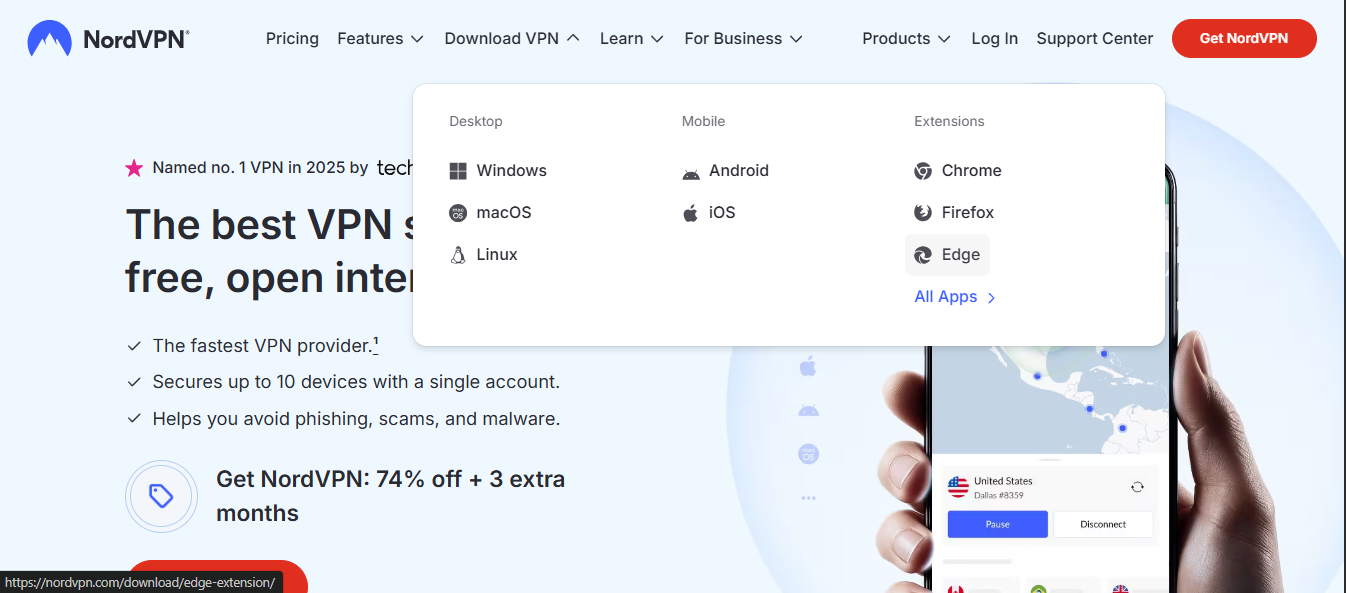
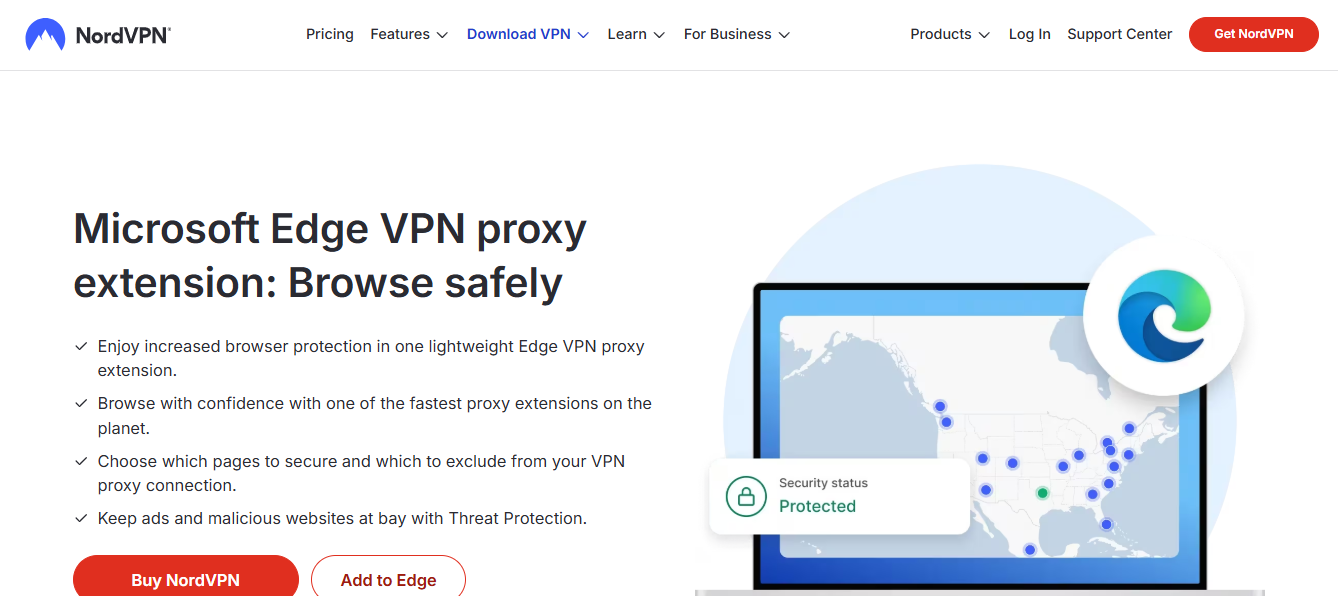
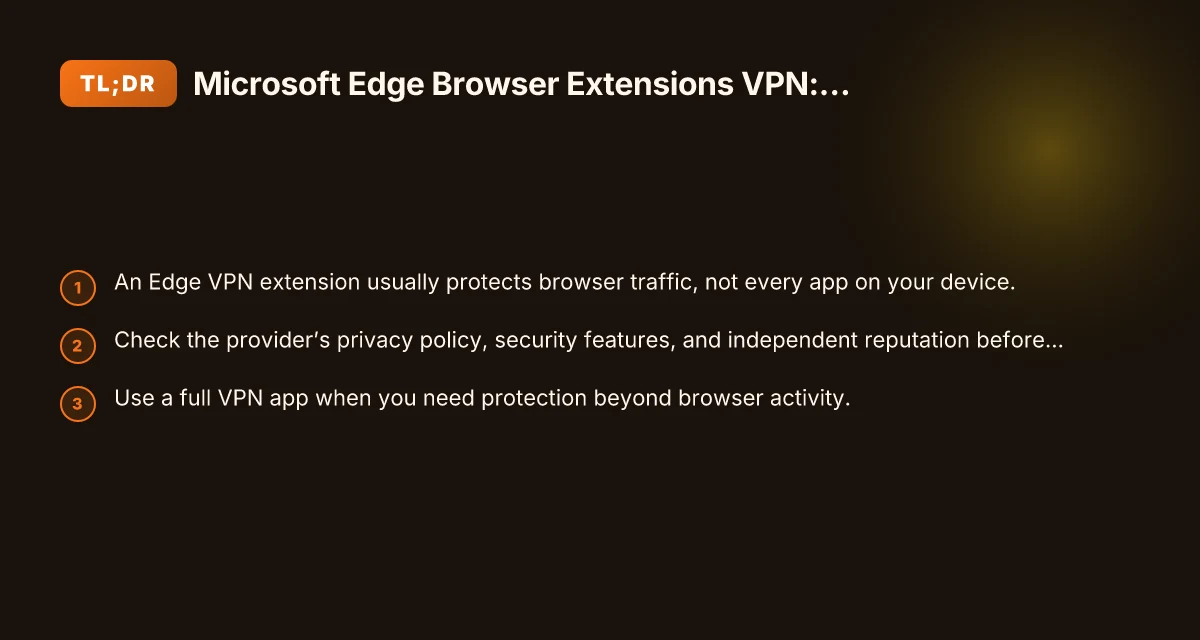
A Microsoft Edge browser extensions VPN can route your browser traffic through a VPN provider’s servers, helping mask your IP address from websites and offering more privacy on public Wi-Fi. But many extensions protect only activity inside Edge, and some are proxies rather than full VPNs. Choose a reputable provider, understand the scope of protection, and confirm the extension’s permissions before installing it.
Compare Edge VPN extension features
| Feature | Browser extension | Full VPN app |
|---|---|---|
| Protects browser traffic | Yes | Yes |
| Protects other apps | No | Yes |
| Setup location | Edge browser | Device |
| Works outside Edge | No | Yes |
| Server choice | Provider-dependent | Provider-dependent |
| Encryption details | Provider-dependent | Provider-dependent |
| Best suited for | Browser-only use | Whole-device protection |
Compiled November 2026; check the provider's site for current details.
| VPN | Obfuscation | From / month | Plan | Free plan | Refund | Alipay | UnionPay | Crypto | Website opens in China | Trustpilot | |
|---|---|---|---|---|---|---|---|---|---|---|---|
 ZoogVPN | Turn on manually Shadow | $2.49/mo | 27 months: $59.99 | Yes | 7 days | ✓ | ✓ | ✓ | ✓ | Official site blocked; our special link opens (4.4 s) | 4.2/5 (195 reviews) |
 NordVPN | Turn on manually Obfuscated Servers / NordWhisper | $3.49/mo | 27 months: $94.23 | No | 30 days | ? | ✗ | ✓ | ✓ | ✗ Blocked | 4.2/5 (51,628 reviews) |
 ExpressVPN | ✓ On by default all servers | $3.00/mo | 28 months: $84 | No | 30 days | ✗ | ✗ | ✓ | ✗ | ✗ Blocked | 4.4/5 (29,706 reviews) |
 Surfshark | ✓ On by default Camouflage, with OpenVPN | See site | See site | No | 30 days | ✗ | ✗ | ✗ | ✓ | ✗ Blocked | 4.3/5 (31,823 reviews) |
 Proton VPN | Turn on manually Stealth, free plan too | $2.99/mo | 12 months: $35.88 | Yes | 30 days | ✗ | ✗ | ✗ | ✓ | ✗ Blocked | 2.1/5 (1,040 reviews) |
 Astrill VPN | Turn on manually StealthVPN / OpenWeb | $12.50/mo | 24 months: $300 | No | See site | ✗ | ✗ | ✗ | ✓ | ✗ Blocked | 1.3/5 (110 reviews) |
 Private Internet Access | Turn on manually Shadowsocks, OpenVPN only | $2.03/mo | 40 months: $81.2 | No | 30 days | ✗ | ✗ | ✗ | ✗ | ✗ Blocked | 4.2/5 (11,033 reviews) |
 CyberGhost | Turn on manually selected servers | $2.19/mo | 28 months: $61.32 | No | 45 days | ✗ | ✗ | ✗ | ✓ | ✗ Blocked | 4.0/5 (24,178 reviews) |
 PureVPN | Turn on manually switch to OpenVPN | $1.69/mo | 60 months: $101.55 | No | 31 days | ? | ? | ✗ | ✓ | ✗ Blocked | 4.4/5 (17,994 reviews) |
 AdGuard VPN | ✓ On by default TrustTunnel | $2.99/mo | 24 months: $71.76 | Yes | 30 days | ✓ | ✗ | ✓ | ✓ | Official site blocked; our special link opens (3.7 s) | 4.3/5 (290 reviews) |
 Mullvad | Turn on manually QUIC / Shadowsocks / LWO | $5.61/mo | €5/mo | No | 14 days | ✗ | ✗ | ✗ | ✓ | ✗ Blocked | 3.2/5 (192 reviews) |
 Windscribe | Turn on manually Stealth / WStunnel | $5.75/mo | 12 months: $69 | Yes | See site | ✗ | ✗ | ✗ | ✓ | ✗ Blocked | 4.7/5 (13,355 reviews) |
 StrongVPN | Turn on manually Scramble, OpenVPN TCP | See site | See site | No | 30 days | ✓ | ✗ | ✗ | ✗ | ✗ Blocked | 4.4/5 (2,695 reviews) |
 LightXtreme 闪连 | Not listed | $7.08/mo | 12 months: $84.99 | Yes | 30 days | ✓ | ✓ | ✓ | ✓ | ✓ Yes (3.5 s) | No page |
Prices checked 2026-11-10 on each vendor's pricing page (cheapest long plan, USD). Check the vendor's checkout for the final price.
Obfuscation checked 2026-11-14 on each vendor's site and help center: "on by default" = nothing to set; "turn on manually" = switch protocol or mode in settings; "not listed" = the vendor describes no obfuscation.
Payment methods checked 2026-11-10 on each vendor's payment pages: all 14 take cards and PayPal; ✗ = not listed, ? = the vendor's own pages disagree.
China access: whether the official website opens from mainland China networks (tests the website only, not the VPN connection). Last checked 2026-11-18 01:02 Beijing time.
Trustpilot score and review count checked 2026-11-10.
What a VPN extension for Edge does
A VPN extension adds a control to Edge that lets you connect to a provider’s server, often in a chosen country or region. Websites then generally see the server’s IP address instead of your home or mobile IP address. The connection may also help protect browser traffic from local network snooping, particularly on unsecured public Wi-Fi.
The word “VPN” does not always mean the extension creates an encrypted tunnel for your entire device. Many browser extensions route only traffic from Edge. Other apps, such as email clients, games, or system updates, may continue using your regular internet connection.
Some extensions work as encrypted browser proxies. They can change the apparent location of browser traffic, but may not provide the same device-wide coverage as a VPN application. Read the provider’s explanation rather than relying on the label alone.
A VPN does not make you anonymous. Websites can still identify you through account logins, cookies, browser fingerprinting, or information you share. It also cannot guarantee protection from malware, phishing, or unsafe downloads. Proton VPN Free: What You Get, Limitations, and Who It Suits
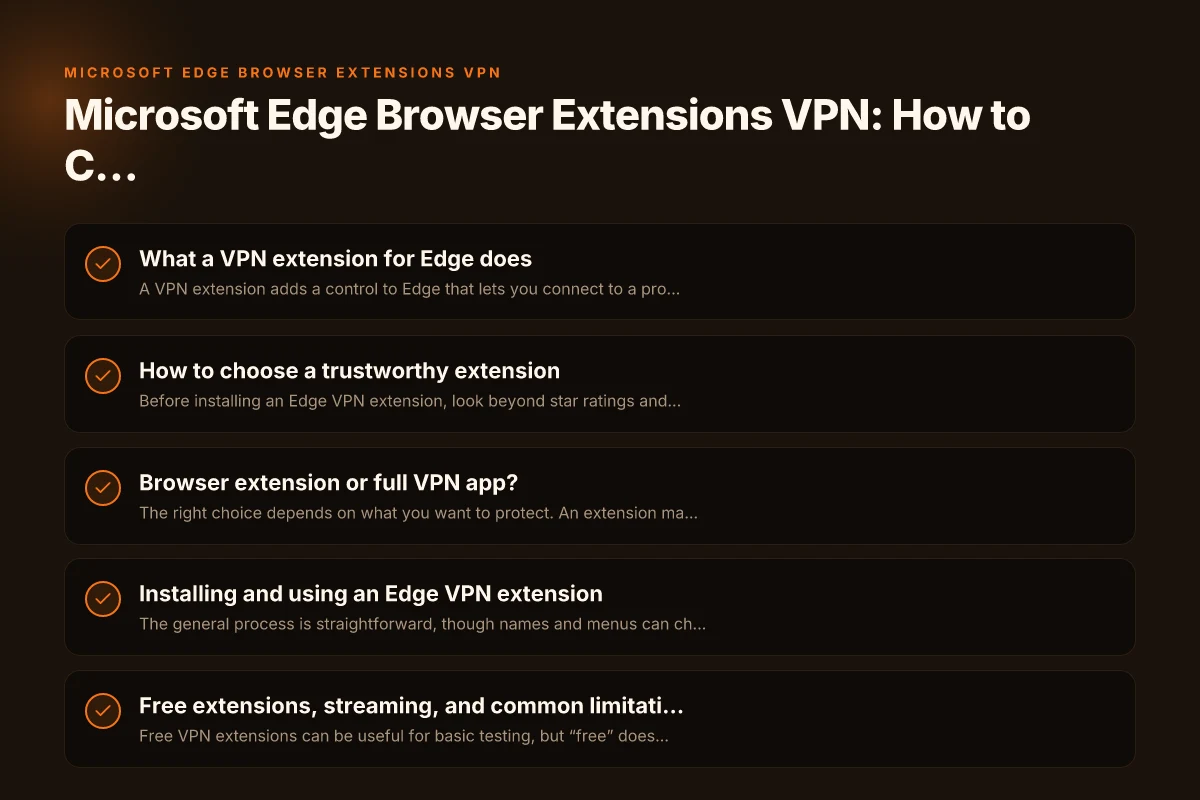
How to choose a trustworthy extension
Before installing an Edge VPN extension, look beyond star ratings and marketing claims. A trustworthy provider should clearly explain what the product does and how it handles your information.
Check these points:
- Privacy policy: Look for clear details about connection logs, browsing activity, data sharing, and how long information is retained.
- Protection scope: Confirm whether the extension covers Edge only or works alongside a full-device VPN.
- Security: Check whether the provider describes its encryption, leak protections, and connection safeguards.
- Provider reputation: Research the company’s history, ownership, support options, and independent security assessments.
- Business model: Be cautious if a free service is vague about how it funds its product or uses customer data.
- Permissions: Review what the extension can access. Browser VPNs may need broad permissions to route or manage network requests, but those permissions should be explained.
- Performance and server choices: Consider whether the provider offers locations and connection speeds that suit your needs.
An extension listing in the Microsoft Edge Add-ons store can make installation convenient, but its presence there is not a guarantee that the service meets your privacy requirements. Review the provider as well as the listing.
Trust checks when choosing an Edge VPN extension Cisco VPN AnyConnect: What It Is and How to Connect
| Check | What to look for | Warning sign | Why it matters |
|---|---|---|---|
| Provider identity | Recognizable provider | Unclear ownership | Helps assess accountability |
| Privacy policy | Clear data practices | Vague or missing policy | Shows how data is handled |
| Permissions | Relevant, limited access | Unneeded access requests | Reduces exposure |
| Security details | Plainly explained protections | Unsupported security claims | Helps judge protection |
| Reviews and updates | Recent activity and feedback | Few details or stale updates | Indicates ongoing maintenance |
| Business model | Transparent pricing | Unclear free-service terms | Helps spot trade-offs |
Compiled November 2026; check the provider's site for current details.
Browser extension or full VPN app?
The right choice depends on what you want to protect. An extension may be simpler when your concern is browser traffic. A VPN app is generally the better fit when you want coverage for the whole device.
| Feature | Edge VPN extension | Full VPN application |
|---|---|---|
| Typical coverage | Edge browser traffic | Device traffic, depending on settings |
| Setup | Installed through the browser | Installed on the device |
| Convenient for browser-only use | Often | Yes, but may be more than you need |
| Protects other apps | Usually not | Usually, when connected |
| Main consideration | Confirm exactly what traffic is covered | Check device compatibility and app settings |
Some providers offer both products. If you install both, check how they interact: running two VPN connections at once can cause connection problems or unexpected routing.
Installing and using an Edge VPN extension
The general process is straightforward, though names and menus can change as Edge updates. Urban VPN Extension: Features, Setup, and What to Consider
- Open the Microsoft Edge Add-ons store and search for the provider’s official extension.
- Check the publisher name, listing details, permissions, and links to the provider’s privacy policy.
- Select the option to add the extension, then review the access request before confirming.
- Open the extension and sign in or create an account if required.
- Choose a server location and connect.
- Visit a reputable IP-checking service to see whether your browser appears to use the VPN server’s IP address.
Keep Edge and the extension up to date. If a connection fails, try a different server, check the provider’s status page, or review the extension’s support guidance. Disconnect when you no longer need the service, and remember that closing a browser tab does not necessarily disconnect the VPN.
For a quick privacy check, confirm that the browser’s displayed IP changes after connecting. This is a useful test, but it does not prove that every request is protected or that the provider keeps no logs. Consult the provider’s documentation for leak tests and other safeguards.
Decide whether a free Edge VPN extension fits your needs
| Need | Free extension may fit | Check before choosing | Possible limitation |
|---|---|---|---|
| Basic browser privacy | Yes | Privacy policy and permissions | Protection may cover only Edge |
| Streaming access | Maybe | Service and location support | Streaming may be blocked |
| Many server locations | Maybe | Available locations | Choice may be limited |
| High data use | Maybe | Any usage limits | Data may be capped |
| Fast connections | Maybe | Speed terms and reviews | Congestion may affect speed |
| Whole-device protection | No | Whether a full app is offered | Other apps may remain unprotected |
Compiled November 2026; check the provider's site for current details. NordVPN Login: How to Sign In and Fix Common Account Issues
Free extensions, streaming, and common limitations
Free VPN extensions can be useful for basic testing, but “free” does not tell you how the service handles data. Some impose data limits, restrict server locations, or reduce speeds. Others may rely on advertising or collect information. Understand the terms before sending browser traffic through any provider.
A VPN extension may also fail to access a streaming service. Platforms frequently change how they detect and restrict VPN connections, so no provider can reliably promise access to every library or service. Check the provider’s current policy and the platform’s terms of use.
Other limitations to keep in mind:
- A changed IP address does not hide your identity when you sign in to personal accounts.
- A VPN does not replace HTTPS, antivirus software, or safe browsing habits.
- Your internet provider may still see that you are connecting to a VPN, even if it cannot readily inspect the contents of properly encrypted traffic.
- Browser settings, cookies, and saved account sessions may continue to reveal information about you.
Recommendation
Choose a Microsoft Edge browser extensions VPN from a well-established provider with a clear privacy policy, sensible permissions, and an honest explanation of what it protects. Use an extension for browser-only needs. Choose the provider’s full VPN app if you want coverage for other apps and device traffic. Avoid services that make sweeping anonymity claims or fail to explain how they handle your data. VPN for Microsoft Edge Free: Safe Options and What to Know