urban VPN microsoft edge extension(2026)
Learn how to install and use the Urban VPN Microsoft Edge extension, what it can do, and what to consider before relying on it.
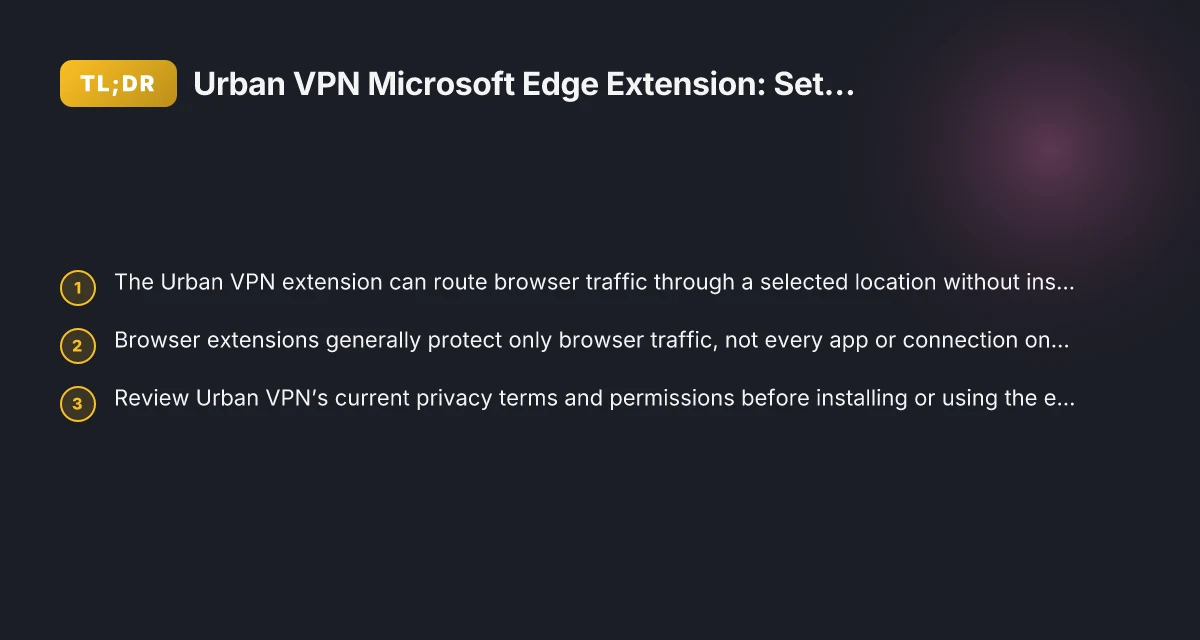
If you’re looking for the Urban VPN Microsoft Edge extension, you can install it from the Microsoft Edge Add-ons store, add it to Edge, and connect to a server location from the extension’s toolbar menu. It is designed to provide a VPN-style connection for browser activity, but it may not protect traffic from other apps on your device. Check the publisher, permissions, and privacy policy before connecting, especially if you plan to use it for sensitive tasks.
Compare Urban VPN Edge with other ways to protect your browsing
| Option | Works in Edge | Covers browser traffic | Covers other apps | Best suited for |
|---|---|---|---|---|
| Urban VPN Edge extension | Yes | Browser traffic | No | Quick browser-only use |
| VPN desktop app | Yes | Yes | Yes | Whole-device coverage |
| Edge InPrivate window | Yes | No | No | Reducing local browsing traces |
| Private DNS service | Yes | No | No | Changing DNS handling |
| Proxy extension | Yes | Browser traffic | No | Routing selected browser traffic |
| No privacy tool | Yes | No | No | Unchanged browsing setup |
Compiled November 2026; check the provider's site for current details.
| VPN | Obfuscation | From / month | Plan | Free plan | Refund | Alipay | UnionPay | Crypto | Website opens in China | Trustpilot | |
|---|---|---|---|---|---|---|---|---|---|---|---|
 ZoogVPN | Turn on manually Shadow | $2.49/mo | 27 months: $59.99 | Yes | 7 days | ✓ | ✓ | ✓ | ✓ | Official site blocked; our special link opens (4.4 s) | 4.2/5 (195 reviews) |
 NordVPN | Turn on manually Obfuscated Servers / NordWhisper | $3.49/mo | 27 months: $94.23 | No | 30 days | ? | ✗ | ✓ | ✓ | ✗ Blocked | 4.2/5 (51,628 reviews) |
 ExpressVPN | ✓ On by default all servers | $3.00/mo | 28 months: $84 | No | 30 days | ✗ | ✗ | ✓ | ✗ | ✗ Blocked | 4.4/5 (29,706 reviews) |
 Surfshark | ✓ On by default Camouflage, with OpenVPN | See site | See site | No | 30 days | ✗ | ✗ | ✗ | ✓ | ✗ Blocked | 4.3/5 (31,823 reviews) |
 Proton VPN | Turn on manually Stealth, free plan too | $2.99/mo | 12 months: $35.88 | Yes | 30 days | ✗ | ✗ | ✗ | ✓ | ✗ Blocked | 2.1/5 (1,040 reviews) |
 Astrill VPN | Turn on manually StealthVPN / OpenWeb | $12.50/mo | 24 months: $300 | No | See site | ✗ | ✗ | ✗ | ✓ | ✗ Blocked | 1.3/5 (110 reviews) |
 Private Internet Access | Turn on manually Shadowsocks, OpenVPN only | $2.03/mo | 40 months: $81.2 | No | 30 days | ✗ | ✗ | ✗ | ✗ | ✗ Blocked | 4.2/5 (11,033 reviews) |
 CyberGhost | Turn on manually selected servers | $2.19/mo | 28 months: $61.32 | No | 45 days | ✗ | ✗ | ✗ | ✓ | ✗ Blocked | 4.0/5 (24,178 reviews) |
 PureVPN | Turn on manually switch to OpenVPN | $1.69/mo | 60 months: $101.55 | No | 31 days | ? | ? | ✗ | ✓ | ✗ Blocked | 4.4/5 (17,994 reviews) |
 AdGuard VPN | ✓ On by default TrustTunnel | $2.99/mo | 24 months: $71.76 | Yes | 30 days | ✓ | ✗ | ✓ | ✓ | Official site blocked; our special link opens (3.7 s) | 4.3/5 (290 reviews) |
 Mullvad | Turn on manually QUIC / Shadowsocks / LWO | $5.61/mo | €5/mo | No | 14 days | ✗ | ✗ | ✗ | ✓ | ✗ Blocked | 3.2/5 (192 reviews) |
 Windscribe | Turn on manually Stealth / WStunnel | $5.75/mo | 12 months: $69 | Yes | See site | ✗ | ✗ | ✗ | ✓ | ✗ Blocked | 4.7/5 (13,355 reviews) |
 StrongVPN | Turn on manually Scramble, OpenVPN TCP | See site | See site | No | 30 days | ✓ | ✗ | ✗ | ✗ | ✗ Blocked | 4.4/5 (2,695 reviews) |
 LightXtreme 闪连 | Not listed | $7.08/mo | 12 months: $84.99 | Yes | 30 days | ✓ | ✓ | ✓ | ✓ | ✓ Yes (3.5 s) | No page |
Prices checked 2026-11-10 on each vendor's pricing page (cheapest long plan, USD). Check the vendor's checkout for the final price.
Obfuscation checked 2026-11-14 on each vendor's site and help center: "on by default" = nothing to set; "turn on manually" = switch protocol or mode in settings; "not listed" = the vendor describes no obfuscation.
Payment methods checked 2026-11-10 on each vendor's payment pages: all 14 take cards and PayPal; ✗ = not listed, ? = the vendor's own pages disagree.
China access: whether the official website opens from mainland China networks (tests the website only, not the VPN connection). Last checked 2026-11-18 01:02 Beijing time.
Trustpilot score and review count checked 2026-11-10.
What the Urban VPN Edge extension does
A browser VPN extension changes how supported browser traffic is routed. When connected, websites may see the IP address associated with the selected VPN server rather than your usual public IP address. Depending on how the service works, this can help reduce exposure of your location to websites or let you test how a site appears from another region.
The extension is not necessarily the same as a full VPN application. A browser extension typically affects traffic handled by the browser, while other programs, such as email clients, games, or desktop apps, may continue to use your regular internet connection. The exact coverage can depend on the product’s design and settings, so don’t assume that installing the extension protects your entire device.
A VPN also does not make you anonymous by itself. Websites can still identify you through account logins, cookies, browser fingerprinting, and other signals. Treat it as one privacy tool, not a guarantee of invisibility or security.
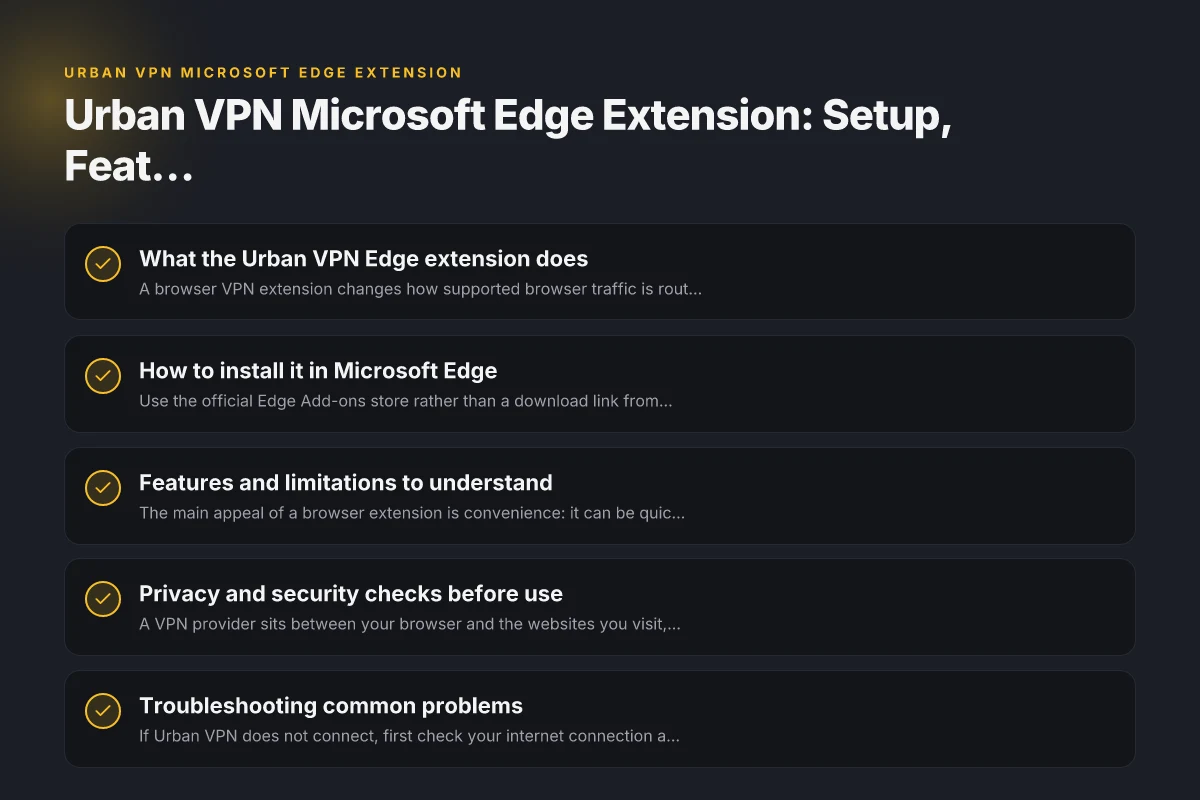
How to install it in Microsoft Edge
Use the official Edge Add-ons store rather than a download link from an unfamiliar website. Store listings can change, so confirm that the extension is published by the expected Urban VPN provider and review the listing details before adding it. forticlient ios ipsec(2026)
- Open Microsoft Edge and visit the Microsoft Edge Add-ons store.
- Search for “Urban VPN.”
- Open the result and check the publisher, description, ratings, update history, and requested permissions.
- Select the option to get or install the extension, then approve the browser’s confirmation prompt.
- Open Edge’s Extensions menu and pin Urban VPN to the toolbar if you want quick access.
- Select the extension icon, choose an available location, and connect.
After installation, check that the extension shows a connected status before opening the site you want to test. To stop using it, open the extension and disconnect. You can also manage, disable, or remove it from Edge’s Extensions settings.
If the store listing is unavailable, or the extension does not appear in search, avoid installing a similarly named file from a third-party download page. Availability and features can change over time.
Edge extension setup and troubleshooting checklist
| Situation | What to check | Suggested action | Expected result |
|---|---|---|---|
| Installing | Microsoft Edge is up to date | Update Edge if needed | Fewer compatibility issues |
| Finding the extension | Correct store listing | Confirm the publisher and name | Avoid similarly named extensions |
| Adding to Edge | Extension permissions | Review before installing | Know what access is requested |
| Extension missing | Edge extensions page | Check whether it is installed or disabled | Extension appears or can be enabled |
| Connection fails | Extension status and connection | Reconnect, then retry the site | Connection may be restored |
| Site behaves oddly | Whether the site works without the extension | Test with the extension off | Helps isolate the cause |
| Still not working | Browser and extension versions | Restart Edge and check for updates | Clears some temporary issues |
Compiled November 2026; check the provider's site for current details. ipsec over tcp 443(2026)
Features and limitations to understand
The main appeal of a browser extension is convenience: it can be quicker to switch locations than configuring a separate application. Urban VPN may present a list of server locations and a simple connect or disconnect control, but available locations and features can vary by version and region.
| Consideration | What it means in practice |
|---|---|
| Browser coverage | The extension may route Edge traffic without routing traffic from other apps. |
| Location selection | A chosen location can change the IP address websites see, but performance and availability may differ. |
| Streaming access | A VPN location does not guarantee that a streaming service will work; services may block VPN connections. |
| Connection speed | Routing traffic through another server can add latency or reduce speed. |
| Privacy | A VPN provider may be able to process connection data, so its policies matter. |
| Anonymity | Logins, cookies, and browser fingerprinting can still identify or track you. |
Do not rely on a VPN extension alone to secure an account or a sensitive transaction. Use HTTPS websites, strong unique passwords, and multifactor authentication. If you need to protect all network traffic on a laptop, compare the extension with a reputable full-device VPN application.
Privacy and security checks before use
A VPN provider sits between your browser and the websites you visit, so choosing a service involves trusting its handling of data. Before connecting, read the provider’s current privacy policy and terms. Look for clear explanations of what information may be collected, how long it is retained, whether it is shared, and how the service is funded.
Also pay attention to the permissions shown by Edge. A browser extension may request access to website data or browser activity to perform its functions. That access can be legitimate for a VPN-style extension, but you should understand what you are approving. If the permissions seem unrelated to the stated purpose, pause and investigate. VPN that allows you to choose location for free(2026)
For safer use:
- Install only the listing you have verified in the official Edge Add-ons store.
- Keep Edge and the extension updated.
- Avoid using an unfamiliar VPN connection for banking or other highly sensitive activity until you have assessed the provider.
- Disconnect when you no longer need the alternate connection.
- Recheck the store listing and privacy terms periodically, since products and policies can change.
Troubleshooting common problems
If Urban VPN does not connect, first check your internet connection and try another available location. Then close and reopen Edge, confirm the extension is enabled, and check whether Edge or the extension needs an update. A temporary service outage or a network restriction can also prevent a connection.
If a website still shows your usual region, disconnect and reconnect, then reload the page. Location checks are not always based only on IP address. A website may also use account details, cookies, device settings, or other location signals. Testing from a private window may help distinguish cached site data from a connection issue, but it does not guarantee that every tracking method is disabled.
If performance becomes noticeably slower, choose a different server or disconnect to compare. If the extension causes browser errors or unusual behavior, disable it and remove it if needed. Avoid changing advanced browser settings unless you understand how to restore them. free location changer VPN(2026)
Privacy and safety checks before choosing a VPN option
| Check | Urban VPN Edge extension | VPN desktop app | What to look for |
|---|---|---|---|
| Coverage | Browser traffic | Device traffic | Match coverage to your needs |
| Permissions | Review requested access | Review app access | Allow only understood permissions |
| Privacy policy | Read before use | Read before use | Check data collection and sharing |
| Logging claims | Verify in current policy | Verify in current policy | Look for clear, specific terms |
| Encryption details | Check product documentation | Check product documentation | Confirm what protection is described |
| Independent review | Check for current audits | Check for current audits | Prefer verifiable assessments |
| Sensitive activity | Browser-only protection may be limited | Broader coverage may be available | Avoid assuming either is risk-free |
Compiled November 2026; check the provider's site for current details.
Recommendation
The Urban VPN Microsoft Edge extension may suit people who want a convenient way to route browser traffic through another location. Install it only from the official Edge Add-ons store, verify its publisher and permissions, and read the current privacy policy before use. For device-wide protection, sensitive activity, or stronger privacy requirements, compare it with a full-device VPN service and assess that provider just as carefully.