Urban VPN Proxy Extension: Features, Safety, and How to Use It
Learn what the Urban VPN Proxy Extension does, how to install it, and what to consider before relying on it.
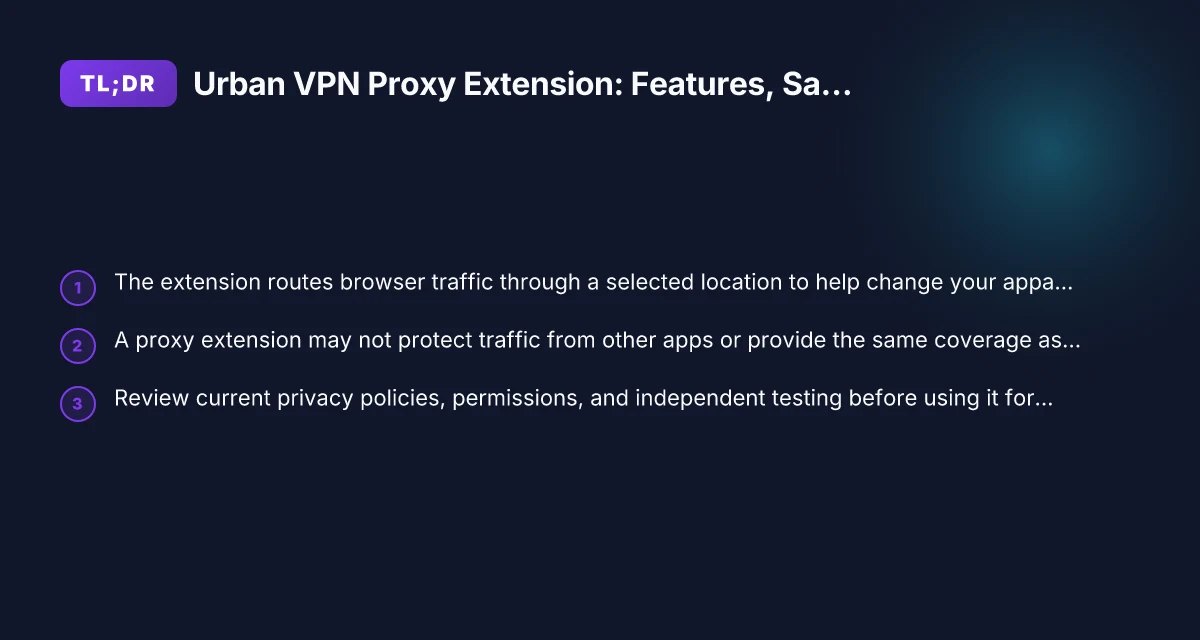
The Urban VPN Proxy Extension is a browser add-on designed to route browser traffic through a server in a location you choose. People typically look for it to change their apparent IP address, access location-dependent pages, or add a layer of privacy while browsing. It is easy to confuse a browser proxy with a full VPN, though: an extension may cover only browser traffic, and its privacy protections depend on how the service operates.
Browser proxy extension vs. full VPN
| Comparison point | Urban VPN Proxy Extension | Full VPN app |
|---|---|---|
| Where it runs | In a supported browser | Across the device |
| Browser traffic | Routed through proxy | Routed through VPN |
| Other app traffic | Usually not covered | Typically covered |
| Setup | Add browser extension | Install an app |
| Server choice | Browser extension options | App options |
| Best suited for | Browser-only use | Broader device protection |
| Connection controls | Browser-based | App-based |
| Key limitation | Coverage may be browser-only | Requires device installation |
Compiled November 2026; check the provider's site for current details.
| VPN | Obfuscation | From / month | Plan | Free plan | Refund | Alipay | UnionPay | Crypto | Website opens in China | Trustpilot | |
|---|---|---|---|---|---|---|---|---|---|---|---|
 ZoogVPN | Turn on manually Shadow | $2.49/mo | 27 months: $59.99 | Yes | 7 days | ✓ | ✓ | ✓ | ✓ | Official site blocked; our special link opens (4.4 s) | 4.2/5 (195 reviews) |
 NordVPN | Turn on manually Obfuscated Servers / NordWhisper | $3.49/mo | 27 months: $94.23 | No | 30 days | ? | ✗ | ✓ | ✓ | ✗ Blocked | 4.2/5 (51,628 reviews) |
 ExpressVPN | ✓ On by default all servers | $3.00/mo | 28 months: $84 | No | 30 days | ✗ | ✗ | ✓ | ✗ | ✗ Blocked | 4.4/5 (29,706 reviews) |
 Surfshark | ✓ On by default Camouflage, with OpenVPN | See site | See site | No | 30 days | ✗ | ✗ | ✗ | ✓ | ✗ Blocked | 4.3/5 (31,823 reviews) |
 Proton VPN | Turn on manually Stealth, free plan too | $2.99/mo | 12 months: $35.88 | Yes | 30 days | ✗ | ✗ | ✗ | ✓ | ✗ Blocked | 2.1/5 (1,040 reviews) |
 Astrill VPN | Turn on manually StealthVPN / OpenWeb | $12.50/mo | 24 months: $300 | No | See site | ✗ | ✗ | ✗ | ✓ | ✗ Blocked | 1.3/5 (110 reviews) |
 Private Internet Access | Turn on manually Shadowsocks, OpenVPN only | $2.03/mo | 40 months: $81.2 | No | 30 days | ✗ | ✗ | ✗ | ✗ | ✗ Blocked | 4.2/5 (11,033 reviews) |
 CyberGhost | Turn on manually selected servers | $2.19/mo | 28 months: $61.32 | No | 45 days | ✗ | ✗ | ✗ | ✓ | ✗ Blocked | 4.0/5 (24,178 reviews) |
 PureVPN | Turn on manually switch to OpenVPN | $1.69/mo | 60 months: $101.55 | No | 31 days | ? | ? | ✗ | ✓ | ✗ Blocked | 4.4/5 (17,994 reviews) |
 AdGuard VPN | ✓ On by default TrustTunnel | $2.99/mo | 24 months: $71.76 | Yes | 30 days | ✓ | ✗ | ✓ | ✓ | Official site blocked; our special link opens (3.7 s) | 4.3/5 (290 reviews) |
 Mullvad | Turn on manually QUIC / Shadowsocks / LWO | $5.61/mo | €5/mo | No | 14 days | ✗ | ✗ | ✗ | ✓ | ✗ Blocked | 3.2/5 (192 reviews) |
 Windscribe | Turn on manually Stealth / WStunnel | $5.75/mo | 12 months: $69 | Yes | See site | ✗ | ✗ | ✗ | ✓ | ✗ Blocked | 4.7/5 (13,355 reviews) |
 StrongVPN | Turn on manually Scramble, OpenVPN TCP | See site | See site | No | 30 days | ✓ | ✗ | ✗ | ✗ | ✗ Blocked | 4.4/5 (2,695 reviews) |
 LightXtreme 闪连 | Not listed | $7.08/mo | 12 months: $84.99 | Yes | 30 days | ✓ | ✓ | ✓ | ✓ | ✓ Yes (3.5 s) | No page |
Prices checked 2026-11-10 on each vendor's pricing page (cheapest long plan, USD). Check the vendor's checkout for the final price.
Obfuscation checked 2026-11-14 on each vendor's site and help center: "on by default" = nothing to set; "turn on manually" = switch protocol or mode in settings; "not listed" = the vendor describes no obfuscation.
Payment methods checked 2026-11-10 on each vendor's payment pages: all 14 take cards and PayPal; ✗ = not listed, ? = the vendor's own pages disagree.
China access: whether the official website opens from mainland China networks (tests the website only, not the VPN connection). Last checked 2026-11-18 01:02 Beijing time.
Trustpilot score and review count checked 2026-11-10.
What the Urban VPN Proxy Extension Does
After installation, the extension generally lets you select a location and connect through a proxy. Websites may then see the proxy server’s IP address rather than the IP address assigned by your internet provider.
Typical uses include:
- Checking how a website appears from another location.
- Reducing exposure of your regular IP address to sites visited in the browser.
- Accessing pages that are available only in certain regions, where permitted.
- Switching off the proxy when it is not needed.
Changing an apparent IP address does not make you anonymous. Websites may still identify or track you through account sign-ins, cookies, browser fingerprinting, and other signals. A proxy also does not necessarily encrypt all internet traffic from your device.
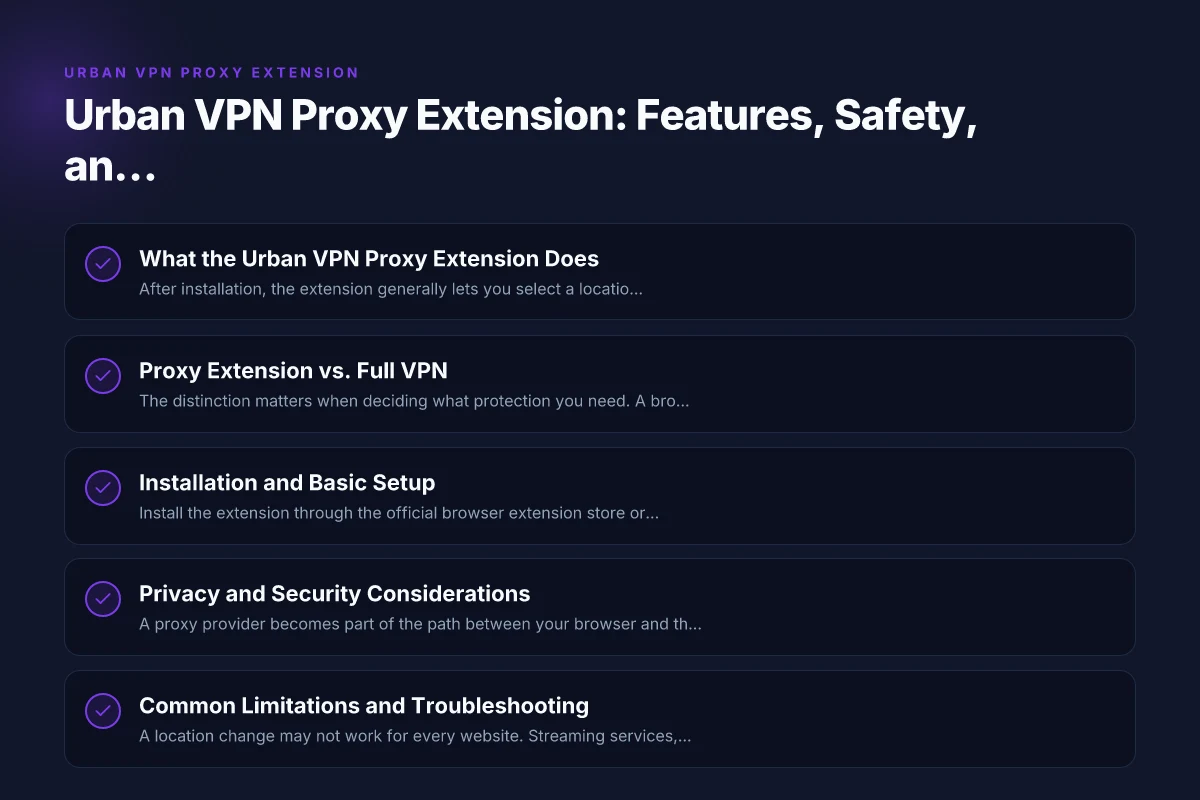
Proxy Extension vs. Full VPN
The distinction matters when deciding what protection you need. A browser extension may work as a proxy for a particular browser, while a full VPN app typically creates a device-level connection that can route traffic from multiple apps. The exact behavior depends on the product and its settings, so check the current documentation rather than assuming coverage. Get VPN IPsec Tunnel Summary: Commands, Fields, and Troubleshooting
| Feature | Browser proxy extension | Full-device VPN app |
|---|---|---|
| Traffic coverage | Usually browser traffic, depending on setup | Often traffic from multiple device apps |
| Location switching | Commonly available in the extension | Commonly available in the app |
| Device-wide protection | Not generally guaranteed | Usually the main purpose |
| Setup | Installed in a supported browser | Installed on the device |
| Best suited for | Browser-specific location changes | Broader network privacy needs |
Neither format automatically guarantees complete privacy. For example, browser settings, DNS handling, WebRTC behavior, and the provider’s infrastructure can affect what is exposed. If you need protection for all device traffic, confirm that the service offers a full VPN app and understand how it handles connections outside the browser.
Checks to make before using a browser proxy
| Check | What to look for | Why it matters | If unclear |
|---|---|---|---|
| Extension publisher | Official Urban VPN listing | Helps avoid lookalikes | Verify the publisher |
| Permissions | Requested browser access | Reveals what the extension can access | Review before installing |
| Privacy policy | Data collection and use | Explains privacy practices | Read the current policy |
| Connection status | Whether the proxy is active | Helps confirm it is working | Reconnect or check settings |
| Website behavior | Whether the site loads correctly | Proxies can affect site access | Try another location |
| Sensitive activity | Whether it needs stronger safeguards | A proxy is not the same as full-device VPN coverage | Consider a full VPN |
| Updates | Current extension version | Updates can address issues | Check the browser store |
Compiled November 2026; check the provider's site for current details.
Installation and Basic Setup
Install the extension through the official browser extension store or a link provided by Urban VPN. Avoid third-party download sites, which may offer outdated or modified files. IPsec Over TCP: How It Works, Benefits, and Limitations
A straightforward setup usually involves these steps:
- Search for the official Urban VPN extension in your browser’s extension store.
- Confirm the publisher and review the requested permissions.
- Install the extension and open its toolbar icon.
- Choose an available location and connect.
- Visit an IP-checking site to see whether your browser appears to use a different IP address.
- Disconnect when you no longer need the proxy.
The names of buttons, available locations, and account requirements can change as the product is updated. If the extension does not connect, check the browser’s extension settings, update the browser, and consult Urban VPN’s current help materials.
Privacy and Security Considerations
A proxy provider becomes part of the path between your browser and the websites you visit. That makes the provider’s policies and technical practices important. Before using the extension, review its current privacy policy and determine what information it collects, how long it retains data, and whether it shares information with other parties.
Pay particular attention to: VPN That Changes Location Free: What to Know Before You Choose
- Permissions: Check whether the extension requests access to browsing data or website content, and decide whether those permissions make sense for its functions.
- Logging: Look for clear information about connection records, activity data, retention periods, and deletion options.
- Encryption: A changed IP address is not proof that every connection is encrypted. Look for details about supported protocols and the traffic the extension protects.
- Leaks and coverage: Independent testing can help assess DNS or WebRTC exposure, but results may depend on browser, operating system, and configuration.
- Company transparency: Check who operates the service, how to contact support, and whether independent audits or clear technical documentation are available.
Do not use a proxy extension as a substitute for careful account security. Use strong, unique passwords and multifactor authentication, and avoid entering sensitive information on sites that lack HTTPS. A proxy also cannot make an unsafe download or phishing page safe.
Common Limitations and Troubleshooting
A location change may not work for every website. Streaming services, banks, and other platforms may block known proxy addresses or require additional verification. A site may also use account information, payment details, or device signals to determine your region.
If a page fails to load or behaves unexpectedly, try these steps:
- Disconnect and reconnect to a different available location.
- Reload the page or open a private window, if the extension supports that setup.
- Check whether another proxy, VPN, or security extension is interfering.
- Clear the site’s cookies if you are comfortable signing in again.
- Turn off the extension to test whether it is causing the issue.
Using a proxy to bypass a service’s rules may violate that service’s terms. Check local laws and the website’s policies before attempting to access restricted content. NordVPN Extension for Edge: How to Install and Use It
Choosing a setup and troubleshooting next steps
| Situation | First step | If it persists | Consider |
|---|---|---|---|
| Extension will not install | Check browser compatibility | Review store listing and permissions | Use a supported browser |
| Extension is missing | Check the browser toolbar | Open the extensions menu | Pin the extension |
| Proxy will not connect | Check connection settings | Retry the connection | Try another available location |
| A site will not load | Refresh the page | Switch proxy location | Use the site without the proxy |
| Browser traffic is covered, other apps are not | Confirm the extension is active | Check its coverage limits | Use a full VPN |
| Connection seems slow | Try another location | Check whether the issue is site-specific | Reconnect later |
| Privacy details are uncertain | Review the current policy | Check requested permissions | Avoid sensitive use until clear |
Compiled November 2026; check the provider's site for current details.
Recommendation
The Urban VPN Proxy Extension may suit people who want a convenient, browser-focused way to change their apparent location or IP address. Treat it as a proxy tool, not automatic anonymity or guaranteed device-wide protection. Before installing it, verify the publisher, inspect permissions, and read the latest privacy and security information. For sensitive work or protection across all apps, compare full-device VPN options and choose a provider whose coverage and data practices you can clearly evaluate.