V2Ray Free: What It Is, How to Choose a Safe Option, and What to Expect
Learn what “v2ray free” means, how free services differ, and how to assess privacy, security, speed, and reliability.
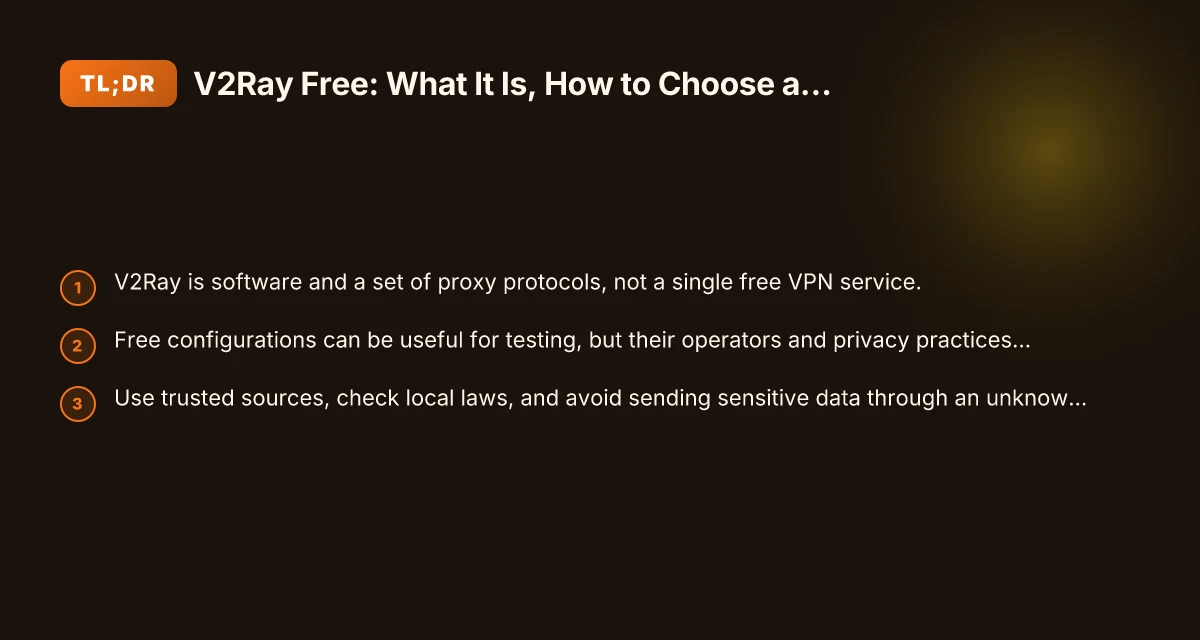
“V2Ray free” usually refers to free access to a V2Ray-compatible proxy server or a free configuration for V2Ray software. V2Ray itself is not one provider, and downloading the software does not automatically give you a working server. Before using a free option, find out who operates it, what information it collects, and whether it is reliable enough for your needs.
Compare common “V2Ray free” options
| Option | What it provides | Typical cost | Main trade-off | Best suited to |
|---|---|---|---|---|
| Self-hosted server | Your own V2Ray-compatible server | Server hosting may cost money | Requires setup and maintenance | Users who want control |
| Free public server | Shared access to a community server | Free | Availability and privacy may be uncertain | Short-term testing |
| Free tier from a provider | Limited service from a commercial provider | Free within limits | May have data, speed, or feature limits | Trying a provider |
| V2Ray client app | Software to connect to a server | Often free | Does not provide a server by itself | Users with server details |
| Paid provider plan | Managed server access | Paid | Less control than self-hosting | Users who want support |
| Unverified subscription link | Server configuration from an unknown source | Often advertised as free | Source and data handling may be unclear | Not recommended without verification |
Compiled November 2026; check the provider's site for current details.
What V2Ray means
V2Ray is commonly used to describe software in the Project V ecosystem, which provides tools for proxying network traffic. Depending on the client and server configuration, it can support different protocols and ways of routing connections. Xray-core is a related project that is also widely used with compatible clients.
A V2Ray client runs on your device and connects to a server. You need both a suitable client and valid server details. These details may come from a paid provider, your own server, or a free public configuration.
That distinction matters: free V2Ray software is not the same thing as a free, trustworthy VPN subscription. A proxy may route only traffic configured to use it, while a VPN typically creates a system-level tunnel. What gets protected depends on the client, operating system, and routing settings.
What “V2Ray free” options are available?
Free access generally comes in a few forms. Each has different trade-offs: How Can I Tell If a VPN Is Blocking My Internet?
- Public configurations: Connection details shared online, often with limited information about the server operator.
- Free tiers from providers: A service may offer a capped amount of data, a small number of locations, or restricted speeds.
- Trial access: A temporary test period that may require an account or payment details.
- Self-hosting: You install server software on infrastructure you control. The software may be free, but hosting, bandwidth, and domain costs can apply.
| Option | Typical cost | Main advantage | Main concern |
|---|---|---|---|
| Public configuration | Free | Quick to try | Operator, logging, and availability may be unclear |
| Provider free tier | Free, often limited | Clearer service terms may be available | Data, speed, or location limits |
| Trial | Free temporarily | Lets you test a service | May require cancellation or billing details |
| Self-hosted server | Software can be free | More control over configuration | Requires setup and paid infrastructure |
A free option is not automatically unsafe, just as a paid option is not automatically private. The important questions are who controls the server and what safeguards the service provides.
Evaluate a free V2Ray service before using it
| Check | Good sign | Warning sign | Why it matters |
|---|---|---|---|
| Operator identity | Clear, verifiable operator | Anonymous or misleading claims | Helps assess accountability |
| Privacy policy | Explains data collection and retention | No policy or vague promises | Shows how connection data may be handled |
| Configuration source | Shared through a trusted channel | Unknown links or files | Reduces risk of malicious settings |
| Permissions | Client requests only needed access | Unexpected permissions | Limits unnecessary exposure |
| Security updates | Client is maintained | Outdated or abandoned software | Updates can address security issues |
| Service limits | Limits are clearly stated | “Unlimited” claims without detail | Sets realistic expectations |
| Support and status | Status or support information is available | No way to report problems | Helps judge reliability |
| Independent reputation | Credible reviews or documentation | Only unverifiable testimonials | Provides additional context |
Compiled November 2026; check the provider's site for current details.
How to evaluate a free service
Treat the server operator as someone who may be able to observe at least some connection metadata. Encryption between your device and the proxy can protect traffic on that connection, but it does not make the proxy operator disappear from the trust relationship. The operator may see connection times, data volume, and destination information, depending on the setup. Websites you visit can still identify you through accounts, cookies, browser fingerprints, or other signals. NordVPN Windows: How to Download, Install, and Use the App
Before connecting, check for:
- An identifiable operator: Look for a real service name, contact details, and a consistent official site.
- A clear privacy policy: It should explain what data is collected, why, how long it is retained, and how it may be shared.
- Current configuration guidance: Instructions should identify the required client and protocol settings without asking you to install unrelated software.
- A credible security record: Search for independent reporting or a sustained reputation, rather than relying only on anonymous posts.
- Reasonable permissions: A configuration should not require disabling device security or installing an unknown certificate.
- Transparent limits: Data caps, speed restrictions, and service availability should be stated clearly.
Be cautious with configuration links, QR codes, and copied server details from social channels or file-sharing sites. A connection profile is not necessarily a harmless document: it tells your client where and how to connect, and an untrusted source can mislead you about the server you are using.
Safety, privacy, and reliability
Free public servers can be crowded, slow, or short-lived. They may stop working without warning, and the operator may change the server or its policies. Avoid relying on an unverified connection for banking, work accounts, private messages, or other sensitive activity.
Use basic precautions: Microsoft Edge Secure Network VPN Reviews: Is It Safe and Worth Using?
- Download client software from its official project page or a reputable app store.
- Keep the operating system, browser, and client updated.
- Do not enter credentials on sites that show certificate warnings.
- Use HTTPS and multi-factor authentication where available.
- Check the client’s routing settings so you understand which traffic uses the proxy.
- Disconnect if the service behaves unexpectedly or asks you to weaken security protections.
- Review local laws and workplace or school rules before using proxy software.
A proxy can help route traffic through another server, but it does not guarantee anonymity, bypass every restriction, or protect against malware and phishing. It also cannot prevent tracking by services where you sign in. For privacy-sensitive use, review the provider’s claims carefully and consider whether a reputable paid service or a server you control is a better fit.
Choose a client and set expectations
| Decision point | What to look for | What it does not guarantee | Practical expectation |
|---|---|---|---|
| Platform support | Compatible app for your device | A working server | Check compatibility first |
| Protocol support | V2Ray-compatible protocols and settings | Access to every server | Match the client to the configuration |
| Configuration method | Clear import or manual setup | That a shared link is trustworthy | Verify the source before importing |
| Update history | Recent maintenance | Perfect security | Prefer maintained clients |
| Documentation | Setup and troubleshooting guidance | Fast or continuous service | Expect some configuration work |
| Free access | Explicit terms and limits | Stable speed or uptime | Availability may change |
| Privacy controls | Understandable permissions and policies | Anonymity | A client cannot control the server operator |
| Recommendation | Trusted client plus trusted server | Risk-free browsing | Avoid unknown free servers for sensitive use |
Compiled November 2026; check the provider's site for current details.
Choosing a client and setting expectations
Use a client that is actively maintained and compatible with the protocol and configuration supplied by the server operator. Because client names, features, and availability can vary by platform, verify the official source before installing. Avoid unofficial “one-click” installers that bundle unknown software. Nord VPN in China: Does It Work and How to Prepare
A sensible test is to connect without entering sensitive credentials, confirm that the expected websites load, and check whether the connection remains stable. If the client offers routing or DNS options, consult its official documentation rather than changing settings at random. A successful connection only confirms that the server responds. It does not prove that the service is private or trustworthy.
Recommendation
For casual testing, a clearly documented provider free tier or a temporary trial is generally easier to evaluate than an anonymous public configuration. For regular or sensitive use, choose a service with transparent policies and a credible track record, or self-host if you have the skills and understand the hosting costs. In every case, remember that “V2Ray free” describes a cost or access offer, not a guarantee of privacy, security, or dependable service.