VPN xbox browser(2026)
Learn why Xbox has no built-in VPN browser, how to connect through a router or PC, and which option suits your setup.
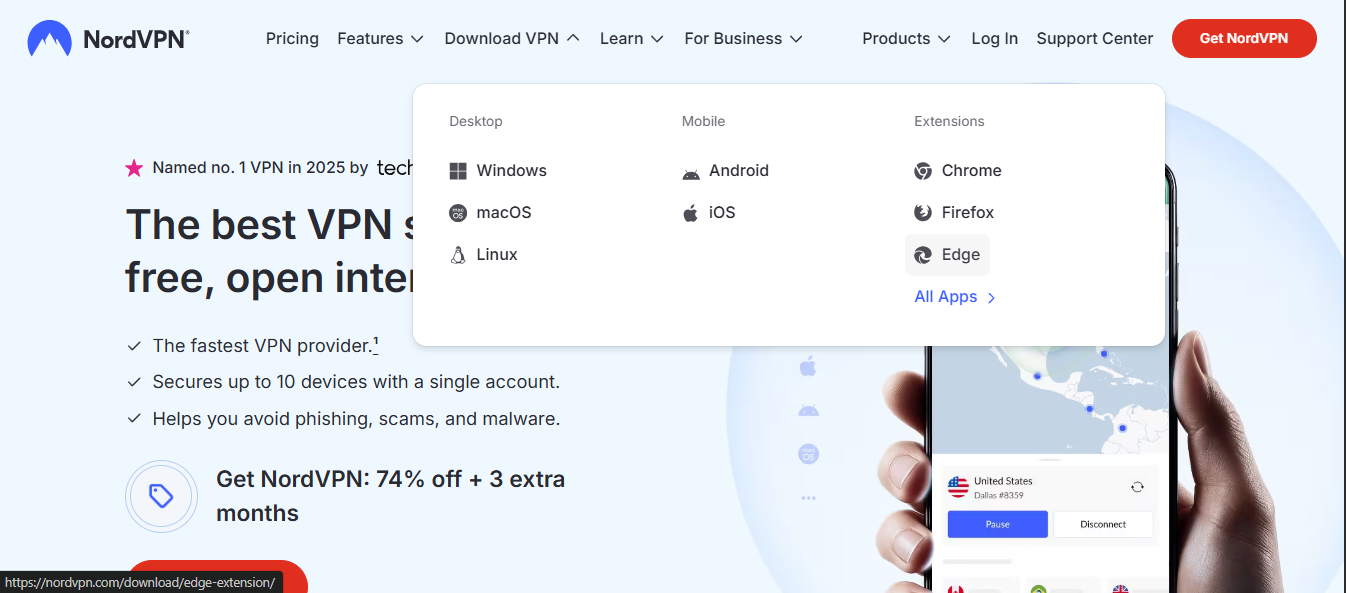
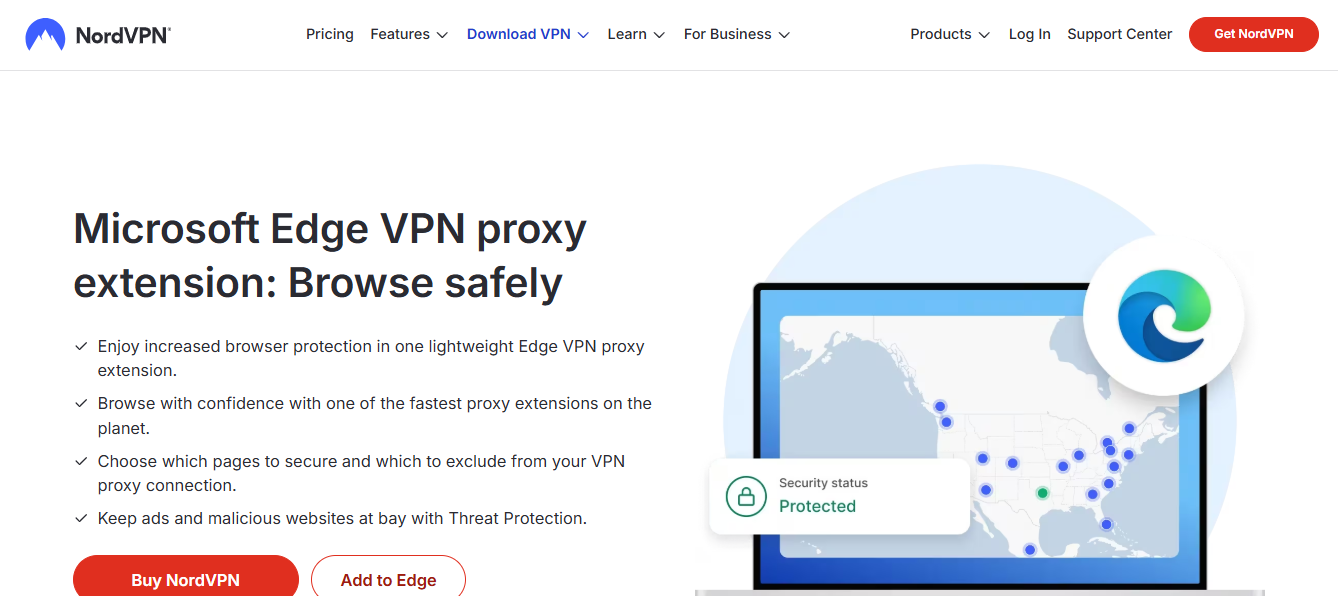
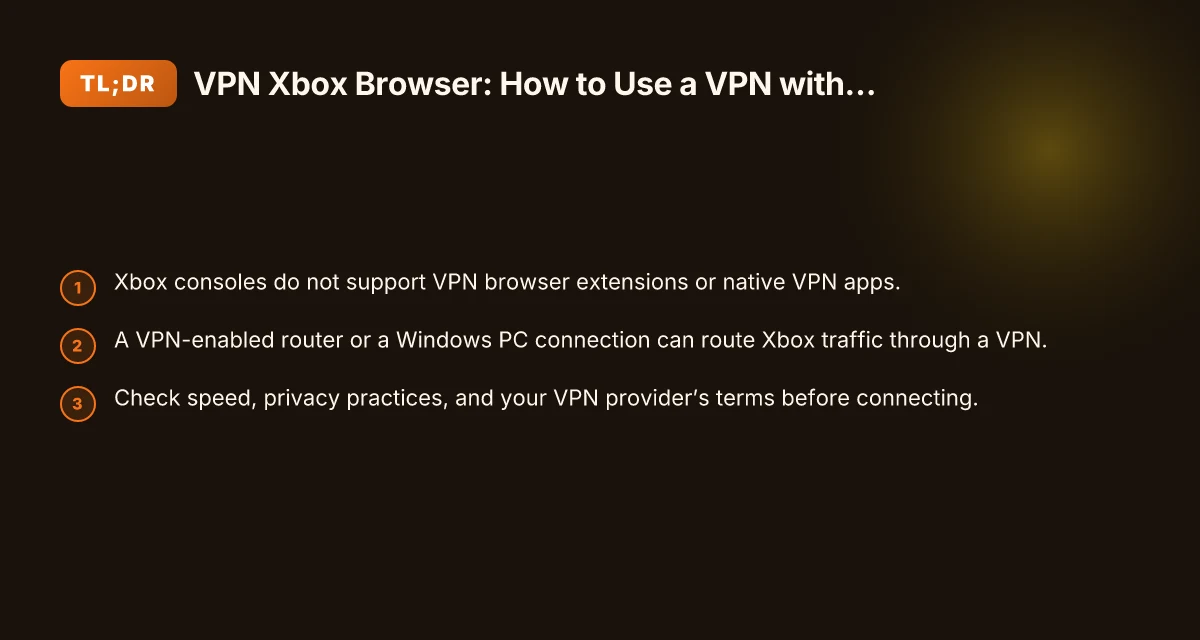
If you’re looking for a VPN Xbox browser, the key point is that Xbox consoles don’t offer a conventional web browser with VPN extensions, and they generally don’t support native VPN apps. To use a VPN on Xbox, connect the console through a VPN-enabled router or share a VPN connection from a computer. This can route your Xbox’s internet traffic through a VPN, but it does not add a VPN browser to the console.
Compare the main ways to connect an Xbox to a VPN
| Method | How it connects | Setup location | Best suited for | Main trade-off |
|---|---|---|---|---|
| VPN router | Xbox connects through the router | Router settings | Several devices | Requires router setup |
| Windows PC sharing | Xbox uses the PC’s shared VPN connection | Windows network settings | Using an existing PC | PC must stay connected |
| VPN app on Xbox | Not available as a standard Xbox app | Xbox console | — | Use another connection method |
| Ethernet to PC | Xbox connects to the PC by cable | PC and Xbox | Wired setup | Requires a cable |
| Wi-Fi through PC | Xbox connects to the PC’s shared network | Windows PC | Wireless setup | Depends on PC sharing support |
Compiled November 2026; check the provider's site for current details.
| VPN | Obfuscation | From / month | Plan | Free plan | Refund | Alipay | UnionPay | Crypto | Website opens in China | Trustpilot | |
|---|---|---|---|---|---|---|---|---|---|---|---|
 ZoogVPN | Turn on manually Shadow | $2.49/mo | 27 months: $59.99 | Yes | 7 days | ✓ | ✓ | ✓ | ✓ | Official site blocked; our special link opens (4.4 s) | 4.2/5 (195 reviews) |
 NordVPN | Turn on manually Obfuscated Servers / NordWhisper | $3.49/mo | 27 months: $94.23 | No | 30 days | ? | ✗ | ✓ | ✓ | ✗ Blocked | 4.2/5 (51,628 reviews) |
 ExpressVPN | ✓ On by default all servers | $3.00/mo | 28 months: $84 | No | 30 days | ✗ | ✗ | ✓ | ✗ | ✗ Blocked | 4.4/5 (29,706 reviews) |
 Surfshark | ✓ On by default Camouflage, with OpenVPN | See site | See site | No | 30 days | ✗ | ✗ | ✗ | ✓ | ✗ Blocked | 4.3/5 (31,823 reviews) |
 Proton VPN | Turn on manually Stealth, free plan too | $2.99/mo | 12 months: $35.88 | Yes | 30 days | ✗ | ✗ | ✗ | ✓ | ✗ Blocked | 2.1/5 (1,040 reviews) |
 Astrill VPN | Turn on manually StealthVPN / OpenWeb | $12.50/mo | 24 months: $300 | No | See site | ✗ | ✗ | ✗ | ✓ | ✗ Blocked | 1.3/5 (110 reviews) |
 Private Internet Access | Turn on manually Shadowsocks, OpenVPN only | $2.03/mo | 40 months: $81.2 | No | 30 days | ✗ | ✗ | ✗ | ✗ | ✗ Blocked | 4.2/5 (11,033 reviews) |
 CyberGhost | Turn on manually selected servers | $2.19/mo | 28 months: $61.32 | No | 45 days | ✗ | ✗ | ✗ | ✓ | ✗ Blocked | 4.0/5 (24,178 reviews) |
 PureVPN | Turn on manually switch to OpenVPN | $1.69/mo | 60 months: $101.55 | No | 31 days | ? | ? | ✗ | ✓ | ✗ Blocked | 4.4/5 (17,994 reviews) |
 AdGuard VPN | ✓ On by default TrustTunnel | $2.99/mo | 24 months: $71.76 | Yes | 30 days | ✓ | ✗ | ✓ | ✓ | Official site blocked; our special link opens (3.7 s) | 4.3/5 (290 reviews) |
 Mullvad | Turn on manually QUIC / Shadowsocks / LWO | $5.61/mo | €5/mo | No | 14 days | ✗ | ✗ | ✗ | ✓ | ✗ Blocked | 3.2/5 (192 reviews) |
 Windscribe | Turn on manually Stealth / WStunnel | $5.75/mo | 12 months: $69 | Yes | See site | ✗ | ✗ | ✗ | ✓ | ✗ Blocked | 4.7/5 (13,355 reviews) |
 StrongVPN | Turn on manually Scramble, OpenVPN TCP | See site | See site | No | 30 days | ✓ | ✗ | ✗ | ✗ | ✗ Blocked | 4.4/5 (2,695 reviews) |
 LightXtreme 闪连 | Not listed | $7.08/mo | 12 months: $84.99 | Yes | 30 days | ✓ | ✓ | ✓ | ✓ | ✓ Yes (3.5 s) | No page |
Prices checked 2026-11-10 on each vendor's pricing page (cheapest long plan, USD). Check the vendor's checkout for the final price.
Obfuscation checked 2026-11-14 on each vendor's site and help center: "on by default" = nothing to set; "turn on manually" = switch protocol or mode in settings; "not listed" = the vendor describes no obfuscation.
Payment methods checked 2026-11-10 on each vendor's payment pages: all 14 take cards and PayPal; ✗ = not listed, ? = the vendor's own pages disagree.
China access: whether the official website opens from mainland China networks (tests the website only, not the VPN connection). Last checked 2026-11-18 01:02 Beijing time.
Trustpilot score and review count checked 2026-11-10.
What “VPN Xbox browser” means
The phrase can refer to two different things: browsing the web on an Xbox while protected by a VPN, or using a VPN through an Xbox browser. These are not quite the same.
Xbox’s Microsoft Edge browser lets you visit websites, but you can’t install a typical VPN browser extension in it as you might on a desktop browser. Installing a VPN on another device and sharing that device’s connection is the usual workaround. When configured correctly, it can cover traffic from the console, including browser traffic and online games.
A VPN changes the network route between your device and the internet. It may conceal your public IP address from websites and encrypt traffic between your device and the VPN server. It does not make you anonymous, prevent every form of tracking, or guarantee access to a particular website or game.
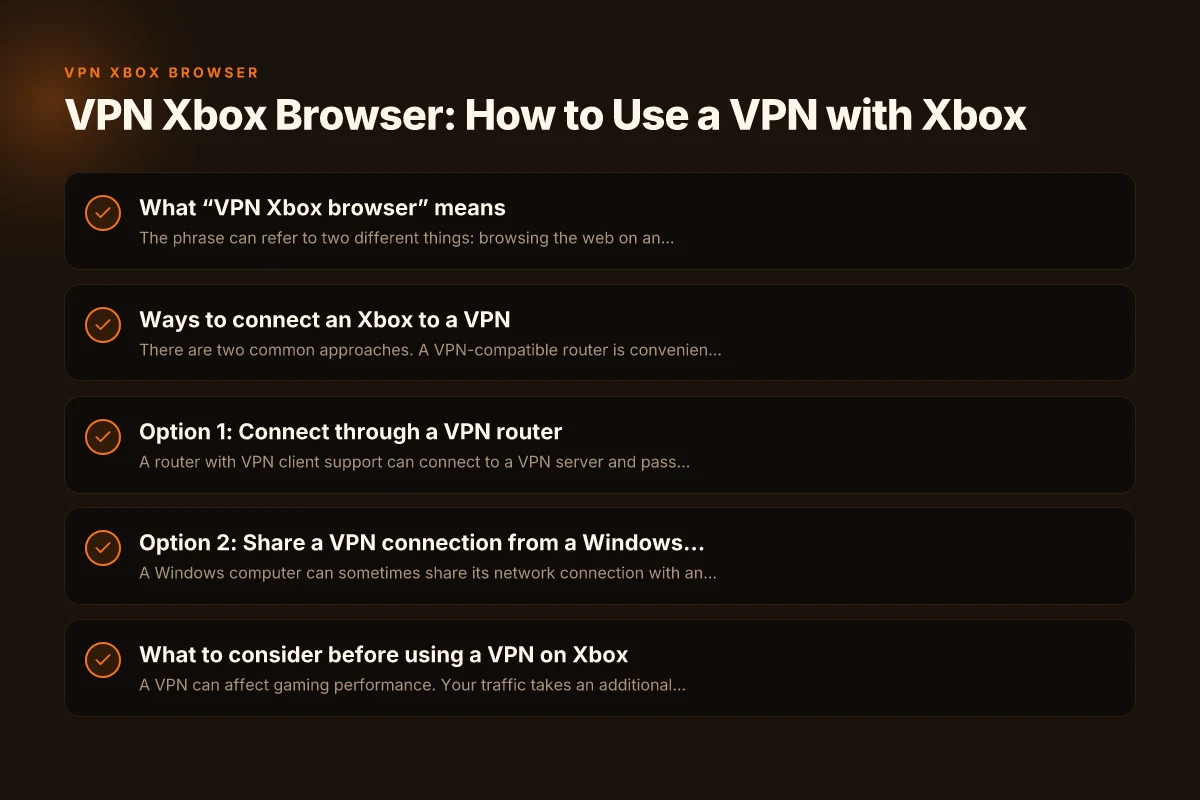
Ways to connect an Xbox to a VPN
There are two common approaches. A VPN-compatible router is convenient for ongoing use, while a computer connection may be easier for a temporary setup. dodgy dave stick and VPN(2026)
| Method | Best for | Main advantage | Main drawback |
|---|---|---|---|
| VPN-enabled router | Regular use or multiple devices | Connects the Xbox without leaving a computer on | Setup can be more involved; not every router supports VPN connections |
| Windows PC connection sharing | Trying a VPN without changing router settings | Uses an existing computer and VPN subscription | The PC must stay on, and sharing can require troubleshooting |
| VPN app on Xbox | Not generally available | Would be the simplest option | Xbox consoles typically do not support native consumer VPN apps |
Features vary by router, Windows version, VPN provider, and network setup. Check the relevant support instructions before making changes.
Option 1: Connect through a VPN router
A router with VPN client support can connect to a VPN server and pass the connection to devices on your home network. If your Xbox connects to that router, its internet traffic can use the VPN connection.
- Confirm that your router supports VPN client connections. VPN server support alone may not be enough: a router that lets you connect to your home network is different from one that routes home devices through a VPN provider.
- Get the setup details from your VPN provider, such as the supported protocol and server information.
- Configure the VPN connection in the router’s administration settings, following the router and provider instructions.
- Connect the Xbox to the router through Wi-Fi or Ethernet.
- Check the connection status and test the Xbox’s network connection.
Router menus and capabilities differ, so avoid using configuration files or settings that your provider does not recommend. If you want only the Xbox to use the VPN, look for router features such as device-specific routing or a separate Wi-Fi network. Otherwise, the VPN may affect every device connected to that router.
Choose between a VPN router and Windows PC sharing NordVPN ikev2 certificate(2026)
| Consideration | VPN router | Windows PC sharing |
|---|---|---|
| Where the VPN runs | Router | Windows PC |
| Xbox connection | Through the router | Through the PC |
| Other devices can use it | Usually, if connected to the router | Only if connected to the shared connection |
| PC needs to stay on | No | Yes |
| Setup involves | Router configuration | Windows network sharing |
| Best for | Multiple devices | A quick setup using a PC |
| Common limitation | Router compatibility or configuration | Sharing and adapter configuration |
| Troubleshooting focus | Router and VPN settings | VPN connection and Windows sharing |
Compiled November 2026; check the provider's site for current details.
Option 2: Share a VPN connection from a Windows PC
A Windows computer can sometimes share its network connection with an Xbox. The exact steps depend on your Windows version, VPN software, and whether the computer connects by Wi-Fi or Ethernet.
A common arrangement is to connect the PC to the internet, start the VPN, and then share the PC’s connection with the console. Depending on the available hardware, you may connect the Xbox to the PC using Ethernet or a shared wireless hotspot. Follow the instructions for your specific Windows setup and VPN provider.
Keep these points in mind: forticlient VPN 7.2 download for windows 11(2026)
- The PC needs to remain powered on and connected while the Xbox uses the shared connection.
- Some VPN apps do not support connection sharing, or require additional configuration.
- Sharing may reduce speed or increase latency, especially over Wi-Fi.
- If the Xbox loses internet access, check the PC’s sharing settings, VPN connection, cables, and firewall before changing advanced network settings.
This option can be useful for a short test, but it is often less convenient than configuring a compatible router for regular use.
What to consider before using a VPN on Xbox
A VPN can affect gaming performance. Your traffic takes an additional route through a VPN server, which can increase latency or reduce download speed. Choosing a server geographically close to you may help, but results depend on the provider, server load, internet connection, and the game’s network setup.
Also review the VPN provider’s privacy policy and technical details. Look for clear information about data logging, supported protocols, connection stability, and how the service handles outages. A VPN protects traffic only within the limits of its configuration. It does not replace secure account passwords, multifactor authentication, or careful privacy settings.
Finally, check the terms of the VPN provider, Xbox services, and any games you use. A VPN can change the apparent location of your connection, but using one to bypass regional restrictions or service rules may lead to access problems or other consequences. A VPN also cannot guarantee access to region-specific content. NordVPN no funciona en china 2025(2026)
Troubleshooting common connection problems
If your Xbox connects to the internet but the VPN does not seem to work, first confirm that the router or PC itself shows an active VPN connection. Then check that the Xbox is connected to the intended network, rather than a separate connection that bypasses the VPN.
If online play becomes slow or unstable, try a nearby VPN server, use Ethernet where practical, or disconnect the VPN to compare performance. If services stop working, restart the Xbox and networking equipment, then consult the VPN provider’s Xbox or router setup guidance. Avoid changing DNS, firewall, or router security settings at random. Incorrect changes can disrupt the whole network.
Check these points before troubleshooting an Xbox VPN connection
| Check | What to look for | If there is a problem |
|---|---|---|
| VPN connection | The VPN is connected on the router or PC | Reconnect the VPN |
| Xbox network path | Xbox uses the VPN router or shared PC connection | Change the Xbox connection |
| Router setup | Router supports the VPN configuration | Check router documentation |
| Windows sharing | Sharing is enabled for the VPN connection | Review Windows sharing settings |
| PC availability | PC remains on and connected | Keep the PC running |
| Ethernet connection | Cable is connected at both ends | Reseat or replace the cable |
| Wi-Fi connection | Xbox joins the intended shared network | Reconnect to the correct network |
| Test result | Xbox network test completes | Check the VPN and connection method again |
Compiled November 2026; check the provider's site for current details. change proxy settings in edge browser(2026)
Recommendation
For a regular setup, use a router that supports VPN client connections and follow the instructions from your VPN provider. For occasional use, sharing a VPN connection from a Windows PC may be a practical alternative. Don’t expect to install a VPN extension in Xbox Edge: the reliable approach is to route the console’s network connection through a VPN elsewhere.