best free VPN for edge(2026)

Compare trustworthy free VPN options for Microsoft Edge, including browser extensions, data limits, privacy, and setup.
If you’re looking for the best free VPN for Edge, start with Proton VPN’s free plan if you want unlimited data, or Windscribe’s Edge extension if you prefer a browser-based option. Neither is perfect for everyone: free services may limit server locations, speed, or features, and an extension may protect only traffic from your browser. Choose based on what you need to protect, not just on whether a service is free.
How the free options compare for Microsoft Edge
| Option | How it works in Edge | Free-data approach | Best for | Main consideration |
|---|---|---|---|---|
| Proton VPN | VPN app | Unlimited browsing | Regular use | Requires the app |
| Windscribe | Edge extension or app | Limited free allowance | Browser-only protection | Free data is limited |
| PrivadoVPN | VPN app | Limited free allowance | Occasional use | Free data is limited |
| Edge Secure Network | Built into Edge | Limited availability | Basic browser protection | Not a full-device VPN |
Compiled November 2026; check the provider's site for current details.
| VPN | Obfuscation | From / month | Plan | Free plan | Refund | Alipay | UnionPay | Crypto | Website opens in China | Trustpilot | |
|---|---|---|---|---|---|---|---|---|---|---|---|
 Proton VPN | Turn on manually Stealth, free plan too | $2.99/mo | 12 months: $35.88 | Yes | 30 days | ✗ | ✗ | ✗ | ✓ | ✗ Blocked | 2.1/5 (1,040 reviews) |
 Windscribe | Turn on manually Stealth / WStunnel | $5.75/mo | 12 months: $69 | Yes | See site | ✗ | ✗ | ✗ | ✓ | ✗ Blocked | 4.7/5 (13,355 reviews) |
 ZoogVPN | Turn on manually Shadow | $2.49/mo | 27 months: $59.99 | Yes | 7 days | ✓ | ✓ | ✓ | ✓ | Official site blocked; our special link opens (4.4 s) | 4.2/5 (195 reviews) |
 NordVPN | Turn on manually Obfuscated Servers / NordWhisper | $3.49/mo | 27 months: $94.23 | No | 30 days | ? | ✗ | ✓ | ✓ | ✗ Blocked | 4.2/5 (51,628 reviews) |
 ExpressVPN | ✓ On by default all servers | $3.00/mo | 28 months: $84 | No | 30 days | ✗ | ✗ | ✓ | ✗ | ✗ Blocked | 4.4/5 (29,706 reviews) |
 Surfshark | ✓ On by default Camouflage, with OpenVPN | See site | See site | No | 30 days | ✗ | ✗ | ✗ | ✓ | ✗ Blocked | 4.3/5 (31,823 reviews) |
 Astrill VPN | Turn on manually StealthVPN / OpenWeb | $12.50/mo | 24 months: $300 | No | See site | ✗ | ✗ | ✗ | ✓ | ✗ Blocked | 1.3/5 (110 reviews) |
 Private Internet Access | Turn on manually Shadowsocks, OpenVPN only | $2.03/mo | 40 months: $81.2 | No | 30 days | ✗ | ✗ | ✗ | ✗ | ✗ Blocked | 4.2/5 (11,033 reviews) |
 CyberGhost | Turn on manually selected servers | $2.19/mo | 28 months: $61.32 | No | 45 days | ✗ | ✗ | ✗ | ✓ | ✗ Blocked | 4.0/5 (24,178 reviews) |
 PureVPN | Turn on manually switch to OpenVPN | $1.69/mo | 60 months: $101.55 | No | 31 days | ? | ? | ✗ | ✓ | ✗ Blocked | 4.4/5 (17,994 reviews) |
 AdGuard VPN | ✓ On by default TrustTunnel | $2.99/mo | 24 months: $71.76 | Yes | 30 days | ✓ | ✗ | ✓ | ✓ | Official site blocked; our special link opens (3.7 s) | 4.3/5 (290 reviews) |
 Mullvad | Turn on manually QUIC / Shadowsocks / LWO | $5.61/mo | €5/mo | No | 14 days | ✗ | ✗ | ✗ | ✓ | ✗ Blocked | 3.2/5 (192 reviews) |
 StrongVPN | Turn on manually Scramble, OpenVPN TCP | See site | See site | No | 30 days | ✓ | ✗ | ✗ | ✗ | ✗ Blocked | 4.4/5 (2,695 reviews) |
 LightXtreme 闪连 | Not listed | $7.08/mo | 12 months: $84.99 | Yes | 30 days | ✓ | ✓ | ✓ | ✓ | ✓ Yes (3.5 s) | No page |
Prices checked 2026-11-10 on each vendor's pricing page (cheapest long plan, USD). Check the vendor's checkout for the final price.
Obfuscation checked 2026-11-14 on each vendor's site and help center: "on by default" = nothing to set; "turn on manually" = switch protocol or mode in settings; "not listed" = the vendor describes no obfuscation.
Payment methods checked 2026-11-10 on each vendor's payment pages: all 14 take cards and PayPal; ✗ = not listed, ? = the vendor's own pages disagree.
China access: whether the official website opens from mainland China networks (tests the website only, not the VPN connection). Last checked 2026-11-18 01:02 Beijing time.
Trustpilot score and review count checked 2026-11-10.
Best free VPN options for Microsoft Edge
Microsoft Edge supports many Chrome Web Store extensions, including VPN extensions. Some VPN providers also offer Windows apps that route traffic from Edge and other applications through a VPN connection.
These are two different approaches. A browser extension can be quick to install and easy to switch on, but it may cover only browser traffic. A full VPN app generally protects traffic from your whole device while it is connected.
| Option | How it works with Edge | Free-plan consideration | Best for |
|---|---|---|---|
| Proton VPN | Windows app used alongside Edge | Unlimited data; free server choices and features are limited | Regular browsing without a monthly data cap |
| Windscribe | Edge extension, with desktop app also available | Free allowance is limited and subject to plan terms | People who want a browser extension |
| PrivadoVPN | Windows app used with Edge | Monthly free data allowance and location limits may apply | Occasional browsing and testing |
| Microsoft Edge Secure Network | Built into Edge in supported regions | Availability and included data may vary | Basic, simple protection for supported use |
Free-plan details can change. Check each provider’s current terms, supported locations, and privacy policy before installing.
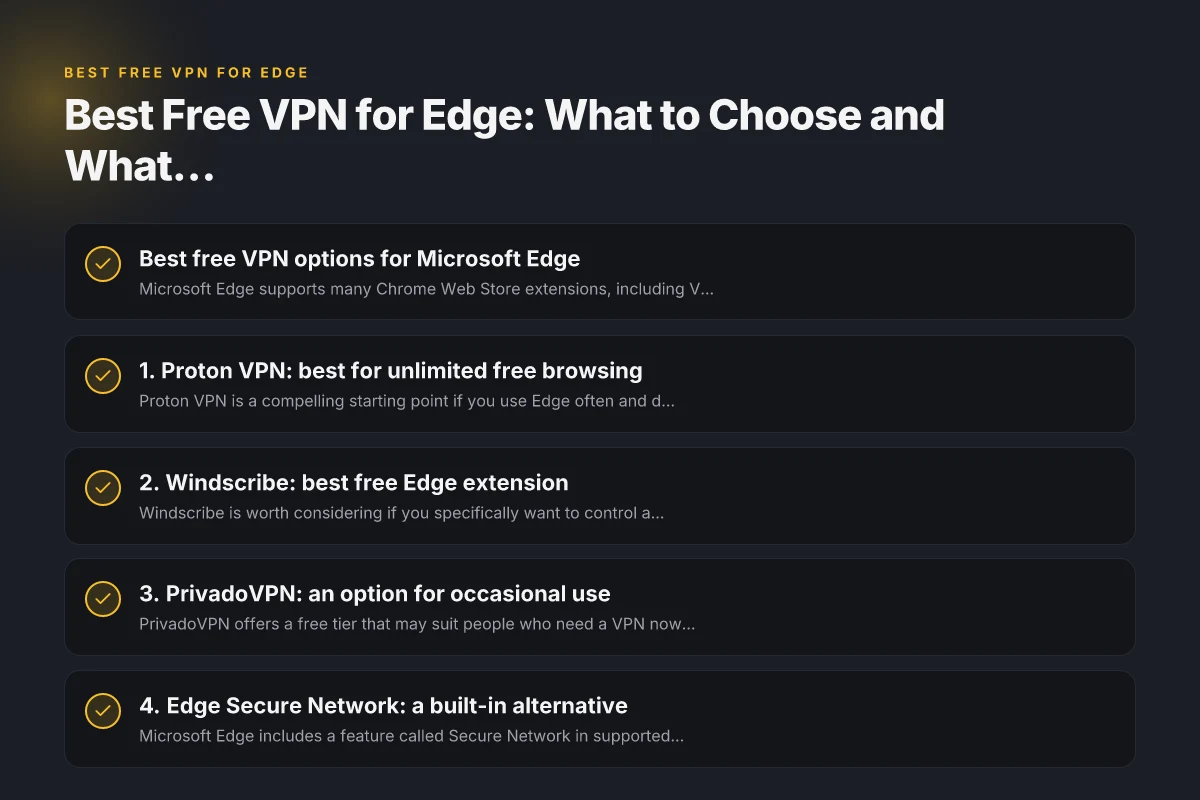
1. Proton VPN: best for unlimited free browsing
Proton VPN is a compelling starting point if you use Edge often and do not want to monitor a monthly data allowance. Its free plan offers unlimited data, while restricting some features and server choices compared with paid plans. microsoft edge VPN extension(2026)
To use it with Edge, install the provider’s official Windows app, sign in, connect to an available free server, and then browse in Edge. Because the app creates the VPN connection at the device level, it can protect traffic from more than just the browser, depending on your settings.
The trade-off is choice. Free users may have fewer locations, and access to particular servers or performance features can be limited. If you need a specific country, consistent high speeds, or streaming access, check whether the free plan supports that before relying on it.
Choose the option that fits your needs
| If you need… | Consider… | Covers browser traffic | Covers other apps | Free-use fit |
|---|---|---|---|---|
| Unlimited free browsing | Proton VPN | Yes | Yes | Regular use |
| Protection through an Edge extension | Windscribe | Yes | No, extension only | Occasional browsing |
| A VPN for occasional use | PrivadoVPN | Yes | Yes | Light use |
| A built-in Edge feature | Edge Secure Network | Yes | No | Basic browsing |
| Protection beyond the browser | A VPN app | Yes | Yes | Depends on free limits |
| Browser-only convenience | An Edge extension | Yes | No | Depends on free limits |
Compiled November 2026; check the provider's site for current details. urban VPN extension for chrome(2026)
2. Windscribe: best free Edge extension
Windscribe is worth considering if you specifically want to control a VPN from inside Edge. Its extension can be installed from the Microsoft Edge Add-ons store or, where supported, the Chrome Web Store. Look for the official publisher and review the permissions before adding it.
Windscribe’s free plan has a data allowance rather than unlimited use. The exact allowance and eligibility conditions can depend on the provider’s current plan rules, so confirm them when you sign up. For occasional browsing on public Wi-Fi, a limited allowance may be enough. For video, large downloads, or daily use, it can run out quickly.
A browser extension is convenient, but do not assume it protects every app on your computer. If you want device-wide coverage, use the provider’s desktop app and check that it is connected.
3. PrivadoVPN: an option for occasional use
PrivadoVPN offers a free tier that may suit people who need a VPN now and then rather than throughout the day. Its free plan has limits, including a monthly data allowance and restrictions on available locations or features. Review the current terms before choosing it. openVPN windows(2026)
You can use its Windows app while browsing in Edge. This is generally more suitable than relying on an unfamiliar extension if your goal is to protect traffic beyond the browser. As with any free VPN, test the connection and confirm the app’s privacy settings before using it for sensitive tasks.
Checks to make before choosing a free VPN
| Check | What to look for | Why it matters |
|---|---|---|
| Data allowance | Unlimited or a stated limit | Helps match the service to your usage |
| Coverage | Browser-only or whole-device | Determines which traffic is protected |
| Privacy policy | Clear details about data handling | Helps assess privacy practices |
| Security features | Encryption and leak protection | Helps reduce exposure |
| Server options | Available locations and selection | Affects where you can connect |
| Ease of use | Extension or app setup | Helps you choose a convenient option |
| Limitations | Speed, features, or usage caps | Avoids surprises during use |
Compiled November 2026; check the provider's site for current details.
4. Edge Secure Network: a built-in alternative
Microsoft Edge includes a feature called Secure Network in supported versions and regions. It can be convenient because it is integrated into the browser, but availability, data limits, and operating details may vary. VPN free edge extension(2026)
Secure Network is not a universal replacement for a full VPN. Check what protection it provides in your location and whether it covers the websites and activities you care about. If you want to protect other apps, change your apparent location reliably, or choose from a wider range of VPN servers, compare it with a dedicated VPN service.
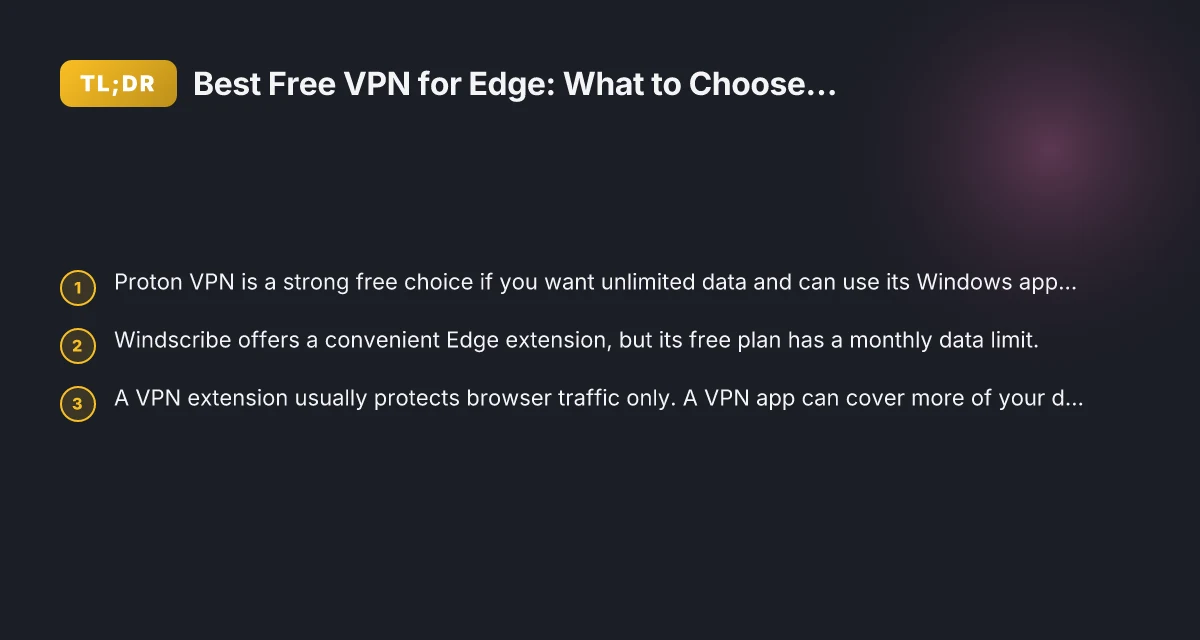
Browser extension or VPN app?
The right choice depends on how much of your activity you want covered.
- Choose an Edge extension for a quick browser-level control, if the provider clearly explains what traffic it handles.
- Choose a Windows VPN app for broader device coverage while connected.
- Use both only when needed. Running an extension and desktop VPN together can cause conflicts or unexpected routing.
- Check for DNS or WebRTC leaks using a reputable leak-test site after connecting, especially if privacy is important.
- Remember that a VPN does not make you anonymous. Websites can still identify you through accounts, cookies, browser fingerprints, and other signals.
A VPN can encrypt traffic between your device and the VPN provider, which is useful on untrusted networks. It does not prevent phishing, malware, account tracking, or every form of online surveillance.
How to choose a safe free VPN
Free VPNs differ in how they fund their service and handle data. Before installing one, look for a clear privacy policy, a named company, transparent free-plan limits, and apps distributed through official stores or the provider’s own website. forticlient VPN installer(2026)
Be cautious of services promising unlimited access, unrestricted streaming, and total anonymity without explaining how they operate. Avoid extensions that request broad permissions without a clear reason, and remove any VPN you no longer use.
Also consider whether the free plan fits your purpose. A small data allowance may work for checking email on public Wi-Fi but not for frequent video calls. Limited server locations may be fine for basic privacy but unsuitable if you need a particular country.
Final recommendation
For most people seeking the best free VPN for Edge, Proton VPN is the strongest starting point when unlimited data matters and a Windows app is acceptable. Choose Windscribe if you specifically want an Edge extension and its current free allowance meets your needs. If you only want a simple browser-integrated option, check whether Edge Secure Network is available to you and review its limits.