Change My VPN Location Free: Safe Ways to Do It
Learn how to change your VPN location for free, compare safe options, and avoid common privacy and connection pitfalls.
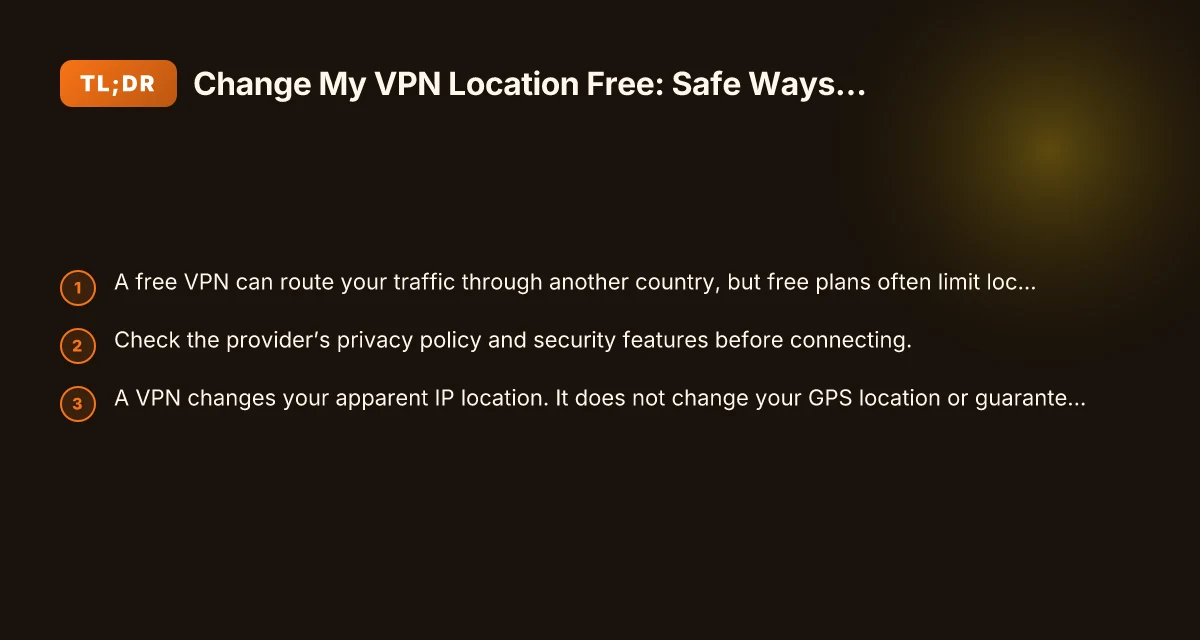
If you want to change your VPN location free, install a reputable VPN that offers a no-cost plan, choose one of its available server locations, and connect. Your internet traffic will then appear to come from that VPN server, so websites may see a different IP-based location. Free plans usually offer fewer countries and may impose speed or data limits, so check the details before relying on one.
Compare free VPN options before connecting
| Option | Location choices | Data limits | Speed and stability | Privacy checks |
|---|---|---|---|---|
| Free plan from a reputable VPN | Check listed countries | Check monthly allowance | Check free-plan limits | Read privacy policy |
| Free tier with ads | Check available locations | Check session or monthly cap | Ads may affect experience | Check data-sharing terms |
| Browser VPN or proxy | Usually browser-only | Check service limits | May not cover other apps | Verify what traffic is protected |
| Public Wi-Fi without a VPN | No location change | No VPN data cap | Depends on network | Network operator may see activity |
| Unknown free VPN app | Location claims may be unclear | Limits may be undisclosed | Performance may be unreliable | Avoid unclear logging practices |
| Paid VPN trial | Often broader selection | Check trial terms | May offer more stable service | Review renewal and cancellation rules |
Compiled November 2026; check the provider's site for current details.
| VPN | Obfuscation | From / month | Plan | Free plan | Refund | Alipay | UnionPay | Crypto | Website opens in China | Trustpilot | |
|---|---|---|---|---|---|---|---|---|---|---|---|
 ZoogVPN | Turn on manually Shadow | $2.49/mo | 27 months: $59.99 | Yes | 7 days | ✓ | ✓ | ✓ | ✓ | Official site blocked; our special link opens (4.4 s) | 4.2/5 (195 reviews) |
 NordVPN | Turn on manually Obfuscated Servers / NordWhisper | $3.49/mo | 27 months: $94.23 | No | 30 days | ? | ✗ | ✓ | ✓ | ✗ Blocked | 4.2/5 (51,628 reviews) |
 ExpressVPN | ✓ On by default all servers | $3.00/mo | 28 months: $84 | No | 30 days | ✗ | ✗ | ✓ | ✗ | ✗ Blocked | 4.4/5 (29,706 reviews) |
 Surfshark | ✓ On by default Camouflage, with OpenVPN | See site | See site | No | 30 days | ✗ | ✗ | ✗ | ✓ | ✗ Blocked | 4.3/5 (31,823 reviews) |
 Proton VPN | Turn on manually Stealth, free plan too | $2.99/mo | 12 months: $35.88 | Yes | 30 days | ✗ | ✗ | ✗ | ✓ | ✗ Blocked | 2.1/5 (1,040 reviews) |
 Astrill VPN | Turn on manually StealthVPN / OpenWeb | $12.50/mo | 24 months: $300 | No | See site | ✗ | ✗ | ✗ | ✓ | ✗ Blocked | 1.3/5 (110 reviews) |
 Private Internet Access | Turn on manually Shadowsocks, OpenVPN only | $2.03/mo | 40 months: $81.2 | No | 30 days | ✗ | ✗ | ✗ | ✗ | ✗ Blocked | 4.2/5 (11,033 reviews) |
 CyberGhost | Turn on manually selected servers | $2.19/mo | 28 months: $61.32 | No | 45 days | ✗ | ✗ | ✗ | ✓ | ✗ Blocked | 4.0/5 (24,178 reviews) |
 PureVPN | Turn on manually switch to OpenVPN | $1.69/mo | 60 months: $101.55 | No | 31 days | ? | ? | ✗ | ✓ | ✗ Blocked | 4.4/5 (17,994 reviews) |
 AdGuard VPN | ✓ On by default TrustTunnel | $2.99/mo | 24 months: $71.76 | Yes | 30 days | ✓ | ✗ | ✓ | ✓ | Official site blocked; our special link opens (3.7 s) | 4.3/5 (290 reviews) |
 Mullvad | Turn on manually QUIC / Shadowsocks / LWO | $5.61/mo | €5/mo | No | 14 days | ✗ | ✗ | ✗ | ✓ | ✗ Blocked | 3.2/5 (192 reviews) |
 Windscribe | Turn on manually Stealth / WStunnel | $5.75/mo | 12 months: $69 | Yes | See site | ✗ | ✗ | ✗ | ✓ | ✗ Blocked | 4.7/5 (13,355 reviews) |
 StrongVPN | Turn on manually Scramble, OpenVPN TCP | See site | See site | No | 30 days | ✓ | ✗ | ✗ | ✗ | ✗ Blocked | 4.4/5 (2,695 reviews) |
 LightXtreme 闪连 | Not listed | $7.08/mo | 12 months: $84.99 | Yes | 30 days | ✓ | ✓ | ✓ | ✓ | ✓ Yes (3.5 s) | No page |
Prices checked 2026-11-10 on each vendor's pricing page (cheapest long plan, USD). Check the vendor's checkout for the final price.
Obfuscation checked 2026-11-14 on each vendor's site and help center: "on by default" = nothing to set; "turn on manually" = switch protocol or mode in settings; "not listed" = the vendor describes no obfuscation.
Payment methods checked 2026-11-10 on each vendor's payment pages: all 14 take cards and PayPal; ✗ = not listed, ? = the vendor's own pages disagree.
China access: whether the official website opens from mainland China networks (tests the website only, not the VPN connection). Last checked 2026-11-18 01:02 Beijing time.
Trustpilot score and review count checked 2026-11-10.
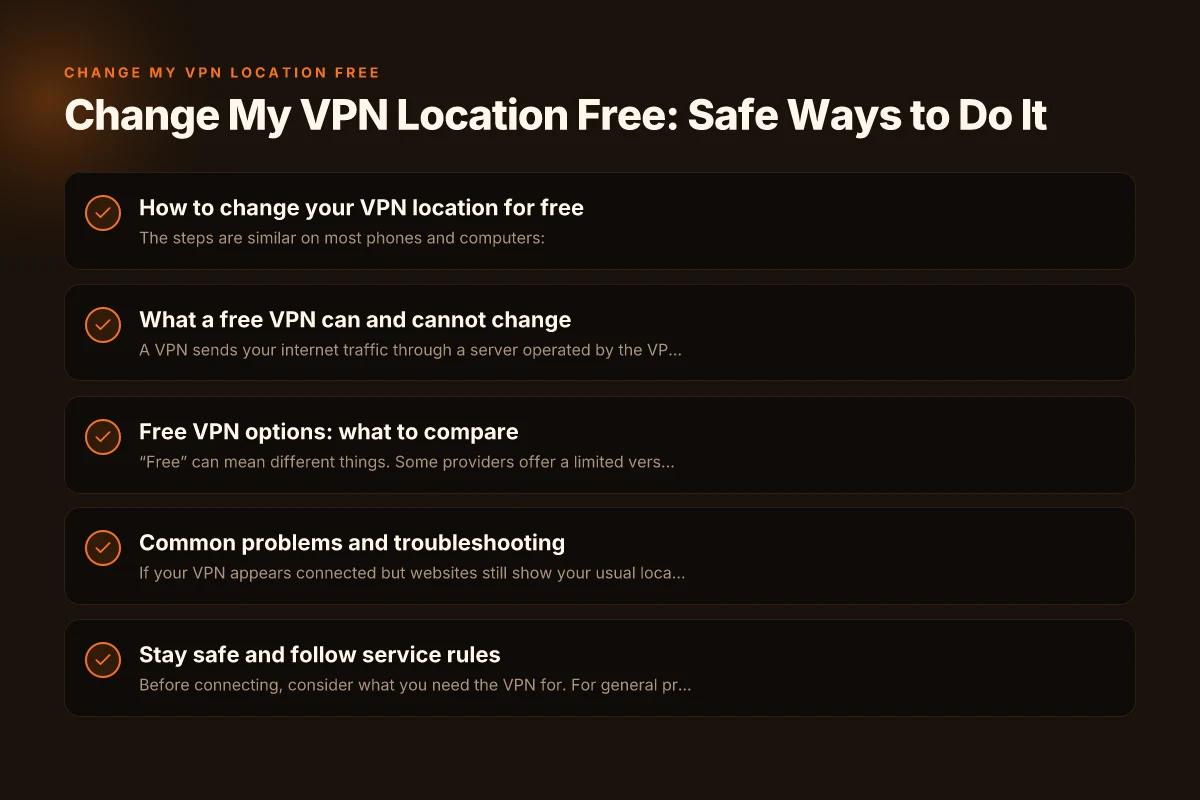
How to change your VPN location for free
The steps are similar on most phones and computers:
- Choose a VPN provider with a free plan. Download its app from the provider’s official website or your device’s trusted app store.
- Create an account if required, and review the plan’s limits and privacy policy.
- Open the app and sign in.
- Browse the list of available locations. Free users may see only a few choices.
- Select a location and tap or click Connect.
- Check the app’s status to confirm the VPN is connected. If needed, use a reputable IP-checking site to see whether your public IP address has changed.
To switch locations, disconnect first if the app requires it, choose another available server, and reconnect. If the location you want is not listed, it may not be included in the free plan.
What a free VPN can and cannot change
A VPN sends your internet traffic through a server operated by the VPN provider. Websites generally see the server’s IP address rather than your regular public IP address. This can make your connection appear to come from a different city or country, although IP-location databases are not always precise.
A VPN does not change every kind of location information. For example: VPN That Allows You to Choose Location: How to Pick the Right One
- GPS location: A phone app with location permission may still use GPS or nearby Wi-Fi networks to determine where you are.
- Account and billing details: A streaming or shopping service may consider your account country, payment method, or other information.
- Browser and device settings: Some sites can use language, time zone, cookies, or other signals alongside your IP address.
- Your physical location: A VPN does not move you or make emergency-location services more accurate.
For privacy, a VPN can help protect traffic between your device and the VPN server, especially on public Wi-Fi. It does not make you anonymous, prevent every form of tracking, or protect you from malware and phishing.
What a free VPN can and cannot change
| What you want to change | Can a VPN help? | What to check | Common limitation |
|---|---|---|---|
| Public IP address | Yes | Confirm the VPN is connected | Some sites detect VPN IPs |
| Apparent country | Yes, if offered | Check the server location list | Free plans may offer few countries |
| Location seen by websites | Often | Check for IP or DNS leaks | GPS may reveal another location |
| Phone GPS location | No, not by itself | Review app location permissions | Apps can use device location |
| App-store country | Usually no | Check the store’s account rules | Store country may depend on account settings |
| Streaming catalog access | Sometimes | Check service terms | VPN connections may be blocked |
| Internet provider’s view of browsing | Partly | Ensure traffic uses the VPN tunnel | Provider can still see VPN use and connection timing |
Compiled November 2026; check the provider's site for current details.
Free VPN options: what to compare
“Free” can mean different things. Some providers offer a limited version of a paid service, while others rely on advertising or different business models. Review how each provider handles data before installing its software. Free VPN That Lets You Choose Location: What to Know
| Feature | What to check | Why it matters |
|---|---|---|
| Server locations | Which countries and cities are included? | The free plan may not offer your preferred location. |
| Data allowance | Is there a monthly cap or daily limit? | Video, downloads, and calls can use data quickly. |
| Speed and congestion | Are speeds limited, or are free servers busy? | A connection may feel slow, particularly at peak times. |
| Privacy policy | What data is collected, retained, or shared? | The provider handles your traffic, so its practices matter. |
| Security features | Does it offer modern encryption and leak protection? | These features help protect your connection and IP address. |
| Device limits | How many devices can connect? | Some plans restrict simultaneous connections. |
Avoid choosing a VPN based only on a promise of unlimited free access. Look for a provider with a clear, accessible privacy policy and a credible explanation of how it funds the free service. Be cautious with unfamiliar apps that request unnecessary permissions or display vague claims about privacy.
Common problems and troubleshooting
If your VPN appears connected but websites still show your usual location, try these steps:
- Disconnect and reconnect, or select a different server.
- Close and reopen the browser or app you are testing.
- Check that the VPN app has permission to run in the background.
- Turn off other VPN, proxy, or privacy-routing apps that might conflict.
- Review the VPN’s settings for DNS or IP leak protection.
- Restart your device if the connection remains stuck.
A location mismatch does not always mean the VPN has failed. IP databases can be outdated, and a server’s registered location may differ from its physical location. Compare the displayed IP address and country across more than one reliable checking service, and consult your VPN provider’s support information.
If a website or app does not work while connected, the service may block VPN traffic or require location information from your device or account. A free plan may also route many users through the same server, making it easier for some platforms to identify and restrict that traffic. Do not assume that repeatedly switching servers will guarantee access. NordVPN Windows 10 VPN: How to Download, Install, and Use It
Stay safe and follow service rules
Before connecting, consider what you need the VPN for. For general privacy on public Wi-Fi, a reputable free plan may be enough. If you need a particular country, frequent video streaming, large downloads, or consistent performance, a free plan’s limits may make it unsuitable.
Use these basic precautions:
- Download the app only from an official source.
- Keep the VPN and your device’s operating system updated.
- Read the provider’s data-collection and retention policy.
- Avoid entering sensitive information on sites that do not use HTTPS.
- Remember that a VPN provider may be able to see some connection information.
- Follow the terms of the websites and services you use.
Troubleshoot connection problems and stay within service rules
| Problem or goal | First check | Safe next step | Avoid |
|---|---|---|---|
| VPN will not connect | Internet access and app status | Try another available server | Installing an unknown VPN |
| Location has not changed | VPN connection and displayed IP | Reconnect, then check for leaks | Assuming GPS changed too |
| Slow browsing | Free-plan limits and server load | Try a nearby server | Disabling security protections |
| Site blocks the VPN | Site and VPN terms | Use an allowed connection method | Repeatedly bypassing access controls |
| App still sees your location | Location permissions | Limit GPS access if appropriate | Misrepresenting required identity details |
| Data allowance runs out | Plan’s usage limits | Wait for reset or choose another reputable option | Using a service with unclear data practices |
| Trial is ending | Renewal and cancellation terms | Cancel through the stated process if needed | Assuming cancellation is automatic |
Compiled November 2026; check the provider's site for current details. Extensions for Edge VPN: How to Choose a Safe, Useful Option
Recommendation
To change your VPN location free, choose a well-reviewed provider with a transparent privacy policy, install its official app, and connect to a location included in its free plan. Confirm that the connection is active, but remember that the result changes your apparent IP location, not your GPS position, and may not provide access to every service. If you need more locations, data, or speed, compare reputable paid plans rather than compromising on privacy.