com.nordVPN.android(2026)
Learn what com.nordvpn.android identifies, how to install NordVPN safely, and how to connect and troubleshoot.
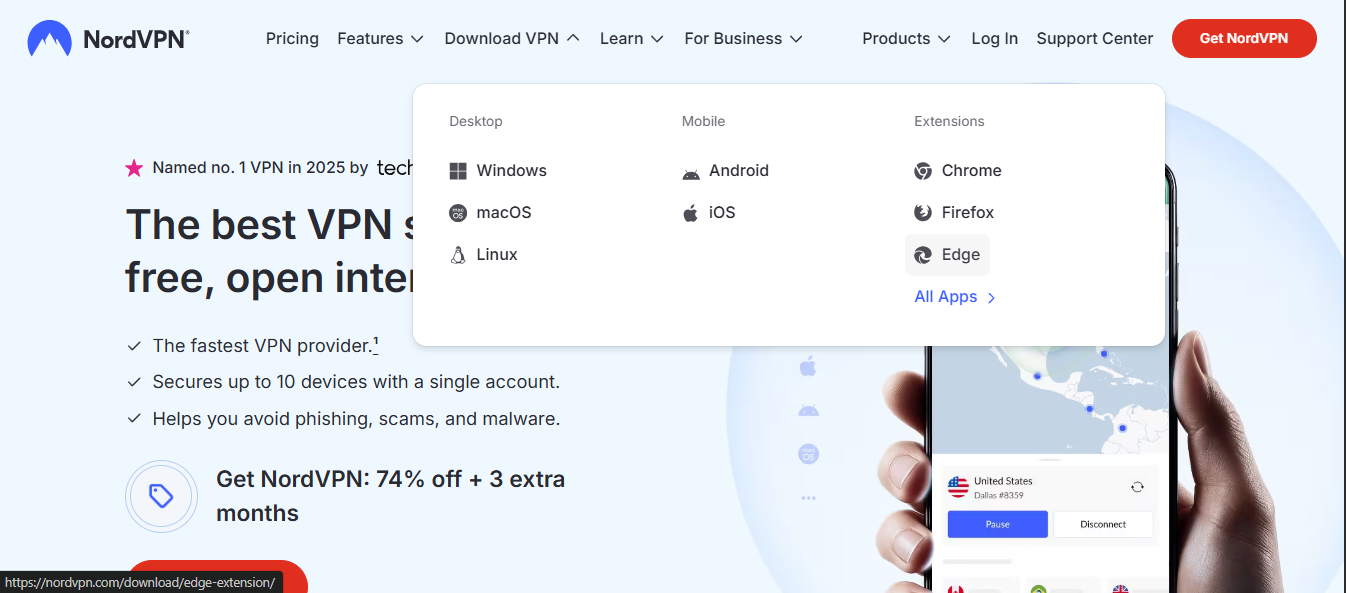
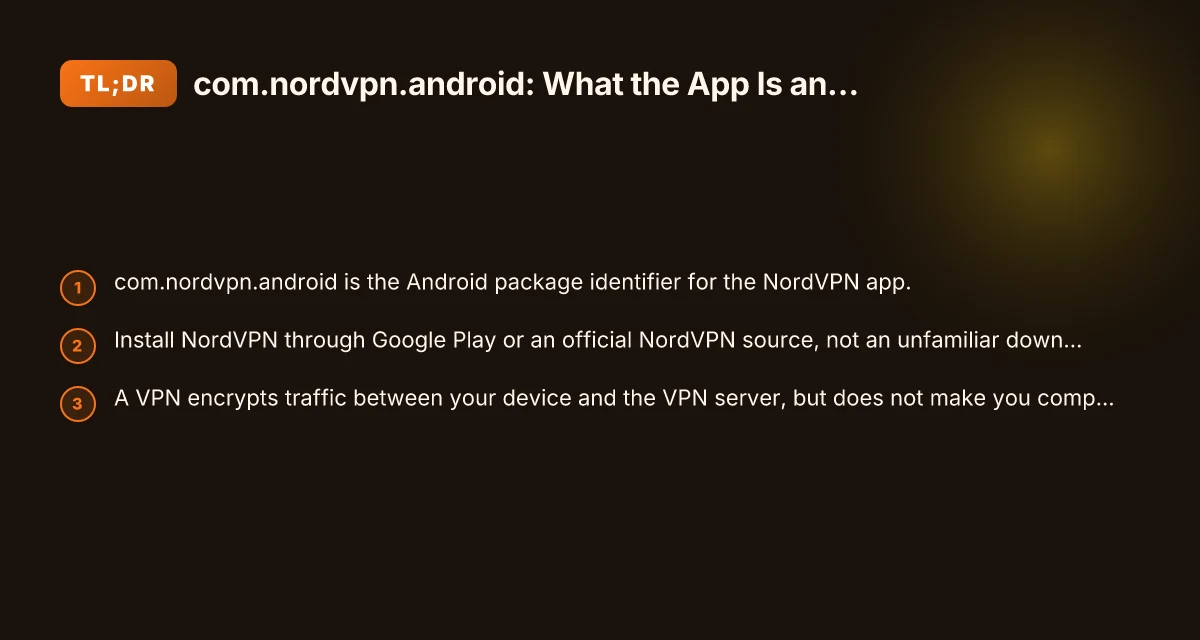
If you searched for “com.nordvpn.android,” you are most likely looking for the Android app package associated with NordVPN. It is an identifier used by Android and app-related services to distinguish the NordVPN app from other applications. It is not a separate VPN service or a setting you normally need to enter. To use NordVPN, find and install the official app, sign in, and connect to a server.
Compare safe installation options for NordVPN on Android
| Option | Source to check | Safety signal | Main advantage | Main drawback |
|---|---|---|---|---|
| Google Play | Official NordVPN listing | Developer matches NordVPN | Convenient updates | Listing availability may vary |
| NordVPN website | Official nordvpn.com site | Link leads to the official domain | Direct source | Check the address carefully |
| Android app store | Store linked by NordVPN | Official source confirms the link | May suit your device | Availability varies by store |
| Search result | Search engine listing | Source is not guaranteed | Quick to find options | Lookalike pages are possible |
| Third-party APK site | APK download page | Not endorsed by default | May offer an APK file | Higher risk of altered files |
| Shared APK file | Message or file-sharing link | No reliable publisher check | Easy to receive | Avoid installing if unverified |
Compiled November 2026; check the provider's site for current details.
| VPN | Obfuscation | From / month | Plan | Free plan | Refund | Alipay | UnionPay | Crypto | Website opens in China | Trustpilot | |
|---|---|---|---|---|---|---|---|---|---|---|---|
 NordVPN | Turn on manually Obfuscated Servers / NordWhisper | $3.49/mo | 27 months: $94.23 | No | 30 days | ? | ✗ | ✓ | ✓ | ✗ Blocked | 4.2/5 (51,628 reviews) |
 ZoogVPN | Turn on manually Shadow | $2.49/mo | 27 months: $59.99 | Yes | 7 days | ✓ | ✓ | ✓ | ✓ | Official site blocked; our special link opens (4.4 s) | 4.2/5 (195 reviews) |
 ExpressVPN | ✓ On by default all servers | $3.00/mo | 28 months: $84 | No | 30 days | ✗ | ✗ | ✓ | ✗ | ✗ Blocked | 4.4/5 (29,706 reviews) |
 Surfshark | ✓ On by default Camouflage, with OpenVPN | See site | See site | No | 30 days | ✗ | ✗ | ✗ | ✓ | ✗ Blocked | 4.3/5 (31,823 reviews) |
 Proton VPN | Turn on manually Stealth, free plan too | $2.99/mo | 12 months: $35.88 | Yes | 30 days | ✗ | ✗ | ✗ | ✓ | ✗ Blocked | 2.1/5 (1,040 reviews) |
 Astrill VPN | Turn on manually StealthVPN / OpenWeb | $12.50/mo | 24 months: $300 | No | See site | ✗ | ✗ | ✗ | ✓ | ✗ Blocked | 1.3/5 (110 reviews) |
 Private Internet Access | Turn on manually Shadowsocks, OpenVPN only | $2.03/mo | 40 months: $81.2 | No | 30 days | ✗ | ✗ | ✗ | ✗ | ✗ Blocked | 4.2/5 (11,033 reviews) |
 CyberGhost | Turn on manually selected servers | $2.19/mo | 28 months: $61.32 | No | 45 days | ✗ | ✗ | ✗ | ✓ | ✗ Blocked | 4.0/5 (24,178 reviews) |
 PureVPN | Turn on manually switch to OpenVPN | $1.69/mo | 60 months: $101.55 | No | 31 days | ? | ? | ✗ | ✓ | ✗ Blocked | 4.4/5 (17,994 reviews) |
 AdGuard VPN | ✓ On by default TrustTunnel | $2.99/mo | 24 months: $71.76 | Yes | 30 days | ✓ | ✗ | ✓ | ✓ | Official site blocked; our special link opens (3.7 s) | 4.3/5 (290 reviews) |
 Mullvad | Turn on manually QUIC / Shadowsocks / LWO | $5.61/mo | €5/mo | No | 14 days | ✗ | ✗ | ✗ | ✓ | ✗ Blocked | 3.2/5 (192 reviews) |
 Windscribe | Turn on manually Stealth / WStunnel | $5.75/mo | 12 months: $69 | Yes | See site | ✗ | ✗ | ✗ | ✓ | ✗ Blocked | 4.7/5 (13,355 reviews) |
 StrongVPN | Turn on manually Scramble, OpenVPN TCP | See site | See site | No | 30 days | ✓ | ✗ | ✗ | ✗ | ✗ Blocked | 4.4/5 (2,695 reviews) |
 LightXtreme 闪连 | Not listed | $7.08/mo | 12 months: $84.99 | Yes | 30 days | ✓ | ✓ | ✓ | ✓ | ✓ Yes (3.5 s) | No page |
Prices checked 2026-11-10 on each vendor's pricing page (cheapest long plan, USD). Check the vendor's checkout for the final price.
Obfuscation checked 2026-11-14 on each vendor's site and help center: "on by default" = nothing to set; "turn on manually" = switch protocol or mode in settings; "not listed" = the vendor describes no obfuscation.
Payment methods checked 2026-11-10 on each vendor's payment pages: all 14 take cards and PayPal; ✗ = not listed, ? = the vendor's own pages disagree.
China access: whether the official website opens from mainland China networks (tests the website only, not the VPN connection). Last checked 2026-11-18 01:02 Beijing time.
Trustpilot score and review count checked 2026-11-10.
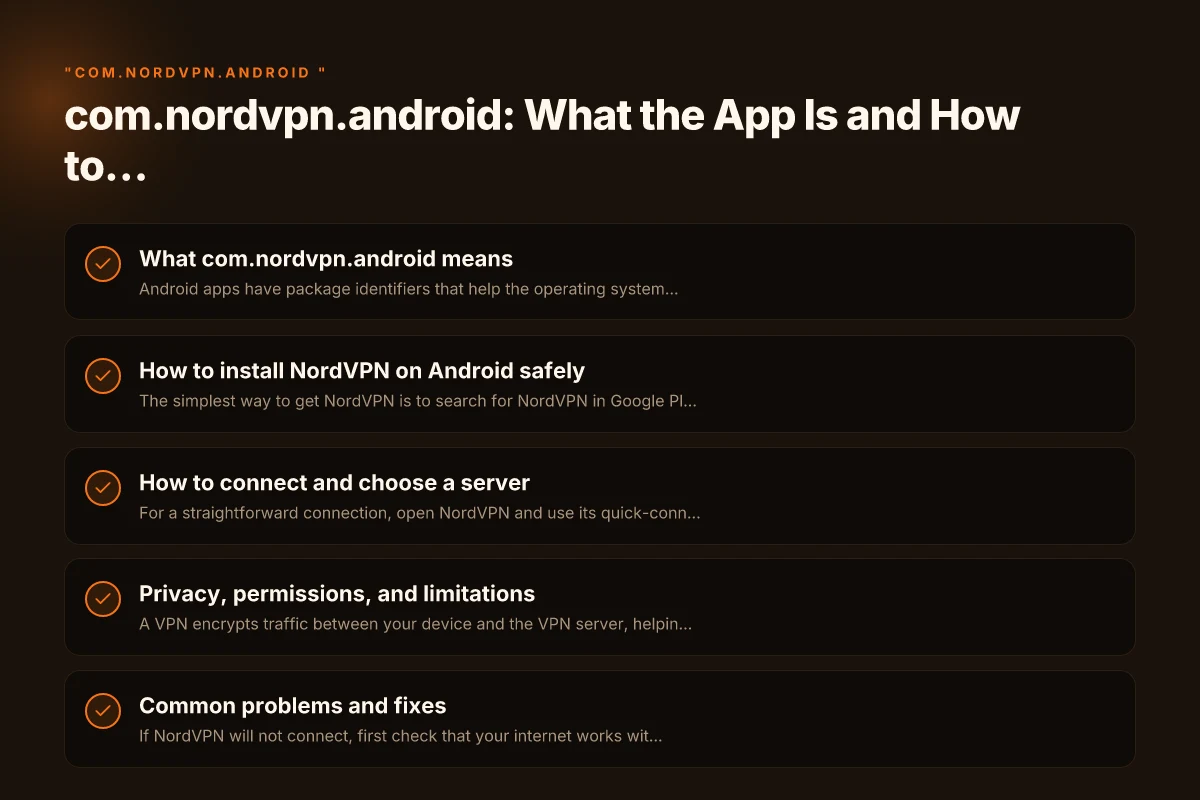
What com.NordVPN.Android means
Android apps have package identifiers that help the operating system and app stores recognize them. The text com.nordvpn.android refers to NordVPN’s Android app identifier. It may appear in app links, device settings, technical documentation, or lists of installed apps.
The identifier itself is not an app download. Seeing it in a web search, a phone’s app information, or a technical error does not necessarily mean anything is wrong. If you are checking whether an app is legitimate, look at its store listing, developer information, permissions, and installation source rather than relying on the package name alone. Package identifiers can be copied or imitated in unofficial files.
How to install NordVPN on Android safely
The simplest way to get NordVPN is to search for NordVPN in Google Play and check that the listing is published by the official NordVPN developer. If Google Play is unavailable on your device, use NordVPN’s official website to find its current Android installation instructions. Avoid third-party APK sites unless you have a specific, well-understood reason to use them. Files from unofficial sources can be outdated or modified.
Before installing, check that: certificate validation failure cisco VPN(2026)
- The app listing names NordVPN as the developer.
- Your Android version meets the app’s current requirements.
- You understand the requested permissions.
- You have an active NordVPN account or are ready to choose a plan.
After installation, open the app and sign in. Android will ask for permission to create a VPN connection. This is necessary for a VPN app to route network traffic through its service. Read the system prompt, then approve it if you want to connect.
How to connect and choose a server
For a straightforward connection, open NordVPN and use its quick-connect option. The app selects a server based on its available recommendations and your location. You can also browse the server list and choose a country or a supported server category, depending on your needs and plan.
| Option | Best suited for | What to consider |
|---|---|---|
| Quick connect | Everyday browsing without choosing a location | The app selects a suitable available server |
| Country selection | Connecting through a particular country | Websites may still use other clues to determine your location |
| Specialized server option | A specific use supported by the service | Availability and features can vary by country, plan, and app version |
When connected, the Android system usually displays a VPN indicator. You can disconnect from the app when you no longer want traffic routed through the VPN. If you use public Wi-Fi, connecting before accessing sensitive services can add protection between your device and the VPN server.
A VPN changes the network route and can help protect traffic on networks you do not control. It does not replace strong passwords, software updates, or careful handling of suspicious links. It also does not guarantee that websites cannot identify you through account sign-ins, cookies, browser fingerprinting, or other methods. forticlientVPNonlineinstaller(2026)
Compare ways to connect and choose a NordVPN server
| Connection choice | Best suited to | How to select | Main benefit | Consideration |
|---|---|---|---|---|
| Quick Connect | A fast, simple connection | Tap Quick Connect | Minimal setup | You may not choose the location |
| Country list | A specific country | Select a country | Location choice | Server availability can change |
| Map | Browsing locations visually | Tap a map location | Easy to explore | Less precise than a list |
| Search | Finding a known location | Search for a country | Direct selection | Requires a location in mind |
| Specialty server | A supported specialized use | Choose an available category | Purpose-specific options | Availability depends on the app |
| Disconnect | Ending the VPN session | Tap Disconnect | Restores direct connection | VPN protection stops |
Compiled November 2026; check the provider's site for current details.
Privacy, permissions, and limitations
A VPN encrypts traffic between your device and the VPN server, helping prevent others on the same local network from easily observing that traffic. The VPN provider, however, becomes part of the connection path. Review NordVPN’s privacy information and terms to understand how the service handles data and what features apply to your account.
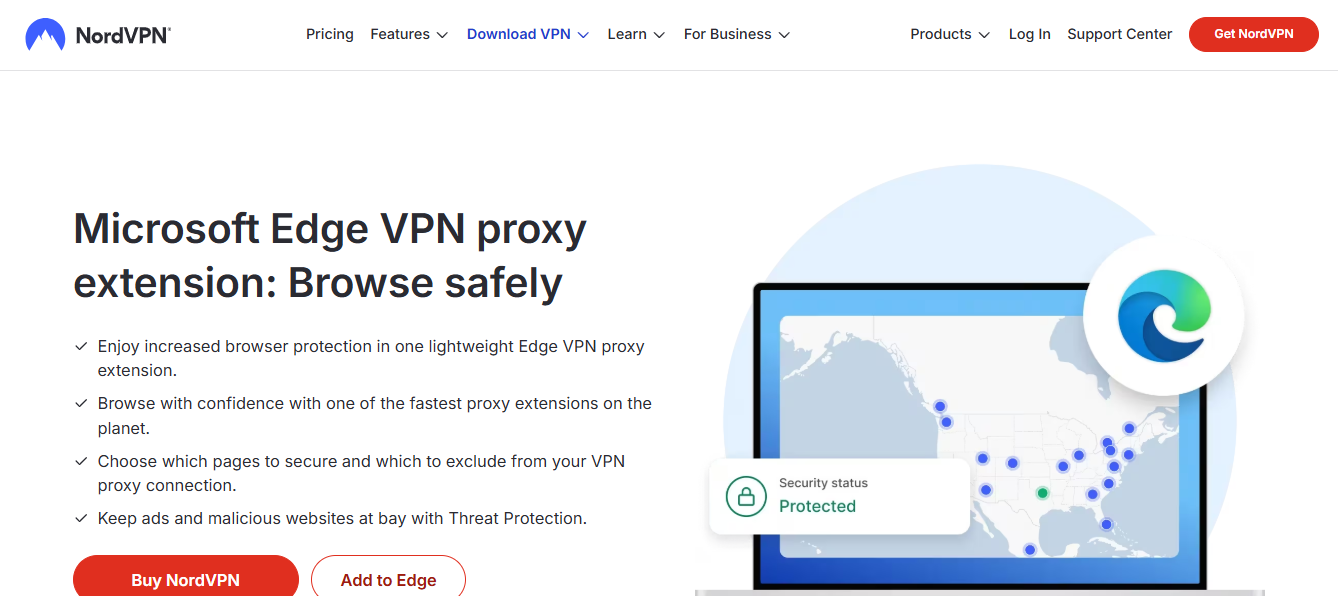
Some traffic may not behave as expected if you change app settings, use another VPN, or rely on a restricted network. Streaming services and websites may block VPN connections, and a VPN may not bypass every regional restriction. Connection speed can also vary with server distance, network congestion, and your internet provider. free VPN extension microsoft edge(2026)
For practical privacy, use the VPN alongside other protections:
- Keep Android and your apps up to date.
- Use a screen lock and strong, unique account passwords.
- Turn on two-factor authentication where available.
- Review app permissions and remove apps you no longer use.
- Be cautious about logging in or sharing personal details on unfamiliar websites.
Common problems and fixes
If NordVPN will not connect, first check that your internet works without the VPN and that your subscription or account is active. Try a different server or network, then close and reopen the app. Installing the latest app update and restarting the phone can resolve some temporary issues.
If Android reports that another VPN is already active, check for a second VPN app or a work-profile connection. Android generally allows only one active VPN connection at a time. If the app repeatedly disconnects, review its battery and background-use settings. Some device manufacturers restrict background activity to conserve power. The exact menus vary by Android version and phone model.
For persistent problems, consult NordVPN’s official support guidance. Do not share your password, verification codes, or private account details with people offering unofficial support. nord VPN china(2026)
Compare common Android VPN problems and fixes
| Problem | Likely check | Suggested fix | What to expect | When to seek help |
|---|---|---|---|---|
| App will not install | Source and device compatibility | Use an official source; update Android | Installation may succeed | If the official install still fails |
| Cannot sign in | Account details and connection | Check credentials; retry online | Login may resume | If account access remains blocked |
| Server will not connect | Network and server status | Try another server or network | A different route may work | If multiple servers fail |
| Slow connection | Server distance and network | Try a nearby server; compare networks | Speed may improve | If slowdown persists across networks |
| App disconnects | Battery restrictions and network changes | Review Android battery settings | Connection may become steadier | If disconnections continue |
| Websites still show location | Browser or site settings | Reload; check location permissions | Display may update | If location exposure persists |
| VPN seems inactive | App connection status | Reconnect and verify the status | VPN protection resumes when connected | If status remains unclear |
Compiled November 2026; check the provider's site for current details.
Recommendation
Treat com.nordvpn.android as the technical identifier for NordVPN’s Android app, not as a download or a special code to enter. Install the app from Google Play or an official NordVPN source, verify the developer, and connect using the app’s recommended option or a server you choose. Use the VPN as one layer of security, while remembering that it does not provide complete anonymity or replace safe browsing habits.