nord VPN china(2026)

Find out whether NordVPN works in China, what to try if it fails, and how to prepare before you travel.
NordVPN can sometimes connect from China, but it is not a dependable way to guarantee access to blocked websites. China’s internet restrictions and VPN detection measures change over time, so a server or setup that works for one traveler may fail for another. If you are considering NordVPN for a trip, install it before you arrive, test it in advance, and have an alternative plan.
Feature comparison for choosing a VPN for China
| Comparison point | NordVPN | Alternative VPN | What to check |
|---|---|---|---|
| Works in China | Uncertain; access can change | Uncertain; access can change | Recent, location-specific reports |
| Obfuscation | Check current availability | Check current availability | Whether traffic masking is supported |
| Connection options | Compare current protocols | Compare current protocols | Options that may work on restricted networks |
| China support | Check before travel | Check before travel | Help available while in China |
| Setup guidance | Review official instructions | Review official instructions | Steps that can be completed before departure |
| Device support | Check your devices | Check your devices | Compatibility with phones and computers |
| Refund terms | Review current terms | Review current terms | Eligibility and deadlines |
| Privacy practices | Review current policy | Review current policy | Logging, data handling, and jurisdiction |
Compiled November 2026; check the provider's site for current details.
| VPN | Obfuscation | From / month | Plan | Free plan | Refund | Alipay | UnionPay | Crypto | Website opens in China | Trustpilot | |
|---|---|---|---|---|---|---|---|---|---|---|---|
 NordVPN | Turn on manually Obfuscated Servers / NordWhisper | $3.49/mo | 27 months: $94.23 | No | 30 days | ? | ✗ | ✓ | ✓ | ✗ Blocked | 4.2/5 (51,628 reviews) |
 ZoogVPN | Turn on manually Shadow | $2.49/mo | 27 months: $59.99 | Yes | 7 days | ✓ | ✓ | ✓ | ✓ | Official site blocked; our special link opens (4.4 s) | 4.2/5 (195 reviews) |
 ExpressVPN | ✓ On by default all servers | $3.00/mo | 28 months: $84 | No | 30 days | ✗ | ✗ | ✓ | ✗ | ✗ Blocked | 4.4/5 (29,706 reviews) |
 Surfshark | ✓ On by default Camouflage, with OpenVPN | See site | See site | No | 30 days | ✗ | ✗ | ✗ | ✓ | ✗ Blocked | 4.3/5 (31,823 reviews) |
 Proton VPN | Turn on manually Stealth, free plan too | $2.99/mo | 12 months: $35.88 | Yes | 30 days | ✗ | ✗ | ✗ | ✓ | ✗ Blocked | 2.1/5 (1,040 reviews) |
 Astrill VPN | Turn on manually StealthVPN / OpenWeb | $12.50/mo | 24 months: $300 | No | See site | ✗ | ✗ | ✗ | ✓ | ✗ Blocked | 1.3/5 (110 reviews) |
 Private Internet Access | Turn on manually Shadowsocks, OpenVPN only | $2.03/mo | 40 months: $81.2 | No | 30 days | ✗ | ✗ | ✗ | ✗ | ✗ Blocked | 4.2/5 (11,033 reviews) |
 CyberGhost | Turn on manually selected servers | $2.19/mo | 28 months: $61.32 | No | 45 days | ✗ | ✗ | ✗ | ✓ | ✗ Blocked | 4.0/5 (24,178 reviews) |
 PureVPN | Turn on manually switch to OpenVPN | $1.69/mo | 60 months: $101.55 | No | 31 days | ? | ? | ✗ | ✓ | ✗ Blocked | 4.4/5 (17,994 reviews) |
 AdGuard VPN | ✓ On by default TrustTunnel | $2.99/mo | 24 months: $71.76 | Yes | 30 days | ✓ | ✗ | ✓ | ✓ | Official site blocked; our special link opens (3.7 s) | 4.3/5 (290 reviews) |
 Mullvad | Turn on manually QUIC / Shadowsocks / LWO | $5.61/mo | €5/mo | No | 14 days | ✗ | ✗ | ✗ | ✓ | ✗ Blocked | 3.2/5 (192 reviews) |
 Windscribe | Turn on manually Stealth / WStunnel | $5.75/mo | 12 months: $69 | Yes | See site | ✗ | ✗ | ✗ | ✓ | ✗ Blocked | 4.7/5 (13,355 reviews) |
 StrongVPN | Turn on manually Scramble, OpenVPN TCP | See site | See site | No | 30 days | ✓ | ✗ | ✗ | ✗ | ✗ Blocked | 4.4/5 (2,695 reviews) |
 LightXtreme 闪连 | Not listed | $7.08/mo | 12 months: $84.99 | Yes | 30 days | ✓ | ✓ | ✓ | ✓ | ✓ Yes (3.5 s) | No page |
Prices checked 2026-11-10 on each vendor's pricing page (cheapest long plan, USD). Check the vendor's checkout for the final price.
Obfuscation checked 2026-11-14 on each vendor's site and help center: "on by default" = nothing to set; "turn on manually" = switch protocol or mode in settings; "not listed" = the vendor describes no obfuscation.
Payment methods checked 2026-11-10 on each vendor's payment pages: all 14 take cards and PayPal; ✗ = not listed, ? = the vendor's own pages disagree.
China access: whether the official website opens from mainland China networks (tests the website only, not the VPN connection). Last checked 2026-11-18 01:02 Beijing time.
Trustpilot score and review count checked 2026-11-10.
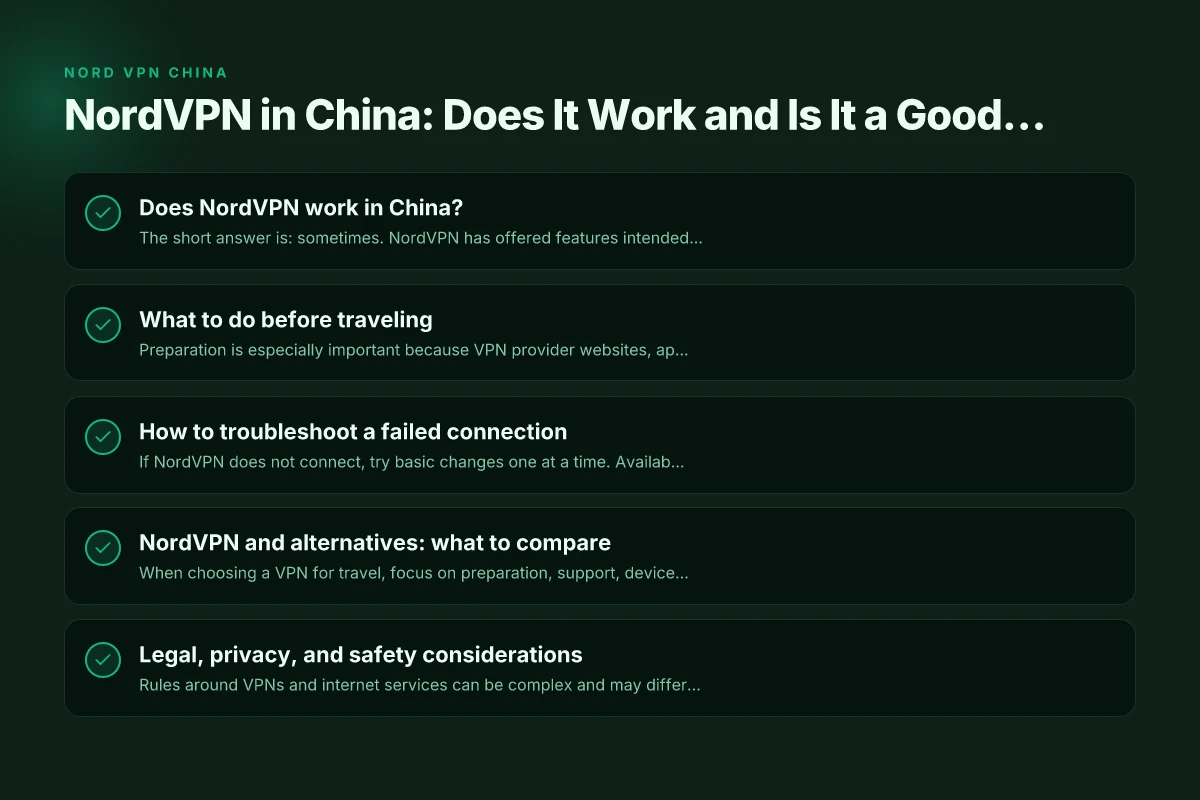
Does NordVPN work in China?
The short answer is: sometimes. NordVPN has offered features intended to help users connect on restricted networks, including obfuscated servers. These can make VPN traffic less recognizable, but they do not guarantee that a connection will succeed. Availability may vary by location, internet provider, device, app version, and the current filtering environment.
China blocks or restricts many foreign websites and services, and VPN connections may also be disrupted. A connection that works at your hotel may not work on a mobile network, or may stop working later. For that reason, online reports about NordVPN in China can quickly become outdated.
Treat NordVPN as a possible tool, not a promise of uninterrupted access.
What to do before traveling
Preparation is especially important because VPN provider websites, app stores, and support pages may be difficult to reach after you enter China. ipsec VPN connection is down forticlient(2026)
Before departure:
- Subscribe and install NordVPN through its official website or app store.
- Sign in and confirm that your account works.
- Update the app and your device’s operating system.
- Save official support instructions and account details somewhere accessible offline.
- Test the app on different networks at home, including Wi-Fi and mobile data.
- Download any files or information you may need if you cannot access your usual services.
Do not assume that downloading an app before your trip means it will connect once you arrive. Testing in advance helps you learn how the app behaves, but it cannot reproduce every network condition in China.
If you are already in China and NordVPN is not installed, obtaining the app or reaching the provider may be difficult. Avoid downloading software from unofficial websites or links sent by strangers. Altered VPN apps can compromise your device and personal information.
Pre-travel and troubleshooting checklist forticlient ipsec(2026)
| Situation | What to do | Why it helps | If it does not work |
|---|---|---|---|
| Before departure | Install and sign in | Avoid relying on blocked downloads | Contact support while access is available |
| Connection fails | Try another server | Server access may vary | Try a different location |
| Network blocks connection | Change available protocol | Network restrictions can affect protocols | Follow the provider’s current guidance |
| VPN app will not connect | Update the app before travel | Older versions may have issues | Check device and app settings |
| VPN connects but pages fail | Test another network | The network may be the cause | Try mobile data or another Wi-Fi |
| Service remains unavailable | Check current status reports | Access can change over time | Use a lawful backup plan |
| Need help in China | Save support instructions offline | Support pages may be inaccessible | Use contact details saved before travel |
Compiled November 2026; check the provider's site for current details.
How to troubleshoot a failed connection
If NordVPN does not connect, try basic changes one at a time. Available options can differ by device and app version, and the app’s current official guidance should take priority.
You can try:
- Switching between Wi-Fi and mobile data.
- Choosing a different server or region in the app.
- Checking whether the app offers obfuscated servers or another connection option suited to restricted networks.
- Updating or restarting the app and device.
- Reviewing NordVPN’s official troubleshooting instructions, if you can reach them.
A failed connection does not necessarily mean your account is inactive. The network may be blocking the connection, the chosen server may be unavailable, or the app’s settings may need adjustment. Repeatedly trying random configuration files from forums is risky: they may be outdated, unsafe, or unsuitable for your device. VPN cisco(2026)
A VPN also cannot guarantee access to every website. Some services may block VPN traffic themselves, while others may remain unavailable because of local network restrictions.
NordVPN and alternatives: what to compare
When choosing a VPN for travel, focus on preparation, support, device compatibility, and realistic expectations rather than marketing claims. No provider can honestly guarantee that its service will work everywhere, all the time.
| Option | Potential advantage | Important limitation |
|---|---|---|
| NordVPN | Familiar apps and features that may help on restrictive networks | Connections from China are not guaranteed |
| Another reputable VPN | A second provider may offer a different connection route | It may face the same blocking or access problems |
| Mobile roaming | Your home carrier may route traffic through its home network | Coverage, cost, and routing vary by carrier and plan |
| No VPN | Avoids relying on a service that may be blocked | Restricted websites and apps may remain inaccessible |
A second provider or roaming plan can serve as a backup, but neither is foolproof. Check your mobile carrier’s roaming terms and ask how its service operates in China. Do not rely on a single method if access to work, family, banking, or travel information is important.
Legal, privacy, and safety checks tunnelbear extension edge(2026)
| Decision factor | Questions to ask | NordVPN | Other option |
|---|---|---|---|
| Local rules | Is VPN use permitted for your situation? | Verify current rules | Verify current rules |
| Provider policy | What data does the service collect? | Read current privacy policy | Read current privacy policy |
| Account security | Does it support strong sign-in protection? | Check account settings | Check account settings |
| Payment privacy | What payment and billing data is retained? | Review payment terms | Review payment terms |
| Travel safety | Could VPN use create personal or work risks? | Assess before connecting | Assess before connecting |
| Reliability | Is access reported to work recently? | Check recent reports | Check recent reports |
| Backup access | Can you use essential services without the VPN? | Plan before travel | Plan before travel |
Compiled November 2026; check the provider's site for current details.
Legal, privacy, and safety considerations
Rules around VPNs and internet services can be complex and may differ for residents, visitors, organizations, and service providers. This article is general information, not legal advice. Before traveling, consult current government travel guidance and understand the rules that apply to your circumstances.
Use VPN software carefully. A VPN can encrypt traffic between your device and the VPN service, but it does not make you anonymous or protect you from every online threat. Continue to use strong, unique passwords and multifactor authentication, keep devices updated, and avoid entering sensitive information on untrusted networks.
For work travel, ask your employer or IT team for approved access methods. Organizational VPNs and security policies may differ from consumer VPN services, and using an unapproved connection could create compliance or security issues. where is my VPN located(2026)
Recommendation
NordVPN may work in China, but results are inconsistent and can change without notice. If you choose to use it, install and test it before your trip, save troubleshooting information offline, and arrange a backup such as carrier roaming or another approved connection method. For critical access, make a plan that still works if NordVPN cannot connect.