EY VPN Connect: How to Access the Network and Get Help
Learn how to troubleshoot EY VPN Connect, check your account and device, and contact the right EY support team.
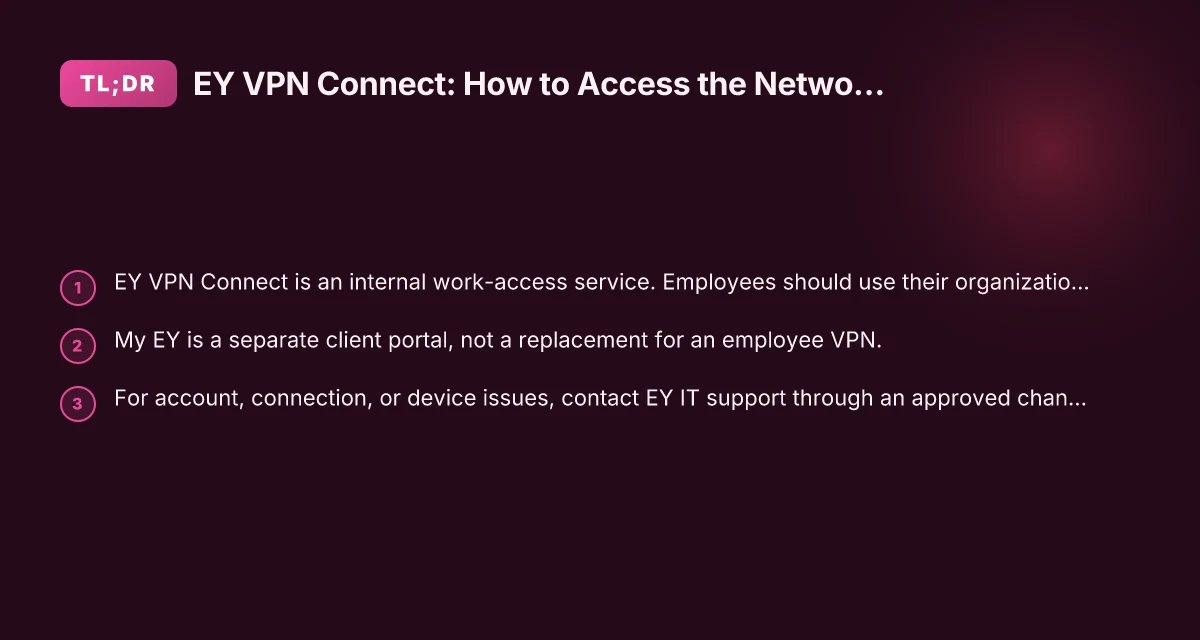
If you are searching for “ey vpn connect,” you are probably trying to connect to EY’s internal network or resolve a problem with a work VPN. Start with the instructions provided by EY for your role, device, and location. If the connection fails, check your sign-in details and internet connection, then contact EY IT support rather than relying on unofficial fixes. My EY is a separate portal for clients and other authorized users. It is not the employee VPN.
Compare the right access route
| Need | VPN Connect | My EY | EY IT support |
|---|---|---|---|
| Access EY network resources | Intended for this | Not the VPN | Can help troubleshoot |
| Sign in to EY services | May be required first | Intended for this | Not a sign-in portal |
| View internal information | When VPN access is needed | For services available in My EY | Not a content portal |
| Start a VPN connection | Yes, if entitled and configured | No | Can advise |
| Resolve access problems | Check connection and setup | Check My EY access separately | Contact for assistance |
| Replace another access route | No | No | No |
| Official source for guidance | Use EY instructions | Use EY instructions | Contact through official channels |
Compiled November 2026; check the provider's site for current details.
| VPN | Obfuscation | From / month | Plan | Free plan | Refund | Alipay | UnionPay | Crypto | Website opens in China | Trustpilot | |
|---|---|---|---|---|---|---|---|---|---|---|---|
 ZoogVPN | Turn on manually Shadow | $2.49/mo | 27 months: $59.99 | Yes | 7 days | ✓ | ✓ | ✓ | ✓ | Official site blocked; our special link opens (4.4 s) | 4.2/5 (195 reviews) |
 NordVPN | Turn on manually Obfuscated Servers / NordWhisper | $3.49/mo | 27 months: $94.23 | No | 30 days | ? | ✗ | ✓ | ✓ | ✗ Blocked | 4.2/5 (51,628 reviews) |
 ExpressVPN | ✓ On by default all servers | $3.00/mo | 28 months: $84 | No | 30 days | ✗ | ✗ | ✓ | ✗ | ✗ Blocked | 4.4/5 (29,706 reviews) |
 Surfshark | ✓ On by default Camouflage, with OpenVPN | See site | See site | No | 30 days | ✗ | ✗ | ✗ | ✓ | ✗ Blocked | 4.3/5 (31,823 reviews) |
 Proton VPN | Turn on manually Stealth, free plan too | $2.99/mo | 12 months: $35.88 | Yes | 30 days | ✗ | ✗ | ✗ | ✓ | ✗ Blocked | 2.1/5 (1,040 reviews) |
 Astrill VPN | Turn on manually StealthVPN / OpenWeb | $12.50/mo | 24 months: $300 | No | See site | ✗ | ✗ | ✗ | ✓ | ✗ Blocked | 1.3/5 (110 reviews) |
 Private Internet Access | Turn on manually Shadowsocks, OpenVPN only | $2.03/mo | 40 months: $81.2 | No | 30 days | ✗ | ✗ | ✗ | ✗ | ✗ Blocked | 4.2/5 (11,033 reviews) |
 CyberGhost | Turn on manually selected servers | $2.19/mo | 28 months: $61.32 | No | 45 days | ✗ | ✗ | ✗ | ✓ | ✗ Blocked | 4.0/5 (24,178 reviews) |
 PureVPN | Turn on manually switch to OpenVPN | $1.69/mo | 60 months: $101.55 | No | 31 days | ? | ? | ✗ | ✓ | ✗ Blocked | 4.4/5 (17,994 reviews) |
 AdGuard VPN | ✓ On by default TrustTunnel | $2.99/mo | 24 months: $71.76 | Yes | 30 days | ✓ | ✗ | ✓ | ✓ | Official site blocked; our special link opens (3.7 s) | 4.3/5 (290 reviews) |
 Mullvad | Turn on manually QUIC / Shadowsocks / LWO | $5.61/mo | €5/mo | No | 14 days | ✗ | ✗ | ✗ | ✓ | ✗ Blocked | 3.2/5 (192 reviews) |
 Windscribe | Turn on manually Stealth / WStunnel | $5.75/mo | 12 months: $69 | Yes | See site | ✗ | ✗ | ✗ | ✓ | ✗ Blocked | 4.7/5 (13,355 reviews) |
 StrongVPN | Turn on manually Scramble, OpenVPN TCP | See site | See site | No | 30 days | ✓ | ✗ | ✗ | ✗ | ✗ Blocked | 4.4/5 (2,695 reviews) |
 LightXtreme 闪连 | Not listed | $7.08/mo | 12 months: $84.99 | Yes | 30 days | ✓ | ✓ | ✓ | ✓ | ✓ Yes (3.5 s) | No page |
Prices checked 2026-11-10 on each vendor's pricing page (cheapest long plan, USD). Check the vendor's checkout for the final price.
Obfuscation checked 2026-11-14 on each vendor's site and help center: "on by default" = nothing to set; "turn on manually" = switch protocol or mode in settings; "not listed" = the vendor describes no obfuscation.
Payment methods checked 2026-11-10 on each vendor's payment pages: all 14 take cards and PayPal; ✗ = not listed, ? = the vendor's own pages disagree.
China access: whether the official website opens from mainland China networks (tests the website only, not the VPN connection). Last checked 2026-11-18 01:02 Beijing time.
Trustpilot score and review count checked 2026-11-10.
What “EY VPN Connect” usually means
A virtual private network (VPN) creates a secure connection between an approved device and an organization’s network or services. EY employees may use an organization-managed VPN client or another approved remote-access method. The exact application, sign-in process, and troubleshooting steps can vary, so use the current instructions from your EY office or IT team.
Some online discussions refer to a tool called “Connect Tunnel.” That name appears in a question from a recently joined EY India employee, but a forum post is not an official setup guide. Do not assume that a particular client or configuration applies to every EY user.
If you are a new joiner, follow your onboarding materials and confirm that your account and device have been provisioned for remote access. If you are an external client, ask your EY contact which portal or service you should use.
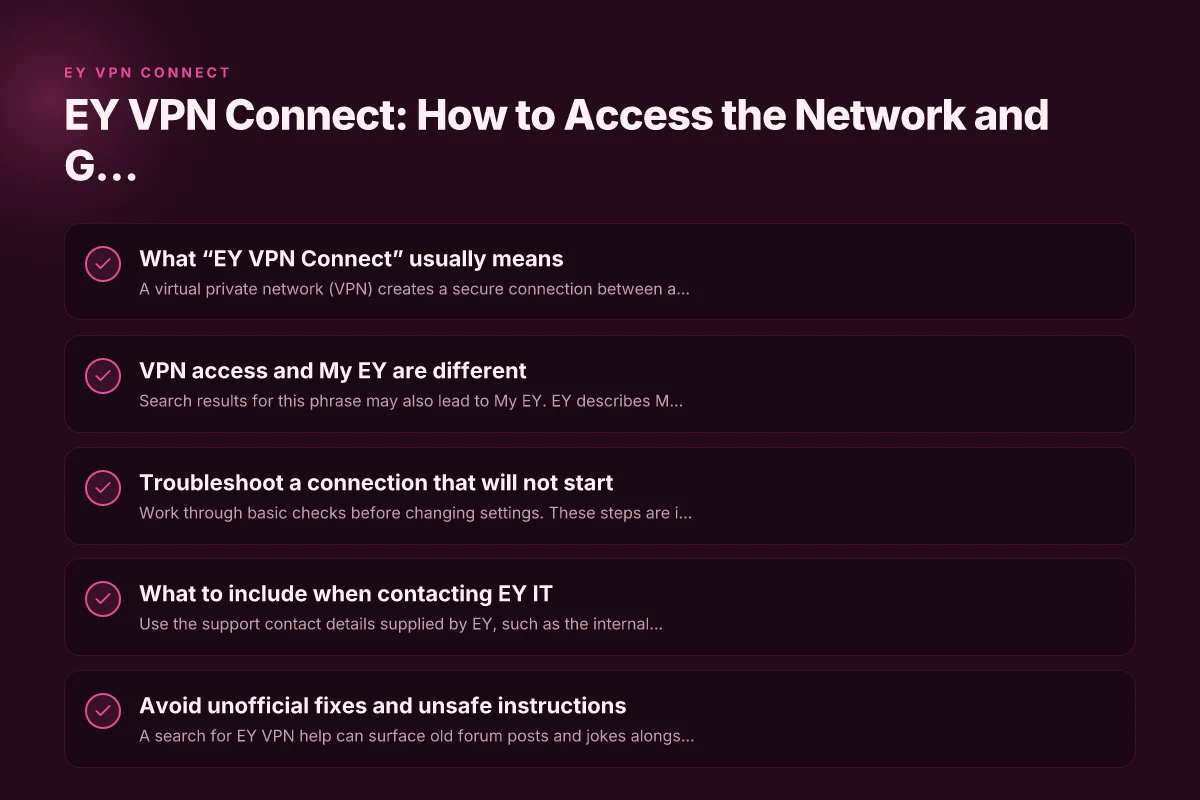
VPN access and My EY are different
Search results for this phrase may also lead to My EY. EY describes My EY as a personalized resource and client gateway for accessing EY technologies, insights, data sets, people, events, and learning opportunities. The official login site is login.ey.com. Urban VPN Chrome Extension: Features, Setup, and What to Know
That does not mean My EY is the same thing as an employee VPN. The right service depends on what you need to access:
| Your situation | What to check first | Where to get help |
|---|---|---|
| EY employee working remotely | Your EY-issued device and current remote-access instructions | EY IT support or your internal service desk |
| New EY joiner | Account activation, device setup, and onboarding guidance | Your onboarding contact or EY IT support |
| EY client or external user | Whether you have been invited to My EY and completed registration | Your EY contact or the official My EY guidance |
| Unsure which service applies | The specific resource you are trying to reach | The person or team that provided access |
The My EY new joiner guide and external user guide explain portal access for their intended audiences. They should not be treated as instructions for configuring an employee VPN.
Troubleshoot a VPN connection that will not start
| Check | What to do | What it helps distinguish | Next step |
|---|---|---|---|
| VPN entitlement | Confirm you are approved for access | Access eligibility issue | Ask EY IT if unclear |
| Official setup | Follow EY-provided instructions | Setup or configuration issue | Request official guidance |
| Network connection | Check that your internet works | Local connectivity issue | Restore internet access |
| Sign-in details | Use your authorized EY account | Authentication issue | Contact EY IT if sign-in fails |
| Error message | Record the exact wording | Helps identify the failure | Include it in your support request |
| Device and timing | Note the device and when it began | Helps describe the issue | Share with EY IT |
| Unofficial fixes | Do not install unknown tools or change settings from untrusted advice | Avoids security and policy risks | Use official support |
Compiled November 2026; check the provider's site for current details. How to Turn Off Microsoft Edge VPN: Disable Secure Network
Troubleshoot a connection that will not start
Work through basic checks before changing settings. These steps are intended to help identify a problem safely. They do not replace EY’s approved instructions.
- Confirm you are using the correct method. Open the VPN or remote-access application specified in your current EY setup guide. Avoid downloading a client from an unofficial website.
- Check your connection to the internet. Make sure ordinary websites load, or try another permitted network if available.
- Verify your sign-in details. Check that you are using the correct work account and complete any required authentication steps. Never share a password or verification code with someone who contacts you unexpectedly.
- Read the full error message. Note the time, the application name, and the wording of the error. A screenshot can be useful if EY policy allows it and it does not expose sensitive information.
- Restart the approved application or device. Save your work first, then try again. Do not make major system changes unless support directs you to do so.
- Check for an outage or maintenance notice. Use official EY communications or your internal support channel rather than relying on unverified posts.
If the issue continues, stop repeating the same attempt and report what you have already tried. This helps support distinguish a sign-in problem from a device, network, or service issue.
What to include when contacting EY IT
Use the support contact details supplied by EY, such as the internal service desk or an approved support portal. Contact information can differ by country, business unit, and employment status, so avoid using a phone number found in an unrelated forum or an old post.
When you open a support request, include: Nord VPN Not Working in China: Causes and Troubleshooting Steps
- Your location and whether you are using an EY-managed device.
- The name of the approved VPN or remote-access application, if known.
- The exact error message and when it appeared.
- Whether you can access the internet and complete account authentication.
- The troubleshooting steps you have already tried.
- Any relevant device or operating-system details requested by the support team.
Never send your password, authentication codes, or confidential client information in an ordinary message. Follow EY rules for handling screenshots, logs, and other diagnostic files.
Choose a safe next step
| Situation | Best next step | Information to include | Avoid |
|---|---|---|---|
| Unsure what VPN Connect means | Check EY’s official access guidance | What resource you need | Assuming it is My EY |
| My EY works but VPN does not | Treat VPN access as a separate issue | VPN error and when it occurs | Repeatedly changing My EY settings |
| VPN will not start | Check entitlement, setup, and internet | Device, timing, exact error | Guessing at configuration changes |
| Sign-in is rejected | Verify you are using your authorized account | Sign-in step and error wording | Sharing passwords or codes |
| Access is not approved | Ask the appropriate EY contact about access | Resource needed and access status | Trying another person’s account |
| You need technical help | Contact EY IT through official channels | Steps tried and relevant error details | Posting internal details publicly |
| Someone suggests an unofficial fix | Do not follow it; verify with EY IT | The suggested change, if relevant | Unknown downloads or security bypasses |
Compiled November 2026; check the provider's site for current details.
Avoid unofficial fixes and unsafe instructions
A search for EY VPN help can surface old forum posts and jokes alongside useful information. For example, one Reddit result includes a deliberately destructive suggestion to delete a Windows system folder. Do not follow it. Removing system files can damage a computer and will not provide a safe, approved VPN fix. Urban VPN for Edge: How to Install and What to Know
Also avoid:
- Installing software from links shared by strangers.
- Disabling security tools or changing firewall settings without authorization.
- Editing system files, certificates, or network settings based on generic online advice.
- Sharing credentials with anyone claiming they can “unlock” your connection.
- Using a personal device or network method that EY has not approved for the information you need to access.
For security-sensitive access, the safest source is always your current EY onboarding material, internal IT guidance, or authorized support team.
Recommendation
If you need to connect to EY’s work network, use the remote-access instructions issued for your account and device, then contact EY IT support if those steps do not work. If you are trying to reach My EY, use the official login site and the relevant client or external-user guidance instead.