list of undetectable VPN for microsoft edge browser(2026)
Compare VPNs that can help Edge users avoid VPN blocks, protect privacy, and choose the right setup.
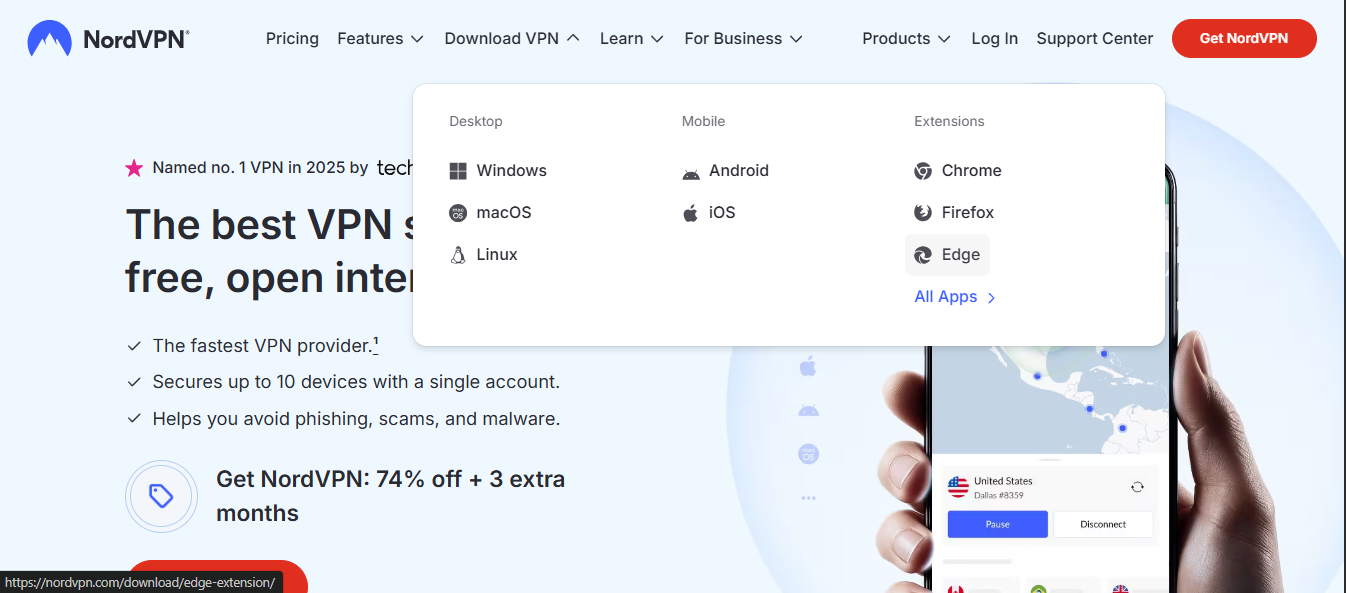
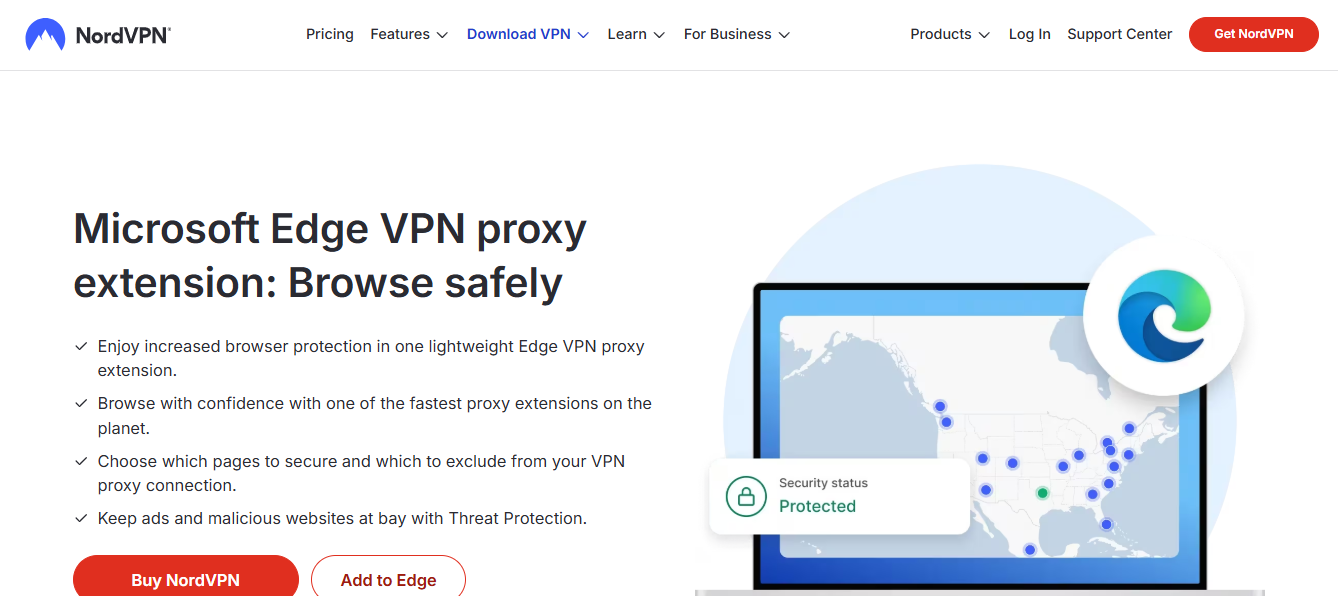
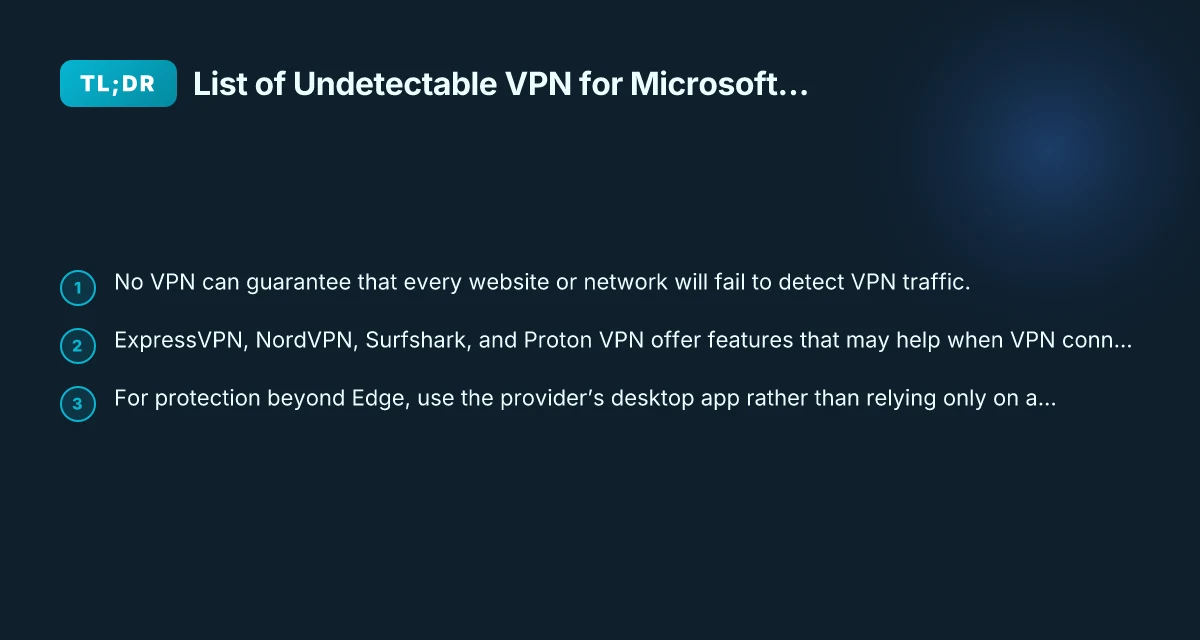
If you’re looking for a list of undetectable VPN for Microsoft Edge browser, consider ExpressVPN, NordVPN, Surfshark, and Proton VPN. Each offers features or connection options designed to help users access the internet on networks that restrict VPNs. However, “undetectable” is not a guarantee: websites and network administrators can identify or block VPN traffic, and results vary by server, protocol, and destination.
Compare VPN options for Microsoft Edge
| VPN option | Edge extension | Desktop app | Traffic coverage | Stealth features to check |
|---|---|---|---|---|
| NordVPN | Check current support | Available | Browser or device-wide | Obfuscated servers |
| ExpressVPN | Check current support | Available | Browser or device-wide | Protocol and traffic masking |
| Surfshark | Check current support | Available | Browser or device-wide | Camouflage mode |
| Proton VPN | Check current support | Available | Browser or device-wide | Stealth protocol |
| Private Internet Access | Check current support | Available | Browser or device-wide | Obfuscation settings |
| Mullvad VPN | No Edge extension listed | Available | Device-wide | Connection and protocol options |
Compiled November 2026; check the provider's site for current details.
| VPN | Obfuscation | From / month | Plan | Free plan | Refund | Alipay | UnionPay | Crypto | Website opens in China | Trustpilot | |
|---|---|---|---|---|---|---|---|---|---|---|---|
 ExpressVPN | ✓ On by default all servers | $3.00/mo | 28 months: $84 | No | 30 days | ✗ | ✗ | ✓ | ✗ | ✗ Blocked | 4.4/5 (29,706 reviews) |
 NordVPN | Turn on manually Obfuscated Servers / NordWhisper | $3.49/mo | 27 months: $94.23 | No | 30 days | ? | ✗ | ✓ | ✓ | ✗ Blocked | 4.2/5 (51,628 reviews) |
 Surfshark | ✓ On by default Camouflage, with OpenVPN | See site | See site | No | 30 days | ✗ | ✗ | ✗ | ✓ | ✗ Blocked | 4.3/5 (31,823 reviews) |
 Proton VPN | Turn on manually Stealth, free plan too | $2.99/mo | 12 months: $35.88 | Yes | 30 days | ✗ | ✗ | ✗ | ✓ | ✗ Blocked | 2.1/5 (1,040 reviews) |
 Private Internet Access | Turn on manually Shadowsocks, OpenVPN only | $2.03/mo | 40 months: $81.2 | No | 30 days | ✗ | ✗ | ✗ | ✗ | ✗ Blocked | 4.2/5 (11,033 reviews) |
 Mullvad | Turn on manually QUIC / Shadowsocks / LWO | $5.61/mo | €5/mo | No | 14 days | ✗ | ✗ | ✗ | ✓ | ✗ Blocked | 3.2/5 (192 reviews) |
 ZoogVPN | Turn on manually Shadow | $2.49/mo | 27 months: $59.99 | Yes | 7 days | ✓ | ✓ | ✓ | ✓ | Official site blocked; our special link opens (4.4 s) | 4.2/5 (195 reviews) |
 Astrill VPN | Turn on manually StealthVPN / OpenWeb | $12.50/mo | 24 months: $300 | No | See site | ✗ | ✗ | ✗ | ✓ | ✗ Blocked | 1.3/5 (110 reviews) |
 CyberGhost | Turn on manually selected servers | $2.19/mo | 28 months: $61.32 | No | 45 days | ✗ | ✗ | ✗ | ✓ | ✗ Blocked | 4.0/5 (24,178 reviews) |
 PureVPN | Turn on manually switch to OpenVPN | $1.69/mo | 60 months: $101.55 | No | 31 days | ? | ? | ✗ | ✓ | ✗ Blocked | 4.4/5 (17,994 reviews) |
 AdGuard VPN | ✓ On by default TrustTunnel | $2.99/mo | 24 months: $71.76 | Yes | 30 days | ✓ | ✗ | ✓ | ✓ | Official site blocked; our special link opens (3.7 s) | 4.3/5 (290 reviews) |
 Windscribe | Turn on manually Stealth / WStunnel | $5.75/mo | 12 months: $69 | Yes | See site | ✗ | ✗ | ✗ | ✓ | ✗ Blocked | 4.7/5 (13,355 reviews) |
 StrongVPN | Turn on manually Scramble, OpenVPN TCP | See site | See site | No | 30 days | ✓ | ✗ | ✗ | ✗ | ✗ Blocked | 4.4/5 (2,695 reviews) |
 LightXtreme 闪连 | Not listed | $7.08/mo | 12 months: $84.99 | Yes | 30 days | ✓ | ✓ | ✓ | ✓ | ✓ Yes (3.5 s) | No page |
Prices checked 2026-11-10 on each vendor's pricing page (cheapest long plan, USD). Check the vendor's checkout for the final price.
Obfuscation checked 2026-11-14 on each vendor's site and help center: "on by default" = nothing to set; "turn on manually" = switch protocol or mode in settings; "not listed" = the vendor describes no obfuscation.
Payment methods checked 2026-11-10 on each vendor's payment pages: all 14 take cards and PayPal; ✗ = not listed, ? = the vendor's own pages disagree.
China access: whether the official website opens from mainland China networks (tests the website only, not the VPN connection). Last checked 2026-11-18 01:02 Beijing time.
Trustpilot score and review count checked 2026-11-10.
VPNs to consider for Microsoft Edge
These providers have established VPN services and options that may help with restrictive networks. Check current plans and supported features before subscribing, since features and availability can change.
| VPN | Options that may help with blocks | Edge setup |
|---|---|---|
| ExpressVPN | Lightway protocol; obfuscation on supported connections | Desktop app or browser extension |
| NordVPN | Obfuscated servers; NordLynx and OpenVPN options | Desktop app or browser extension |
| Surfshark | NoBorders mode; alternative connection settings | Desktop app or browser extension |
| Proton VPN | Stealth protocol on supported platforms | Desktop app; check current Edge extension features |
ExpressVPN is a straightforward option for users who want a VPN for everyday browsing and public Wi-Fi. Its Lightway protocol is designed for efficient connections, while obfuscation may be available in situations where VPN traffic is restricted. Availability and behavior can depend on the app, server, and network.
NordVPN offers obfuscated servers intended for networks that block standard VPN connections. If a connection does not work, switching protocols or trying another server may help. Obfuscation is not a way to evade every website’s detection, and some sites may still restrict access.
Surfshark includes NoBorders mode, which is designed to help users connect on networks with VPN restrictions. It may be useful when traveling or using restrictive public networks. Check the app’s connection settings and follow local laws and the network’s rules. ssl VPN poscoenc(2026)
Proton VPN offers a Stealth protocol on supported platforms, designed to make VPN connections harder to identify. It is worth checking which protocols are available for your device and plan before choosing it specifically for Edge.
What “undetectable” means
A VPN encrypts traffic between your device and a VPN server. To the website you visit, your connection generally appears to come from the VPN server’s IP address rather than your home or mobile connection. That can improve privacy from local network operators, but it does not make you invisible.
Services can flag VPN use by checking IP reputation, traffic patterns, account activity, or location changes. A school, workplace, internet provider, or public Wi-Fi operator may also block known VPN servers or protocols. Even obfuscation features cannot guarantee access.
Keep these limits in mind: how do u deactivate norton VPN to h(2026)
- A site may block a VPN server’s IP address.
- Your account activity or browser data may still identify you.
- A VPN does not replace antivirus protection or safe browsing habits.
- Your VPN provider may see some connection information, so review its privacy policy.
- Accessing restricted content may violate a service’s terms or local rules.
What “undetectable” means in practice
| Check | What it can help with | What it does not guarantee | How to verify |
|---|---|---|---|
| VPN connection | Hides your public IP from sites | That VPN use cannot be identified | Check your public IP |
| DNS protection | Routes DNS requests through the VPN | Protection if the VPN disconnects | Run a DNS leak test |
| WebRTC protection | Limits browser IP exposure | Protection in every browser setup | Run a WebRTC leak test |
| Traffic obfuscation | Makes VPN traffic harder to recognize | That every network will allow it | Test on the target network |
| Kill switch | Blocks traffic if the VPN drops | That every app is covered | Test a controlled disconnect |
| Browser extension | Protects supported browser traffic | Protection for other apps | Check extension settings |
| Desktop app | Can protect device traffic | That browser leaks are impossible | Test IP, DNS, and WebRTC |
Compiled November 2026; check the provider's site for current details.
Edge extension or desktop app?
A VPN browser extension is convenient, but it usually protects only browser traffic, and its capabilities depend on the provider. It may act as a browser proxy rather than a full-device VPN. Apps running outside Edge might therefore use your regular internet connection.
A desktop VPN app generally protects traffic from more than just the browser, including other internet-connected apps. It also typically provides access to the provider’s full set of protocols and connection settings. VPN xbox browser(2026)
Choose the setup that fits your needs:
- Use an Edge extension for a quick browser-only setup, after confirming what traffic it covers.
- Use the desktop app for broader device protection and access to advanced connection options.
- Use both only if needed. Check the provider’s instructions to avoid conflicting connections or duplicate routing.
Download extensions and apps from the provider’s official website or Microsoft’s Edge Add-ons store. Confirm the publisher before installing, and avoid extensions that make bold claims without clear ownership or privacy information.
How to choose and troubleshoot
The best VPN depends on why you need it. For general privacy, prioritize a clear privacy policy, strong security settings, reliable apps, and responsive support. If you’re dealing with a network that blocks VPNs, look for a provider that clearly documents obfuscation or restrictive-network features for your device.
When an Edge connection fails, try these basic steps: dodgy dave stick and VPN(2026)
- Update the VPN app or extension and Microsoft Edge.
- Try a different server location.
- Switch to another supported protocol or enable the provider’s obfuscation feature.
- Check whether the site works without the VPN. The issue may be unrelated.
- Contact the VPN provider’s support team for device-specific advice.
Avoid assuming that a different country’s server will solve every problem. A website may block VPN traffic regardless of location, and frequent location changes can trigger extra account checks.
Choose and troubleshoot your Edge VPN setup
| Situation | Suggested setup | First check | If it fails |
|---|---|---|---|
| Protect Edge only | Edge VPN extension | Extension is connected | Reconnect or update it |
| Protect all apps | VPN desktop app | App shows an active connection | Restart the app |
| VPN is blocked | App with obfuscation support | Stealth mode is enabled | Try another supported protocol |
| Public IP appears exposed | App or extension with leak protection | IP test result | Reconnect and retest |
| DNS leak appears | VPN with DNS leak protection | DNS test result | Enable VPN DNS settings |
| WebRTC leak appears | Browser privacy controls or extension | WebRTC test result | Adjust Edge permissions |
| Connection keeps dropping | App with a kill switch | Kill switch is enabled | Change server or protocol |
Compiled November 2026; check the provider's site for current details.
Recommendation
For a practical shortlist, start with NordVPN if you want to try obfuscated servers, Surfshark for its NoBorders option, Proton VPN for its Stealth protocol on supported platforms, or ExpressVPN for its Lightway and obfuscation options. Compare current features, pricing, privacy terms, and device support before you buy. NordVPN ikev2 certificate(2026)
For the strongest coverage while using Microsoft Edge, install the provider’s desktop app and use a browser extension only when you specifically want browser-only protection. Treat “undetectable” as a marketing shorthand for features that may help with VPN restrictions, not as a promise that no site or network can detect or block your connection.