Nord VPN Account Generator: What It Is and Safer Alternatives
Learn why NordVPN account generators are unsafe, how to access NordVPN legitimately, and what to do if you need a low-cost VPN.
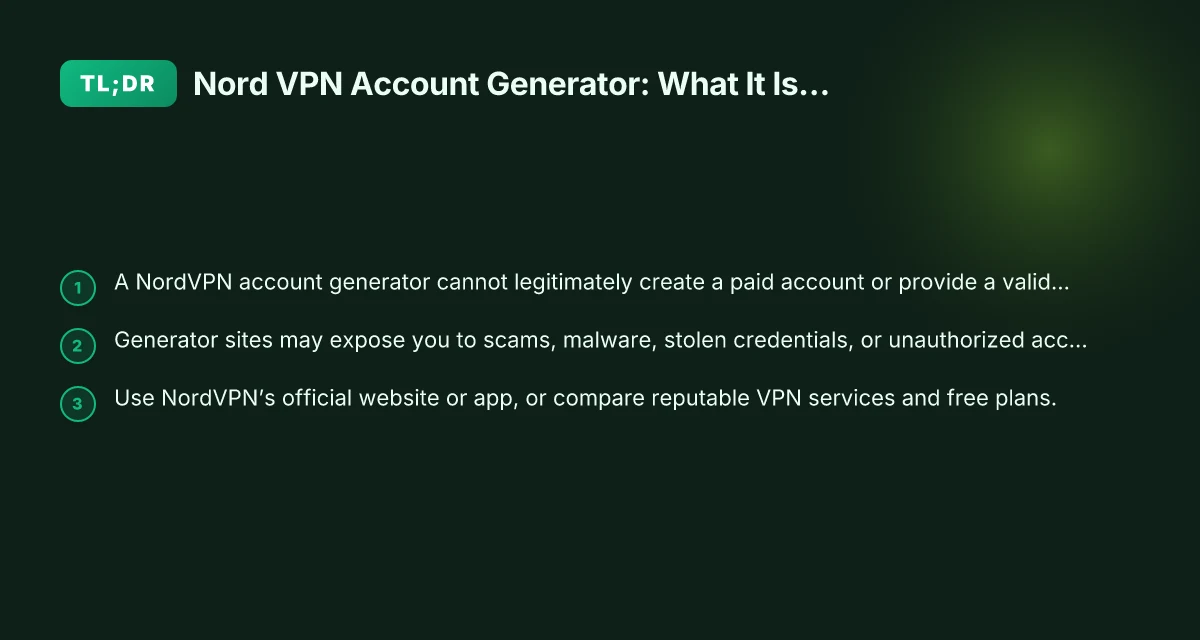
Searching for a “Nord VPN account generator” usually means looking for a tool that produces free NordVPN logins or subscription details. There is no legitimate generator that can create a working paid NordVPN account. Sites and files making that promise may be scams, may distribute malware, or may rely on stolen credentials. The safer choice is to sign up through NordVPN’s official channels or consider a reputable alternative that fits your budget.
Claimed account-generator outcomes versus likely risks
| Claim or feature | What it suggests | Key risk | Safer takeaway |
|---|---|---|---|
| Free premium access | Use NordVPN without paying | May be a scam or unauthorized access | Use official plans or promotions |
| Generated login details | Credentials will work | They may be stolen, invalid, or shared | Never use unknown credentials |
| No signup required | Quick access with less information | May prompt for sensitive details anyway | Sign up through NordVPN |
| Anonymous use | No personal details are needed | Malware or phishing may expose data | Protect devices and accounts |
| Instant connection | Ready-to-use VPN access | The account may be blocked or compromised | Verify access through official channels |
| Unlimited accounts | A fresh login is always available | Repeated attempts can expose you to fraud | Avoid generator sites and tools |
Compiled November 2026; check the provider's site for current details.
| VPN | Obfuscation | From / month | Plan | Free plan | Refund | Alipay | UnionPay | Crypto | Website opens in China | Trustpilot | |
|---|---|---|---|---|---|---|---|---|---|---|---|
 NordVPN | Turn on manually Obfuscated Servers / NordWhisper | $3.49/mo | 27 months: $94.23 | No | 30 days | ? | ✗ | ✓ | ✓ | ✗ Blocked | 4.2/5 (51,628 reviews) |
 ZoogVPN | Turn on manually Shadow | $2.49/mo | 27 months: $59.99 | Yes | 7 days | ✓ | ✓ | ✓ | ✓ | Official site blocked; our special link opens (4.4 s) | 4.2/5 (195 reviews) |
 ExpressVPN | ✓ On by default all servers | $3.00/mo | 28 months: $84 | No | 30 days | ✗ | ✗ | ✓ | ✗ | ✗ Blocked | 4.4/5 (29,706 reviews) |
 Surfshark | ✓ On by default Camouflage, with OpenVPN | See site | See site | No | 30 days | ✗ | ✗ | ✗ | ✓ | ✗ Blocked | 4.3/5 (31,823 reviews) |
 Proton VPN | Turn on manually Stealth, free plan too | $2.99/mo | 12 months: $35.88 | Yes | 30 days | ✗ | ✗ | ✗ | ✓ | ✗ Blocked | 2.1/5 (1,040 reviews) |
 Astrill VPN | Turn on manually StealthVPN / OpenWeb | $12.50/mo | 24 months: $300 | No | See site | ✗ | ✗ | ✗ | ✓ | ✗ Blocked | 1.3/5 (110 reviews) |
 Private Internet Access | Turn on manually Shadowsocks, OpenVPN only | $2.03/mo | 40 months: $81.2 | No | 30 days | ✗ | ✗ | ✗ | ✗ | ✗ Blocked | 4.2/5 (11,033 reviews) |
 CyberGhost | Turn on manually selected servers | $2.19/mo | 28 months: $61.32 | No | 45 days | ✗ | ✗ | ✗ | ✓ | ✗ Blocked | 4.0/5 (24,178 reviews) |
 PureVPN | Turn on manually switch to OpenVPN | $1.69/mo | 60 months: $101.55 | No | 31 days | ? | ? | ✗ | ✓ | ✗ Blocked | 4.4/5 (17,994 reviews) |
 AdGuard VPN | ✓ On by default TrustTunnel | $2.99/mo | 24 months: $71.76 | Yes | 30 days | ✓ | ✗ | ✓ | ✓ | Official site blocked; our special link opens (3.7 s) | 4.3/5 (290 reviews) |
 Mullvad | Turn on manually QUIC / Shadowsocks / LWO | $5.61/mo | €5/mo | No | 14 days | ✗ | ✗ | ✗ | ✓ | ✗ Blocked | 3.2/5 (192 reviews) |
 Windscribe | Turn on manually Stealth / WStunnel | $5.75/mo | 12 months: $69 | Yes | See site | ✗ | ✗ | ✗ | ✓ | ✗ Blocked | 4.7/5 (13,355 reviews) |
 StrongVPN | Turn on manually Scramble, OpenVPN TCP | See site | See site | No | 30 days | ✓ | ✗ | ✗ | ✗ | ✗ Blocked | 4.4/5 (2,695 reviews) |
 LightXtreme 闪连 | Not listed | $7.08/mo | 12 months: $84.99 | Yes | 30 days | ✓ | ✓ | ✓ | ✓ | ✓ Yes (3.5 s) | No page |
Prices checked 2026-11-10 on each vendor's pricing page (cheapest long plan, USD). Check the vendor's checkout for the final price.
Obfuscation checked 2026-11-14 on each vendor's site and help center: "on by default" = nothing to set; "turn on manually" = switch protocol or mode in settings; "not listed" = the vendor describes no obfuscation.
Payment methods checked 2026-11-10 on each vendor's payment pages: all 14 take cards and PayPal; ✗ = not listed, ? = the vendor's own pages disagree.
China access: whether the official website opens from mainland China networks (tests the website only, not the VPN connection). Last checked 2026-11-18 01:02 Beijing time.
Trustpilot score and review count checked 2026-11-10.
What a NordVPN account generator claims to do
These websites, apps, or scripts typically claim to generate usernames and passwords, provide shared accounts, or bypass NordVPN’s payment process. A generated string is not the same as a valid subscription: access to NordVPN requires an account recognized by the provider and an active plan.
Some sites may show lists of “working” logins or ask visitors to complete surveys, install software, or enter personal information. Even if a login appears to work temporarily, it could belong to another person and may be changed, blocked, or revoked. Using someone else’s credentials without permission can violate service terms and create legal and privacy risks.
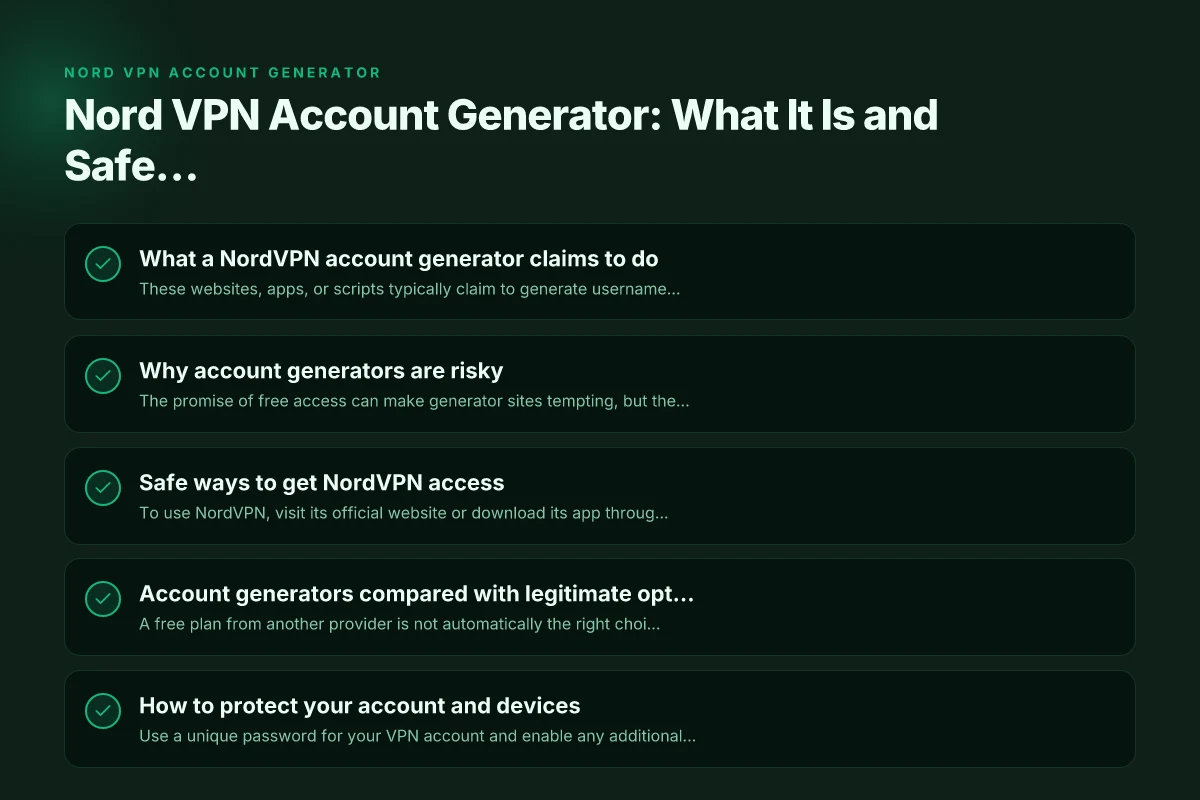
Why account generators are risky
The promise of free access can make generator sites tempting, but the potential costs go beyond a failed login.
- Malware and unwanted software: Downloads may contain spyware, credential stealers, or other harmful programs.
- Phishing: A counterfeit sign-in page may capture your email address, password, or payment information.
- Stolen or shared credentials: Login details may be obtained without the account owner’s permission, leaving you exposed to account lockouts or disputes.
- Privacy loss: A VPN provider can handle sensitive network traffic. An unknown app or unofficial configuration should not be trusted with it.
- Wasted time and money: Some pages use fake progress bars, surveys, or subscriptions to collect data or push unwanted charges.
Avoid entering your NordVPN password on unofficial sites, downloading “account generators,” or disabling antivirus protection to run one. If you already installed a suspicious file, remove it, run a security scan, and change any passwords you entered, especially passwords reused on other services. Forticlientvpnsetup_7.4.3.4726_x64.exe: Download and Install Safely
Safer ways to get NordVPN access compared with account generators
| Option | Legitimacy | Cost approach | Account security | Best for |
|---|---|---|---|---|
| Official NordVPN subscription | Official | Paid plan | Account managed through NordVPN | Reliable ongoing access |
| Official promotion | Official when found on NordVPN channels | Discounted or promotional offer | Account managed through NordVPN | Lower-cost legitimate access |
| NordVPN money-back period | Check current official terms | Refund may be available under terms | Official account and support | Trying the service with clear terms |
| Shared credentials from strangers | Unauthorized or unclear | Often advertised as free | High risk of stolen or reused logins | Not recommended |
| Account generator website | Unverified | Advertised as free | May expose information or devices | Not recommended |
| Unofficial app or download | Unverified | May claim free access | Malware or tampering risk | Not recommended |
Compiled November 2026; check the provider's site for current details.
Safe ways to get NordVPN access
To use NordVPN, visit its official website or download its app through an authorized app store. Check the current plans, features, renewal terms, and refund conditions before purchasing. Prices and offers can change.
If you already have a subscription, sign in through NordVPN’s official app or account page. If you cannot access your account, use the provider’s password-reset process or contact official customer support. Never share a one-time verification code or password with someone claiming they can “activate” your account. NordVPN Edge Extension: How It Works, What It Protects, and How to Install It
If cost is the main concern, compare legitimate options rather than relying on a generator:
- Look for current promotions on the provider’s official site.
- Check whether a shorter or longer plan better suits your needs, including its total cost and renewal price.
- Consider a reputable VPN with a free plan, while checking its data limits, server availability, privacy policy, and features.
- Review the refund policy before paying, and set a reminder if a subscription renews automatically.
Account generators compared with legitimate options
| Option | Legitimate access? | Main concern | Best next step |
|---|---|---|---|
| “Nord VPN account generator” site or app | No reliable way to create a paid account | Scams, malware, stolen credentials | Avoid it |
| Official NordVPN subscription | Yes | Cost and renewal terms | Review plans on the official site |
| Reputable VPN free plan | Yes, if offered by the provider | Possible limits on data, speed, or locations | Read the plan details and privacy policy |
| Authorized promotion or discount | Yes, subject to its terms | Eligibility and renewal pricing | Verify the offer with the provider |
A free plan from another provider is not automatically the right choice. Check how the service is funded, what data it collects, whether it limits usage, and whether its apps are available from trusted sources. A clear privacy policy and a credible reputation matter more than an unlimited-access claim.
Account and device protection checklist
| Protective step | What to do | Helps protect | Avoid |
|---|---|---|---|
| Use official channels | Visit NordVPN’s official site or app | Login and payment details | Links from generator sites |
| Create a unique password | Don’t reuse passwords from other accounts | NordVPN account | Shared or guessed passwords |
| Enable available security features | Use account protections offered by NordVPN | Account access | Ignoring security notices |
| Check links before signing in | Confirm the site and sender are legitimate | Credentials | Unexpected login pages |
| Keep software updated | Update your operating system and apps | Device security | Unofficial downloads |
| Remove suspicious downloads | Delete files from untrusted sources and scan your device | Device and personal data | Running unknown files |
| Contact official support | Ask NordVPN about account or billing concerns | Account recovery | Giving credentials to strangers |
Compiled November 2026; check the provider's site for current details. Free VPN Location Changer: What It Can Do and How to Choose One
How to protect your account and devices
Use a unique password for your VPN account and enable any additional account-security features the provider offers. Download apps only from NordVPN’s official channels or authorized stores, and keep your operating system and security software updated.
Be cautious of search results, social media posts, and video descriptions promising “free premium accounts.” Warning signs include requests to complete endless surveys, paste commands into your device, install browser extensions, or provide payment details to “verify” a free account. A legitimate provider will not need a third-party generator to create your subscription.
If you suspect your NordVPN account has been compromised, change its password through the official account page, secure the email account associated with it, and contact official support. If you entered payment details on a suspicious site, contact your payment provider and monitor transactions.
Recommendation
Do not use a Nord VPN account generator. It cannot legitimately create a paid NordVPN subscription, and attempting to use unofficial logins or downloads can put your device, data, and accounts at risk. Sign up through NordVPN’s official channels, recover your existing account through official support, or choose a reputable VPN plan that fits your budget. Microsoft Edge VPN: What It Is, How It Works, and Whether You Need One