NordVPN Activation Code: How to Find and Use It
Learn what a NordVPN activation code is, where to find it, and how to activate your subscription safely.
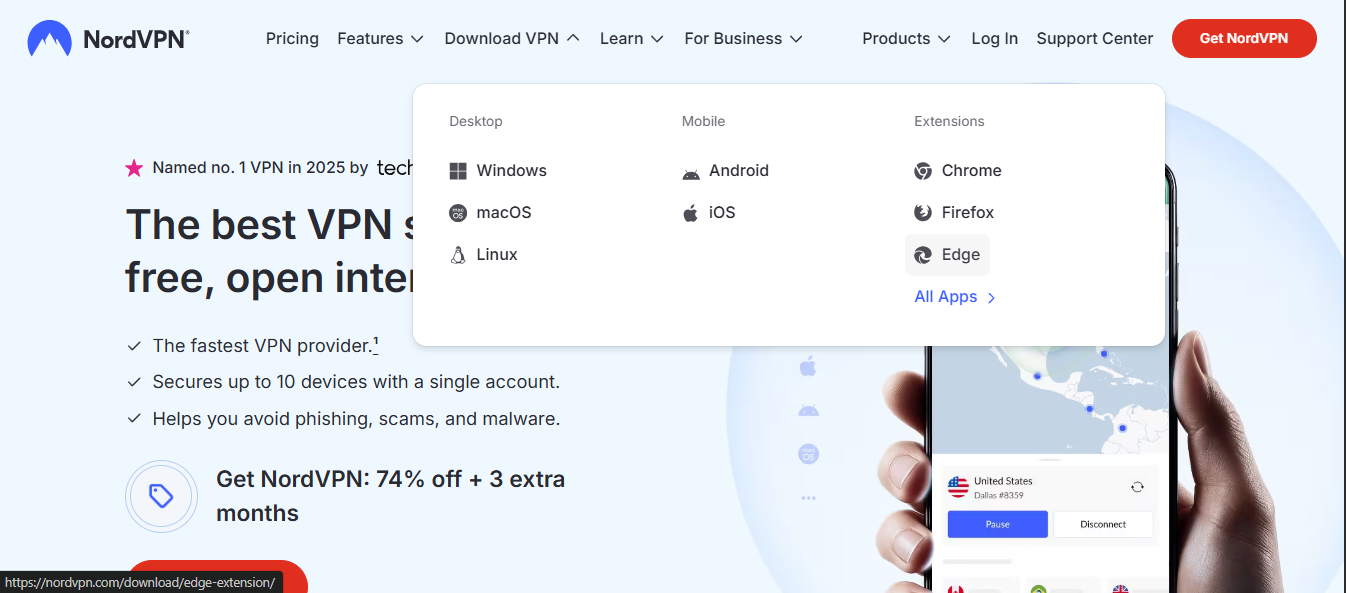
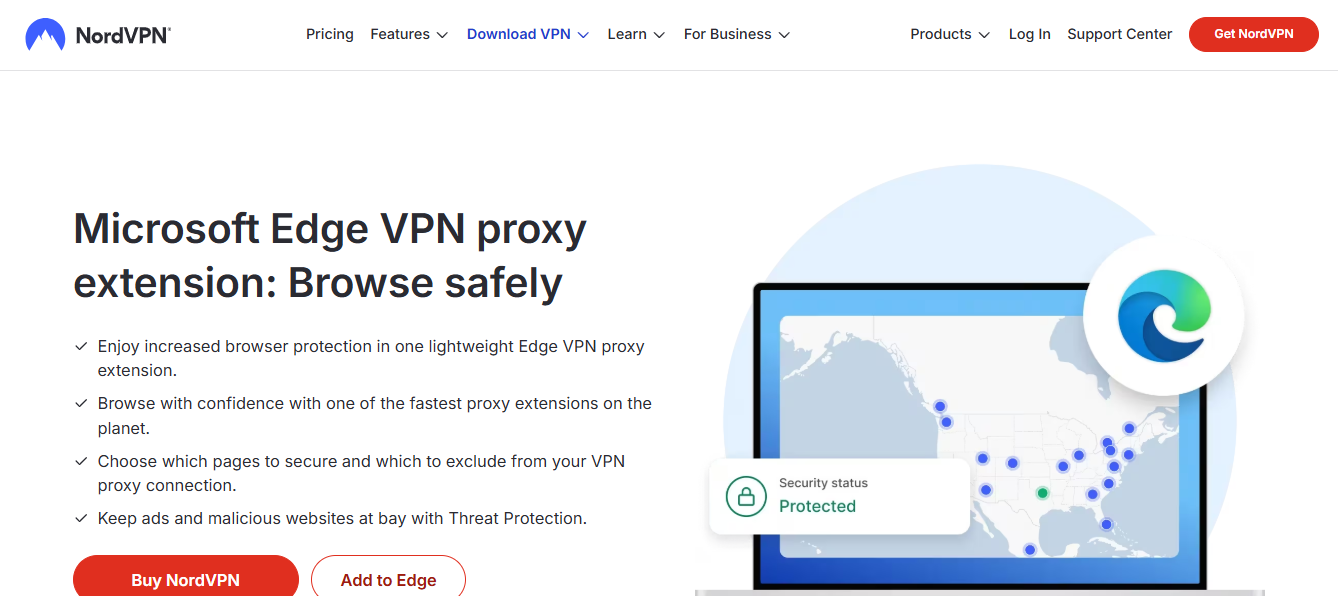
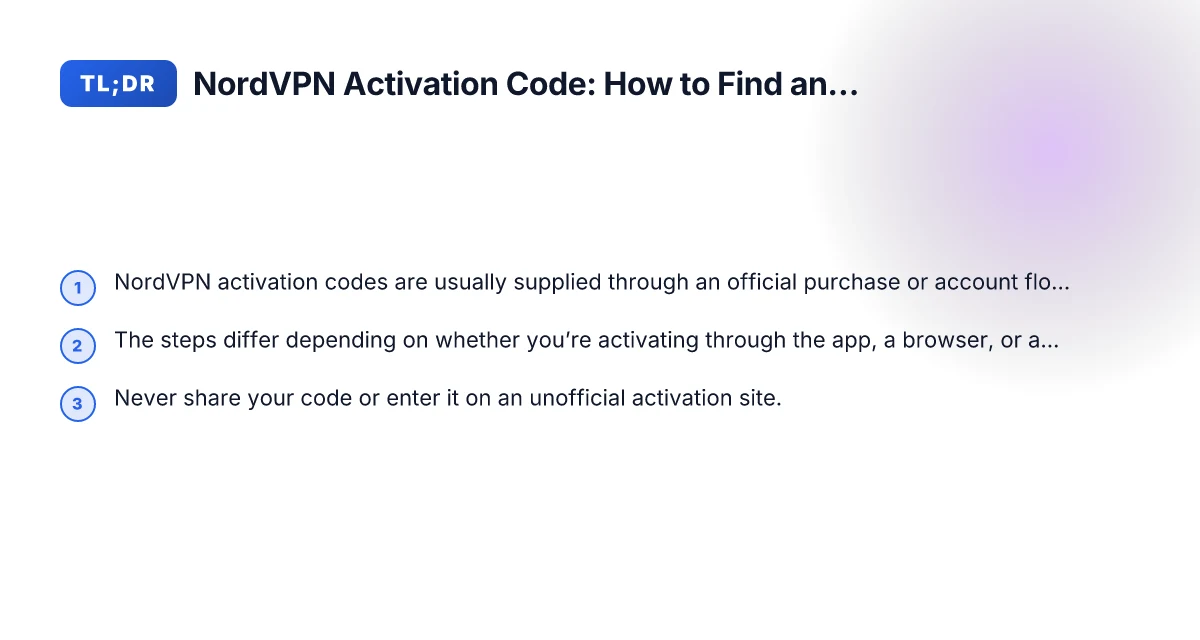
A NordVPN activation code is a code or sign-in link used to connect a device to a valid NordVPN subscription. If you bought NordVPN directly, you’ll usually activate by signing in with your account rather than entering a separate code. If your purchase included a code, redeem it only through NordVPN’s official website or app, and follow the instructions provided with the purchase.
Common ways to find NordVPN activation details
| Source | What to look for | Best for | Next step |
|---|---|---|---|
| Nord Account | Subscription and account details | Existing subscribers | Sign in and check your account |
| Purchase confirmation email | Order and setup information | Recent purchases | Search your inbox for NordVPN |
| App or setup screen | Sign-in or activation prompts | Installing the app | Follow the displayed instructions |
| NordVPN website | Current setup guidance | Any device | Visit NordVPN’s official site |
| Official support | Help with account-specific questions | Unclear or missing details | Contact NordVPN support |
| Reseller confirmation | Purchase and redemption instructions | Purchases through a reseller | Follow the reseller’s official steps |
Compiled November 2026; check the provider's site for current details.
| VPN | Obfuscation | From / month | Plan | Free plan | Refund | Alipay | UnionPay | Crypto | Website opens in China | Trustpilot | |
|---|---|---|---|---|---|---|---|---|---|---|---|
 NordVPN | Turn on manually Obfuscated Servers / NordWhisper | $3.49/mo | 27 months: $94.23 | No | 30 days | ? | ✗ | ✓ | ✓ | ✗ Blocked | 4.2/5 (51,628 reviews) |
 ZoogVPN | Turn on manually Shadow | $2.49/mo | 27 months: $59.99 | Yes | 7 days | ✓ | ✓ | ✓ | ✓ | Official site blocked; our special link opens (4.4 s) | 4.2/5 (195 reviews) |
 ExpressVPN | ✓ On by default all servers | $3.00/mo | 28 months: $84 | No | 30 days | ✗ | ✗ | ✓ | ✗ | ✗ Blocked | 4.4/5 (29,706 reviews) |
 Surfshark | ✓ On by default Camouflage, with OpenVPN | See site | See site | No | 30 days | ✗ | ✗ | ✗ | ✓ | ✗ Blocked | 4.3/5 (31,823 reviews) |
 Proton VPN | Turn on manually Stealth, free plan too | $2.99/mo | 12 months: $35.88 | Yes | 30 days | ✗ | ✗ | ✗ | ✓ | ✗ Blocked | 2.1/5 (1,040 reviews) |
 Astrill VPN | Turn on manually StealthVPN / OpenWeb | $12.50/mo | 24 months: $300 | No | See site | ✗ | ✗ | ✗ | ✓ | ✗ Blocked | 1.3/5 (110 reviews) |
 Private Internet Access | Turn on manually Shadowsocks, OpenVPN only | $2.03/mo | 40 months: $81.2 | No | 30 days | ✗ | ✗ | ✗ | ✗ | ✗ Blocked | 4.2/5 (11,033 reviews) |
 CyberGhost | Turn on manually selected servers | $2.19/mo | 28 months: $61.32 | No | 45 days | ✗ | ✗ | ✗ | ✓ | ✗ Blocked | 4.0/5 (24,178 reviews) |
 PureVPN | Turn on manually switch to OpenVPN | $1.69/mo | 60 months: $101.55 | No | 31 days | ? | ? | ✗ | ✓ | ✗ Blocked | 4.4/5 (17,994 reviews) |
 AdGuard VPN | ✓ On by default TrustTunnel | $2.99/mo | 24 months: $71.76 | Yes | 30 days | ✓ | ✗ | ✓ | ✓ | Official site blocked; our special link opens (3.7 s) | 4.3/5 (290 reviews) |
 Mullvad | Turn on manually QUIC / Shadowsocks / LWO | $5.61/mo | €5/mo | No | 14 days | ✗ | ✗ | ✗ | ✓ | ✗ Blocked | 3.2/5 (192 reviews) |
 Windscribe | Turn on manually Stealth / WStunnel | $5.75/mo | 12 months: $69 | Yes | See site | ✗ | ✗ | ✗ | ✓ | ✗ Blocked | 4.7/5 (13,355 reviews) |
 StrongVPN | Turn on manually Scramble, OpenVPN TCP | See site | See site | No | 30 days | ✓ | ✗ | ✗ | ✗ | ✗ Blocked | 4.4/5 (2,695 reviews) |
 LightXtreme 闪连 | Not listed | $7.08/mo | 12 months: $84.99 | Yes | 30 days | ✓ | ✓ | ✓ | ✓ | ✓ Yes (3.5 s) | No page |
Prices checked 2026-11-10 on each vendor's pricing page (cheapest long plan, USD). Check the vendor's checkout for the final price.
Obfuscation checked 2026-11-14 on each vendor's site and help center: "on by default" = nothing to set; "turn on manually" = switch protocol or mode in settings; "not listed" = the vendor describes no obfuscation.
Payment methods checked 2026-11-10 on each vendor's payment pages: all 14 take cards and PayPal; ✗ = not listed, ? = the vendor's own pages disagree.
China access: whether the official website opens from mainland China networks (tests the website only, not the VPN connection). Last checked 2026-11-18 01:02 Beijing time.
Trustpilot score and review count checked 2026-11-10.
What a NordVPN activation code does
An activation code helps verify that you’re entitled to use NordVPN. Depending on how you purchased the service and which version of the app you’re using, activation may happen through an account login, a browser-based sign-in, or a redemption code.
The exact process can vary by platform and change over time. A code may be included with a legitimate gift, promotion, or purchase from an authorized retailer. It is not the same as a VPN server address, password, or one-time security verification code.
NordVPN generally manages subscriptions through your Nord Account. Once your subscription is active and you sign in to the app with the correct account, you can connect to VPN servers on supported devices according to your plan and NordVPN’s current terms.
Where to find your code or activation instructions
Start with the source of your purchase. If you subscribed on NordVPN’s website, check the email address you used for the order and sign in to your Nord Account. You may find a purchase confirmation, subscription details, or instructions for signing in. urban VPN microsoft edge extension(2026)
If you bought a code from a retailer or received one as a gift, check the receipt, order confirmation, or the retailer’s redemption instructions. Make sure the seller is authorized and that the code is intended for your region and account type.
Before trying to redeem anything, check these places:
- Your email inbox, including spam and promotions folders
- Your Nord Account’s subscription or billing area
- The retailer’s order history and purchase confirmation
- Any card, voucher, or gift email that came with the purchase
Avoid websites that promise free activation codes or ask you to download unfamiliar software. Such offers may be expired, stolen, or designed to collect personal or payment information.
Activation methods compared forticlient ios ipsec(2026)
| Method | What you need | Where to start | Main consideration |
|---|---|---|---|
| Sign in to the app | Nord Account credentials | NordVPN app | Use the account linked to your subscription |
| Use a setup link | Official activation instructions | NordVPN website or email | Check that the link is genuine |
| Enter a code | A valid code, if provided | The requested activation screen | Enter it exactly as shown |
| Activate through a reseller | Reseller instructions and purchase details | Reseller’s official page | Confirm the offer is legitimate |
| Use account settings | Access to your Nord Account | NordVPN website | Check subscription status |
| Ask support for help | Account or purchase information | Official NordVPN support | Never share your password |
Compiled November 2026; check the provider's site for current details.
How to activate NordVPN
The safest route is to use NordVPN’s official app or website. The labels and screens can differ slightly between devices, but these steps cover the usual process.
- Download the NordVPN app from the official NordVPN website or your device’s trusted app store.
- Open the app and choose the sign-in or activation option.
- Sign in using the email address and password linked to your Nord Account. If the app opens a browser, complete the sign-in there and return to the app.
- If you have a valid redemption code, follow NordVPN’s official redemption instructions and enter it only on the official NordVPN site or app.
- Confirm that your subscription is active, then connect to a VPN server.
You may need to verify your email, approve a sign-in request, or complete another security check. Those steps help protect your account. They are not necessarily activation codes. Never give a verification code to someone who contacts you unexpectedly.
If you can sign in but cannot connect, check your internet connection, update the app, and confirm that your subscription is active. You can also sign out and back in, or restart the device before trying again. ipsec over tcp 443(2026)
Activation methods compared
| Situation | What to do | Where to check |
|---|---|---|
| You subscribed on NordVPN’s website | Sign in to the app with your Nord Account | Nord Account and purchase email |
| You received a redemption code | Follow the code’s official redemption instructions | NordVPN’s official site or app |
| You purchased through an app store | Check the store account used for the purchase and restore purchases if available | Apple App Store or Google Play account |
| You bought from a retailer | Confirm the seller’s instructions and code eligibility | Retailer receipt and NordVPN support |
A subscription purchased through an app store may be managed by that store rather than directly through NordVPN. Use the same Apple or Google account used at checkout, and look for an option such as “Restore purchases” in the app if the subscription is not recognized. For retailer purchases, contact the retailer first if the code is missing or appears to have been used already.
Troubleshooting common activation problems
If a code is rejected, check that you entered it exactly as provided. Watch for characters that look alike, such as “O” and “0,” and remove any accidental spaces. Also confirm that the code has not expired, already been redeemed, or been restricted to a different region or product.
If the app says your subscription is inactive, make sure you signed in with the account associated with the purchase. A different email address or app-store account can make a valid subscription seem unavailable. Check your order confirmation to identify the account used at checkout.
For a browser-based activation, return to the app after signing in and allow the browser to open the app when prompted. If that does not work, update both the app and your browser, then try again using NordVPN’s official sign-in page. VPN that allows you to choose location for free(2026)
If the issue continues:
- Review the current setup and redemption instructions on NordVPN’s official help pages.
- Contact NordVPN support through its official website and provide your order details.
- Contact the retailer or app-store provider for purchases made through them.
- Do not post your code, password, or verification code publicly or send them to an unsolicited contact.
Troubleshooting activation problems
| Problem | What to check | Safe action | Avoid |
|---|---|---|---|
| Code not accepted | Spelling and entry field | Re-enter it carefully | Guessing altered codes |
| No code received | Email folders and purchase source | Check official setup instructions | Buying another code immediately |
| Subscription not recognized | Account used for purchase | Sign in to the correct account | Creating duplicate subscriptions |
| Activation link fails | Link source and expiration details | Open current guidance from NordVPN | Untrusted third-party links |
| App will not activate | App version and connection | Update the app and retry | Sharing account credentials |
| Unsure whether a message is genuine | Sender and destination URL | Verify through official support | Clicking suspicious links |
Compiled November 2026; check the provider's site for current details.
Keep your activation details secure
Treat a NordVPN code like a password: anyone who obtains an unused code may be able to redeem it. Store it privately, use it only on official channels, and be cautious of messages claiming that your account will be suspended unless you act through a link. free location changer VPN(2026)
NordVPN support should not need you to publish your password or send a security code to an unknown person. If you think your account or code has been exposed, change your account password and contact support through the official website.
Recommendation
For most customers, signing in to the NordVPN app with the Nord Account used for the purchase is the simplest way to activate service. Use a separate activation code only when your legitimate purchase includes one, and redeem it through NordVPN’s official channels.