TunnelBear Extension: What It Does and How to Use It

Learn what the TunnelBear extension does, how to install it, and when to use it instead of the full VPN app.
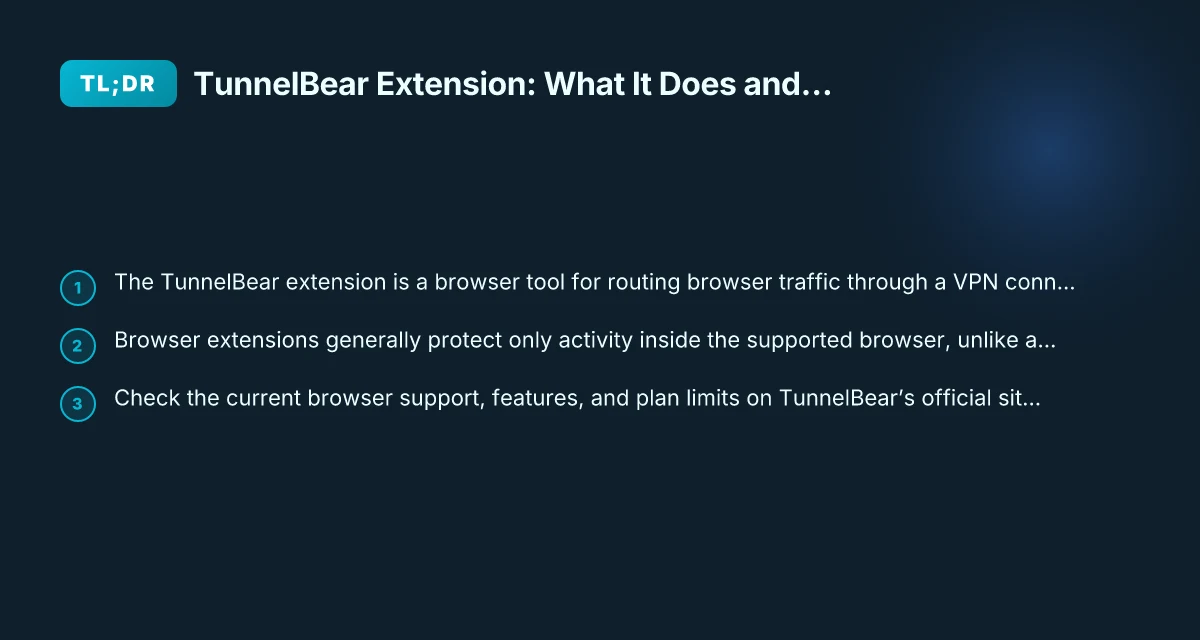
The TunnelBear extension is a browser add-on that lets you connect to TunnelBear’s VPN from a supported browser. It can help protect browser traffic on public Wi-Fi and change the apparent location of that traffic. It is not necessarily a replacement for the TunnelBear desktop or mobile app: a browser extension typically covers activity in its browser, while a VPN app can protect traffic from other apps on the device.
What the TunnelBear extension does
A VPN routes internet traffic through a server operated by the VPN provider. When you use a browser VPN extension, the browser’s eligible traffic is sent through that connection. Websites may then see the VPN server’s IP address rather than your usual public IP address.
The extension can be useful when you want a quick way to manage a VPN connection while browsing. Depending on the version and current service features, it may let you choose a server location, connect or disconnect, and view connection status.
A VPN can improve privacy from people monitoring the same local network, such as on public Wi-Fi. However, it does not make you anonymous. Websites can still identify you through accounts, cookies, browser fingerprinting, and other information you provide.
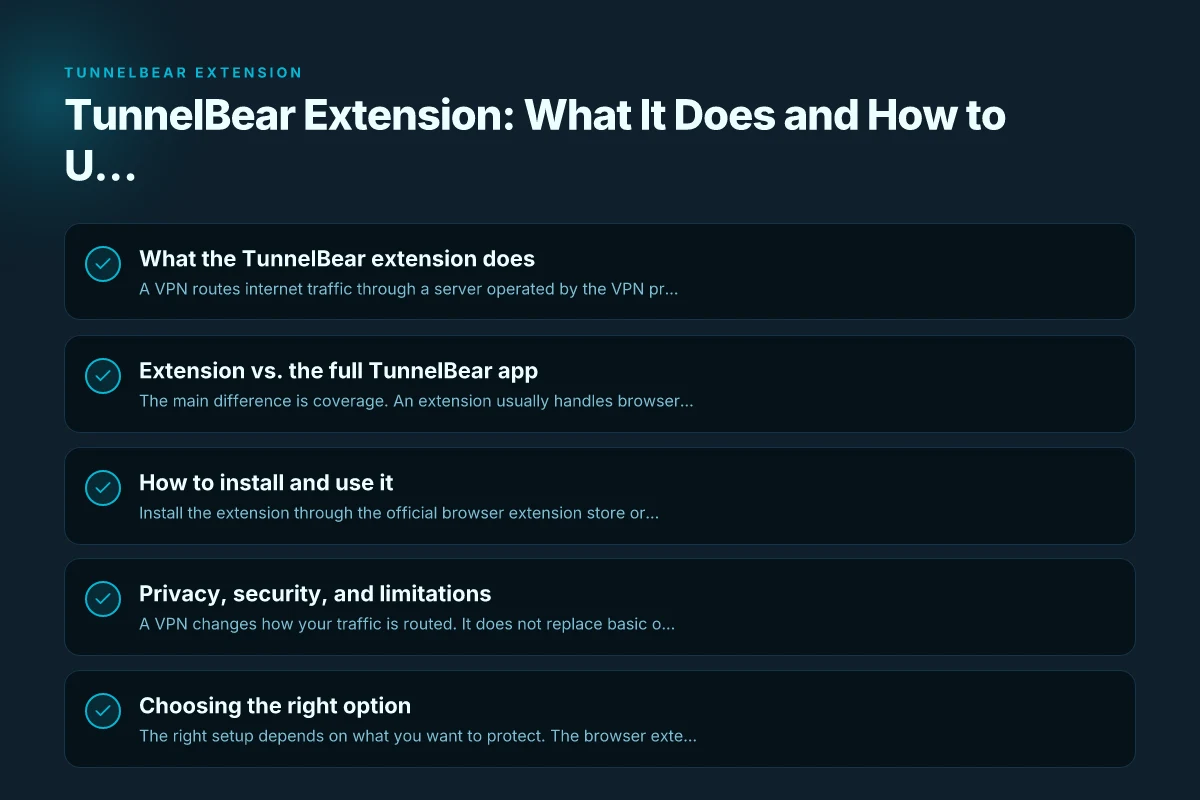
Extension vs. the full TunnelBear app
The main difference is coverage. An extension usually handles browser traffic, whereas a device-level VPN app is designed to route traffic from multiple applications through the VPN. Clash for iPad: How to Install and Play
| Option | Typical coverage | Best suited to |
|---|---|---|
| TunnelBear browser extension | Traffic in the supported browser | Browser-focused use and quick access |
| TunnelBear desktop or mobile app | Device traffic, subject to settings and exceptions | Protecting browsers and other apps |
| No VPN connection | Your regular network connection | Situations where you do not need VPN routing |
Exact behavior depends on the browser, operating system, app settings, and TunnelBear’s current product design. Check the provider’s documentation if you need to know which traffic is covered or how the extension interacts with the app.
Choose the extension if your goal is specifically to route browser activity. Choose the full app if you want broader device-level coverage. Running an extension and the app together may not be necessary. Consult TunnelBear’s instructions to avoid unexpected connection behavior.
How to install and use it
Install the extension through the official browser extension store or a link provided by TunnelBear. Avoid third-party download sites, which may offer outdated or altered software.
A typical setup looks like this: FortiClient VPN Setup: A Step-by-Step Guide for Windows and macOS
- Open the official extension listing for your browser.
- Confirm the publisher and review the requested permissions.
- Add the extension to the browser.
- Open it and sign in or create an account if required.
- Select a location, if available, and connect.
- Check the extension’s status before using websites that depend on your location.
The exact steps can change as browsers and TunnelBear update their products. If you cannot find the extension in your browser’s store, check TunnelBear’s official support pages for current availability rather than downloading an unofficial copy.
Privacy, security, and limitations
A VPN changes how your traffic is routed. It does not replace basic online security. Use unique passwords, enable multifactor authentication where available, keep your browser updated, and avoid entering sensitive information on suspicious websites.
Before relying on the extension, keep these limitations in mind:
- Browser-only coverage: Other applications may continue to use your regular connection.
- Account-based tracking: Signing in to a website can still link activity to your account.
- Cookies and browser data: A VPN does not automatically erase stored cookies or browsing history.
- Location accuracy: A website may use GPS, account details, or other signals in addition to your IP address.
- Permission scope: Review what the extension asks to access and install it only from a trusted source.
- Service terms: A VPN does not guarantee access to every region-restricted website or service.
If privacy from your internet service provider is your main concern, make sure you understand which traffic the extension covers. If you need protection for other apps too, use the full VPN app and verify its connection. VPN for Edge Extension: How to Choose and Use One
Choosing the right option
The right setup depends on what you want to protect. The browser extension may be convenient for browsing, but broader coverage requires a device-level VPN connection.
| Your goal | Practical choice |
|---|---|
| Route traffic from one supported browser | TunnelBear extension |
| Route traffic from several apps | TunnelBear app |
| Verify the service’s current browser support | TunnelBear’s official site or browser store |
| Improve general account security | Strong passwords and multifactor authentication, with or without a VPN |
Before subscribing or relying on a particular feature, review TunnelBear’s current plans, data limits, supported browsers, and privacy information. These details can change over time.
Recommendation
Use the TunnelBear extension if you want a convenient VPN connection for browser activity and your browser is currently supported. For protection across your device, use the TunnelBear app instead, and confirm its settings cover the traffic you care about.