urban VPN proxy edge(2026)
Learn what Urban VPN Proxy Edge does, how to set it up, and what to consider for privacy, speed, and security.
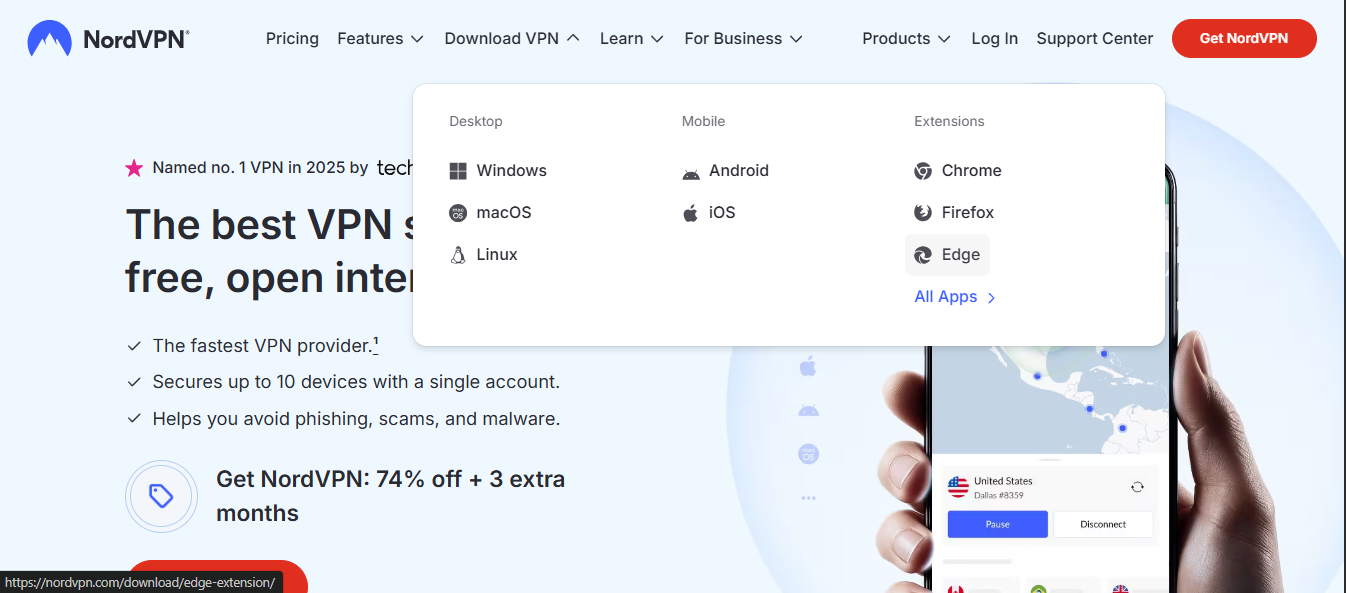
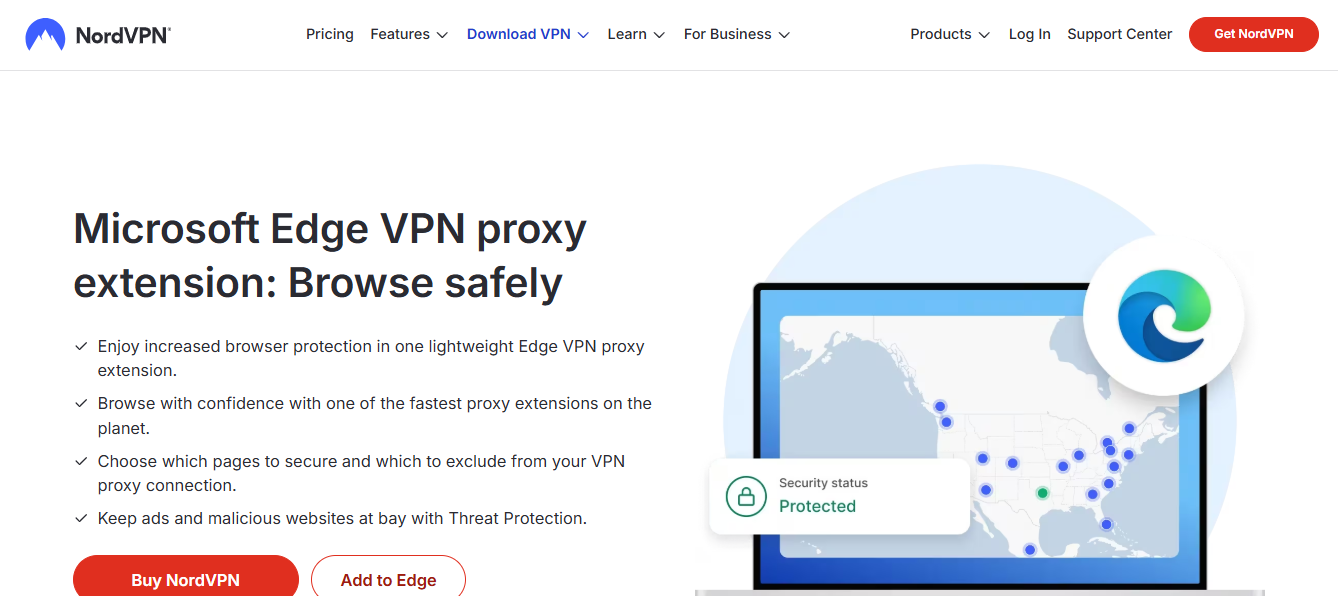
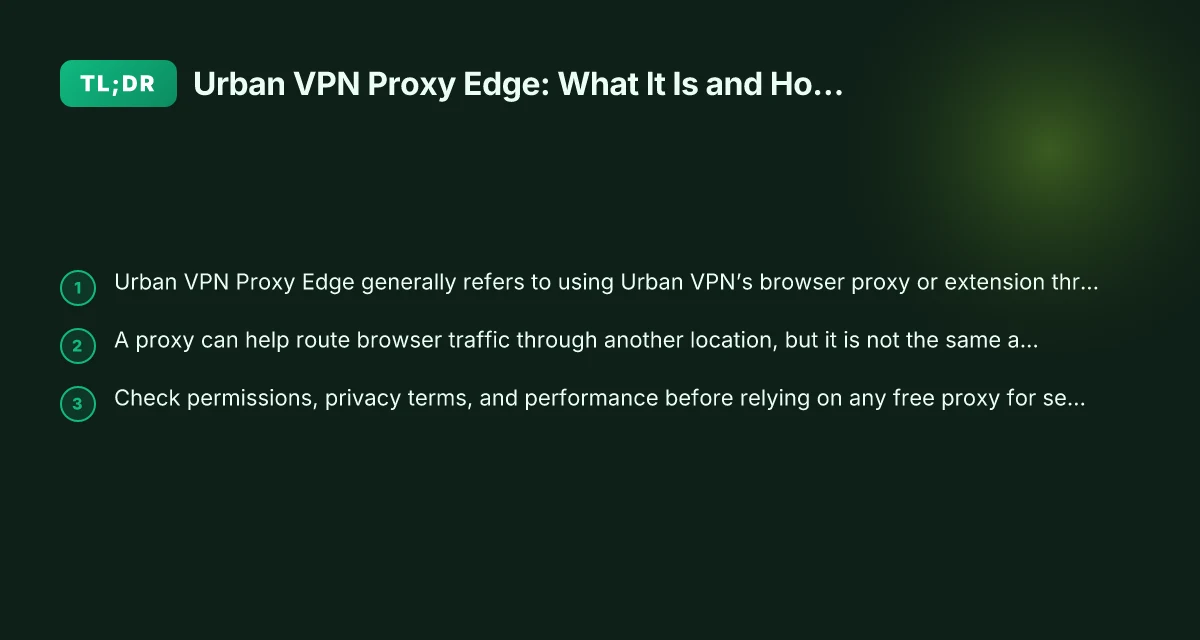
Urban VPN Proxy Edge usually means using the Urban VPN browser extension or proxy with Microsoft Edge. It can route supported browser traffic through a selected server location, which may help you access websites that vary by region or hide your usual IP address from those sites. It does not automatically protect every app on your device, and a proxy should not be treated as a guarantee of anonymity.
Compare proxy, browser VPN, and full VPN coverage
| Option | What it routes | Other apps covered | Setup scope | Best fit |
|---|---|---|---|---|
| Proxy | Browser traffic configured to use it | No | Browser settings or extension | A specific browser task |
| Browser VPN | Traffic from the browser | No | Browser extension or built-in feature | Browser-only browsing |
| Full VPN | Device traffic, depending on settings | Yes | VPN app or operating-system settings | Whole-device coverage |
| Edge proxy extension | Edge traffic routed through the extension | No | Install and configure in Edge | Quick browser setup |
| System proxy | Traffic from apps that honor system proxy settings | Not always | Operating-system settings | Apps that support proxies |
| VPN app | Device traffic routed through the VPN | Yes | Install and connect the app | Broader device protection |
Compiled November 2026; check the provider's site for current details.
| VPN | Obfuscation | From / month | Plan | Free plan | Refund | Alipay | UnionPay | Crypto | Website opens in China | Trustpilot | |
|---|---|---|---|---|---|---|---|---|---|---|---|
 ZoogVPN | Turn on manually Shadow | $2.49/mo | 27 months: $59.99 | Yes | 7 days | ✓ | ✓ | ✓ | ✓ | Official site blocked; our special link opens (4.4 s) | 4.2/5 (195 reviews) |
 NordVPN | Turn on manually Obfuscated Servers / NordWhisper | $3.49/mo | 27 months: $94.23 | No | 30 days | ? | ✗ | ✓ | ✓ | ✗ Blocked | 4.2/5 (51,628 reviews) |
 ExpressVPN | ✓ On by default all servers | $3.00/mo | 28 months: $84 | No | 30 days | ✗ | ✗ | ✓ | ✗ | ✗ Blocked | 4.4/5 (29,706 reviews) |
 Surfshark | ✓ On by default Camouflage, with OpenVPN | See site | See site | No | 30 days | ✗ | ✗ | ✗ | ✓ | ✗ Blocked | 4.3/5 (31,823 reviews) |
 Proton VPN | Turn on manually Stealth, free plan too | $2.99/mo | 12 months: $35.88 | Yes | 30 days | ✗ | ✗ | ✗ | ✓ | ✗ Blocked | 2.1/5 (1,040 reviews) |
 Astrill VPN | Turn on manually StealthVPN / OpenWeb | $12.50/mo | 24 months: $300 | No | See site | ✗ | ✗ | ✗ | ✓ | ✗ Blocked | 1.3/5 (110 reviews) |
 Private Internet Access | Turn on manually Shadowsocks, OpenVPN only | $2.03/mo | 40 months: $81.2 | No | 30 days | ✗ | ✗ | ✗ | ✗ | ✗ Blocked | 4.2/5 (11,033 reviews) |
 CyberGhost | Turn on manually selected servers | $2.19/mo | 28 months: $61.32 | No | 45 days | ✗ | ✗ | ✗ | ✓ | ✗ Blocked | 4.0/5 (24,178 reviews) |
 PureVPN | Turn on manually switch to OpenVPN | $1.69/mo | 60 months: $101.55 | No | 31 days | ? | ? | ✗ | ✓ | ✗ Blocked | 4.4/5 (17,994 reviews) |
 AdGuard VPN | ✓ On by default TrustTunnel | $2.99/mo | 24 months: $71.76 | Yes | 30 days | ✓ | ✗ | ✓ | ✓ | Official site blocked; our special link opens (3.7 s) | 4.3/5 (290 reviews) |
 Mullvad | Turn on manually QUIC / Shadowsocks / LWO | $5.61/mo | €5/mo | No | 14 days | ✗ | ✗ | ✗ | ✓ | ✗ Blocked | 3.2/5 (192 reviews) |
 Windscribe | Turn on manually Stealth / WStunnel | $5.75/mo | 12 months: $69 | Yes | See site | ✗ | ✗ | ✗ | ✓ | ✗ Blocked | 4.7/5 (13,355 reviews) |
 StrongVPN | Turn on manually Scramble, OpenVPN TCP | See site | See site | No | 30 days | ✓ | ✗ | ✗ | ✗ | ✗ Blocked | 4.4/5 (2,695 reviews) |
 LightXtreme 闪连 | Not listed | $7.08/mo | 12 months: $84.99 | Yes | 30 days | ✓ | ✓ | ✓ | ✓ | ✓ Yes (3.5 s) | No page |
Prices checked 2026-11-10 on each vendor's pricing page (cheapest long plan, USD). Check the vendor's checkout for the final price.
Obfuscation checked 2026-11-14 on each vendor's site and help center: "on by default" = nothing to set; "turn on manually" = switch protocol or mode in settings; "not listed" = the vendor describes no obfuscation.
Payment methods checked 2026-11-10 on each vendor's payment pages: all 14 take cards and PayPal; ✗ = not listed, ? = the vendor's own pages disagree.
China access: whether the official website opens from mainland China networks (tests the website only, not the VPN connection). Last checked 2026-11-18 01:02 Beijing time.
Trustpilot score and review count checked 2026-11-10.
What Urban VPN Proxy Edge Does
Urban VPN offers VPN and proxy-related services, including browser extensions. In Edge, an extension can handle traffic from the browser, depending on its design and settings. When connected, a website may see the IP address associated with the selected proxy location rather than your regular public IP address.
That change can be useful for routine browsing, such as checking how a page appears from another country. However, it does not make you invisible online. Websites can still identify users through account sign-ins, cookies, browser fingerprinting, and other signals.
A browser proxy also differs from a full VPN app:
- A browser extension typically focuses on browser traffic.
- A device-level VPN may route traffic from multiple apps, subject to its configuration.
- Neither option prevents tracking by itself or makes unsafe websites safe.
The exact features and coverage can change, so check the current extension listing and Urban VPN’s documentation before installing or relying on it. urban VPN proxy extension(2026)
How to Set It Up in Microsoft Edge
Install extensions only from a source you trust. The safest starting point is the official Microsoft Edge Add-ons store or a link provided by Urban VPN. Avoid unofficial download sites, which may distribute altered or outdated files.
A typical setup involves these steps:
- Open the Microsoft Edge Add-ons store and search for Urban VPN.
- Confirm the publisher and review the listing before installing.
- Select Get or the equivalent install button, then review the permissions Edge displays.
- Open the extension from Edge’s toolbar and follow its connection prompts.
- Choose an available location and connect.
- Visit a reputable IP-checking website to see whether your browser appears to use a different IP address.
If the extension does not appear in the toolbar, open Edge’s extensions menu and pin it. If it fails to connect, check for Edge updates, extension updates, network restrictions, or a temporary service issue. Do not install a second copy from an unfamiliar source to troubleshoot.
Check these settings before using Urban VPN Proxy in Edge get VPN ipsec tunnel summary(2026)
| Check | What to verify | Why it matters | If unclear |
|---|---|---|---|
| Extension source | Install from a trusted store | Reduces risk of a modified add-on | Check the publisher |
| Permissions | Review requested access | Reveals what the extension may read or change | Avoid unnecessary permissions |
| Connection status | Confirm the chosen location is connected | Prevents assuming traffic is routed | Reconnect or choose another location |
| IP address | Check before and after connecting | Helps confirm the apparent address changed | Review extension settings |
| DNS and WebRTC | Test for possible leaks | A changed IP alone is not a full leak check | Use reputable leak tests |
| Privacy policy | Review logging and data-sharing terms | Clarifies how information may be handled | Do not send sensitive data |
| HTTPS | Confirm the site uses HTTPS | Protects the connection to that site | Avoid entering credentials on HTTP pages |
Compiled November 2026; check the provider's site for current details.
Proxy, Browser VPN, and Full VPN Compared
The terms “proxy” and “VPN” are sometimes used loosely in product descriptions. What matters in practice is which traffic is routed and how the service handles it.
| Option | Typical traffic coverage | Common use | Important limitation |
|---|---|---|---|
| Browser proxy or extension | Traffic handled by the browser or extension | Changing the apparent location for browser sessions | May not cover other apps |
| Device-level VPN app | Often traffic from multiple apps on the device | Broader network protection on public Wi-Fi | Requires trust in the VPN provider |
| Standard proxy settings | Traffic from apps configured to use that proxy | Specific network or browsing tasks | May not encrypt the connection |
A proxy changes how traffic is routed. Encryption depends on the connection and service. Websites using HTTPS encrypt data between your browser and the site, but that does not mean every part of your connection or metadata is hidden from your network or provider.
Privacy and Security Checks
Before using Urban VPN Proxy Edge, review the extension’s permissions and privacy information. Browser permissions can allow an extension to read or change data on websites, so grant access only when you understand why it is needed. If Edge offers choices such as access on specific sites or only when clicked, those settings may reduce unnecessary exposure. ipsec over tcp(2026)
Also consider these points:
- Read the privacy policy. Look for clear explanations of what data is collected, how long it is kept, and whether it is shared.
- Avoid sensitive sessions. For banking, work accounts, or confidential information, use a connection and provider you have carefully evaluated.
- Keep the extension updated. Updates can address compatibility and security issues.
- Use HTTPS websites. Look for the lock icon and the correct website address, while remembering that HTTPS does not make a provider trustworthy.
- Do not assume anonymity. Signing into an account or allowing cookies can identify you regardless of your visible IP address.
- Check local rules and site terms. A proxy does not override laws, workplace policies, or a website’s access restrictions.
Free services may have limits, such as fewer locations, slower speeds, usage caps, or different privacy practices. Read the current terms rather than assuming that a free connection offers the same protections as a paid plan.
Speed, Access, and Troubleshooting
Routing traffic through another location can add distance and congestion, so pages may load more slowly. If a site does not work, disconnect and reconnect, try another available location, or check whether the extension is enabled for that site. Some services block proxy traffic, and a location change is not guaranteed to bypass those restrictions.
For a basic performance check, compare a few ordinary websites before and after connecting. Avoid judging the service from one test alone: server load, time of day, and your internet connection can all affect results. If video, calls, or downloads become unreliable, disconnect or use a closer location when available. VPN that changes location free(2026)
If Edge reports an extension error, review the extension’s permissions and status in the browser settings. Remove it if it behaves unexpectedly, requests access that does not make sense for its function, or no longer receives updates.
Choose an approach for your browsing needs
| Need | Urban VPN Proxy in Edge | Full VPN | No proxy or VPN |
|---|---|---|---|
| Route Edge browsing | Supported when connected | Supported | No |
| Cover other apps | No | Supported, depending on settings | No |
| Change apparent location | May be supported | May be supported | No |
| Protect public Wi-Fi traffic | Limited; use HTTPS | Broader device coverage | No added VPN protection |
| Access a blocked site | May work; not guaranteed | May work; not guaranteed | Usually unavailable if blocked |
| Preserve maximum speed | May add some slowdown | May add some slowdown | No VPN-related slowdown |
| Handle sensitive activity | Check policy and leak risks | Review provider and settings | Avoid untrusted networks |
| Troubleshoot connection issues | Check extension and location | Check app and network settings | Check the site and network |
Compiled November 2026; check the provider's site for current details.
Recommendation
Urban VPN Proxy Edge can be convenient for changing the apparent location of browser traffic, but it should not be mistaken for full-device protection or complete anonymity. Install it only from an official source, inspect its permissions and privacy terms, and test its coverage and speed. For sensitive activity or protection across multiple apps, compare reputable device-level VPN services and choose based on transparent privacy practices, not just the promise of a free connection. nord VPN extension for edge(2026)