VPN for edge free download(2026)
Find and set up a free VPN extension for Microsoft Edge, with safety tips and guidance on choosing a trustworthy provider.
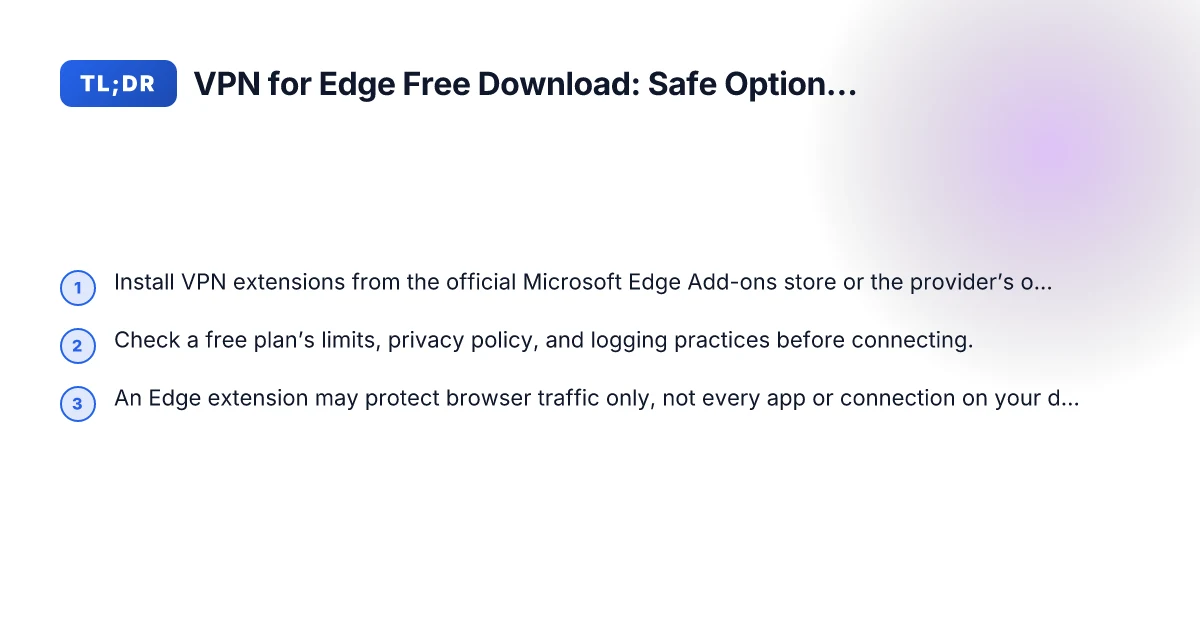
If you’re looking for a VPN for Edge free download, start with the Microsoft Edge Add-ons store or a reputable VPN provider’s official website. Choose a service that clearly explains its privacy practices and free-plan limits, then install its Edge extension and sign in or create an account if required. Avoid unfamiliar download sites: a VPN handles sensitive internet traffic, so a counterfeit extension can put your privacy at risk.
A free VPN can help protect browser activity on public Wi-Fi, change the apparent location of your browser connection, or access a service while traveling. However, free plans often have restrictions, and an Edge extension may not cover traffic from other apps. Here’s how to choose and set one up safely.
| VPN | Obfuscation | From / month | Plan | Free plan | Refund | Alipay | UnionPay | Crypto | Website opens in China | Trustpilot | |
|---|---|---|---|---|---|---|---|---|---|---|---|
 ZoogVPN | Turn on manually Shadow | $2.49/mo | 27 months: $59.99 | Yes | 7 days | ✓ | ✓ | ✓ | ✓ | Official site blocked; our special link opens (4.4 s) | 4.2/5 (195 reviews) |
 NordVPN | Turn on manually Obfuscated Servers / NordWhisper | $3.49/mo | 27 months: $94.23 | No | 30 days | ? | ✗ | ✓ | ✓ | ✗ Blocked | 4.2/5 (51,628 reviews) |
 ExpressVPN | ✓ On by default all servers | $3.00/mo | 28 months: $84 | No | 30 days | ✗ | ✗ | ✓ | ✗ | ✗ Blocked | 4.4/5 (29,706 reviews) |
 Surfshark | ✓ On by default Camouflage, with OpenVPN | See site | See site | No | 30 days | ✗ | ✗ | ✗ | ✓ | ✗ Blocked | 4.3/5 (31,823 reviews) |
 Proton VPN | Turn on manually Stealth, free plan too | $2.99/mo | 12 months: $35.88 | Yes | 30 days | ✗ | ✗ | ✗ | ✓ | ✗ Blocked | 2.1/5 (1,040 reviews) |
 Astrill VPN | Turn on manually StealthVPN / OpenWeb | $12.50/mo | 24 months: $300 | No | See site | ✗ | ✗ | ✗ | ✓ | ✗ Blocked | 1.3/5 (110 reviews) |
 Private Internet Access | Turn on manually Shadowsocks, OpenVPN only | $2.03/mo | 40 months: $81.2 | No | 30 days | ✗ | ✗ | ✗ | ✗ | ✗ Blocked | 4.2/5 (11,033 reviews) |
 CyberGhost | Turn on manually selected servers | $2.19/mo | 28 months: $61.32 | No | 45 days | ✗ | ✗ | ✗ | ✓ | ✗ Blocked | 4.0/5 (24,178 reviews) |
 PureVPN | Turn on manually switch to OpenVPN | $1.69/mo | 60 months: $101.55 | No | 31 days | ? | ? | ✗ | ✓ | ✗ Blocked | 4.4/5 (17,994 reviews) |
 AdGuard VPN | ✓ On by default TrustTunnel | $2.99/mo | 24 months: $71.76 | Yes | 30 days | ✓ | ✗ | ✓ | ✓ | Official site blocked; our special link opens (3.7 s) | 4.3/5 (290 reviews) |
 Mullvad | Turn on manually QUIC / Shadowsocks / LWO | $5.61/mo | €5/mo | No | 14 days | ✗ | ✗ | ✗ | ✓ | ✗ Blocked | 3.2/5 (192 reviews) |
 Windscribe | Turn on manually Stealth / WStunnel | $5.75/mo | 12 months: $69 | Yes | See site | ✗ | ✗ | ✗ | ✓ | ✗ Blocked | 4.7/5 (13,355 reviews) |
 StrongVPN | Turn on manually Scramble, OpenVPN TCP | See site | See site | No | 30 days | ✓ | ✗ | ✗ | ✗ | ✗ Blocked | 4.4/5 (2,695 reviews) |
 LightXtreme 闪连 | Not listed | $7.08/mo | 12 months: $84.99 | Yes | 30 days | ✓ | ✓ | ✓ | ✓ | ✓ Yes (3.5 s) | No page |
Prices checked 2026-11-10 on each vendor's pricing page (cheapest long plan, USD). Check the vendor's checkout for the final price.
Obfuscation checked 2026-11-14 on each vendor's site and help center: "on by default" = nothing to set; "turn on manually" = switch protocol or mode in settings; "not listed" = the vendor describes no obfuscation.
Payment methods checked 2026-11-10 on each vendor's payment pages: all 14 take cards and PayPal; ✗ = not listed, ? = the vendor's own pages disagree.
China access: whether the official website opens from mainland China networks (tests the website only, not the VPN connection). Last checked 2026-11-18 01:02 Beijing time.
Trustpilot score and review count checked 2026-11-10.
Compare VPN options that work with Microsoft Edge
| Option type | Edge support | Where to install | Data limit | Best for |
|---|---|---|---|---|
| Edge VPN extension | Supported in Edge | Microsoft Edge Add-ons | Varies by plan | Browser traffic |
| Chrome Web Store extension | Often supported in Edge | Chrome Web Store | Varies by plan | Users who prefer Chrome’s store |
| Full VPN app | Supported through the app | Provider’s official website | Varies by plan | Device-wide protection |
| Built-in browser proxy | Available in some services | Provider’s Edge extension | Varies by plan | Simple browser setup |
| Free provider plan | Depends on provider | Official app or extension store | Often limited | Occasional use |
| Paid provider plan | Depends on provider | Official app or extension store | Often higher or unlimited | Regular use |
Compiled November 2026; check the provider's site for current details.
What a VPN for Edge does
A VPN, or virtual private network, routes your connection through a VPN provider’s server. A browser extension can make this connection available directly in Microsoft Edge, usually through a small control in the toolbar.
Depending on the service, the extension may encrypt browser traffic between Edge and the VPN server and make websites see the server’s IP address rather than your usual one. What it protects, and how it works, varies by provider.
Some extensions control a VPN connection at the device level. Others act more like a browser proxy and cover only traffic from Edge. That distinction matters if you want protection for email apps, games, or other software. Read the provider’s description rather than assuming an extension protects everything on your computer.
A VPN does not make you completely anonymous. Websites can still identify you through account logins, cookies, browser settings, or other tracking methods. VPN for edge extension free(2026)
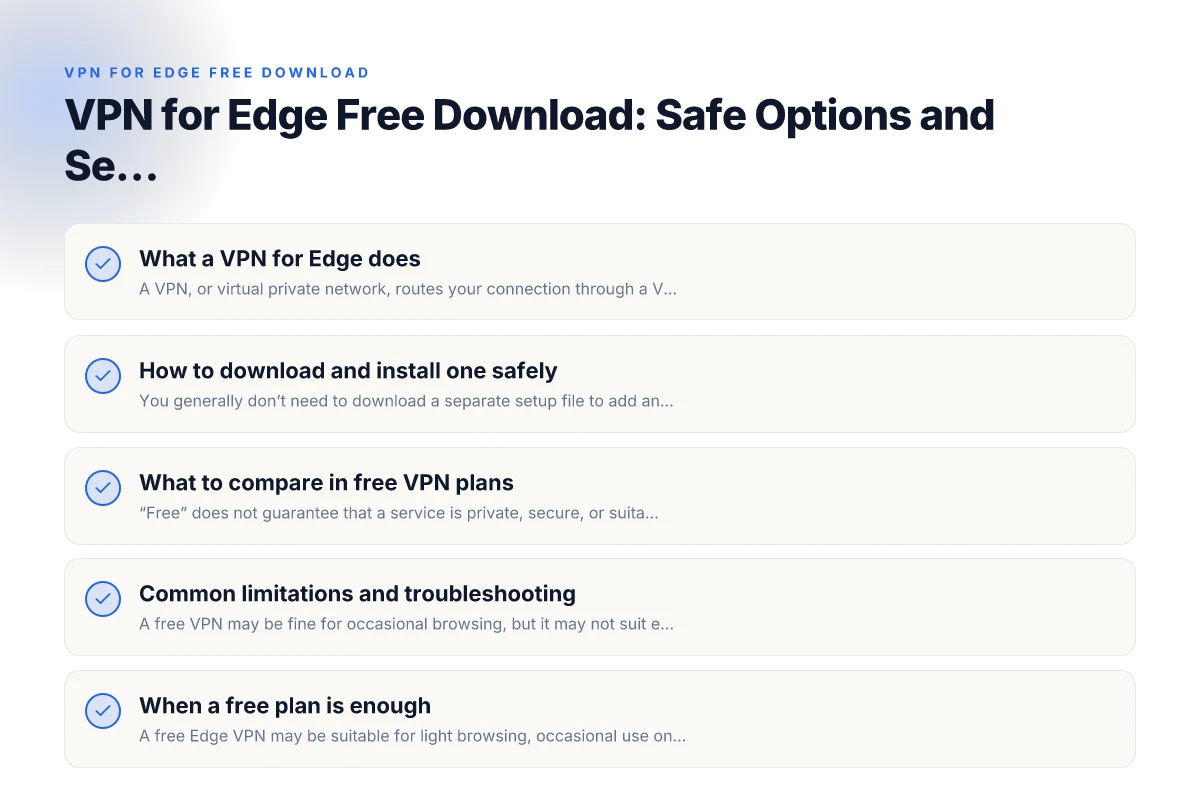
How to download and install one safely
You generally don’t need to download a separate setup file to add an Edge extension. Use Edge’s add-on store, or follow the link provided on the VPN company’s official website.
- Open Microsoft Edge and go to the Microsoft Edge Add-ons store.
- Search for the VPN provider you want to use.
- Check the publisher name, description, ratings, and permissions.
- Select the extension and choose “Get” or “Add to Edge.”
- Review the permissions prompt before confirming.
- Open the extension, then sign in or create an account if the service requires it.
- Select a server and connect. Check the provider’s instructions to confirm the connection is active.
You can also start from the provider’s official site and follow its link to the Edge Add-ons store. This helps you avoid lookalike extensions with similar names. Don’t install a VPN from an unsolicited pop-up, file-sharing page, or unknown download portal.
Before granting access, ask whether the requested permissions make sense for the extension’s features. Browser extensions may need access to web traffic to do their job, but that access also makes the developer’s reputation and privacy policy especially important.
What to compare in free VPN plans
“Free” does not guarantee that a service is private, secure, or suitable for your needs. Free plans may limit data, speed, server locations, or the number of devices you can use. They may also require an account or offer fewer features than a paid plan. VPN free extension microsoft edge(2026)
| Feature | What to check | Why it matters |
|---|---|---|
| Data allowance | Monthly cap or unlimited use | A cap may run out during video calls or streaming |
| Server choice | Available countries and locations | Fewer choices can limit where you appear to connect from |
| Privacy policy | Data collected, stored, or shared | A VPN provider can handle sensitive connection information |
| Logging practices | Whether activity or connection data is retained | Clear, specific explanations are more useful than vague promises |
| Coverage | Edge-only or device-wide protection | An extension may not cover other apps |
| Performance | Speed limits and congestion | Free servers may be slower or busy |
| Features | Kill switch, leak protection, or support | Availability can differ between free and paid tiers |
Look for straightforward language about what information the provider collects and why. Be cautious of services that make sweeping “complete anonymity” claims without explaining their practices. Independent audits, when available, can add useful context, but check what was actually assessed and when.
Also consider how the service is funded. Some free providers use a limited free tier to introduce paid plans. Others may rely on advertising or data practices you may not want. Read the terms and privacy policy instead of assuming that no subscription means no trade-offs.
Check a free VPN before downloading
| Check | Safer choice | Warning sign | Where to verify |
|---|---|---|---|
| Publisher | Recognizable provider | Unclear developer | Store listing |
| Download source | Official provider site or store | Third-party download page | Provider website |
| Permissions | Relevant to VPN features | Broad, unexplained access | Extension details |
| Privacy policy | Clear data practices | Vague collection terms | Provider policy |
| Data limit | Stated plainly | Missing or unclear terms | Free-plan details |
| Upgrade terms | Optional and explained | Unexpected charges | Pricing page |
| Reviews | Consistent, credible feedback | Repeated reports of problems | Store reviews |
Compiled November 2026; check the provider's site for current details. best free VPN extension for microsoft edge(2026)
Common limitations and troubleshooting
A free VPN may be fine for occasional browsing, but it may not suit every task. Video streaming, large downloads, and frequent travel can quickly expose limits on speed, data, or server access. Some websites may also block connections from known VPN servers.
If the extension won’t connect, try these steps:
- Check that you’re using the latest version of Microsoft Edge and the extension.
- Confirm that you’re signed in and that the free plan is active.
- Try another server location if the provider offers one.
- Temporarily disable other VPN or proxy tools that might conflict.
- Restart Edge, then check the provider’s support page for service issues.
If a website still shows your usual location, disconnect and reconnect, then follow the provider’s instructions for checking for leaks. Remember that browser cookies and logged-in accounts can reveal information about you even when the VPN connection is working.
A browser extension may also leave other software outside its protection. If you need a VPN for all internet traffic on your device, check whether the provider offers a separate desktop app and whether the free plan includes it. VPN free for edge extension(2026)
When a free plan is enough
A free Edge VPN may be suitable for light browsing, occasional use on public Wi-Fi, or trying a provider before deciding whether to pay. It is less likely to meet needs such as heavy streaming, large downloads, a wide choice of locations, or consistent high speeds.
Before you connect, make sure you understand the data limit, available servers, and whether the extension protects only Edge. If you rely on the VPN for sensitive work, compare providers carefully and consider whether a reputable paid plan offers clearer protections and more suitable support.
Choose a plan for your needs
| Need | Free plan may be enough | Consider another option when |
|---|---|---|
| Occasional browsing | Use is light | You need frequent access |
| Browser-only protection | Extension covers your needs | You want protection beyond Edge |
| Data use | Your use fits the allowance | You regularly reach the limit |
| Connection speed | Current performance is adequate | Slowdowns disrupt your tasks |
| Server choice | Available locations work for you | You need a specific location |
| Streaming | Your service works reliably | Access or playback is inconsistent |
| Troubleshooting | Reinstalling or reconnecting helps | Problems continue across sessions |
Compiled November 2026; check the provider's site for current details. forticlent VPN(2026)
Recommendation
For a VPN for Edge free download, install an extension through the Microsoft Edge Add-ons store or the VPN provider’s official site. Pick a provider with clear privacy terms, realistic claims, and free-plan limits that fit your use. If you need protection for your whole device, or need more speed, data, and server options, check whether the service offers a desktop app or compare a reputable paid plan.