VPN free for edge extension(2026)
Learn how to choose a free VPN extension for Microsoft Edge, compare common options, and avoid privacy and security pitfalls.
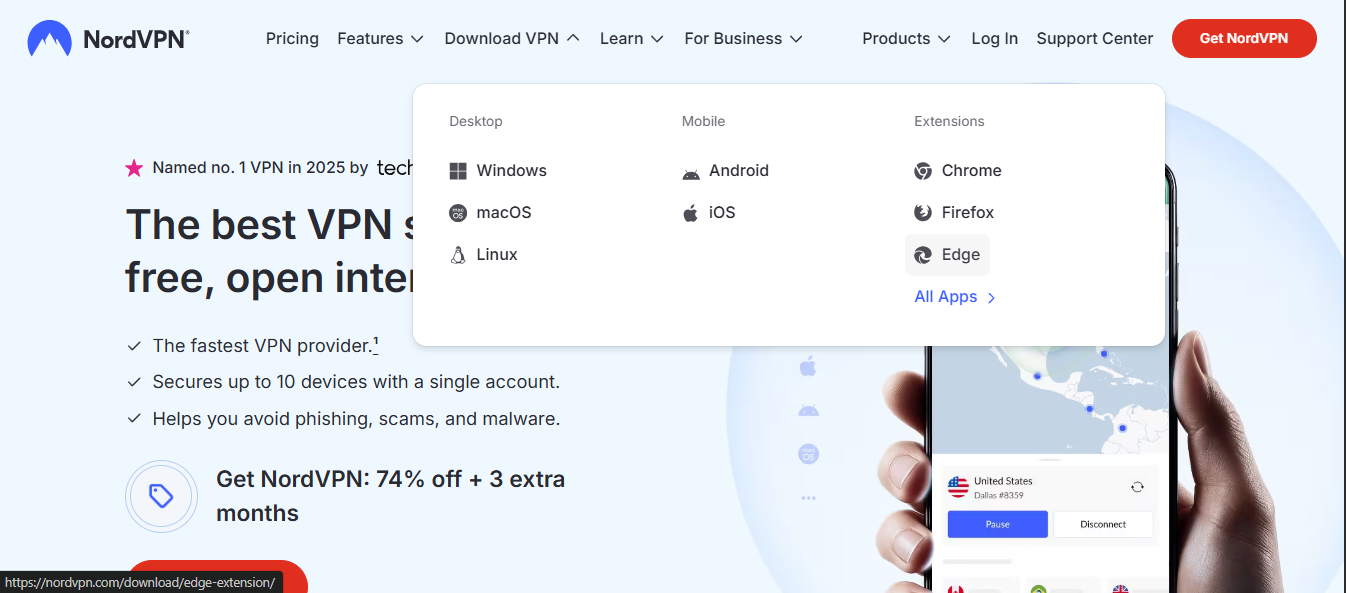
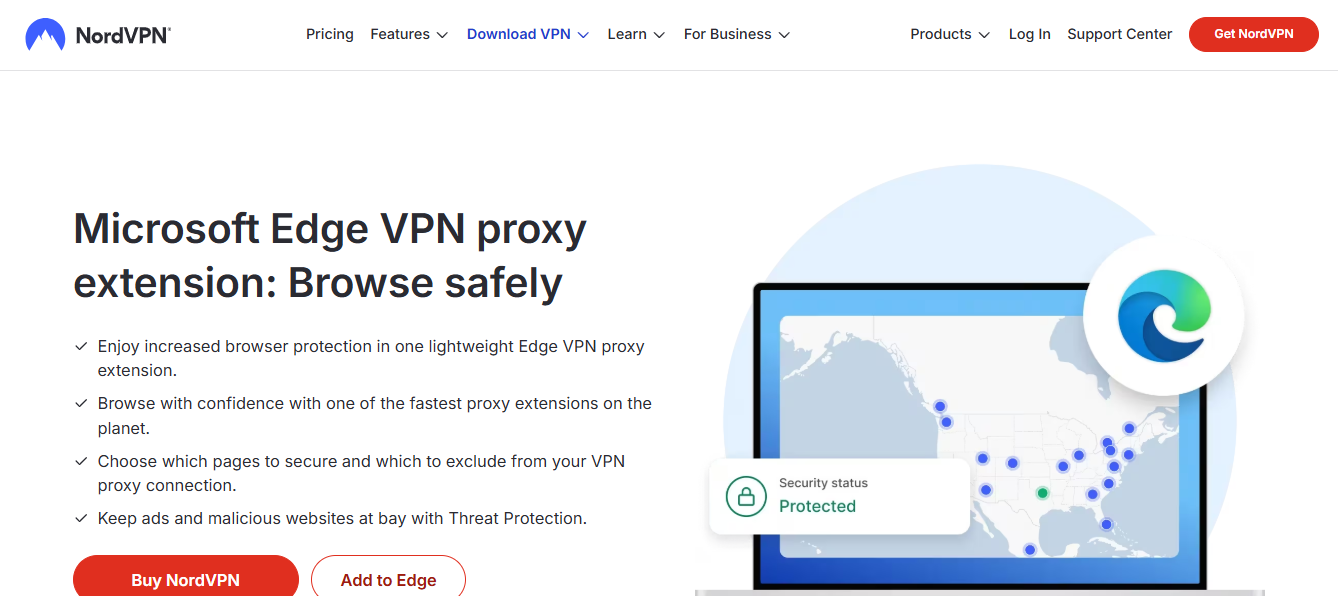
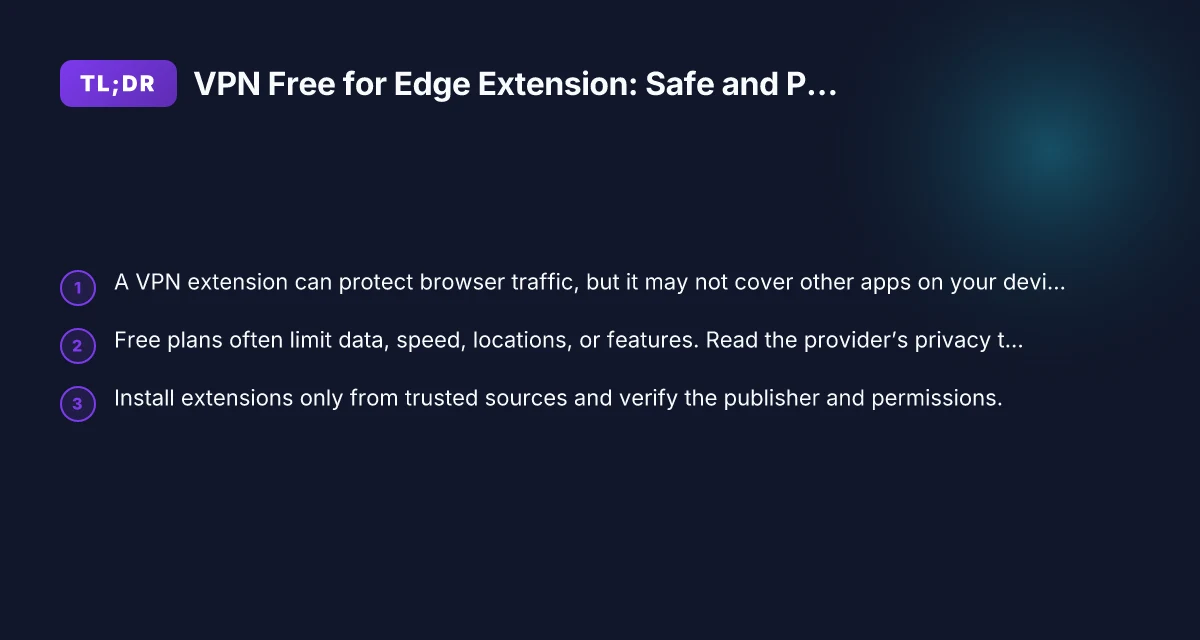
If you’re looking for a VPN free for Edge extension, start with a reputable VPN provider that offers an official Edge add-on or a compatible extension from the Microsoft Edge Add-ons store. A free extension can be useful for everyday browsing, but it may have data limits and usually protects only browser traffic. Check what the service covers, how it handles your data, and whether its free plan fits your needs before you install it.
Browser VPN extension options to compare
| Option | Free access | Coverage | Useful comparison point | Best fit |
|---|---|---|---|---|
| Microsoft Edge Secure Network | Limited free use | Browser traffic | Check availability and usage limits | Occasional browsing |
| Proton VPN | Free plan available | App-based VPN | Compare plan limits and Edge support | Broader device coverage |
| Windscribe | Free plan available | Extension and app options | Review free-plan limits | Browser-focused use |
| TunnelBear | Free plan available | App-based VPN | Check monthly data allowance | Light, occasional use |
| Browsec | Free extension option | Browser traffic | Review privacy and plan terms | Simple browser setup |
| Hola VPN | Free extension option | Peer-to-peer network | Understand how traffic is routed | Users who accept its trade-offs |
Compiled November 2026; check the provider's site for current details.
| VPN | Obfuscation | From / month | Plan | Free plan | Refund | Alipay | UnionPay | Crypto | Website opens in China | Trustpilot | |
|---|---|---|---|---|---|---|---|---|---|---|---|
 Proton VPN | Turn on manually Stealth, free plan too | $2.99/mo | 12 months: $35.88 | Yes | 30 days | ✗ | ✗ | ✗ | ✓ | ✗ Blocked | 2.1/5 (1,040 reviews) |
 Windscribe | Turn on manually Stealth / WStunnel | $5.75/mo | 12 months: $69 | Yes | See site | ✗ | ✗ | ✗ | ✓ | ✗ Blocked | 4.7/5 (13,355 reviews) |
 ZoogVPN | Turn on manually Shadow | $2.49/mo | 27 months: $59.99 | Yes | 7 days | ✓ | ✓ | ✓ | ✓ | Official site blocked; our special link opens (4.4 s) | 4.2/5 (195 reviews) |
 NordVPN | Turn on manually Obfuscated Servers / NordWhisper | $3.49/mo | 27 months: $94.23 | No | 30 days | ? | ✗ | ✓ | ✓ | ✗ Blocked | 4.2/5 (51,628 reviews) |
 ExpressVPN | ✓ On by default all servers | $3.00/mo | 28 months: $84 | No | 30 days | ✗ | ✗ | ✓ | ✗ | ✗ Blocked | 4.4/5 (29,706 reviews) |
 Surfshark | ✓ On by default Camouflage, with OpenVPN | See site | See site | No | 30 days | ✗ | ✗ | ✗ | ✓ | ✗ Blocked | 4.3/5 (31,823 reviews) |
 Astrill VPN | Turn on manually StealthVPN / OpenWeb | $12.50/mo | 24 months: $300 | No | See site | ✗ | ✗ | ✗ | ✓ | ✗ Blocked | 1.3/5 (110 reviews) |
 Private Internet Access | Turn on manually Shadowsocks, OpenVPN only | $2.03/mo | 40 months: $81.2 | No | 30 days | ✗ | ✗ | ✗ | ✗ | ✗ Blocked | 4.2/5 (11,033 reviews) |
 CyberGhost | Turn on manually selected servers | $2.19/mo | 28 months: $61.32 | No | 45 days | ✗ | ✗ | ✗ | ✓ | ✗ Blocked | 4.0/5 (24,178 reviews) |
 PureVPN | Turn on manually switch to OpenVPN | $1.69/mo | 60 months: $101.55 | No | 31 days | ? | ? | ✗ | ✓ | ✗ Blocked | 4.4/5 (17,994 reviews) |
 AdGuard VPN | ✓ On by default TrustTunnel | $2.99/mo | 24 months: $71.76 | Yes | 30 days | ✓ | ✗ | ✓ | ✓ | Official site blocked; our special link opens (3.7 s) | 4.3/5 (290 reviews) |
 Mullvad | Turn on manually QUIC / Shadowsocks / LWO | $5.61/mo | €5/mo | No | 14 days | ✗ | ✗ | ✗ | ✓ | ✗ Blocked | 3.2/5 (192 reviews) |
 StrongVPN | Turn on manually Scramble, OpenVPN TCP | See site | See site | No | 30 days | ✓ | ✗ | ✗ | ✗ | ✗ Blocked | 4.4/5 (2,695 reviews) |
 LightXtreme 闪连 | Not listed | $7.08/mo | 12 months: $84.99 | Yes | 30 days | ✓ | ✓ | ✓ | ✓ | ✓ Yes (3.5 s) | No page |
Prices checked 2026-11-10 on each vendor's pricing page (cheapest long plan, USD). Check the vendor's checkout for the final price.
Obfuscation checked 2026-11-14 on each vendor's site and help center: "on by default" = nothing to set; "turn on manually" = switch protocol or mode in settings; "not listed" = the vendor describes no obfuscation.
Payment methods checked 2026-11-10 on each vendor's payment pages: all 14 take cards and PayPal; ✗ = not listed, ? = the vendor's own pages disagree.
China access: whether the official website opens from mainland China networks (tests the website only, not the VPN connection). Last checked 2026-11-18 01:02 Beijing time.
Trustpilot score and review count checked 2026-11-10.
What an Edge VPN extension does
A VPN extension runs inside Microsoft Edge and routes browser traffic through a VPN provider’s servers. This can help mask your public IP address from the websites you visit and add privacy on networks you don’t control, such as public Wi-Fi.
However, an extension is not always the same as a full VPN app. Depending on how it works, it may act as a browser proxy rather than create an encrypted VPN tunnel for your entire device. Other apps, such as email clients, games, and software updates, may continue using your regular internet connection.
Before relying on an extension, check the provider’s documentation for answers to these questions:
- Does it encrypt browser traffic, or only change the apparent IP address?
- Does it cover every tab and browser connection?
- Are DNS requests routed through the service?
- Does it protect traffic outside Edge?
- Does the provider keep activity or connection logs?
Free options and what to compare
Free VPN plans vary widely. Some are limited versions of a paid service, while others provide a browser extension with different features or terms. Don’t assume an extension is trustworthy just because it is free or appears in a store. forticlent VPN(2026)
| Feature | What to check | Why it matters |
|---|---|---|
| Data allowance | Monthly limit, if any | Video and large downloads can use data quickly |
| Server locations | Available countries and cities | A small selection may not suit your needs |
| Speed | Free-plan restrictions or congestion | Slow connections can affect browsing and streaming |
| Privacy policy | Logging, sharing, and retention practices | The provider may handle browsing-related data |
| Protection | Encryption, DNS handling, and leak protection | These determine what the extension actually secures |
| Account requirements | Whether signup or payment details are needed | Avoid unexpected charges or unclear trial terms |
Some well-known VPN companies offer free tiers, but availability and features can change. Check the provider’s official website for current terms and confirm that the Edge extension is published by the same company. A browser extension that claims to be “unlimited” is not automatically a better choice. Investigate how it is funded and what data it collects.
Safety and practicality checklist
| What to check | Safer sign | Warning sign | Why it matters |
|---|---|---|---|
| Provider identity | Named company and clear contact details | Unclear operator | Helps establish accountability |
| Privacy policy | Explains collection and retention | Vague data practices | A VPN may still collect user data |
| Business model | Clear paid plan or funding source | No clear explanation | Free access still has costs |
| Permissions | Only relevant browser access | Broad, unexplained permissions | Limits unnecessary access |
| Reviews and history | Established track record | Repeated unresolved complaints | Offers context beyond store ratings |
| Data limits | Limits stated upfront | Unclear throttling or caps | Prevents surprise interruptions |
| Security claims | Specific, verifiable details | Absolute or unsupported promises | Marketing claims are not proof |
Compiled November 2026; check the provider's site for current details.
How to choose a safer free extension
Treat a VPN extension as software that can see or affect your browsing. Before adding one to Edge, take a few minutes to verify its source and permissions. fortinet client VPN(2026)
- Use the official listing. Search the Microsoft Edge Add-ons store, then compare the publisher name with the VPN provider’s official site. Follow the provider’s link to the store when possible.
- Read the privacy policy. Look for clear explanations of what information is collected, why it is collected, and how long it is retained. Be cautious if the policy is missing or vague.
- Review permissions. A VPN extension may need access to browser traffic to work, but permissions should make sense for its stated purpose. Don’t approve access you don’t understand.
- Check recent reviews and updates. Look for patterns in recent feedback, not just the overall star rating. A long gap in updates or repeated reports of intrusive behavior deserves attention.
- Confirm the free-plan limits. Check whether the plan has a data cap, speed limits, restricted locations, or an automatic upgrade after a trial.
Be wary of extensions that make absolute promises, such as guaranteeing complete anonymity or protection from all online threats. A VPN does not prevent phishing, remove malware, or stop a website from identifying you through account logins, cookies, or browser fingerprinting.
Install and use it in Microsoft Edge
To add an extension, open the Microsoft Edge Add-ons store, find the provider’s official listing, and select Get. Review the requested permissions before confirming. After installation, open the extension from Edge’s toolbar, sign in if required, and choose a server location.
If the icon isn’t visible, select the Extensions icon in the toolbar and pin the VPN extension for easier access. Keep Edge and the extension updated, and disconnect or remove the add-on if you no longer use it.
Once connected, you can check your public IP address with a reputable IP-checking site. This can confirm whether the apparent location changed, but it does not prove that all traffic is encrypted or that there are no DNS leaks. For sensitive activity, review the provider’s technical details rather than relying on an IP check alone. nord VPN pc(2026)
Choose the right connection for the task
| Task or need | Extension may be enough | Consider a full-device VPN | Key point |
|---|---|---|---|
| Protecting browser traffic on public Wi-Fi | Often | Sometimes | Confirm what the extension routes |
| Changing a browser’s apparent location | Often | Sometimes | Check supported locations and services |
| Covering desktop apps | No | Yes | Browser extensions usually cover browser traffic |
| Protecting all device connections | No | Yes | Use a VPN app with device-wide coverage |
| Streaming or gaming | Maybe | Often | Speed, location access, and service rules vary |
| Sensitive work or account access | Not by itself | Consider it | Follow employer or service security guidance |
Compiled November 2026; check the provider's site for current details.
When a browser extension may not be enough
An Edge extension can suit occasional browsing, but a full VPN app is usually a better fit if you want protection for all internet traffic on your device. This may matter when using multiple browsers, desktop apps, or public Wi-Fi.
Consider a paid plan or a reputable full-device VPN if you need: list of undetectable VPN for microsoft edge browser(2026)
- Consistent use without a small monthly data allowance
- More server locations or steadier speeds
- Protection for apps beyond Edge
- Features such as a kill switch or device-wide DNS protection
- Support for several devices under one account
A VPN also doesn’t make every online activity private. Websites can still recognize you when you sign in, and the VPN provider may be able to see connection information. Use strong, unique passwords and multi-factor authentication, and avoid entering sensitive details on sites you don’t trust.
Recommendation
For a VPN free for Edge extension, choose an official add-on from a provider with a clear privacy policy and understandable free-plan limits. Verify the publisher, review permissions, and remember that browser-only protection may not cover the rest of your device. If you need dependable, device-wide protection or use a lot of data, compare reputable full VPN apps rather than relying on a free Edge extension alone.