nord VPN pc(2026)
Learn how to install NordVPN on a PC, connect securely, choose settings, and troubleshoot common Windows issues.
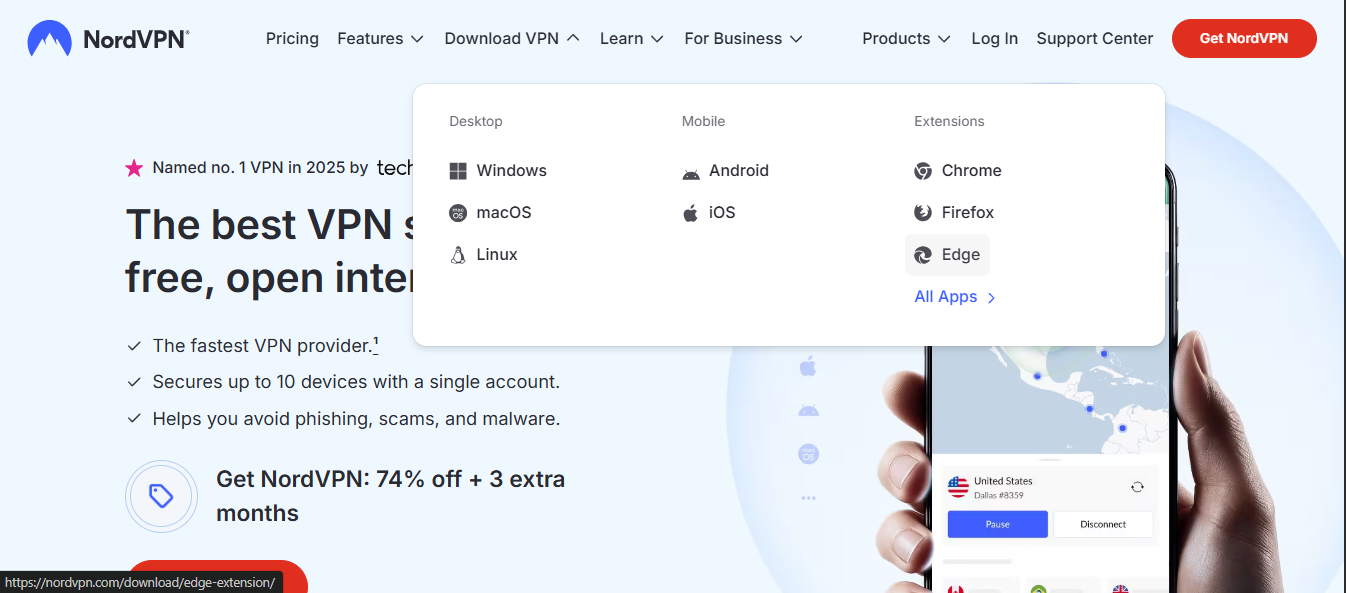
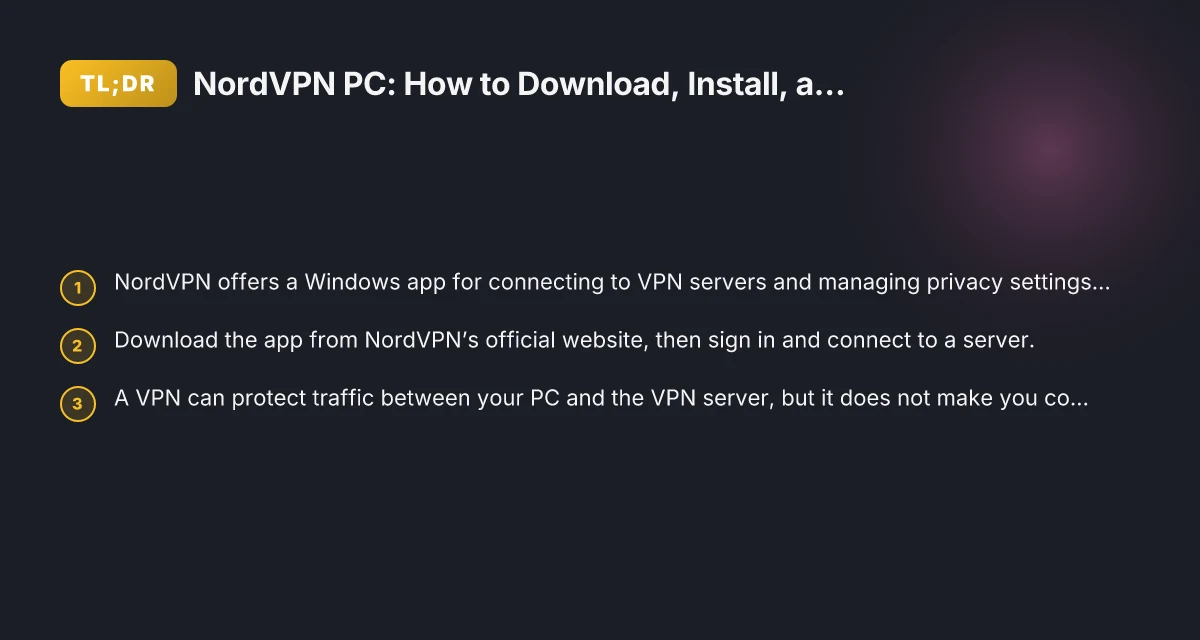
If you’re looking for NordVPN on a PC, download the Windows app from NordVPN’s official website, install it, sign in, and choose a server to connect. The app can encrypt internet traffic between your computer and the VPN server, while giving you options such as specialty servers and connection settings. Here’s how to get started and what to consider before using it.
Compare your main connection options on NordVPN for PC
| Option | How it works | Best for | Main trade-off |
|---|---|---|---|
| Quick Connect | Chooses a server automatically | Getting protected quickly | Less control over location |
| Country selection | Connects through a chosen country | Accessing a country-specific service | May need to try another server |
| City selection | Chooses a city where available | A more specific location choice | Availability varies |
| Specialty servers | Offers servers for particular use cases | Matching a specific need | Not necessary for everyday browsing |
| Nearby server | Connects to a close location | General use and speed | Does not select a distant country |
| Disconnect | Ends the VPN connection | Returning to your regular connection | VPN protection ends |
Compiled November 2026; check the provider's site for current details.
| VPN | Obfuscation | From / month | Plan | Free plan | Refund | Alipay | UnionPay | Crypto | Website opens in China | Trustpilot | |
|---|---|---|---|---|---|---|---|---|---|---|---|
 NordVPN | Turn on manually Obfuscated Servers / NordWhisper | $3.49/mo | 27 months: $94.23 | No | 30 days | ? | ✗ | ✓ | ✓ | ✗ Blocked | 4.2/5 (51,628 reviews) |
 ZoogVPN | Turn on manually Shadow | $2.49/mo | 27 months: $59.99 | Yes | 7 days | ✓ | ✓ | ✓ | ✓ | Official site blocked; our special link opens (4.4 s) | 4.2/5 (195 reviews) |
 ExpressVPN | ✓ On by default all servers | $3.00/mo | 28 months: $84 | No | 30 days | ✗ | ✗ | ✓ | ✗ | ✗ Blocked | 4.4/5 (29,706 reviews) |
 Surfshark | ✓ On by default Camouflage, with OpenVPN | See site | See site | No | 30 days | ✗ | ✗ | ✗ | ✓ | ✗ Blocked | 4.3/5 (31,823 reviews) |
 Proton VPN | Turn on manually Stealth, free plan too | $2.99/mo | 12 months: $35.88 | Yes | 30 days | ✗ | ✗ | ✗ | ✓ | ✗ Blocked | 2.1/5 (1,040 reviews) |
 Astrill VPN | Turn on manually StealthVPN / OpenWeb | $12.50/mo | 24 months: $300 | No | See site | ✗ | ✗ | ✗ | ✓ | ✗ Blocked | 1.3/5 (110 reviews) |
 Private Internet Access | Turn on manually Shadowsocks, OpenVPN only | $2.03/mo | 40 months: $81.2 | No | 30 days | ✗ | ✗ | ✗ | ✗ | ✗ Blocked | 4.2/5 (11,033 reviews) |
 CyberGhost | Turn on manually selected servers | $2.19/mo | 28 months: $61.32 | No | 45 days | ✗ | ✗ | ✗ | ✓ | ✗ Blocked | 4.0/5 (24,178 reviews) |
 PureVPN | Turn on manually switch to OpenVPN | $1.69/mo | 60 months: $101.55 | No | 31 days | ? | ? | ✗ | ✓ | ✗ Blocked | 4.4/5 (17,994 reviews) |
 AdGuard VPN | ✓ On by default TrustTunnel | $2.99/mo | 24 months: $71.76 | Yes | 30 days | ✓ | ✗ | ✓ | ✓ | Official site blocked; our special link opens (3.7 s) | 4.3/5 (290 reviews) |
 Mullvad | Turn on manually QUIC / Shadowsocks / LWO | $5.61/mo | €5/mo | No | 14 days | ✗ | ✗ | ✗ | ✓ | ✗ Blocked | 3.2/5 (192 reviews) |
 Windscribe | Turn on manually Stealth / WStunnel | $5.75/mo | 12 months: $69 | Yes | See site | ✗ | ✗ | ✗ | ✓ | ✗ Blocked | 4.7/5 (13,355 reviews) |
 StrongVPN | Turn on manually Scramble, OpenVPN TCP | See site | See site | No | 30 days | ✓ | ✗ | ✗ | ✗ | ✗ Blocked | 4.4/5 (2,695 reviews) |
 LightXtreme 闪连 | Not listed | $7.08/mo | 12 months: $84.99 | Yes | 30 days | ✓ | ✓ | ✓ | ✓ | ✓ Yes (3.5 s) | No page |
Prices checked 2026-11-10 on each vendor's pricing page (cheapest long plan, USD). Check the vendor's checkout for the final price.
Obfuscation checked 2026-11-14 on each vendor's site and help center: "on by default" = nothing to set; "turn on manually" = switch protocol or mode in settings; "not listed" = the vendor describes no obfuscation.
Payment methods checked 2026-11-10 on each vendor's payment pages: all 14 take cards and PayPal; ✗ = not listed, ? = the vendor's own pages disagree.
China access: whether the official website opens from mainland China networks (tests the website only, not the VPN connection). Last checked 2026-11-18 01:02 Beijing time.
Trustpilot score and review count checked 2026-11-10.
What NordVPN for PC does
NordVPN’s Windows app routes your internet connection through a VPN server. This can help protect data in transit, especially when you’re using public Wi-Fi, and can change the IP address that websites see to the address of the VPN server.
A VPN is not a substitute for every kind of online security. It does not prevent phishing, secure a compromised computer, or guarantee anonymity. Websites may still identify you through account sign-ins, cookies, or browser fingerprinting. Keep Windows and your browser updated, use strong passwords, and enable multifactor authentication where available.
NordVPN’s features and subscription terms can change. Check the current product details on NordVPN’s website before buying, especially if you need a particular feature or server location.
How to download and install NordVPN on a PC
For the safest download, get the installer directly from NordVPN’s official website rather than from third-party download sites. list of undetectable VPN for microsoft edge browser(2026)
- Visit NordVPN’s official website and choose the Windows app or download option.
- Open the downloaded installer. If Windows asks for permission, confirm that you want to run it.
- Follow the setup instructions and wait for installation to finish.
- Open NordVPN and sign in to your account. If you don’t have one, choose a plan through the official site.
- Review the app’s permissions and connection prompts, then connect to a server.
The exact labels and screens may vary by app version. Avoid installers from unfamiliar websites, and don’t share your account password with anyone claiming they need it to “activate” the app.
How to connect and choose a server
For everyday use, open the app and select its quick-connect option. NordVPN will choose a server based on its available locations and connection conditions. You can also select a country or specific server yourself when you need a particular location.
| Option | Useful for | What to keep in mind |
|---|---|---|
| Quick connect | Everyday browsing | The app selects a server for you |
| Country or city selection | Connecting through a chosen location | Nearby servers may provide better speeds |
| Specialty servers | Specific connection needs | Availability and features depend on the current app and plan |
| Disconnect | Returning to your regular connection | Your traffic will no longer pass through the VPN |
Choose a server that is geographically close when speed is your priority. A faraway server may increase latency and slow activities such as video calls or online gaming. If a website or app behaves differently while the VPN is on, try another server or disconnect if you do not need the VPN for that activity.
Installation and connection problem-solving guide ssl VPN poscoenc(2026)
| Problem | What to check first | Try this | If it continues |
|---|---|---|---|
| Installer will not open | Download source and file | Download the installer again from NordVPN | Check Windows security prompts |
| Installation fails | Internet connection and permissions | Restart the PC and retry | Contact NordVPN support |
| App will not sign in | Credentials and internet access | Check your account details | Reset your password |
| Connection will not start | Selected server and connection | Try Quick Connect or another server | Restart the app |
| Connection feels slow | Server location and network | Try a nearby server | Check your regular connection |
| Website will not load | VPN connection and site behavior | Switch servers or reconnect | Test with the VPN disconnected |
| App appears stuck | App status | Close and reopen NordVPN | Restart the PC |
Compiled November 2026; check the provider's site for current details.
Settings worth checking
NordVPN’s Windows app may offer different settings depending on its version and your account. Review the available options rather than assuming every feature is enabled automatically.
- Auto-connect: If available, set the VPN to connect automatically on trusted or unfamiliar networks, according to your preference.
- Kill switch: Check whether a kill switch is offered and enabled. It is designed to block internet access if the VPN connection unexpectedly drops, but its behavior can depend on the settings and app version.
- Protocol: The app may let you choose or automatically select a VPN protocol. Automatic selection is a reasonable starting point unless you have a specific compatibility or performance issue.
- Notifications and startup: Decide whether you want NordVPN to start with Windows or display connection notifications.
- Split tunneling: If offered, this may let you choose which apps use the VPN. Check the setup carefully because selected apps may use your regular connection instead.
After changing settings, confirm that the app shows a connected status before relying on the VPN. For sensitive work, also check that the services you use are operating as expected.
Common PC problems and fixes
If NordVPN will not connect, try a few basic checks before changing advanced settings: how do u deactivate norton VPN to h(2026)
- Confirm that your internet works when the VPN is disconnected.
- Close and reopen the NordVPN app, then try a different server.
- Restart the PC and check for updates to the app and Windows.
- Temporarily review firewall or security software settings if they may be blocking the connection. Don’t leave protection disabled. Restore it after testing.
- If the problem continues, consult NordVPN’s current support guidance or contact its support team.
If the VPN connects but browsing feels slow, test a nearby server and close bandwidth-heavy apps. Some speed reduction is normal because traffic travels through an additional server. A slow connection can also result from your home network, internet provider, server load, or the distance to the selected location.
For login or billing problems, use NordVPN’s official account and support channels. Avoid sharing passwords, payment details, or verification codes with people who contact you unexpectedly.
Windows VPN choices compared
| Choice | Encrypts traffic through a VPN | Choose a server location | Account required | Best suited to |
|---|---|---|---|---|
| NordVPN for PC | Yes | Yes | Yes | NordVPN subscribers who want an app |
| Another VPN provider’s app | Yes | Usually | Usually | Users comparing providers and features |
| Windows built-in VPN | Depends on the VPN service configured | Depends on configuration | Depends on provider | Users with VPN details from work or a provider |
| No VPN | No | No | No | Users who do not need a VPN connection |
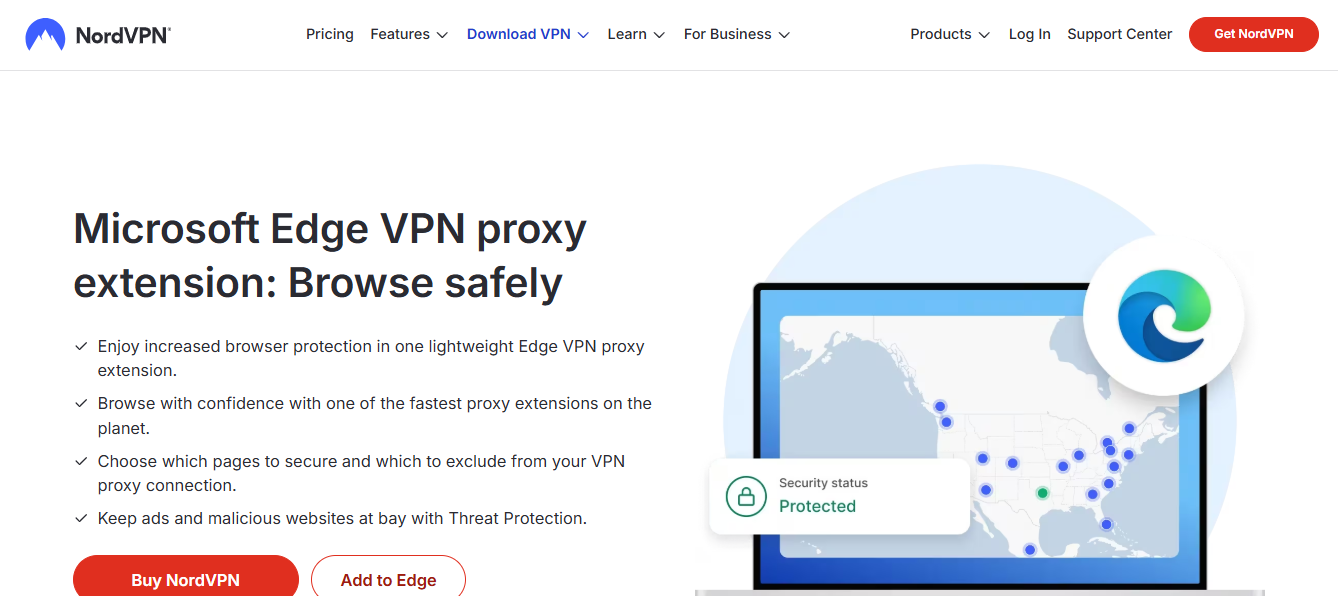
| NordVPN browser extension | Browser traffic only | Yes | Yes | Users seeking browser-only coverage |
| Mobile VPN app | Yes, for the device | Yes | Usually | Users connecting a phone or tablet |
Compiled November 2026; check the provider's site for current details. VPN xbox browser(2026)
Cost, privacy, and choosing whether to use it
NordVPN is a paid service, and pricing, discounts, renewal rates, plans, and refund terms can change. Read the terms shown at checkout, including the subscription length and renewal details. If you are comparing VPNs, consider more than the introductory price.
Think about what you need from a PC VPN:
- Privacy on shared networks: A VPN can encrypt traffic between your PC and the VPN server, though HTTPS remains important.
- Server locations: Check whether the locations you need are available.
- Ease of use: Try the app’s connection flow and settings to see whether they suit you.
- Performance: VPN speed varies by server, network, and time of day.
- Support and terms: Review current support options, device limits, and cancellation or refund conditions before subscribing.
A VPN provider becomes part of the route your traffic takes, so read its privacy information and make an informed choice. Don’t treat a VPN as proof that a website is safe or as a way to bypass rules, laws, or service terms.
Recommendation
For Windows users who want a straightforward VPN app, NordVPN PC is worth considering if its current plan, features, and privacy terms fit your needs. Download it only from NordVPN’s official website, start with quick connect, and test a nearby server. Keep Windows security tools active, review the app’s settings, and remember that a VPN improves some aspects of privacy, it does not provide complete anonymity. dodgy dave stick and VPN(2026)