VPN fortigate(2026)
Learn how VPN FortiGate works, compare IPsec and SSL VPN options, and follow practical setup and security guidance.
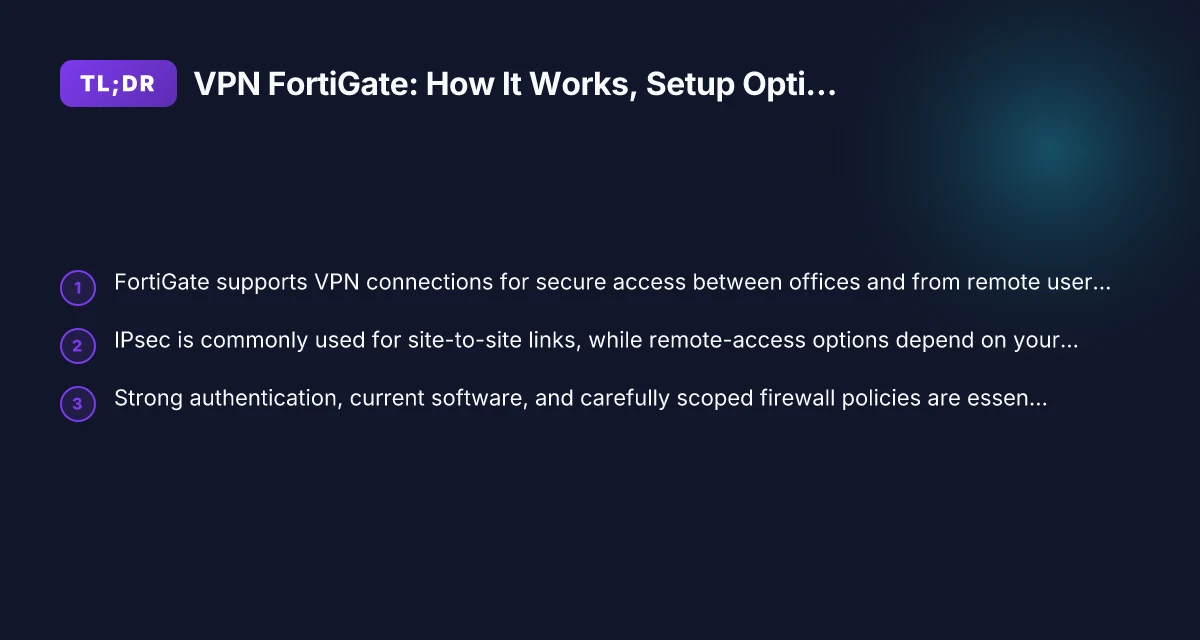
A VPN FortiGate setup uses Fortinet FortiGate firewalls to create an encrypted connection between networks or to give authorized users secure access to an organization’s resources. The right configuration depends on whether you are connecting two offices, supporting remote employees, or linking a cloud network. Choose the VPN type first, then configure authentication, routing, firewall policies, and monitoring to match the access users actually need.
Compare FortiGate VPN types by use case and setup needs
| VPN type | Best suited for | Typical users | Setup focus | Access scope |
|---|---|---|---|---|
| IPsec remote access | Secure access for off-site users | Employees working remotely | Configure an IPsec VPN and user authentication | Internal network resources |
| SSL VPN | Remote access through a supported client or browser | Remote employees and contractors | Configure the SSL VPN portal and access rules | Resources allowed by policy |
| IPsec site-to-site | Connect separate office networks | Branch offices and data centers | Configure matching settings at both sites | Networks defined in the VPN tunnel |
| Remote access VPN | Individual users connecting to a network | Staff using laptops or mobile devices | Set up a VPN client and user credentials | Resources assigned to the user |
| Site-to-site VPN | Ongoing connection between networks | Organizations with multiple locations | Define tunnel endpoints and network routes | Connected office networks |
Compiled November 2026; check the provider's site for current details.
| VPN | Obfuscation | From / month | Plan | Free plan | Refund | Alipay | UnionPay | Crypto | Website opens in China | Trustpilot | |
|---|---|---|---|---|---|---|---|---|---|---|---|
 ZoogVPN | Turn on manually Shadow | $2.49/mo | 27 months: $59.99 | Yes | 7 days | ✓ | ✓ | ✓ | ✓ | Official site blocked; our special link opens (4.4 s) | 4.2/5 (195 reviews) |
 NordVPN | Turn on manually Obfuscated Servers / NordWhisper | $3.49/mo | 27 months: $94.23 | No | 30 days | ? | ✗ | ✓ | ✓ | ✗ Blocked | 4.2/5 (51,628 reviews) |
 ExpressVPN | ✓ On by default all servers | $3.00/mo | 28 months: $84 | No | 30 days | ✗ | ✗ | ✓ | ✗ | ✗ Blocked | 4.4/5 (29,706 reviews) |
 Surfshark | ✓ On by default Camouflage, with OpenVPN | See site | See site | No | 30 days | ✗ | ✗ | ✗ | ✓ | ✗ Blocked | 4.3/5 (31,823 reviews) |
 Proton VPN | Turn on manually Stealth, free plan too | $2.99/mo | 12 months: $35.88 | Yes | 30 days | ✗ | ✗ | ✗ | ✓ | ✗ Blocked | 2.1/5 (1,040 reviews) |
 Astrill VPN | Turn on manually StealthVPN / OpenWeb | $12.50/mo | 24 months: $300 | No | See site | ✗ | ✗ | ✗ | ✓ | ✗ Blocked | 1.3/5 (110 reviews) |
 Private Internet Access | Turn on manually Shadowsocks, OpenVPN only | $2.03/mo | 40 months: $81.2 | No | 30 days | ✗ | ✗ | ✗ | ✗ | ✗ Blocked | 4.2/5 (11,033 reviews) |
 CyberGhost | Turn on manually selected servers | $2.19/mo | 28 months: $61.32 | No | 45 days | ✗ | ✗ | ✗ | ✓ | ✗ Blocked | 4.0/5 (24,178 reviews) |
 PureVPN | Turn on manually switch to OpenVPN | $1.69/mo | 60 months: $101.55 | No | 31 days | ? | ? | ✗ | ✓ | ✗ Blocked | 4.4/5 (17,994 reviews) |
 AdGuard VPN | ✓ On by default TrustTunnel | $2.99/mo | 24 months: $71.76 | Yes | 30 days | ✓ | ✗ | ✓ | ✓ | Official site blocked; our special link opens (3.7 s) | 4.3/5 (290 reviews) |
 Mullvad | Turn on manually QUIC / Shadowsocks / LWO | $5.61/mo | €5/mo | No | 14 days | ✗ | ✗ | ✗ | ✓ | ✗ Blocked | 3.2/5 (192 reviews) |
 Windscribe | Turn on manually Stealth / WStunnel | $5.75/mo | 12 months: $69 | Yes | See site | ✗ | ✗ | ✗ | ✓ | ✗ Blocked | 4.7/5 (13,355 reviews) |
 StrongVPN | Turn on manually Scramble, OpenVPN TCP | See site | See site | No | 30 days | ✓ | ✗ | ✗ | ✗ | ✗ Blocked | 4.4/5 (2,695 reviews) |
 LightXtreme 闪连 | Not listed | $7.08/mo | 12 months: $84.99 | Yes | 30 days | ✓ | ✓ | ✓ | ✓ | ✓ Yes (3.5 s) | No page |
Prices checked 2026-11-10 on each vendor's pricing page (cheapest long plan, USD). Check the vendor's checkout for the final price.
Obfuscation checked 2026-11-14 on each vendor's site and help center: "on by default" = nothing to set; "turn on manually" = switch protocol or mode in settings; "not listed" = the vendor describes no obfuscation.
Payment methods checked 2026-11-10 on each vendor's payment pages: all 14 take cards and PayPal; ✗ = not listed, ? = the vendor's own pages disagree.
China access: whether the official website opens from mainland China networks (tests the website only, not the VPN connection). Last checked 2026-11-18 01:02 Beijing time.
Trustpilot score and review count checked 2026-11-10.
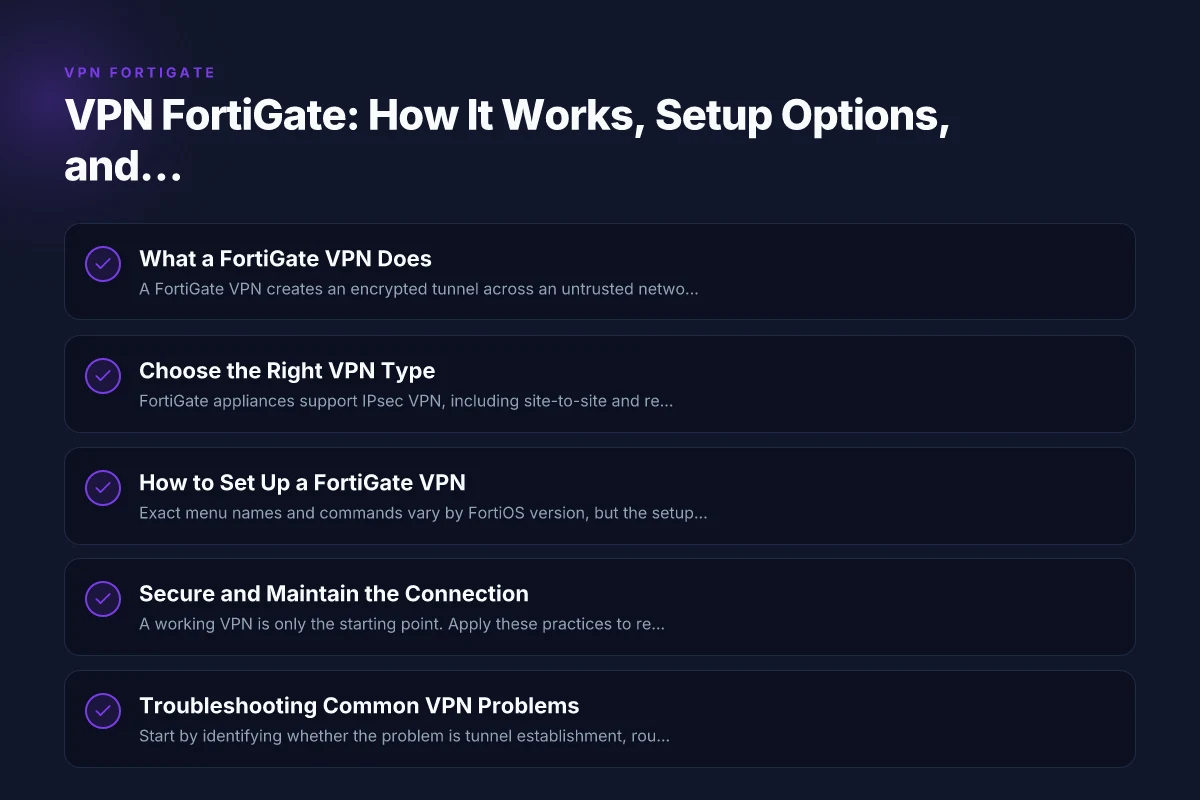
What a FortiGate VPN Does
A FortiGate VPN creates an encrypted tunnel across an untrusted network, such as the public internet. Encryption helps protect data in transit, while authentication verifies the devices or users allowed to connect.
Organizations commonly use FortiGate VPNs for two purposes:
- Site-to-site access: Connects networks at separate offices, data centers, or cloud locations.
- Remote access: Lets an individual user connect to approved internal resources from outside the organization.
A VPN does not automatically make every connected device safe or grant access to every system. FortiGate firewall rules, routing, identity checks, and endpoint security controls determine what a connection can reach.
Choose the Right VPN Type
FortiGate appliances support IPsec VPN, including site-to-site and remote-access configurations. Remote-access methods and client support can vary by FortiOS release, model, and deployment. Fortinet has changed SSL VPN availability and behavior across some product versions, so confirm the current guidance for your specific FortiGate and FortiOS before planning a new deployment. com.nordVPN.android(2026)
| VPN option | Typical use | Main considerations |
|---|---|---|
| IPsec site-to-site | Connecting offices or networks | Requires compatible settings at both ends; plan routes and firewall policies |
| IPsec remote access | Connecting individual users | Requires a supported client and user or device authentication |
| SSL VPN, where supported | Browser-based or client-based remote access | Availability and configuration depend on FortiOS version and platform |
For a permanent link between two networks, site-to-site IPsec is often a practical choice. For individual users, select a supported remote-access method based on your FortiOS version, client requirements, and security policies. Avoid choosing a method solely because it is familiar: verify lifecycle status and vendor documentation before implementation.
How to Set Up a FortiGate VPN
Exact menu names and commands vary by FortiOS version, but the setup process follows the same general steps.
1. Plan the connection
Record the details both ends need, including:
- Local and remote network ranges
- Public IP addresses or hostnames
- VPN type and supported encryption settings
- Authentication requirements
- Routes and internal services users need
- Any overlapping IP address ranges
Overlapping subnets can prevent traffic from routing correctly. Resolve them or plan an appropriate translation or redesign before building the tunnel. certificate validation failure cisco VPN(2026)
2. Configure the tunnel
For an IPsec connection, configure compatible Phase 1 and Phase 2 settings on both peers. These settings establish how the devices authenticate, negotiate encryption, and protect traffic. Use secure, mutually supported algorithms and strong secrets or certificates where appropriate.
For remote access, configure the approved client or access method, user groups, and authentication. Multi-factor authentication (MFA) is strongly recommended for accounts that can access internal systems.
3. Add routes and firewall policies
A tunnel can show as connected while application traffic still fails. Check that routes direct the intended networks through the VPN and that firewall policies allow the required traffic.
Keep rules specific. For example, allow a remote-user group to access the necessary application servers and ports instead of granting unrestricted access to the whole internal network. Confirm policies in both directions where the design requires them. forticlientVPNonlineinstaller(2026)
4. Test and document
Test the connection from each side and verify access to the intended services. Document the tunnel settings, network ranges, owners, recovery contacts, and change history. Do not store passwords or shared secrets in unsecured documentation.
FortiGate VPN setup options compared
| Setup option | Connection pattern | Main configuration areas | Authentication focus | Common use |
|---|---|---|---|---|
| Remote access IPsec | User to FortiGate | Tunnel, routes, access policies | User credentials and supported authentication | Secure off-site work |
| Remote access SSL VPN | User to FortiGate | Portal, permitted resources, access policies | User authentication | Remote access where SSL VPN is supported |
| Site-to-site IPsec | FortiGate to FortiGate | Peer settings, tunnel, routes, policies | Peer and tunnel settings | Linking office networks |
| FortiClient connection | Client to FortiGate | Client profile and matching FortiGate settings | User credentials and client settings | Managed remote-user access |
| Web portal connection | Browser to FortiGate | Portal and allowed resources | Portal login settings | Browser-based access where supported |
Compiled November 2026; check the provider's site for current details.
Secure and Maintain the Connection
A working VPN is only the starting point. Apply these practices to reduce risk and make troubleshooting easier: free VPN extension microsoft edge(2026)
- Use MFA for remote users, especially administrators.
- Limit access by role: Assign users to groups and grant only the network access they need.
- Keep FortiOS current: Review Fortinet advisories and follow a tested update process.
- Use strong cryptography: Avoid outdated protocols, weak encryption, and obsolete authentication methods.
- Protect credentials: Use unique accounts where possible, rotate secrets when required, and remove access promptly when people leave.
- Restrict management access: Do not expose the FortiGate administration interface broadly to the internet.
- Monitor activity: Review VPN login events, failed authentication attempts, tunnel status, and firewall logs.
- Back up configuration: Keep protected, versioned backups so you can recover from a failed change.
Security settings should follow current Fortinet recommendations and your organization’s requirements. A configuration copied from an old guide may rely on options that have changed or become unsuitable.
Troubleshooting Common VPN Problems
Start by identifying whether the problem is tunnel establishment, routing, policy enforcement, or the user’s device.
The tunnel will not connect
Check that the peer addresses, credentials, certificates, and negotiation settings match on both ends. Confirm internet reachability and check whether an upstream firewall blocks the traffic required by the selected VPN type. Compare device logs and timestamps to find where negotiation fails.
The tunnel connects, but traffic does not pass
Verify that the local and remote subnets are correct, routes point to the tunnel, and firewall policies permit the traffic. Check for overlapping networks, missing return routes, or a policy that uses the wrong interface or address objects. nord VPN china(2026)
Some applications work, but others fail
Confirm that the VPN includes the required routes and that policies allow the application’s ports. For remote-access users, also check client routing, DNS settings, endpoint security, and whether the service is available from the user’s assigned network.
Make changes one at a time and retest. If the issue persists, collect relevant FortiGate logs and configuration details before contacting your network administrator or Fortinet support. Remove passwords, private keys, and shared secrets before sharing configuration files.
VPN security and troubleshooting checklist
| Check | Security or reliability goal | If not correct | Typical action |
|---|---|---|---|
| User authentication | Allow access only to approved users | Login fails or access is too broad | Verify credentials and authentication settings |
| Access policies | Limit users to permitted resources | Connection works but resources are unreachable | Review VPN-to-network policies |
| Routes | Direct traffic through the intended path | Some networks cannot be reached | Check tunnel and routing configuration |
| Tunnel settings | Ensure both endpoints can establish a connection | Tunnel fails to come up | Compare peer and tunnel settings |
| Client configuration | Match the FortiGate VPN setup | Client cannot connect | Check client profile and supported settings |
| FortiOS version | Keep VPN features and fixes current | Behavior differs from expected | Review version and update guidance |
| Logs and status | Identify connection or policy errors | Cause of failure is unclear | Inspect VPN status and relevant logs |
| Least privilege | Reduce exposure of internal resources | Users can reach more than needed | Restrict access to required networks only |
Compiled November 2026; check the provider's site for current details. ipsec VPN connection is down forticlient(2026)
Recommendation
For office-to-office connectivity, consider a site-to-site IPsec VPN. For remote users, choose a remote-access method supported by your FortiGate model and FortiOS release, and require MFA with narrowly scoped firewall policies. Verify Fortinet’s current documentation before deployment, test the setup in a controlled way, and maintain it with regular updates and log reviews.