How to Configure a Windows 11 VPN IPsec Client to Replace FortiClient
Learn when Windows 11 can replace FortiClient for IPsec VPN access, how to configure it, and what limitations to check.
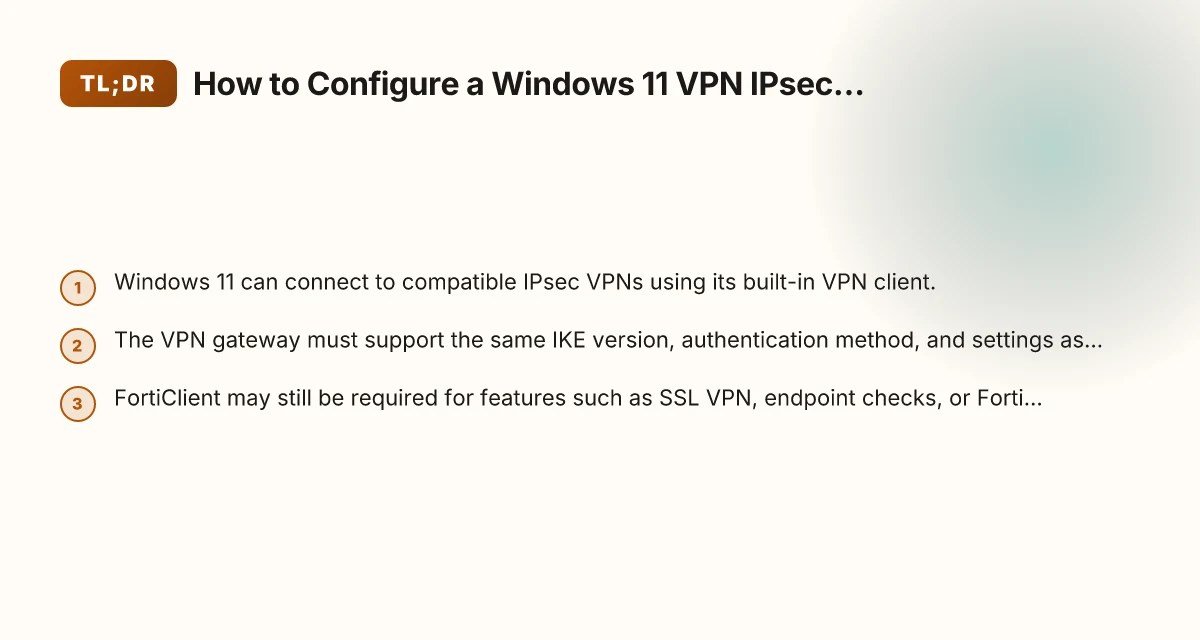
Windows 11 can replace FortiClient for IPsec VPN access if your organization’s VPN gateway supports a configuration compatible with the built-in Windows VPN client. Before removing FortiClient, confirm the required tunnel type, authentication method, and security settings with your IT administrator. Windows’ built-in client is not a universal replacement: it does not provide every FortiClient feature or connect to every FortiGate VPN configuration.
Compare Windows 11’s built-in VPN with FortiClient
| Consideration | Windows 11 built-in VPN | FortiClient |
|---|---|---|
| IPsec VPN connection | Supported with compatible settings | Supported |
| VPN configuration | Enter details in Windows Settings | Configure in FortiClient |
| Required VPN details | Server, authentication, and IPsec settings | Server and FortiClient profile settings |
| Compatibility | Depends on the VPN gateway configuration | Depends on the FortiClient version and gateway |
| Fortinet-specific features | Not included | May be available, depending on the deployment |
| Setup needs | Windows administrator or account access may be needed | Install and configure the client |
| Best fit | Basic compatible IPsec access | Fortinet features or managed deployments |
Compiled November 2026; check the provider's site for current details.
| VPN | Obfuscation | From / month | Plan | Free plan | Refund | Alipay | UnionPay | Crypto | Website opens in China | Trustpilot | |
|---|---|---|---|---|---|---|---|---|---|---|---|
 ZoogVPN | Turn on manually Shadow | $2.49/mo | 27 months: $59.99 | Yes | 7 days | ✓ | ✓ | ✓ | ✓ | Official site blocked; our special link opens (4.4 s) | 4.2/5 (195 reviews) |
 NordVPN | Turn on manually Obfuscated Servers / NordWhisper | $3.49/mo | 27 months: $94.23 | No | 30 days | ? | ✗ | ✓ | ✓ | ✗ Blocked | 4.2/5 (51,628 reviews) |
 ExpressVPN | ✓ On by default all servers | $3.00/mo | 28 months: $84 | No | 30 days | ✗ | ✗ | ✓ | ✗ | ✗ Blocked | 4.4/5 (29,706 reviews) |
 Surfshark | ✓ On by default Camouflage, with OpenVPN | See site | See site | No | 30 days | ✗ | ✗ | ✗ | ✓ | ✗ Blocked | 4.3/5 (31,823 reviews) |
 Proton VPN | Turn on manually Stealth, free plan too | $2.99/mo | 12 months: $35.88 | Yes | 30 days | ✗ | ✗ | ✗ | ✓ | ✗ Blocked | 2.1/5 (1,040 reviews) |
 Astrill VPN | Turn on manually StealthVPN / OpenWeb | $12.50/mo | 24 months: $300 | No | See site | ✗ | ✗ | ✗ | ✓ | ✗ Blocked | 1.3/5 (110 reviews) |
 Private Internet Access | Turn on manually Shadowsocks, OpenVPN only | $2.03/mo | 40 months: $81.2 | No | 30 days | ✗ | ✗ | ✗ | ✗ | ✗ Blocked | 4.2/5 (11,033 reviews) |
 CyberGhost | Turn on manually selected servers | $2.19/mo | 28 months: $61.32 | No | 45 days | ✗ | ✗ | ✗ | ✓ | ✗ Blocked | 4.0/5 (24,178 reviews) |
 PureVPN | Turn on manually switch to OpenVPN | $1.69/mo | 60 months: $101.55 | No | 31 days | ? | ? | ✗ | ✓ | ✗ Blocked | 4.4/5 (17,994 reviews) |
 AdGuard VPN | ✓ On by default TrustTunnel | $2.99/mo | 24 months: $71.76 | Yes | 30 days | ✓ | ✗ | ✓ | ✓ | Official site blocked; our special link opens (3.7 s) | 4.3/5 (290 reviews) |
 Mullvad | Turn on manually QUIC / Shadowsocks / LWO | $5.61/mo | €5/mo | No | 14 days | ✗ | ✗ | ✗ | ✓ | ✗ Blocked | 3.2/5 (192 reviews) |
 Windscribe | Turn on manually Stealth / WStunnel | $5.75/mo | 12 months: $69 | Yes | See site | ✗ | ✗ | ✗ | ✓ | ✗ Blocked | 4.7/5 (13,355 reviews) |
 StrongVPN | Turn on manually Scramble, OpenVPN TCP | See site | See site | No | 30 days | ✓ | ✗ | ✗ | ✗ | ✗ Blocked | 4.4/5 (2,695 reviews) |
 LightXtreme 闪连 | Not listed | $7.08/mo | 12 months: $84.99 | Yes | 30 days | ✓ | ✓ | ✓ | ✓ | ✓ Yes (3.5 s) | No page |
Prices checked 2026-11-10 on each vendor's pricing page (cheapest long plan, USD). Check the vendor's checkout for the final price.
Obfuscation checked 2026-11-14 on each vendor's site and help center: "on by default" = nothing to set; "turn on manually" = switch protocol or mode in settings; "not listed" = the vendor describes no obfuscation.
Payment methods checked 2026-11-10 on each vendor's payment pages: all 14 take cards and PayPal; ✗ = not listed, ? = the vendor's own pages disagree.
China access: whether the official website opens from mainland China networks (tests the website only, not the VPN connection). Last checked 2026-11-18 01:02 Beijing time.
Trustpilot score and review count checked 2026-11-10.
Check whether Windows can replace FortiClient
The Windows 11 VPN client supports certain IKEv2 and IPsec-based configurations, but compatibility depends on how the VPN gateway is configured. A FortiGate administrator may need to create or adjust a profile specifically for Windows clients.
Ask your administrator to confirm:
- Whether the connection uses IKEv2 or another supported Windows VPN type.
- The server address and any required remote ID.
- Whether authentication uses a username and password, a certificate, or both.
- Whether the gateway requires a pre-shared key (PSK).
- The expected encryption, integrity, and key exchange settings.
- Whether the VPN should route all internet traffic or only company network traffic.
- Whether access depends on FortiClient EMS, endpoint compliance, or other security checks.
Do not assume that a FortiClient profile can be copied directly into Windows. FortiClient may use Fortinet-specific options, SSL VPN, or a combination of settings that the Windows client cannot reproduce.
| Requirement | Windows 11 built-in VPN | FortiClient |
|---|---|---|
| Compatible IKEv2/IPsec access | Yes, when the gateway settings match | Yes, depending on the profile |
| Fortinet SSL VPN | Not supported as a native Windows VPN connection | Supported where configured |
| Fortinet endpoint compliance or EMS controls | Not built in | May be required |
| Centralized FortiClient policy and diagnostics | Limited | Available through Fortinet management tools |
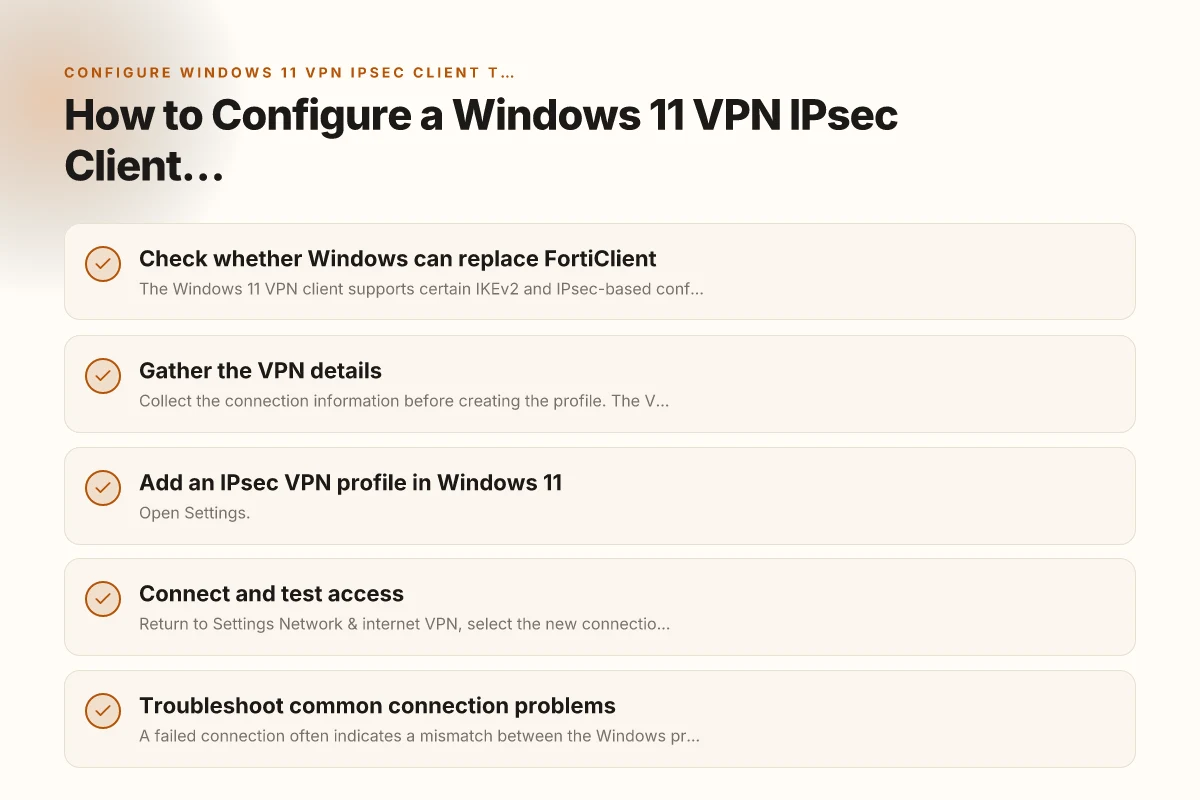
Gather the VPN details
Collect the connection information before creating the profile. The VPN server address is often a hostname such as vpn.example.com, but use the exact value supplied by your organization. VPN Microsoft Edge: How to Turn It On and Choose the Right Option
You may also need a domain or connection-specific DNS suffix, a username format such as DOMAIN\username, and a certificate installed on your device. If your organization uses a PSK, get it through an approved secure channel. Do not put a PSK in a shared document or send it in an unprotected message.
If you are unsure which authentication method applies, stop and ask IT. Choosing the wrong method can cause repeated sign-in failures or prevent the gateway from matching the connection to the right security policy.
VPN details to gather before setting up an IPsec profile
| Detail | What to obtain | Why it matters | If unknown |
|---|---|---|---|
| VPN server address | Hostname or IP address | Identifies the gateway | Ask the VPN administrator |
| VPN type | IPsec settings required by the gateway | Windows must use compatible settings | Confirm the supported configuration |
| Authentication method | User credentials or certificate details | Determines how Windows verifies the connection | Ask which method is required |
| Pre-shared key | Key, if the gateway requires one | May be needed to authenticate the IPsec connection | Request it through a secure channel |
| Username format | Required account name or domain format | Prevents login-format errors | Confirm the expected format |
| Remote network access | Networks or resources the VPN should reach | Helps verify the connection works as intended | Ask which resources are in scope |
| FortiClient profile settings | Any settings used by the existing profile | Helps check whether Windows can match the setup | Have the administrator review the profile |
Compiled November 2026; check the provider's site for current details. NordVPN Obfuscated Server: What It Is and How to Use It
Add an IPsec VPN profile in Windows 11
- Open Settings.
- Select Network & internet, then VPN.
- Select Add VPN.
- For VPN provider, choose Windows (built-in).
- Enter a recognizable name under Connection name.
- Enter the gateway hostname or IP address under Server name or address.
- Select the VPN type specified by your administrator. Choose IKEv2 only if the gateway profile is configured for it.
- Select the correct Type of sign-in info, such as username and password or certificate.
- Enter credentials only if your organization permits saving them. Otherwise, leave them for the sign-in prompt.
- Select Save.
If the organization requires a PSK or a particular IKE/IPsec policy, the standard Settings form may not expose every required option. Your administrator may need to configure the gateway for Windows defaults, provide a managed configuration, or use supported Windows PowerShell settings. Avoid experimenting with security algorithms or registry changes: the client and gateway must agree on the policy, and weaker settings can reduce security.
Connect and test access
Return to Settings > Network & internet > VPN, select the new connection, and choose Connect. Enter the requested credentials or complete the certificate-based sign-in.
After connecting, test the resources you actually need, such as an internal website, file share, or remote desktop host. A “Connected” status confirms that a tunnel was established. It does not guarantee that DNS, routes, or access permissions are correct.
If your organization intends to route all traffic through the VPN, ask IT to verify the full-tunnel configuration. If it uses split tunneling, only specified company networks should travel through the VPN. These choices affect internet routing, privacy, and access, so do not change them without approval. Hkmc rndvpn hyundai net: Access, Purpose, and Safe Troubleshooting
Troubleshoot common connection problems
A failed connection often indicates a mismatch between the Windows profile and the gateway rather than a problem with the VPN server address alone.
- Authentication fails: Check the username format, password, account status, and selected sign-in method. Confirm whether a certificate is required.
- The server cannot be reached: Verify the hostname, internet connection, and whether the VPN is available from your current network.
- The connection starts but then fails: Ask IT to compare the gateway’s IKE version and IPsec security policies with the Windows profile.
- The VPN connects, but internal services do not work: Check DNS suffixes, routes, access permissions, and split-tunnel settings with your administrator.
- The profile is blocked or missing: Your device may be managed by policy or require an organization-approved configuration.
For more detail, open Event Viewer and check the Windows VPN-related logs under Applications and Services Logs > Microsoft > Windows. Log names and available detail vary by Windows version. Share relevant error codes with IT rather than repeatedly changing security settings.
Choose a next step based on the connection problem
| Symptom | Check first | Possible issue | Next step |
|---|---|---|---|
| VPN profile will not save | Required fields and selected VPN type | Missing or incompatible settings | Verify details with the administrator |
| Connection fails immediately | Server address and network reachability | Incorrect address or unreachable gateway | Confirm the address and test the network |
| Authentication is rejected | Username format and credentials | Wrong login details or authentication method | Recheck the account and required method |
| IPsec connection is rejected | Pre-shared key or certificate settings | Gateway and Windows settings do not match | Confirm the required IPsec configuration |
| VPN connects but resources do not open | Intended remote networks and access permissions | Routing or authorization issue | Ask the administrator to check access |
| Windows connects but FortiClient does not | Client profile and gateway requirements | Different client settings or Fortinet-specific needs | Compare profiles with the administrator |
| Problem persists after settings are checked | Gateway status and organizational policy | Service-side issue or unsupported configuration | Contact the VPN administrator |
Compiled November 2026; check the provider's site for current details. Browsec VPN - free VPN for Chrome 3.92.7: What to Know
Recommendation
Use the Windows 11 VPN client as a FortiClient replacement only after your administrator confirms that the FortiGate supports a compatible IPsec/IKE configuration and that no FortiClient-only security features are required. Test the Windows profile alongside the existing setup before uninstalling FortiClient. If your organization uses Fortinet SSL VPN, EMS compliance checks, or custom FortiClient controls, keep using the approved FortiClient configuration unless IT provides a supported alternative.