i want to dowload VPNify on xbox on microsoft(2026)

Learn whether VPNIFY is available for Xbox, how to check Microsoft Store, and safe alternatives for using a VPN with your console.
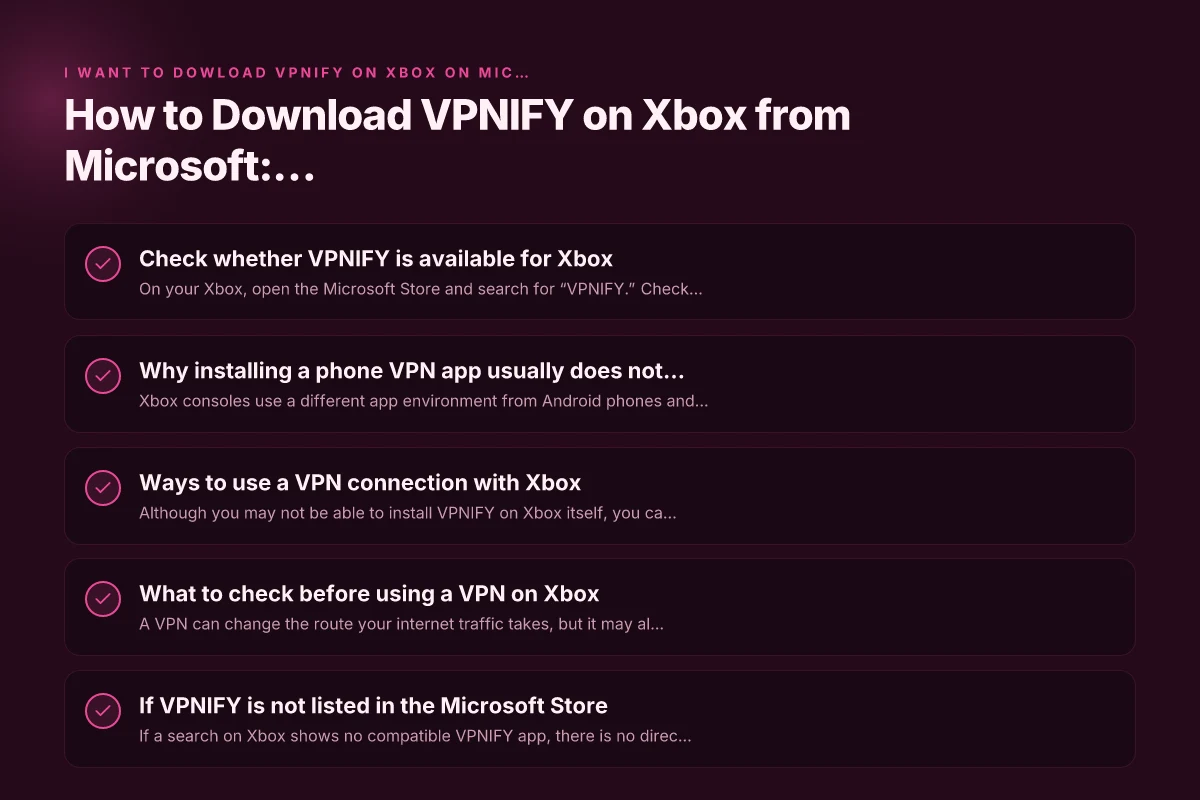
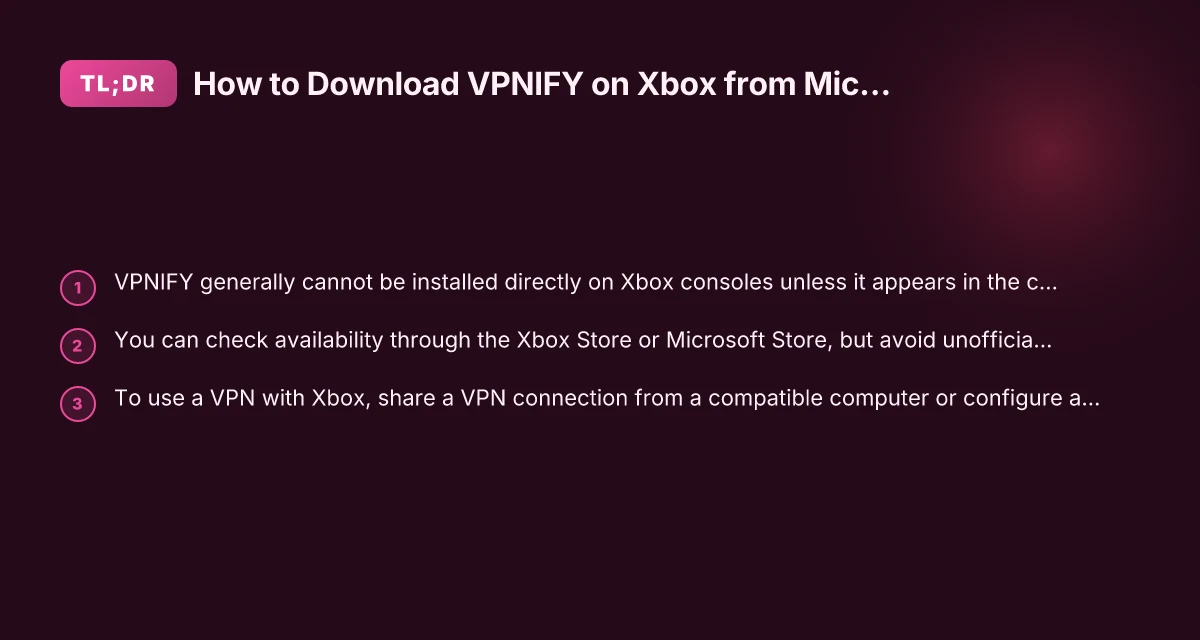
If you want to download VPNIFY on Xbox from Microsoft, first check the Microsoft Store on your console. Xbox apps must be made available for Xbox by their developers. An app listed for Android or another platform will not necessarily install on Xbox. If VPNIFY does not appear as an Xbox-compatible app, you cannot download it directly to your console. Instead, you can use a VPN on a compatible router or share a VPN connection from a computer.
Xbox VPN setup options at a glance
| Option | VPN app on Xbox | VPNIFY on phone | VPN on router | VPN through PC |
|---|---|---|---|---|
| Install directly on Xbox | Only if listed for Xbox | No | No | No |
| Uses Xbox network connection | Yes, if supported | Usually no | Yes | Yes |
| Requires another device | No | Yes | Yes | Yes |
| Setup effort | Low if available | Not a direct setup | Moderate | Moderate |
| Covers other devices | No | No | Yes | No |
| Check compatibility first | Microsoft Store listing | Phone and network setup | Router model and VPN support | PC sharing support |
| Best fit | Supported Xbox app | Phone-only use | Whole-home coverage | Temporary connection |
Compiled November 2026; check the provider's site for current details.
| VPN | Obfuscation | From / month | Plan | Free plan | Refund | Alipay | UnionPay | Crypto | Website opens in China | Trustpilot | |
|---|---|---|---|---|---|---|---|---|---|---|---|
 ZoogVPN | Turn on manually Shadow | $2.49/mo | 27 months: $59.99 | Yes | 7 days | ✓ | ✓ | ✓ | ✓ | Official site blocked; our special link opens (4.4 s) | 4.2/5 (195 reviews) |
 NordVPN | Turn on manually Obfuscated Servers / NordWhisper | $3.49/mo | 27 months: $94.23 | No | 30 days | ? | ✗ | ✓ | ✓ | ✗ Blocked | 4.2/5 (51,628 reviews) |
 ExpressVPN | ✓ On by default all servers | $3.00/mo | 28 months: $84 | No | 30 days | ✗ | ✗ | ✓ | ✗ | ✗ Blocked | 4.4/5 (29,706 reviews) |
 Surfshark | ✓ On by default Camouflage, with OpenVPN | See site | See site | No | 30 days | ✗ | ✗ | ✗ | ✓ | ✗ Blocked | 4.3/5 (31,823 reviews) |
 Proton VPN | Turn on manually Stealth, free plan too | $2.99/mo | 12 months: $35.88 | Yes | 30 days | ✗ | ✗ | ✗ | ✓ | ✗ Blocked | 2.1/5 (1,040 reviews) |
 Astrill VPN | Turn on manually StealthVPN / OpenWeb | $12.50/mo | 24 months: $300 | No | See site | ✗ | ✗ | ✗ | ✓ | ✗ Blocked | 1.3/5 (110 reviews) |
 Private Internet Access | Turn on manually Shadowsocks, OpenVPN only | $2.03/mo | 40 months: $81.2 | No | 30 days | ✗ | ✗ | ✗ | ✗ | ✗ Blocked | 4.2/5 (11,033 reviews) |
 CyberGhost | Turn on manually selected servers | $2.19/mo | 28 months: $61.32 | No | 45 days | ✗ | ✗ | ✗ | ✓ | ✗ Blocked | 4.0/5 (24,178 reviews) |
 PureVPN | Turn on manually switch to OpenVPN | $1.69/mo | 60 months: $101.55 | No | 31 days | ? | ? | ✗ | ✓ | ✗ Blocked | 4.4/5 (17,994 reviews) |
 AdGuard VPN | ✓ On by default TrustTunnel | $2.99/mo | 24 months: $71.76 | Yes | 30 days | ✓ | ✗ | ✓ | ✓ | Official site blocked; our special link opens (3.7 s) | 4.3/5 (290 reviews) |
 Mullvad | Turn on manually QUIC / Shadowsocks / LWO | $5.61/mo | €5/mo | No | 14 days | ✗ | ✗ | ✗ | ✓ | ✗ Blocked | 3.2/5 (192 reviews) |
 Windscribe | Turn on manually Stealth / WStunnel | $5.75/mo | 12 months: $69 | Yes | See site | ✗ | ✗ | ✗ | ✓ | ✗ Blocked | 4.7/5 (13,355 reviews) |
 StrongVPN | Turn on manually Scramble, OpenVPN TCP | See site | See site | No | 30 days | ✓ | ✗ | ✗ | ✗ | ✗ Blocked | 4.4/5 (2,695 reviews) |
 LightXtreme 闪连 | Not listed | $7.08/mo | 12 months: $84.99 | Yes | 30 days | ✓ | ✓ | ✓ | ✓ | ✓ Yes (3.5 s) | No page |
Prices checked 2026-11-10 on each vendor's pricing page (cheapest long plan, USD). Check the vendor's checkout for the final price.
Obfuscation checked 2026-11-14 on each vendor's site and help center: "on by default" = nothing to set; "turn on manually" = switch protocol or mode in settings; "not listed" = the vendor describes no obfuscation.
Payment methods checked 2026-11-10 on each vendor's payment pages: all 14 take cards and PayPal; ✗ = not listed, ? = the vendor's own pages disagree.
China access: whether the official website opens from mainland China networks (tests the website only, not the VPN connection). Last checked 2026-11-18 01:02 Beijing time.
Trustpilot score and review count checked 2026-11-10.
Check whether VPNIFY is available for Xbox
On your Xbox, open the Microsoft Store and search for “VPNIFY.” Check the app’s product page for supported devices and an Install option. If it does not appear in the store, or the page says it is not compatible with your console, there is no official direct installation route for that Xbox.
You can also search the Microsoft Store on the web while signed in to your Microsoft account. Make sure you check the supported platforms rather than assuming that a listing for Windows, Android, or another device also covers Xbox. Store availability can vary by region and may change, so the console’s own Store is the best place to confirm whether you can install it.
Do not download an Xbox app package from an unofficial website or follow instructions that ask you to bypass Microsoft Store protections. Such files may be unsafe, incompatible, or unable to run on Xbox.
Why installing a phone VPN app usually does not work
Xbox consoles use a different app environment from Android phones and many Windows PCs. VPNIFY’s availability on another platform does not automatically make it an Xbox app. Even if you find a download page or app listing, it must specifically support your Xbox model and be distributed through an appropriate official channel. advanced proxy settings edge(2026)
A VPN is also not the same as a standard streaming or utility app. VPN services often need system-level network controls that console apps may not have. For this reason, a VPN provider may offer apps for phones and computers but no app for Xbox.
Before trying an installation, verify these details:
- The app is listed in the Xbox Microsoft Store.
- The product page explicitly supports your console.
- The publisher and app name match the official VPNIFY service.
- Installation is offered through the console’s Store, not a third-party file or unofficial guide.
If these checks fail, use another method rather than attempting to sideload the app.
What to check before choosing an Xbox VPN method check my VPN location(2026)
| Check | Xbox app | Router | PC sharing | Phone app |
|---|---|---|---|---|
| VPNIFY appears in Microsoft Store | Required | Not required | Not required | Not relevant |
| Xbox can use the connection | Yes | Yes | Yes | Usually no |
| VPN service supports the setup | Yes | Yes | Yes | Not enough by itself |
| Extra hardware or device needed | No | Router | PC | Phone |
| Setup instructions available | App instructions | Router instructions | PC instructions | Phone instructions |
| Connection remains active | App dependent | Router dependent | PC dependent | Phone dependent |
| Suitable without a listed Xbox app | No | Yes | Yes | Usually no |
Compiled November 2026; check the provider's site for current details.
Ways to use a VPN connection with Xbox
Although you may not be able to install VPNIFY on Xbox itself, you can route the console’s internet connection through a VPN in other ways. The options below depend on your equipment and on whether VPNIFY supports the required setup.
| Method | What you need | Main consideration |
|---|---|---|
| VPN-enabled router | A router that supports VPN connections and a compatible VPN setup | Protects devices using that router, but configuration can be more involved |
| Windows computer sharing | A Windows PC, an active VPN connection, and an Ethernet cable or supported hotspot setup | Requires the computer to remain on and share its connection correctly |
| Mac internet sharing | A Mac with VPN software and a network-sharing setup supported by your hardware | Options depend on macOS version and available network ports |
Set up a VPN on a router
Some routers let you configure a VPN connection directly. If your router supports this, check its manufacturer’s instructions and VPNIFY’s official setup documentation. You may need connection details that VPNIFY provides for manual configuration. Not every VPN service supports every router protocol, so confirm compatibility before purchasing or changing router settings.
Once the router is connected to the VPN, connect your Xbox to that router’s Wi-Fi or Ethernet network. The console then uses the router’s internet connection. Be aware that this may affect every device connected to the VPN-configured network, depending on how the router is set up. forticlient ipsec VPN connection is down(2026)
Share a computer’s VPN connection
You may be able to connect your Xbox to a computer that is already using VPNIFY. A common approach is to connect the Xbox and computer with Ethernet, then enable connection sharing on the computer. The exact steps depend on the computer’s operating system, VPN app, and network adapters.
Check VPNIFY’s help pages for supported connection-sharing instructions. After setup, test the Xbox network connection and confirm that the computer is sharing the VPN connection rather than its ordinary internet connection. A computer-based setup can stop working when the computer sleeps, disconnects from the VPN, or changes networks.
What to check before using a VPN on Xbox
A VPN can change the route your internet traffic takes, but it may also affect connection speed and stability. Online gaming can be sensitive to extra latency, and a VPN connection may introduce slower speeds or connection issues. Test your network before relying on it for multiplayer games or downloads.
Also review the rules for the services and games you use. A VPN does not guarantee access to a particular game, store, or streaming catalogue, and changing your apparent location may conflict with a service’s terms. Follow the applicable service rules and VPNIFY’s terms of use. fortigate ipsec debug(2026)
For a safer setup:
- Download VPNIFY only from an official app store or the provider’s official website.
- Use a router or computer that you control and trust.
- Keep your router, computer, and Xbox software updated.
- Do not share your VPN login details with unofficial setup services.
- Disconnect the VPN if it causes problems with Xbox network features.
If VPNIFY is not listed in the Microsoft Store
If a search on Xbox shows no compatible VPNIFY app, there is no direct download to complete. Check the official VPNIFY website or contact its support team to ask whether Xbox support is planned and which router or computer-sharing methods they currently support. Avoid guides that promise an Xbox installation through unofficial files or modified system software.
You can still install VPNIFY on a supported phone or computer from its official source, but that will not install the app on Xbox. To connect the console through a VPN, use a compatible router or a properly configured computer-sharing method.
If VPNIFY is not listed in the Microsoft Store forticlientVPNinstaller.exe(2026)
| Next step | What to do | What it tells you | Xbox-ready by itself |
|---|---|---|---|
| Recheck the store | Search the Xbox Microsoft Store | Whether an Xbox listing is available | No |
| Confirm device support | Check VPNIFY’s supported platforms | Whether Xbox is supported | No |
| Check router options | Review router VPN support | Whether router setup may work | No |
| Check PC sharing | Review PC and VPN instructions | Whether sharing may be possible | No |
| Contact VPNIFY support | Ask about Xbox-compatible setup | Whether official guidance exists | No |
| Avoid phone-only assumptions | Do not rely on a phone app alone | Phone VPN may not cover Xbox traffic | No |
| Choose a supported method | Follow provider and device instructions | Whether the setup fits your network | Only after setup |
Compiled November 2026; check the provider's site for current details.
Recommendation
Search for VPNIFY in the Xbox Microsoft Store and install it only if the official listing explicitly supports your console. If it is unavailable, the safest practical option is a VPN-compatible router. Computer sharing can also work if VPNIFY and your operating system support it.