Norton VPN App for Fire Stick: How to Use It and What to Know
Learn whether Norton VPN works on Fire TV Stick, how to install it, and the best alternatives if it is unavailable.
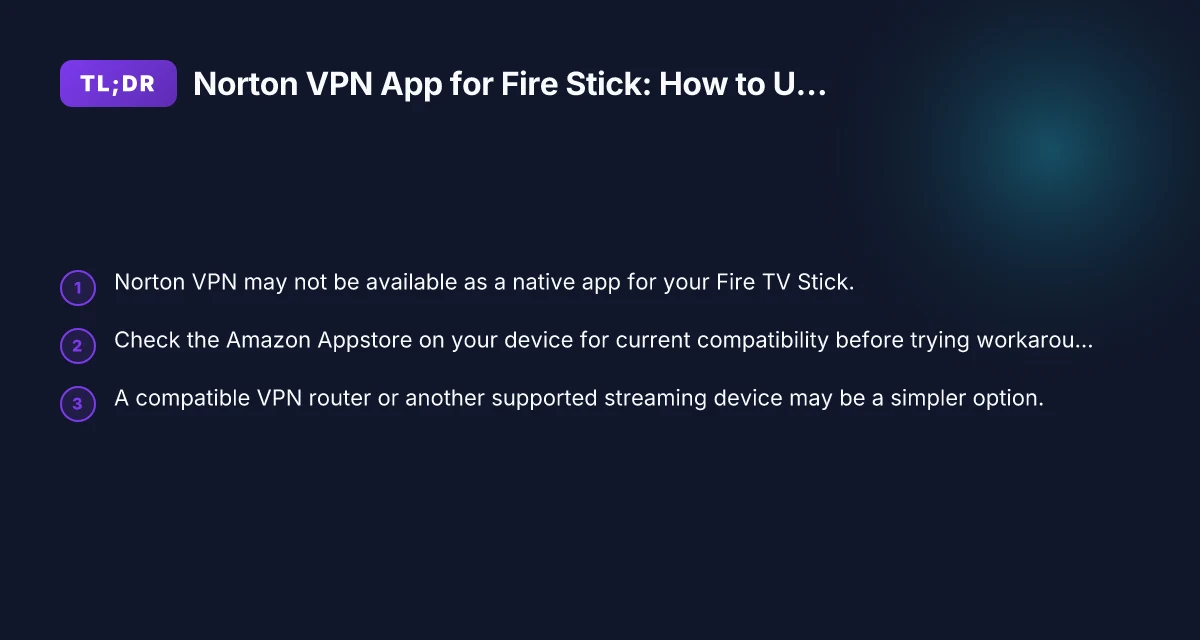
If you’re looking for the Norton VPN app for Fire Stick, first check whether it appears in the Amazon Appstore on your specific Fire TV device. Norton VPN availability can vary by device, country, and software version, and the service may not offer a native Fire TV app. If it is not listed, you generally can’t install and use it on the Stick as you would an app designed for Fire TV.
That does not necessarily mean you have no options. You can check for supported devices, use a compatible VPN router, or choose a VPN service with a Fire TV app. The right approach depends on whether you want to protect only your television’s connection or your whole home network.
| VPN | Obfuscation | From / month | Plan | Free plan | Refund | Alipay | UnionPay | Crypto | Website opens in China | Trustpilot | |
|---|---|---|---|---|---|---|---|---|---|---|---|
 ZoogVPN | Turn on manually Shadow | $2.49/mo | 27 months: $59.99 | Yes | 7 days | ✓ | ✓ | ✓ | ✓ | Official site blocked; our special link opens (4.4 s) | 4.2/5 (195 reviews) |
 NordVPN | Turn on manually Obfuscated Servers / NordWhisper | $3.49/mo | 27 months: $94.23 | No | 30 days | ? | ✗ | ✓ | ✓ | ✗ Blocked | 4.2/5 (51,628 reviews) |
 ExpressVPN | ✓ On by default all servers | $3.00/mo | 28 months: $84 | No | 30 days | ✗ | ✗ | ✓ | ✗ | ✗ Blocked | 4.4/5 (29,706 reviews) |
 Surfshark | ✓ On by default Camouflage, with OpenVPN | See site | See site | No | 30 days | ✗ | ✗ | ✗ | ✓ | ✗ Blocked | 4.3/5 (31,823 reviews) |
 Proton VPN | Turn on manually Stealth, free plan too | $2.99/mo | 12 months: $35.88 | Yes | 30 days | ✗ | ✗ | ✗ | ✓ | ✗ Blocked | 2.1/5 (1,040 reviews) |
 Astrill VPN | Turn on manually StealthVPN / OpenWeb | $12.50/mo | 24 months: $300 | No | See site | ✗ | ✗ | ✗ | ✓ | ✗ Blocked | 1.3/5 (110 reviews) |
 Private Internet Access | Turn on manually Shadowsocks, OpenVPN only | $2.03/mo | 40 months: $81.2 | No | 30 days | ✗ | ✗ | ✗ | ✗ | ✗ Blocked | 4.2/5 (11,033 reviews) |
 CyberGhost | Turn on manually selected servers | $2.19/mo | 28 months: $61.32 | No | 45 days | ✗ | ✗ | ✗ | ✓ | ✗ Blocked | 4.0/5 (24,178 reviews) |
 PureVPN | Turn on manually switch to OpenVPN | $1.69/mo | 60 months: $101.55 | No | 31 days | ? | ? | ✗ | ✓ | ✗ Blocked | 4.4/5 (17,994 reviews) |
 AdGuard VPN | ✓ On by default TrustTunnel | $2.99/mo | 24 months: $71.76 | Yes | 30 days | ✓ | ✗ | ✓ | ✓ | Official site blocked; our special link opens (3.7 s) | 4.3/5 (290 reviews) |
 Mullvad | Turn on manually QUIC / Shadowsocks / LWO | $5.61/mo | €5/mo | No | 14 days | ✗ | ✗ | ✗ | ✓ | ✗ Blocked | 3.2/5 (192 reviews) |
 Windscribe | Turn on manually Stealth / WStunnel | $5.75/mo | 12 months: $69 | Yes | See site | ✗ | ✗ | ✗ | ✓ | ✗ Blocked | 4.7/5 (13,355 reviews) |
 StrongVPN | Turn on manually Scramble, OpenVPN TCP | See site | See site | No | 30 days | ✓ | ✗ | ✗ | ✗ | ✗ Blocked | 4.4/5 (2,695 reviews) |
 LightXtreme 闪连 | Not listed | $7.08/mo | 12 months: $84.99 | Yes | 30 days | ✓ | ✓ | ✓ | ✓ | ✓ Yes (3.5 s) | No page |
Prices checked 2026-11-10 on each vendor's pricing page (cheapest long plan, USD). Check the vendor's checkout for the final price.
Obfuscation checked 2026-11-14 on each vendor's site and help center: "on by default" = nothing to set; "turn on manually" = switch protocol or mode in settings; "not listed" = the vendor describes no obfuscation.
Payment methods checked 2026-11-10 on each vendor's payment pages: all 14 take cards and PayPal; ✗ = not listed, ? = the vendor's own pages disagree.
China access: whether the official website opens from mainland China networks (tests the website only, not the VPN connection). Last checked 2026-11-18 01:02 Beijing time.
Trustpilot score and review count checked 2026-11-10.
Compare the main ways to use a VPN with Fire TV
| Option | Runs on Fire Stick | Covers other devices | Setup effort | Best for |
|---|---|---|---|---|
| Norton VPN Fire TV app | Not available | No | Not applicable | Not an option for direct installation |
| Sideload Norton VPN | Not officially supported | No | High | Users willing to troubleshoot |
| VPN app made for Fire TV | Yes, if listed for the device | No | Low | Simple, direct setup |
| VPN on a compatible router | Yes, through the network | Yes | High | Protecting several devices |
| VPN sharing from a computer | Yes, through the computer | Other devices on that connection | Medium to high | A temporary workaround |
| VPN on a streaming device | Yes, if the device supports it | No | Low to medium | Viewers using a different streaming device |
Compiled November 2026; check the provider's site for current details.
Is Norton VPN available for Fire Stick?
Fire TV Stick runs Fire OS, which is based on Android but uses Amazon’s app ecosystem. An Android phone app is not automatically compatible with Fire TV. It may rely on a touchscreen, lack a remote-friendly interface, or be unavailable in the Amazon Appstore altogether.
To check directly:
- On your Fire TV Stick, open Find or Search.
- Search for Norton VPN.
- Check the app listing and publisher details.
- If it appears, review the device compatibility and install instructions shown on your screen.
You can also search the Amazon Appstore through Amazon’s website, but the listing may differ by region or device. Confirm availability on the Stick itself before purchasing a subscription specifically for Fire TV use. App support can change, so an old tutorial or forum post may not reflect current compatibility.
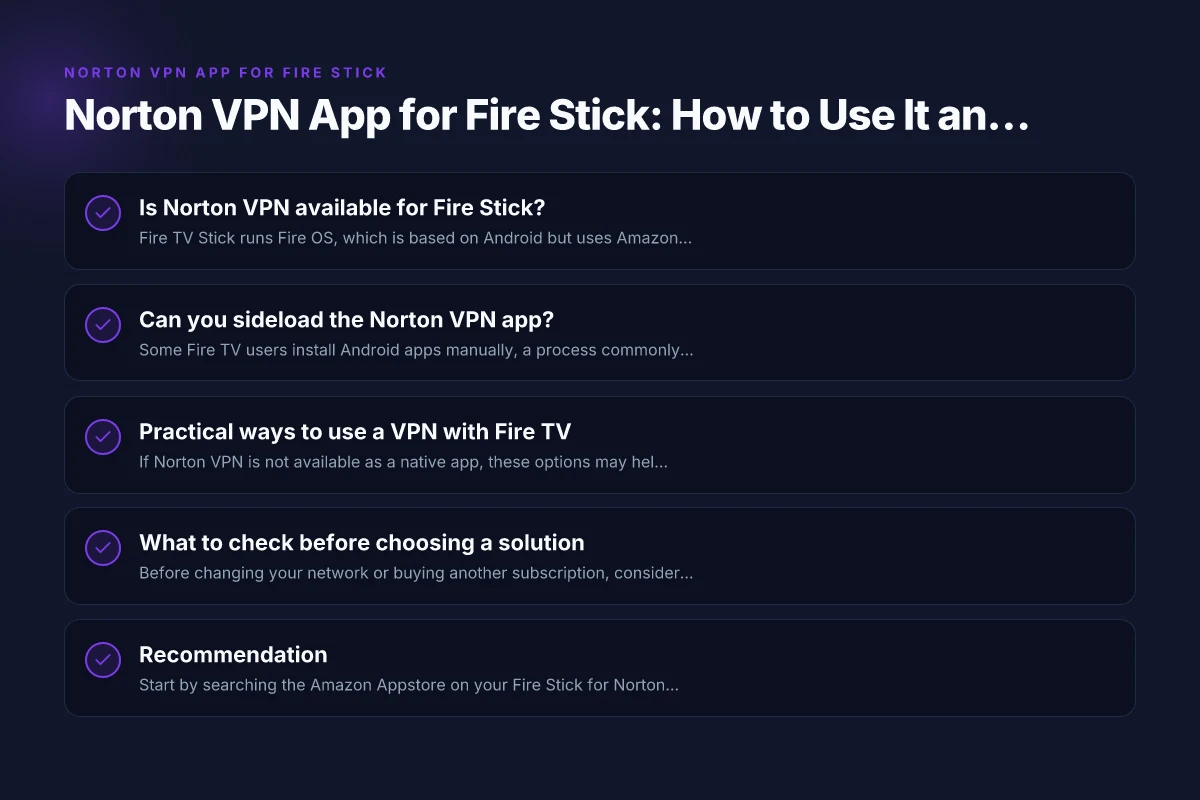
Can you sideload the Norton VPN app?
Some Fire TV users install Android apps manually, a process commonly called sideloading. However, sideloading an app does not guarantee that it will work properly. Norton VPN may not provide a Fire TV-compatible installation file, and a phone app may be difficult to control with a Fire TV remote or may fail to connect. NordVPN Activation Code: How to Find and Use It
There are also security and reliability concerns. Downloading installation files from unofficial websites can expose your device to altered or unsafe software. A sideloaded app may not receive updates through the Amazon Appstore, and Norton may not support troubleshooting it on Fire TV.
Consider sideloading only if Norton provides official instructions and an approved app file for your device. Avoid downloading VPN installers from unknown sources or entering your Norton account details into unofficial apps. If there is no official Fire TV support, use a supported alternative instead.
Check these points before choosing a Fire TV VPN solution
| What to check | Why it matters | Direct Fire TV app | Router or sharing setup |
|---|---|---|---|
| Fire TV compatibility | Determines whether the solution can run on the device | Check the app store listing | Check device and network support |
| Norton VPN availability | Norton VPN may not have a Fire TV app | No direct app available | Requires a compatible setup |
| Setup requirements | Affects installation time and complexity | Usually simpler | Often requires extra configuration |
| Device coverage | Shows which devices use the VPN | Fire TV only | May cover multiple connected devices |
| Network impact | All connected devices may use the same VPN connection | Limited to the app | Can affect the whole network |
| Ongoing management | Indicates how you change or disconnect the VPN | Manage on Fire TV | Manage through the router or computer |
| Support and updates | Helps assess reliability over time | Depends on the app | Depends on the router or sharing method |
Compiled November 2026; check the provider's site for current details. urban VPN microsoft edge extension(2026)
Practical ways to use a VPN with Fire TV
If Norton VPN is not available as a native app, these options may help. Their suitability depends on your home network and the devices you want to protect.
| Option | What it does | Main consideration |
|---|---|---|
| VPN-enabled router | Routes traffic from connected devices through a VPN | Setup and router compatibility can be more involved |
| VPN app on another supported device | Protects that device’s own traffic | It does not automatically protect the Fire Stick |
| VPN service with a Fire TV app | Runs directly on the Stick | Check the app’s current availability and features |
| Mobile hotspot or connection sharing | May route a shared connection through a VPN | Support varies by phone, computer, and network |
A VPN-enabled router can cover the Fire Stick without installing a VPN app on it. This is useful if you want multiple devices on your home network to use the same VPN connection. Before trying it, confirm that your router supports VPN client connections and that your VPN provider supplies compatible configuration details. Router setup varies, so follow the router manufacturer’s and VPN provider’s official instructions.
Installing Norton VPN on a phone or computer does not, by itself, protect the Fire TV Stick. The VPN must be running on the device that handles the Stick’s internet connection, such as a properly configured router or supported connection-sharing setup.
What to check before choosing a solution
Before changing your network or buying another subscription, consider what you need the VPN to do. A VPN can encrypt traffic between your device and the VPN server, but it does not guarantee complete privacy or make every online activity anonymous. Streaming services may also restrict access based on their terms, location checks, or VPN detection. forticlient ios ipsec(2026)
Check these points:
- Device support: Is the VPN app officially available for your Fire TV model and region?
- Subscription terms: Does your Norton plan include the number of connections and features you need?
- Router compatibility: Can your router connect to a VPN service, and is the setup supported?
- Streaming performance: VPN routing may affect speed, connection stability, or video quality.
- Account security: Use official app stores and provider instructions, and keep your apps and devices updated.
If you choose a different VPN for Fire TV, compare its current Amazon Appstore listing, supported countries, connection limits, privacy policy, and cancellation terms. Do not assume that a service’s phone app or website guarantees Fire TV compatibility.
Choose an approach based on your situation
| Your situation | Approach to consider | Norton VPN on Fire Stick? | Main trade-off | Before you decide |
|---|---|---|---|---|
| You want the simplest setup | A VPN app made for Fire TV | No direct Norton app | Requires choosing another supported app | Check device compatibility |
| You specifically want Norton VPN | Use it on a supported device instead | Not directly | Fire Stick traffic may not be covered | Check Norton’s supported platforms |
| You are comfortable configuring a network | VPN on a compatible router | Indirectly | Setup can be more involved | Confirm router support |
| You want a temporary workaround | Share a VPN connection from a computer | Indirectly | Computer must remain connected | Check sharing compatibility |
| You are considering sideloading | Proceed cautiously | Not officially supported | May not work reliably | Check current app and device support |
| You need coverage for several devices | Router-based VPN setup | Indirectly | Network-wide configuration | Check which devices will use it |
Compiled November 2026; check the provider's site for current details. ipsec over tcp 443(2026)
Recommendation
Start by searching the Amazon Appstore on your Fire Stick for Norton VPN. If the official app is not listed, don’t rely on an unofficial installer or assume the Android phone app will work. For a straightforward setup, use a VPN service with a currently supported Fire TV app. If you specifically want Norton VPN, check whether your router can run a VPN connection and follow Norton’s official guidance before configuring it.