Connect VPN Without Download: Safe Browser and Built-In Options
Learn how to connect to a VPN without downloading an app, using browser extensions, built-in settings, or a trusted web service.
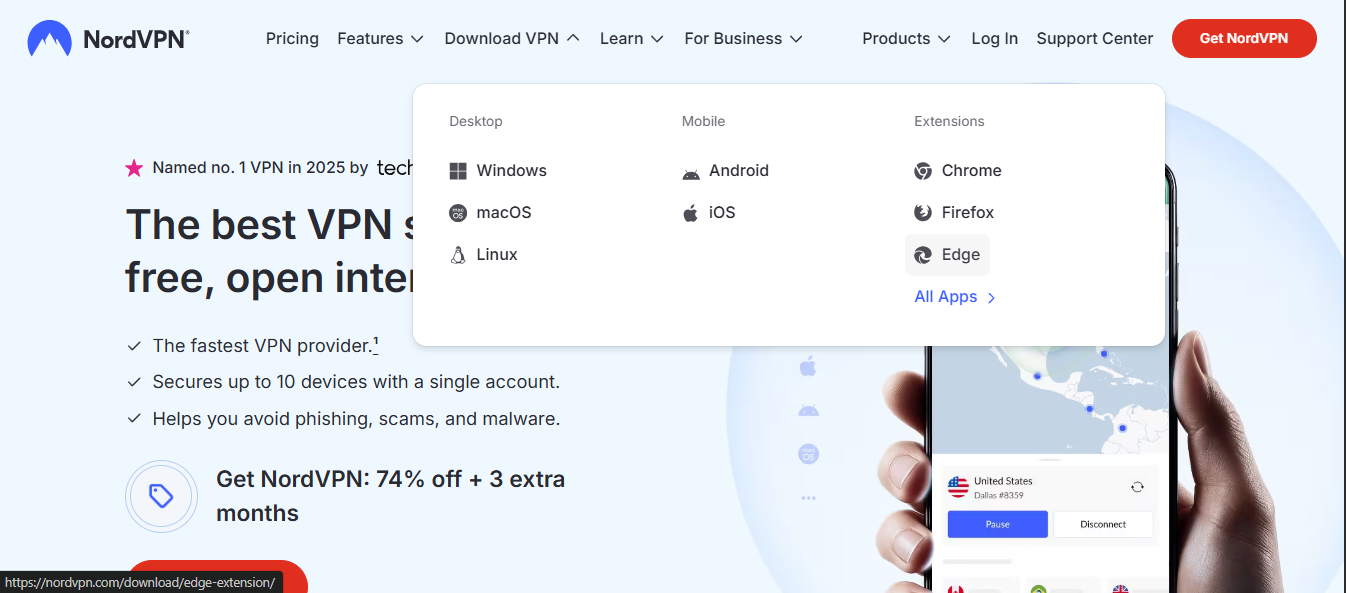
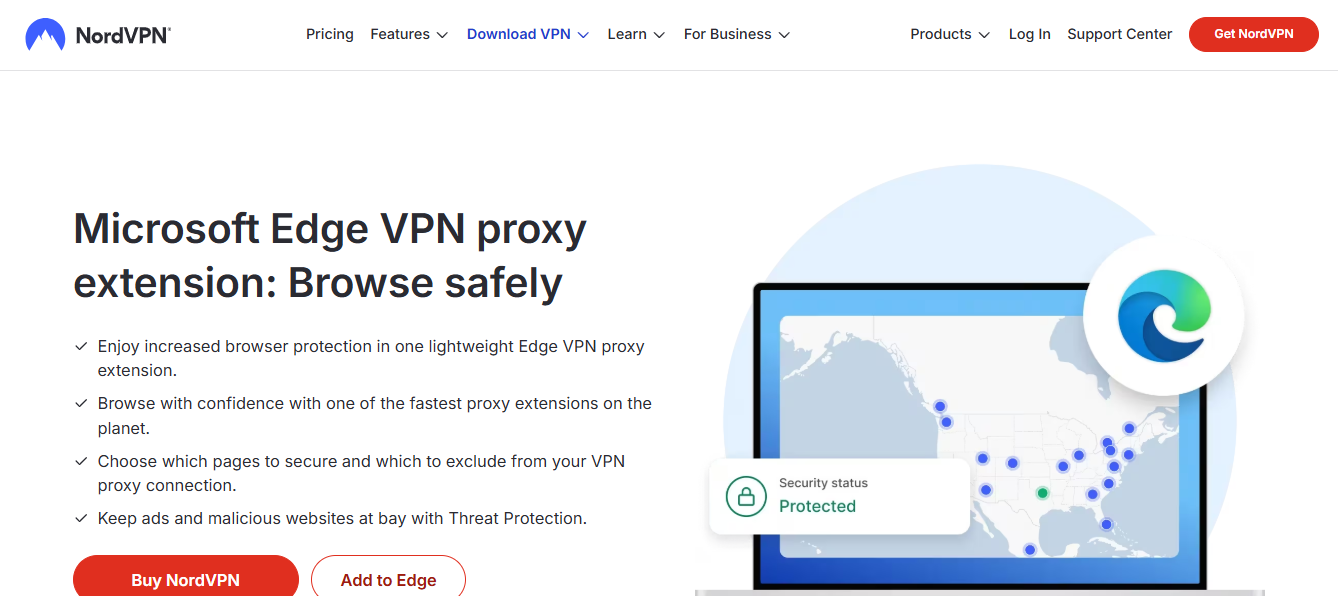
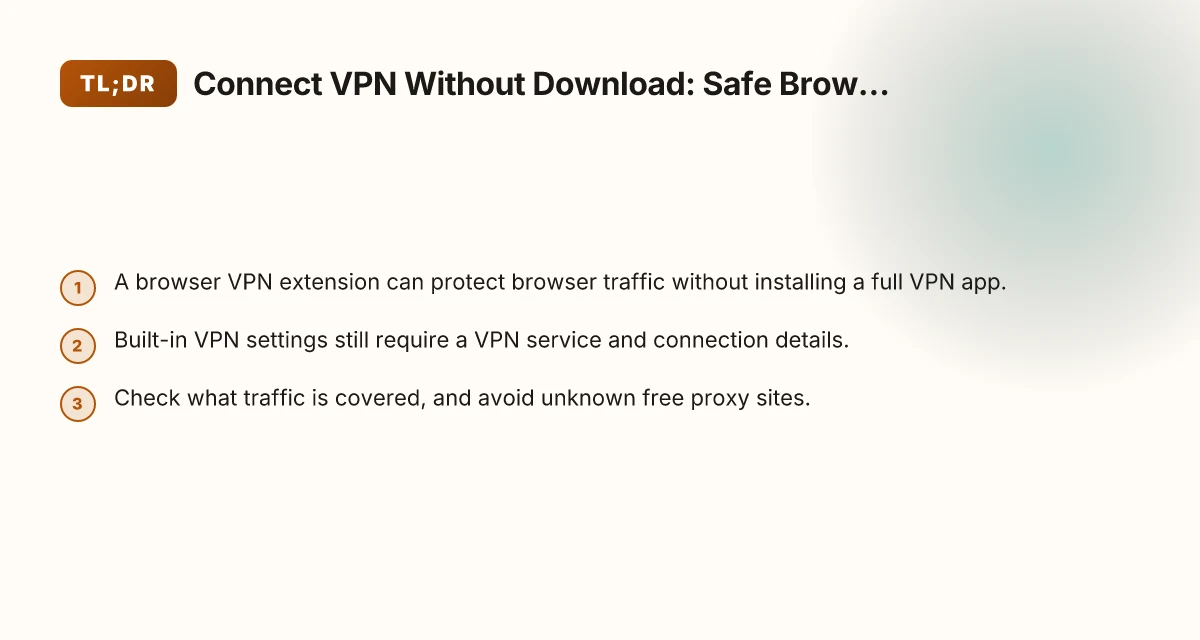
You can connect to a VPN without downloading a full VPN app by using a VPN extension in your browser or by setting up a VPN through your device’s built-in network settings. Some VPN providers also offer browser-based access, but a website that simply changes your apparent location may be a proxy rather than a full VPN. The right option depends on whether you need protection for one browser or all the internet traffic from your device.
Comparing ways to use a VPN without installing a VPN app
| Method | Download needed? | Where it works | What it protects | Main limitation |
|---|---|---|---|---|
| VPN browser extension | No desktop app; extension required | Supported browser | Browser traffic | Other apps use the regular connection |
| VPN provider website | No app; sign-in required | Provider’s website | Usually account or connection settings | Not necessarily a VPN connection |
| Built-in operating system VPN | No separate VPN app | Device-wide, once configured | Device traffic through the VPN | Requires a VPN profile and service |
| Router VPN | No app on each device | Devices on the router | Connected devices’ traffic | Router setup and compatibility required |
| Public web proxy | No VPN app or extension | Browser traffic to a proxy | Traffic to the proxy | Not equivalent to a VPN |
| Managed workplace or school VPN | No personal app if already configured | Organization-approved devices | Traffic covered by its settings | Access and policies are controlled by the organization |
Compiled November 2026; check the provider's site for current details.
| VPN | Obfuscation | From / month | Plan | Free plan | Refund | Alipay | UnionPay | Crypto | Website opens in China | Trustpilot | |
|---|---|---|---|---|---|---|---|---|---|---|---|
 ZoogVPN | Turn on manually Shadow | $2.49/mo | 27 months: $59.99 | Yes | 7 days | ✓ | ✓ | ✓ | ✓ | Official site blocked; our special link opens (4.4 s) | 4.2/5 (195 reviews) |
 NordVPN | Turn on manually Obfuscated Servers / NordWhisper | $3.49/mo | 27 months: $94.23 | No | 30 days | ? | ✗ | ✓ | ✓ | ✗ Blocked | 4.2/5 (51,628 reviews) |
 ExpressVPN | ✓ On by default all servers | $3.00/mo | 28 months: $84 | No | 30 days | ✗ | ✗ | ✓ | ✗ | ✗ Blocked | 4.4/5 (29,706 reviews) |
 Surfshark | ✓ On by default Camouflage, with OpenVPN | See site | See site | No | 30 days | ✗ | ✗ | ✗ | ✓ | ✗ Blocked | 4.3/5 (31,823 reviews) |
 Proton VPN | Turn on manually Stealth, free plan too | $2.99/mo | 12 months: $35.88 | Yes | 30 days | ✗ | ✗ | ✗ | ✓ | ✗ Blocked | 2.1/5 (1,040 reviews) |
 Astrill VPN | Turn on manually StealthVPN / OpenWeb | $12.50/mo | 24 months: $300 | No | See site | ✗ | ✗ | ✗ | ✓ | ✗ Blocked | 1.3/5 (110 reviews) |
 Private Internet Access | Turn on manually Shadowsocks, OpenVPN only | $2.03/mo | 40 months: $81.2 | No | 30 days | ✗ | ✗ | ✗ | ✗ | ✗ Blocked | 4.2/5 (11,033 reviews) |
 CyberGhost | Turn on manually selected servers | $2.19/mo | 28 months: $61.32 | No | 45 days | ✗ | ✗ | ✗ | ✓ | ✗ Blocked | 4.0/5 (24,178 reviews) |
 PureVPN | Turn on manually switch to OpenVPN | $1.69/mo | 60 months: $101.55 | No | 31 days | ? | ? | ✗ | ✓ | ✗ Blocked | 4.4/5 (17,994 reviews) |
 AdGuard VPN | ✓ On by default TrustTunnel | $2.99/mo | 24 months: $71.76 | Yes | 30 days | ✓ | ✗ | ✓ | ✓ | Official site blocked; our special link opens (3.7 s) | 4.3/5 (290 reviews) |
 Mullvad | Turn on manually QUIC / Shadowsocks / LWO | $5.61/mo | €5/mo | No | 14 days | ✗ | ✗ | ✗ | ✓ | ✗ Blocked | 3.2/5 (192 reviews) |
 Windscribe | Turn on manually Stealth / WStunnel | $5.75/mo | 12 months: $69 | Yes | See site | ✗ | ✗ | ✗ | ✓ | ✗ Blocked | 4.7/5 (13,355 reviews) |
 StrongVPN | Turn on manually Scramble, OpenVPN TCP | See site | See site | No | 30 days | ✓ | ✗ | ✗ | ✗ | ✗ Blocked | 4.4/5 (2,695 reviews) |
 LightXtreme 闪连 | Not listed | $7.08/mo | 12 months: $84.99 | Yes | 30 days | ✓ | ✓ | ✓ | ✓ | ✓ Yes (3.5 s) | No page |
Prices checked 2026-11-10 on each vendor's pricing page (cheapest long plan, USD). Check the vendor's checkout for the final price.
Obfuscation checked 2026-11-14 on each vendor's site and help center: "on by default" = nothing to set; "turn on manually" = switch protocol or mode in settings; "not listed" = the vendor describes no obfuscation.
Payment methods checked 2026-11-10 on each vendor's payment pages: all 14 take cards and PayPal; ✗ = not listed, ? = the vendor's own pages disagree.
China access: whether the official website opens from mainland China networks (tests the website only, not the VPN connection). Last checked 2026-11-18 01:02 Beijing time.
Trustpilot score and review count checked 2026-11-10.
What “without download” really means
There are a few different ways people mean “connect VPN without download.” You might want to avoid installing software, lack permission to install apps, or only need a quick connection on a shared or work device.
A browser extension is usually the simplest option. It runs in a supported browser and typically routes traffic from that browser through the provider’s VPN network. It does not necessarily protect other apps on your device, such as email, games, or software that connects to the internet separately.
Your device may also let you configure a VPN connection without installing the provider’s app. This avoids an app download, but you still need an account with a VPN provider and its setup details. A browser-based proxy may require no installation at all, but it may offer fewer privacy and security protections than a VPN.
Ways to connect without installing a VPN app
| Option | Requires an app download? | What it typically protects | Best for |
|---|---|---|---|
| Browser VPN extension | No full VPN app; extension installation may be required | Traffic from the supported browser | Browsing in Chrome, Firefox, or another supported browser |
| Built-in device VPN settings | No provider app; manual setup is required | Potentially the device’s network traffic | Devices where app installation is restricted |
| Provider’s browser portal | Usually no app, but availability varies | Depends on the service; may be limited to web access | Quick access to a provider’s web tools |
| Web proxy | No | Usually only traffic routed through that proxy | Basic, low-sensitivity browsing |
Availability and protection vary by provider, operating system, browser, and account plan. Read the provider’s instructions before connecting. Norton VPN APK for Firestick: What to Know Before You Install
Use a browser extension
Choose an extension from a VPN provider you trust. Install it from the browser’s official extension store or the provider’s verified site, sign in, select a location, and connect. Review the extension’s permissions before approving them.
Keep in mind that an extension may not encrypt all device traffic. It may also have fewer features than the provider’s full app, such as an automatic kill switch or protection for apps outside the browser.
Use your device’s built-in VPN settings
Many computers and mobile devices support VPN protocols through their network settings. To use this method, obtain the server address, account credentials, and protocol configuration from your VPN provider, then enter them in the device’s VPN setup screen.
The steps differ by operating system and VPN protocol. Use the provider’s current setup guide rather than copying settings from an unverified website. Manual setup can take more effort and may not include every feature provided by the company’s app. My IP ExpressVPN: How to Check Your IP Address and VPN Connection
Safety checks for a no-download VPN option
| Check | Safer sign | Warning sign | Why it matters |
|---|---|---|---|
| Provider identity | Recognizable provider and official site | Unknown operator or look-alike site | Helps avoid impersonation |
| Connection type | Clearly identifies a VPN connection | Calls a proxy a VPN without explanation | A proxy may protect less traffic |
| Encryption | Explains how traffic is protected | Makes vague or unsupported claims | Security depends on the actual connection |
| Privacy policy | Explains what data is collected and retained | No clear policy | The provider may see connection activity |
| Permissions | Requests only permissions needed for its function | Broad, unexplained access requests | Excessive access increases risk |
| Browser coverage | States which browser traffic is included | Implies the whole device is protected | Other apps may bypass a browser-only option |
| Login and setup | Uses official sign-in and configuration steps | Requests credentials on an unrelated page | Reduces risk of credential theft |
| Public Wi-Fi use | Confirms the VPN is connected before browsing | Assumes a proxy or extension is always active | An inactive connection leaves traffic unprotected |
Compiled November 2026; check the provider's site for current details.
How to choose a safe option
A no-download setup can be convenient, but convenience should not come at the cost of privacy. Before connecting, check who operates the service and what it does with your data.
Look for a provider that clearly explains its privacy policy, logging practices, security features, and limits of the service. Be cautious of extensions that request broad permissions without a clear reason, or free services that make vague promises about anonymity. Norton VPN App for Fire Stick: How to Use It and What to Know
Before using any option, ask:
- Does it protect only my browser, or other apps too?
- Does it encrypt the connection, and which protocol does it use?
- What information does the provider collect or retain?
- Is the extension or setup guide from an official source?
- Does the service have limits on speed, locations, or data?
- Can I disconnect easily and confirm when the VPN is active?
A VPN does not make you completely anonymous. Websites may still identify you through account logins, cookies, or browser settings. A VPN also does not replace secure passwords, software updates, or caution with suspicious links.
Common limitations and troubleshooting
If a browser extension will not connect, check that you are signed in and that the browser is up to date. Try another server location, temporarily disable conflicting proxy settings, or follow the provider’s troubleshooting steps. Avoid installing several VPN extensions at once, since they can interfere with each other.
If you set up a connection manually, confirm that the server address, protocol, and credentials match the provider’s instructions. Some services require a separate username or password for manual connections. A connection can also fail if the network you are using blocks VPN traffic. NordVPN Activation Code: How to Find and Use It
On a shared, school, or workplace device, follow the organization’s rules. Do not try to bypass device controls or network restrictions. If you cannot install an extension or change VPN settings, ask the administrator whether an approved option is available.
Choosing a method by need
| Your need | Best-fit option | Coverage | Setup effort | Keep in mind |
|---|---|---|---|---|
| Protect browser activity only | VPN browser extension | Supported browser | Low | Other apps are not covered |
| Protect traffic across a device | Built-in operating system VPN | Device-wide when connected | Moderate | Requires a compatible VPN profile |
| Cover several devices at home | Router VPN | Devices using the router | Moderate to high | Depends on router support and setup |
| Use an organization’s network access | Managed workplace or school VPN | As configured by the organization | Low if preconfigured | Follow its access rules |
| Open a site through an intermediary | Web proxy | Browser requests to that proxy | Low | Does not provide full VPN coverage |
| Avoid installing software on a shared device | Built-in VPN or approved browser option | Depends on the method | Varies | Check permissions and sign out afterward |
Compiled November 2026; check the provider's site for current details.
Which method should you use?
For browser-only browsing, a reputable VPN extension is usually the easiest way to connect without downloading a full VPN app. If you need coverage for several apps or the whole device, check whether your VPN provider supports manual setup in your device’s built-in settings. A web proxy is not an equivalent substitute when you need dependable encryption or broader protection. urban VPN microsoft edge extension(2026)
Recommendation
Start with a trusted provider’s official browser extension if you only need to protect browser traffic. If you need device-wide coverage, use the provider’s verified manual setup instructions instead. In either case, confirm what traffic is protected and avoid unknown free services.